

Your Browsing History


Make informed decisions with expert advice. Learn More


Any questions? Our AI beta will help you find out quickly.
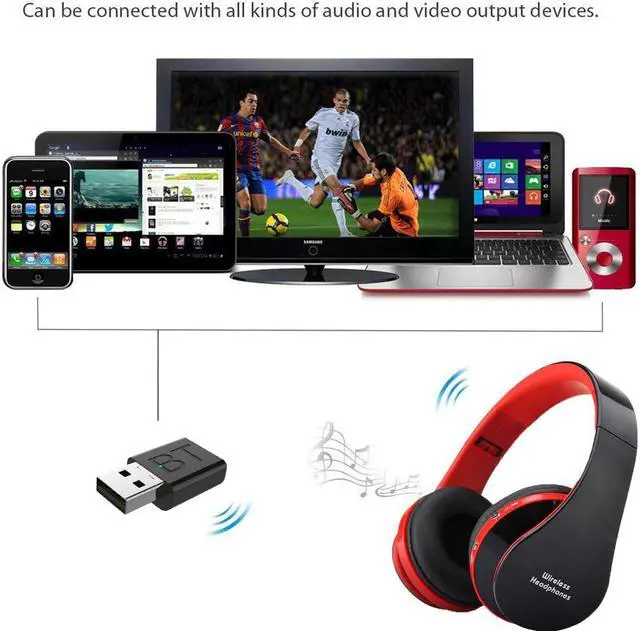
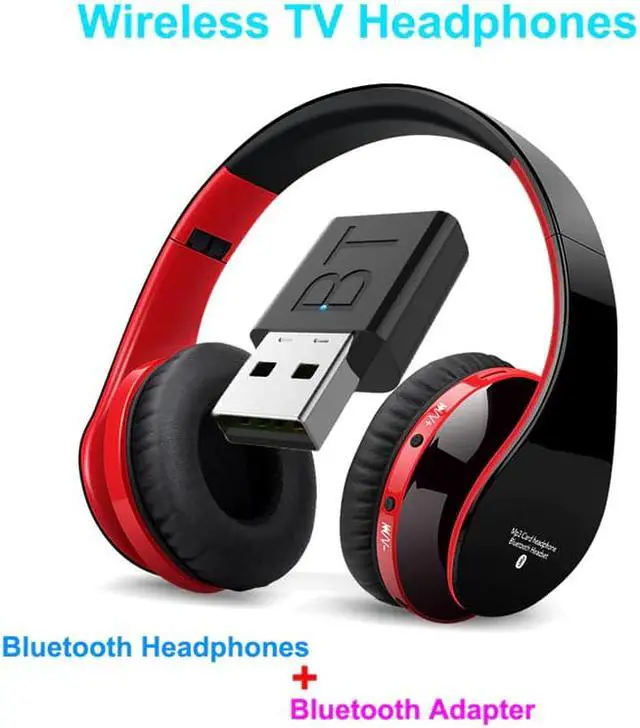
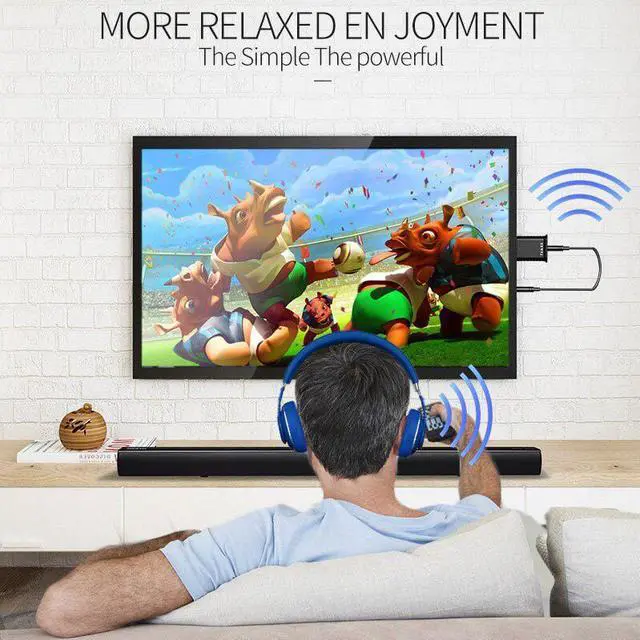
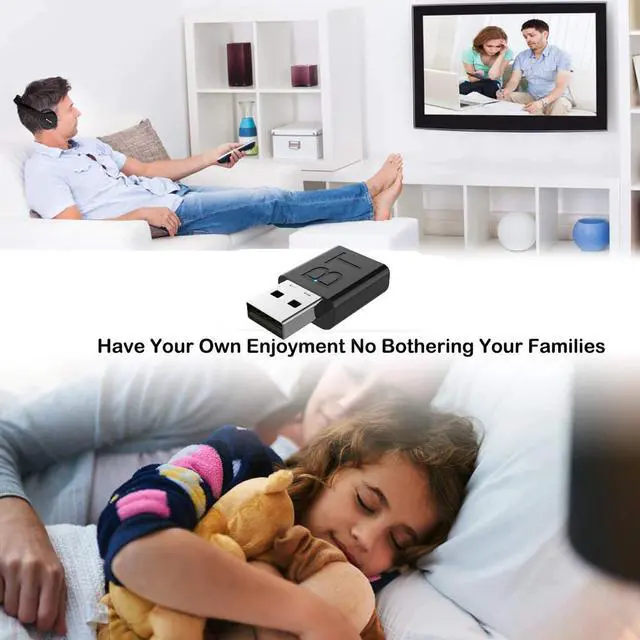
Wireless Bluetooth TV HeadphonesBring Bluetooth headset to tch TV, return a quiet and comfortable environment for family
Breakthrough Is NowStrong compatibility, easy to use, plug and play, universal audio equipment
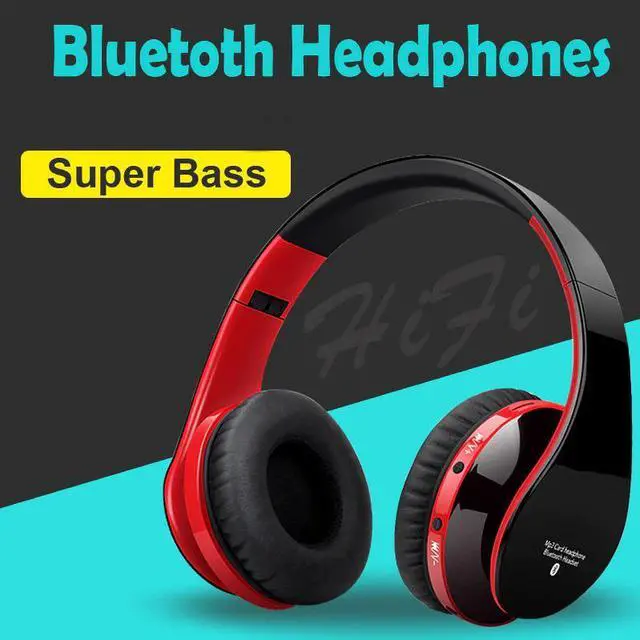
Bluetooth 5.0, Hi-Fi sound, Exemption from charging, Plug and play
Drive free installation, Signal stabilization, Comprehensive compatibility, Red/Blue indicator
Computer connected Bluetooth speakerwith bluetooth adapter, you can use bluetooth speaker to connect you computer, Wireless listening is more free
Desktop Connect by BluetoothLet go of wired headphones for desktop computers, and enjoy music and games wirelessly
Enjoy the Music WirelesslyEquipped with the new version of Bluetooth, more powerful, more stable sound quality
Drive Free Fast PairingPlug and play Bluetooth quick match connection is more convenient to use
10M Barrier Free TransmissionThere is no obstacle or dead angle in 10 meter propagation, and you can't miss every graceful note
Transmitter Mode(Red LED Bright)Connecting a Bluetooth TV to wirelessly transfer audio home stereo or CD player to a Bluetooth headset or speaker
Receiver Mode(Blue LED Bright)Wireless audio transfer via Bluetooth mobile phone tablet or laptop connected to wired speakers or headphones
How to connect?1. first turn on the bluetooth headphones
2. use the 3.5mm audio cable connect the TV to bluetooth adapter.
3. put the bluetooth adapter to the USB plug and the Red LED flashing(if the adapter Blue LED flashing, unplug the adapter and plug it in again).
4. it 10-20 second, the bluetooth headphones will auto connect the adapter, then you can use it.
Protein ear padsSupersoft very flexible