

Your Browsing History



Make informed decisions with expert advice. Learn More


Any questions? Our AI beta will help you find out quickly.
1.High Fidelity Sound: This bluetooth earpiece is equipped with high-end CSR chip, ensures maximum signal quality, and guarantees outstanding sound quality.
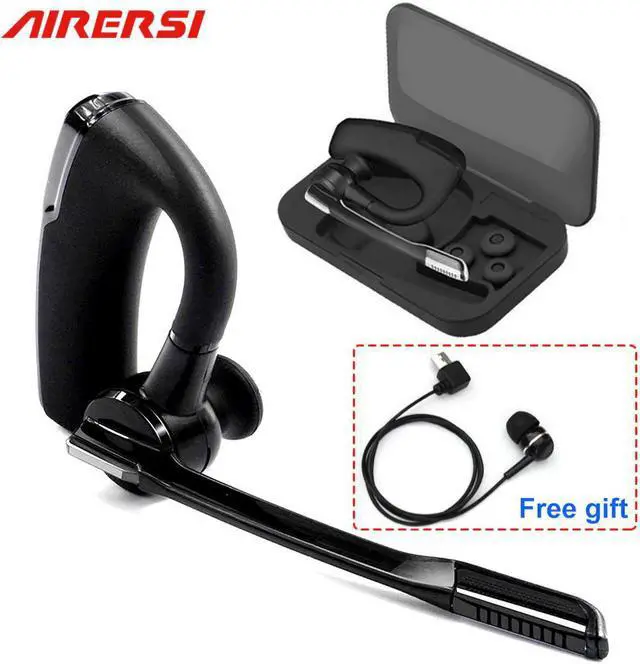
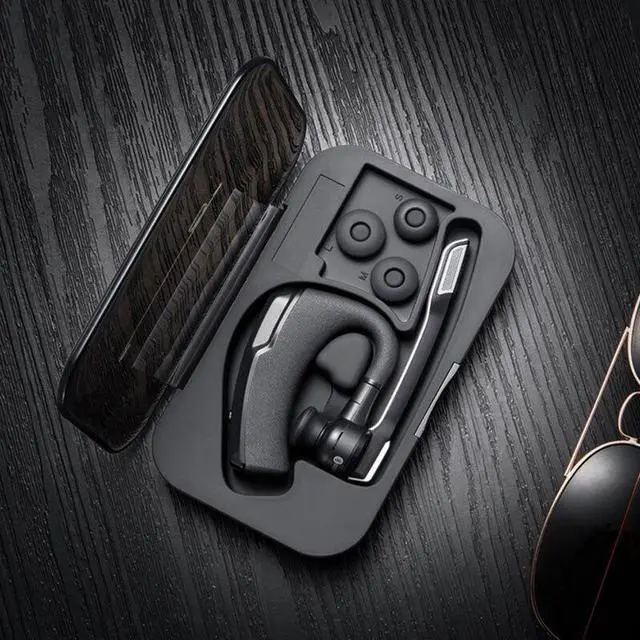
2.Portable storage boxEasy to carry and very good for protection Noted kindly: the case has NO power bank function.
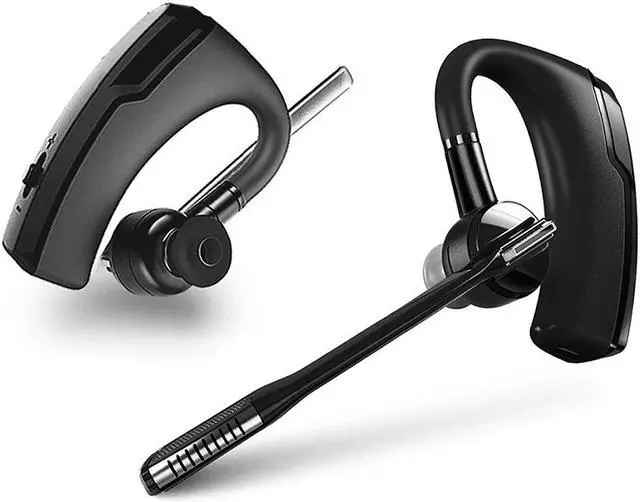
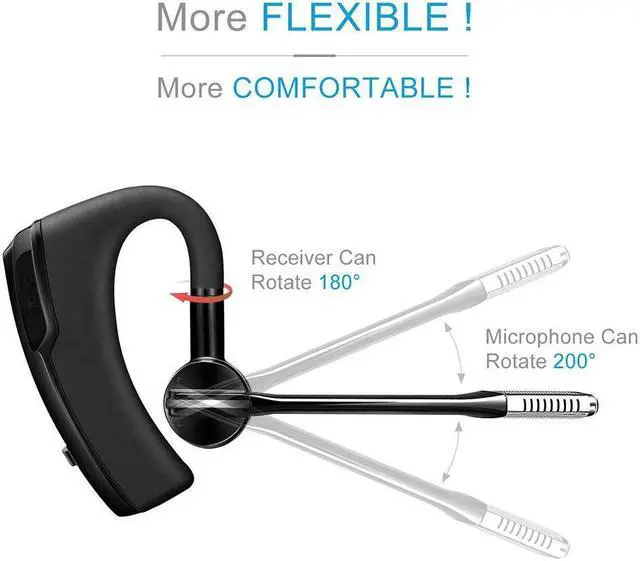
3.Ultralight and comfortable design, ergonomically-shaped in-ear plugs and ear loops brings comfortable and no heavy feeling even after long-time wearing The 180 degrees flip-boom arm allows to adjust the angle and fit this headset in right or left ear.
4.Compatible with iPhone, Samsung, , LG, HTC, Android, and Other Leading Smartphones Up to 8hrs working time & 240hrs stand-by with 1.5hrs quick charge 10 meters/ 30 feets range.
How to connect the phone
1.Under the Bluetooth headset OFF state, hold the MFB for about 3s till the headset indicator flashes in red and blue by turn tl enter in the Searching state.
2.Enable the Bluetooth function of cellphone ,click search Bluetooth device to search the headset,and then click tl connect.
How to connect two devices at the same time?
1. Under the Bluetooth headset OFF state, hold the MFB for about 3s till the headset indicator flashes in red and blue by turn tl enter in the Searching state.
2. Enable the Bluetooth function of cellphone 1,click search Bluetooth device to search the headset,and then click tl connect.
3. Turn off the Bluetooth of cellphone 1,and then hold the MFB till the red indicator flash and turn lff the headset
4. Enable the Bluetooth headset again to enter in the searching state.
5. Enable the Bluetooth function of cellphone 2,click search Bluetooth device to search the headset, and then click to connect.
Accessories List: