Take Control The World You Hear
“Qualcomm QCC3005 + Austrian AMS 3415”
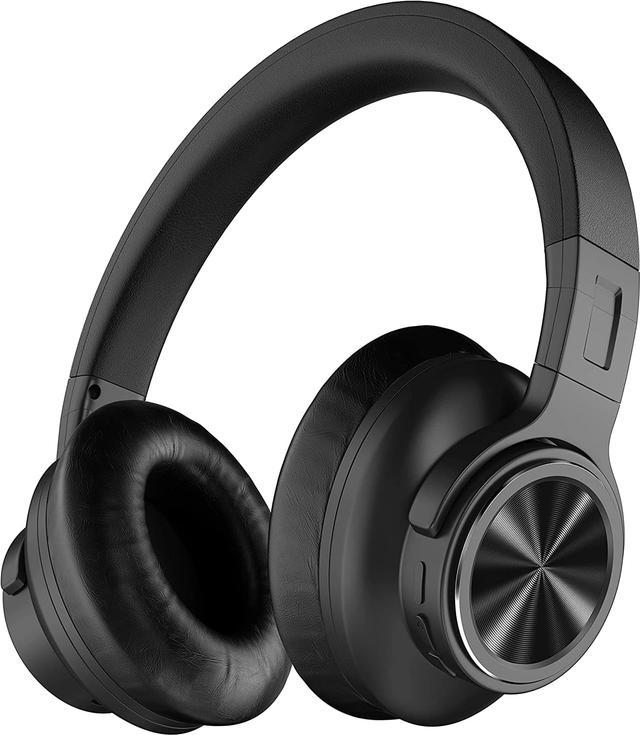
With one step push of ANC button, no matter what noise environment you are in between, FALWEDI S6 Headphones with the powerful ANC function and 28db denoising depth will automatically collect the sound information of your surrounding, focus on cancelling out the low and mid-frequency noises like aviation, engines noises and build you a quiet and comfortable space.
FALWEDI S6 : Apt-X 3D Lossless High-quality Stereo Headphones
Priority Apt-X format decoding technical support can perfectly handle and restore songs of each unique genre of music, whether it is country music, classical rock, solo piano, orchestra, or heavy metal, punk-pop, rock, k-pop, jazz, offering each song with the rich and full emotions. Discover sound quality that brings out the best in your music -- including subtle details you may never notice.
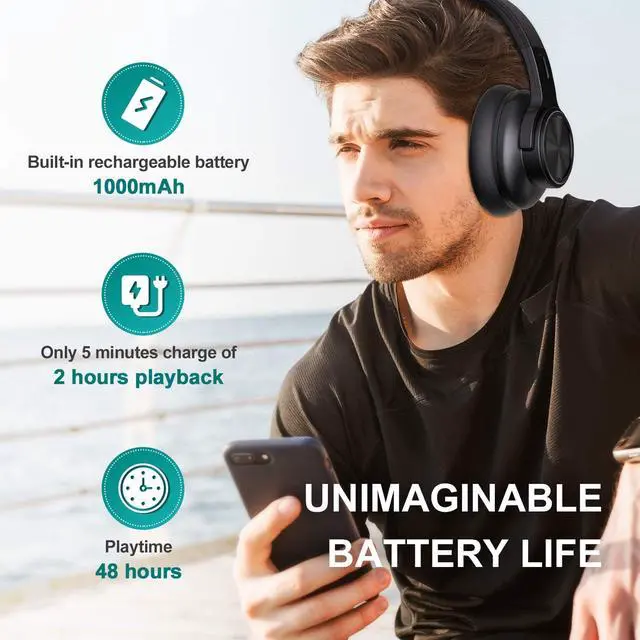
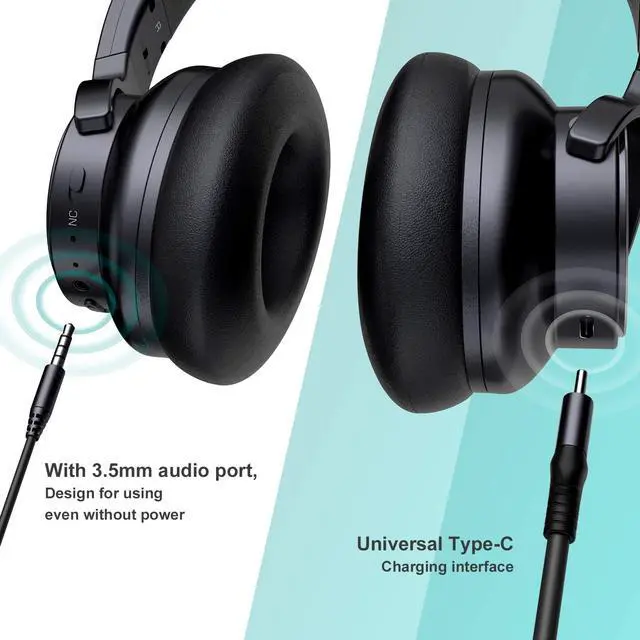
Type C Fast Charging, 48 Hours Music Playtime
Support your listening all day, no just up to 48 hours wireless play time, but also unimaginable battery life and fast charging -- 5 minutes charging = 2 hours playtime.
Noise-reducing Microphone, Crystal-clear Call
Advanced CVC8.0 noise reduction microphone for superior voice pickup, improve your call quality while suppressing external noise, achieving clear calls and interference-free communication.
BT 5.0 Mix 3.5mm Wired Dual Modes, Adjustable
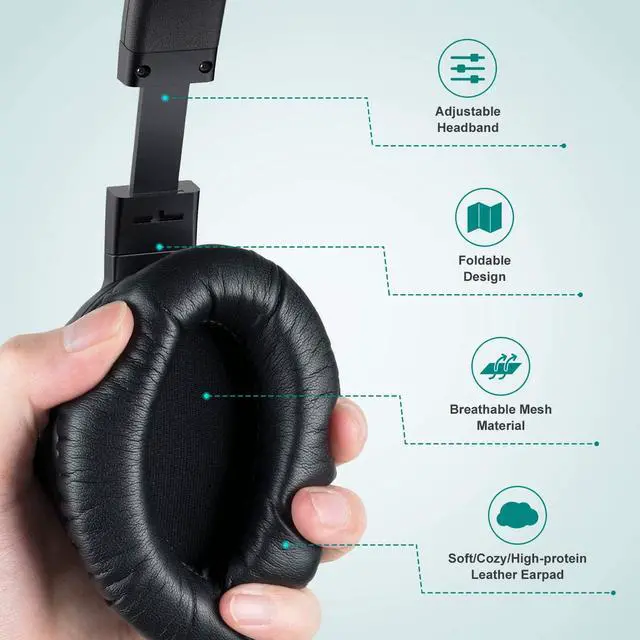
Included audio cable can continue to support music playback when the headphones is out of power. 29mm adjustable headband makes you feel comfortable even a long time wearing.
Your better quality of life can start from FALWEDI S6 ANC headphones with effective noise reduction, excellent sound quality, comfortable wearing feeling, and 48 hours of playtime.
1. Factory Resetting :
In case the headphones fail to pair with your Bluetooth device; the volume of earphones on both sides is different; music delay phenomenon, please reset the earphones as below.
1) Forget the “ S6 ” headphone on your device.
2) Press and hold two Volume Buttons (+&-) simultaneously for 5 seconds until you hear “deng” twice and the Bluetooth indicator flashes purple once.
3) The Bluetooth indicator will blink red and blue alternately to start pairing again.
2. About Apt-X & SBC :
Under normal circumstances, it will be played in SBC format. If the music source supports the Apt-X format, the headphones will use the Apt-X format as a priority.
3. Please Note :
- Bluetooth turns off automatically in the following cases :
1) When you plug in the Type-C Charging Cable to charge the headphones. 2) When you plug in the AUX Cable as a wired headphone using.
- If without connection for 10 minutes or battery below 3.2V, headphones will automatically shut down.
- Due to software compatibility issues, on some Android phones, the volume control of the earbuds cannot be synchronized with the device, resulting in a low maximum volume. At this time, please increase the volume of the phone, the volume can be increased very loudly.
4. Part Of Control Function :
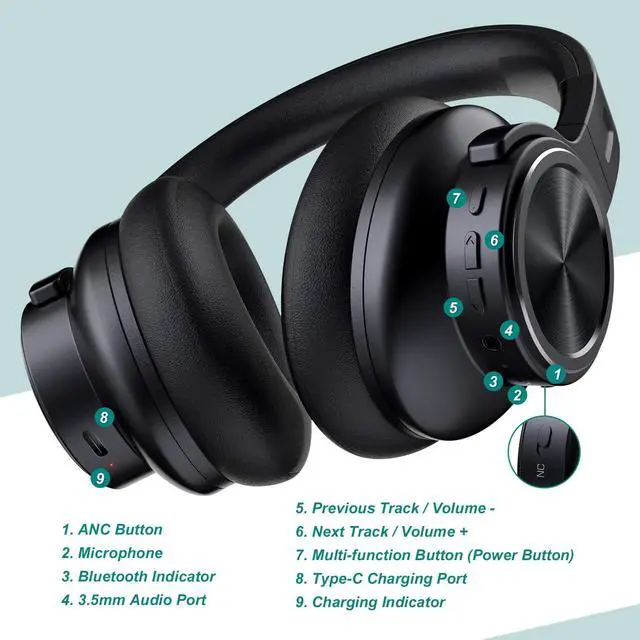
Play / Pause : Press the Multi-function Button once
Volume + / - : Press the Volume + / - Button
Previous Track : Press and hold the Volume + Button for 2s
Next Track : Press and hold the Volume - Button for 2s
ANC on / off : Move the ANC Button to on/off position
5. Package Contents :
1 x FALWEDI S6 Wireless ANC Headphones; 1 x User Guide; 1 x Type-C Charging Cable; 1 x AUX Cable; 12 Months After-sales Service