








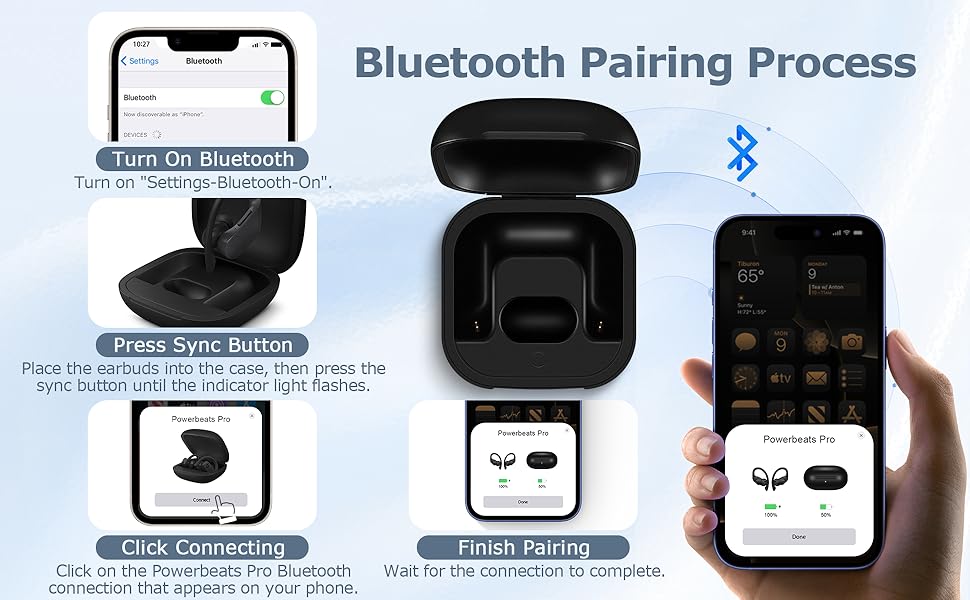
For iOS 18 (Latest System):
- Open Settings > Bluetooth on your iPhone and enable Bluetooth.
- Open the charging case and insert one earbud. Wait for the case's light to turn off.
- Insert the second earbud and wait for the light to turn off again.
- A pairing prompt should appear on your iPhone. Tap "Connect."
- Press and hold the button on the case until pairing is complete.
For iOS 17, Android, or If No Pop-Up on iOS 18:
- Open the charging case and insert one earbud. Wait for the light to turn off.
- Insert the second earbud and wait for the light to turn off.
- Press and hold the button on the case until the light flashes white, then release.
- If the light doesn’t flash white, remove both earbuds, close and reopen the case, then repeat the steps until the light flashes white.
- Check your phone’s Bluetooth settings and tap to pair with the headphones.
Additional Tips:
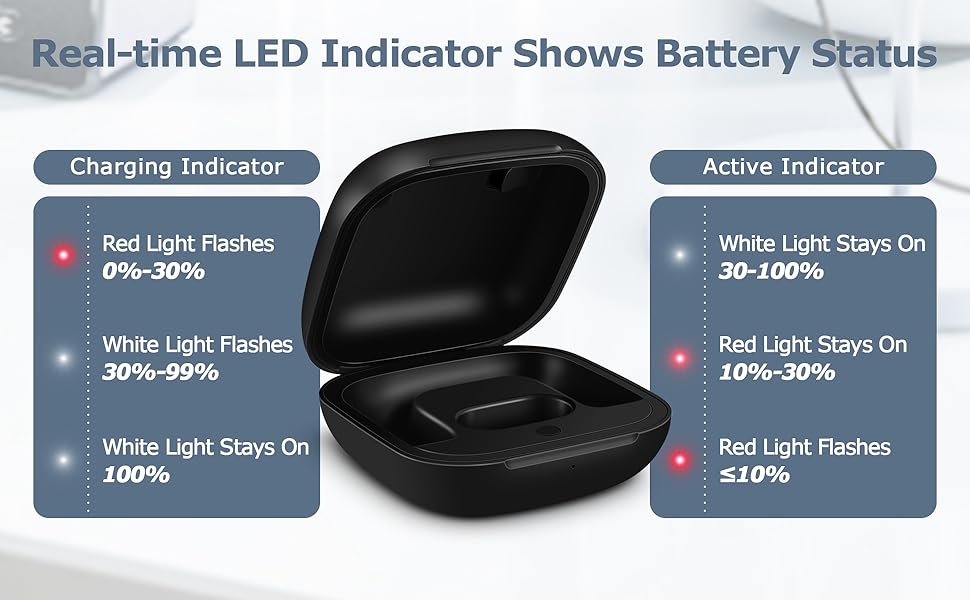
- Check the Charge: Ensure the case is fully charged (light shows white/green when full). A low battery can interfere with pairing.
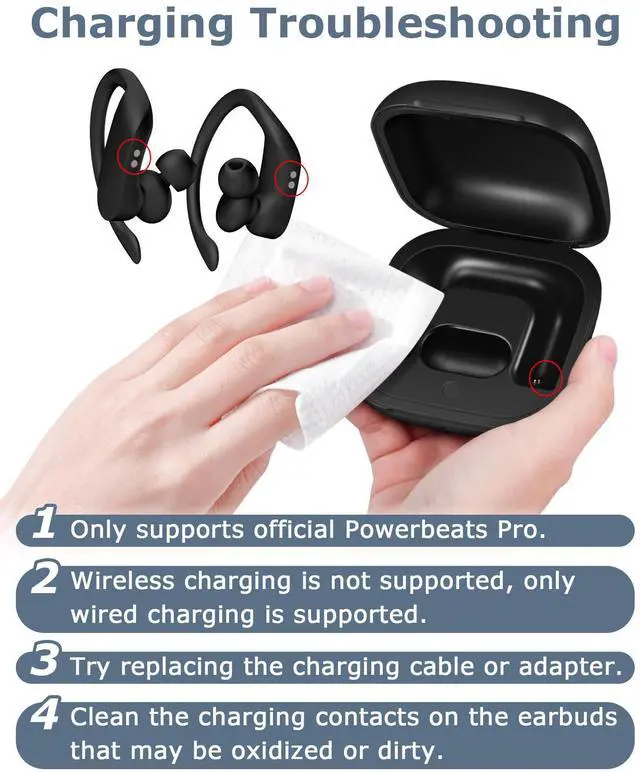
- Clean the Contacts: Dirt on the case or earbud contacts can cause pairing issues. Clean them gently with a soft, dry cloth.
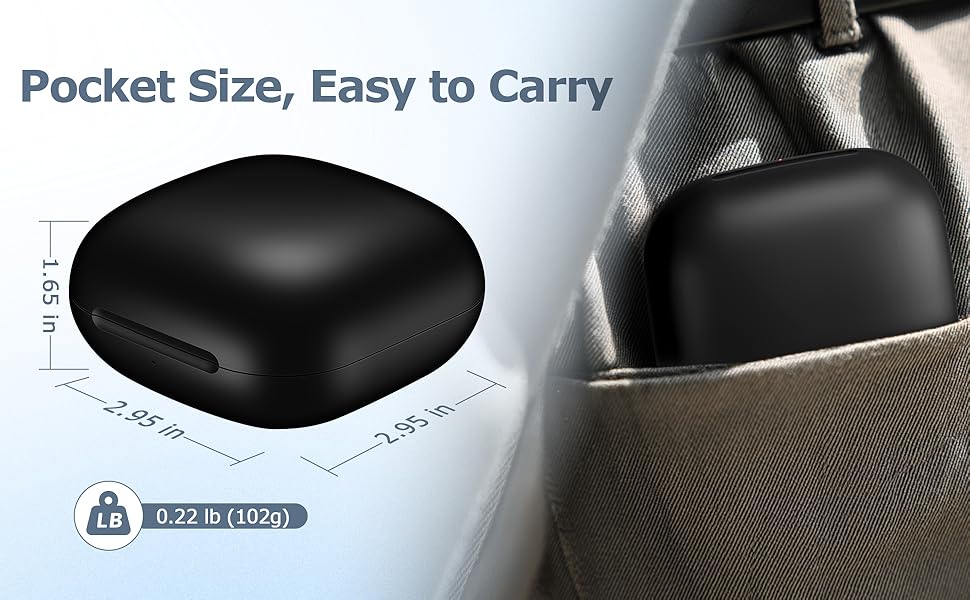
 XCZNAGS Charging Case Replacement Compatible with Powerbeats Pro - 700mAh Bat... |  XCZNAGS Charging Case Replacement Compatible with Powerbeats Pro - 700mAh Bat... |  XCZNAGS Charging Case Replacement Compatible with Beats Studio Buds - 660mAh ... | 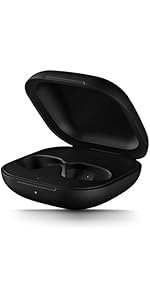 XCZNAGS Charging Case Replacement Compatible with Beats Fit Pro - 700mAh Batt... | 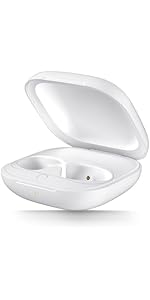 XCZNAGS Charging Case Replacement Compatible with Beats Fit Pro - 700mAh Batt... | |
|---|---|---|---|---|---|
| Customer Reviews | — | — | — | — | — |
| Price | — | — | — | — | — |
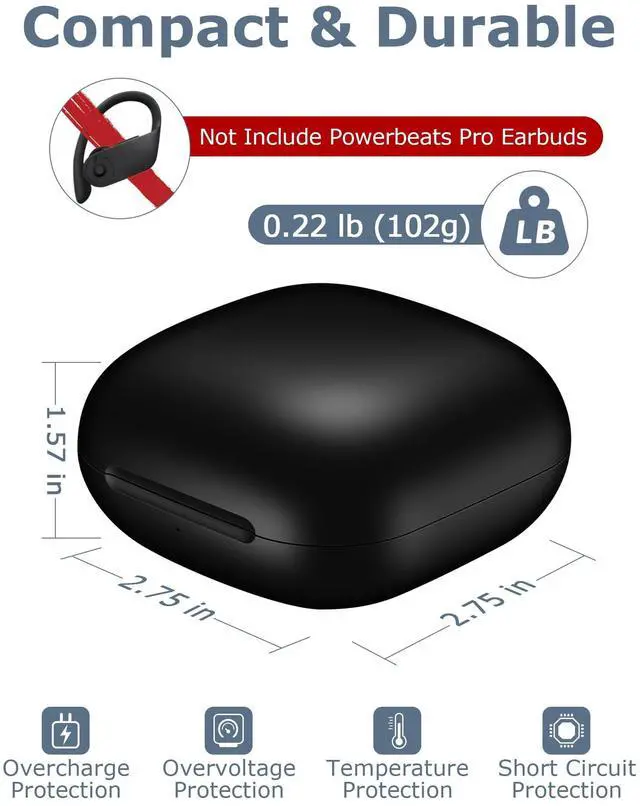
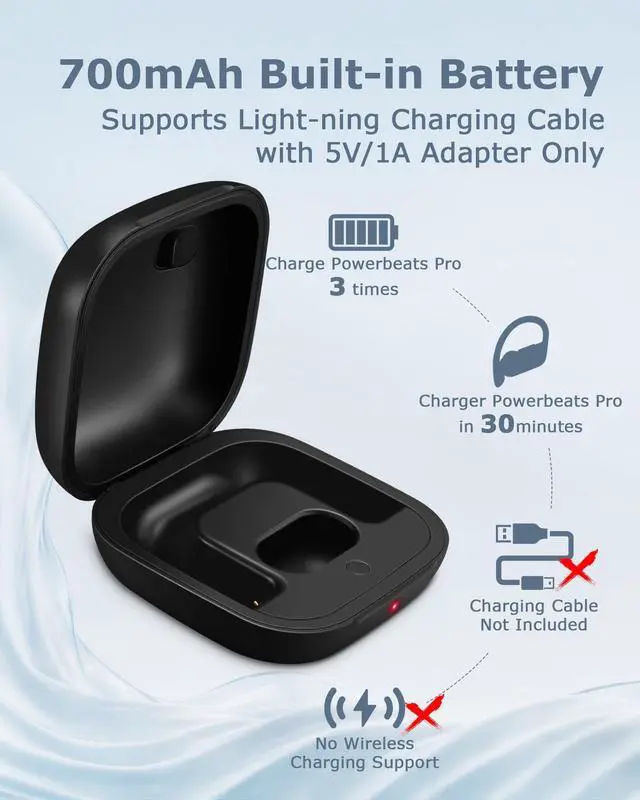
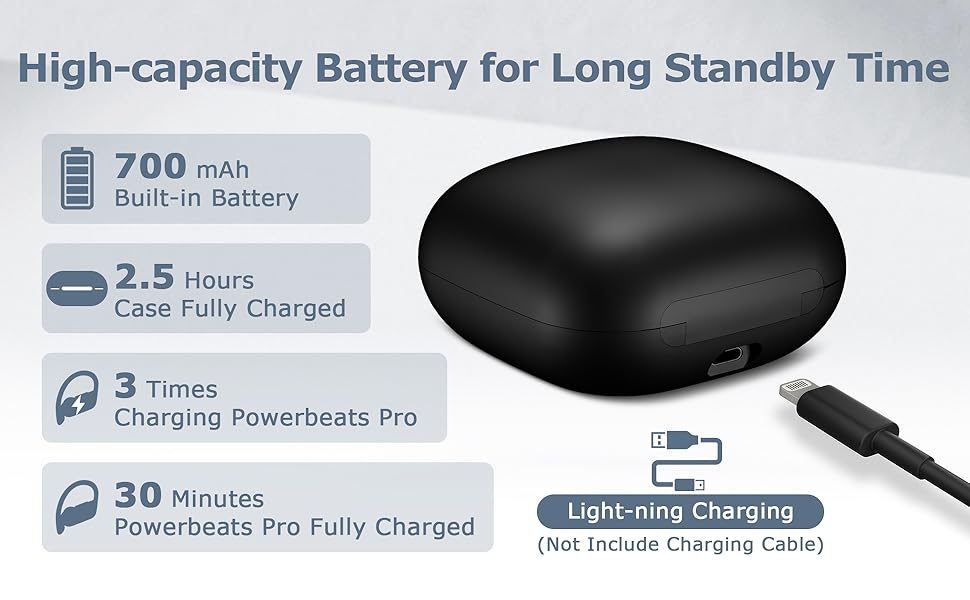
| Charging Port | light-ning | light-ning | USB-C | USB-C | USB-C |
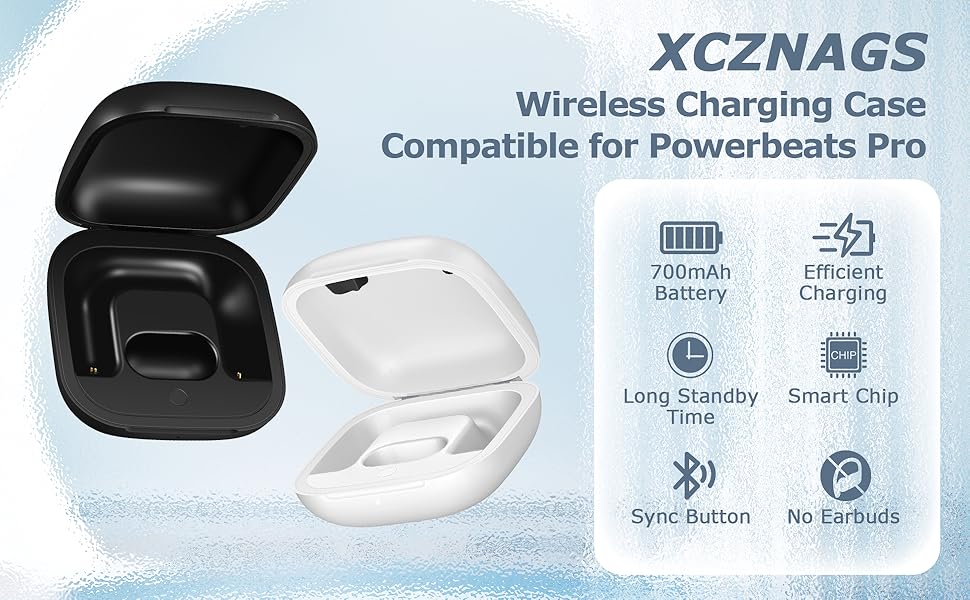
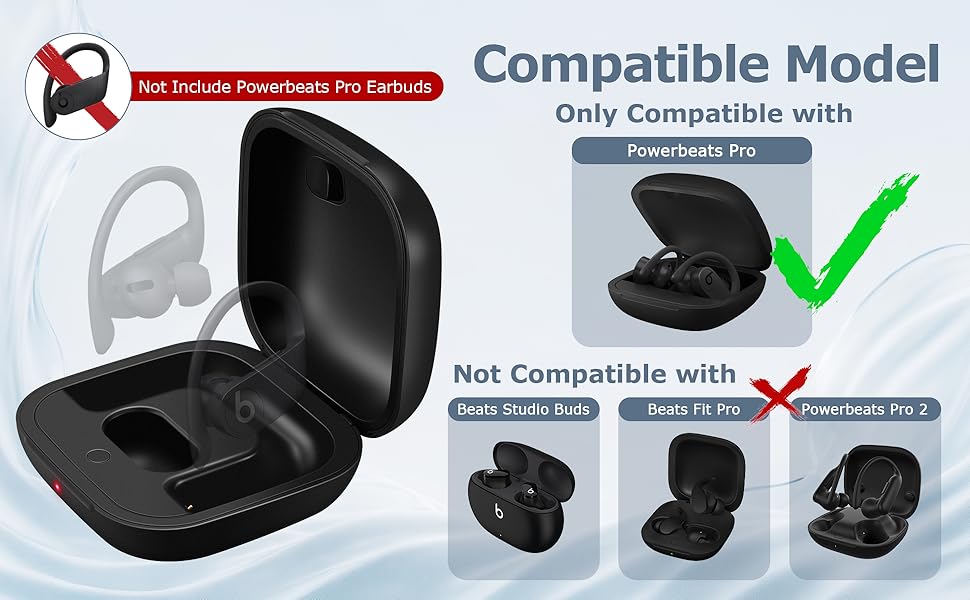
| Compatible with | Powerbeats Pro | Powerbeats Pro | Studio Buds | Beats Fit Pro | Beats Fit Pro |
| Note | Not for Powerbeats Pro 2 | Not for Powerbeats Pro 2 | Not for Studio Buds + | no data | no data |
| Charging Method | Wired only | Wired only | Wired only | Wired & Wireless | Wired & Wireless |
| Includes Charging Cable | No | No | ? | ? | ? |
For iOS 18 (Latest System):
- Open Settings > Bluetooth on your iPhone and enable Bluetooth.
- Open the charging case and insert one earbud. Wait for the case's light to turn off.
- Insert the second earbud and wait for the light to turn off again.
- A pairing prompt should appear on your iPhone. Tap "Connect."
- Press and hold the button on the case until pairing is complete.
For iOS 17, Android, or If No Pop-Up on iOS 18:
- Open the charging case and insert one earbud. Wait for the light to turn off.
- Insert the second earbud and wait for the light to turn off.
- Press and hold the button on the case until the light flashes white, then release.
- If the light doesn’t flash white, remove both earbuds, close and reopen the case, then repeat the steps until the light flashes white.
- Check your phone’s Bluetooth settings and tap to pair with the headphones.
Additional Tips:
- Check the Charge: Ensure the case is fully charged (light shows white/green when full). A low battery can interfere with pairing.
- Clean the Contacts: Dirt on the case or earbud contacts can cause pairing issues. Clean them gently with a soft, dry cloth.
XCZNAGS Charging Case Replacement Compatible with Powerbeats Pro - 700mAh Bat... | XCZNAGS Charging Case Replacement Compatible with Powerbeats Pro - 700mAh Bat... | XCZNAGS Charging Case Replacement Compatible with Beats Studio Buds - 660mAh ... | XCZNAGS Charging Case Replacement Compatible with Beats Fit Pro - 700mAh Batt... | XCZNAGS Charging Case Replacement Compatible with Beats Fit Pro - 700mAh Batt... | |
|---|---|---|---|---|---|
| Customer Reviews | — | — | — | — | — |
| Price | — | — | — | — | — |
| Charging Port | light-ning | light-ning | USB-C | USB-C | USB-C |
| Compatible with | Powerbeats Pro | Powerbeats Pro | Studio Buds | Beats Fit Pro | Beats Fit Pro |
| Note | Not for Powerbeats Pro 2 | Not for Powerbeats Pro 2 | Not for Studio Buds + | no data | no data |
| Charging Method | Wired only | Wired only | Wired only | Wired & Wireless | Wired & Wireless |
| Includes Charging Cable | No | No | ? | ? | ? |