

Your Browsing History

Meet Your Seller

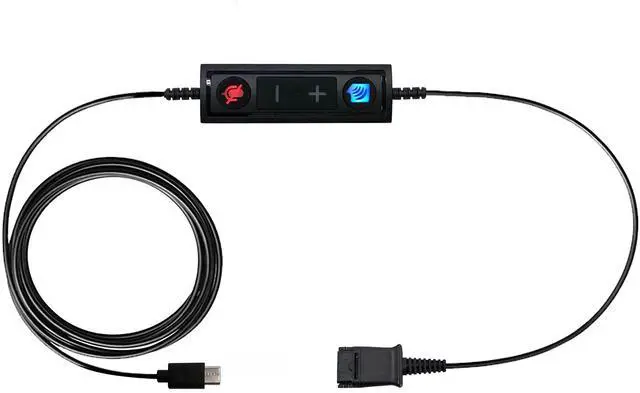



USB-C to QD Adapter Cable Compatible with Any, Plantronics or Poly Headset with a Quick Disconnect (QD) - Includes in Line Volume Control and Mute Functionality
Limited time offer, ends 09/29 By QiPing Global Store
- CONNECTION TYPE: USB-C adapter (Small USB type) is compatible with all Plantronics, Poly and Quick Disconnect (QD) Headsets. This adapter connects from the headset QD directly into the USB-C port on Computers, Laptops and Softphones. FULL CALL CONTROL: This adapter features in-line volume control and mute functionality, giving the user full control during the call with a touch of a button. LENGTH: Straight Cable Length = 70 Inches. DURABILITY: Durable and robust with anti-tangle material, ideal for everyday use. COMPATIBILITY: USB-C Adapter is compatible with ALL UC applications and softphones including Microsoft Teams, Skype, Zoom, Avaya, Cisco Jabber, Avaya One X, Nextiva, 8x8, Ring Central and others. With most applications, the adapter is plug and play; if the headset does not auto-connect when plugged into the USB, manually add the headset as your speaker and microphone in your software application
+
+
Overview
Specs
Reviews

Any questions? Our AI mode will help you find out quickly.
Try me now
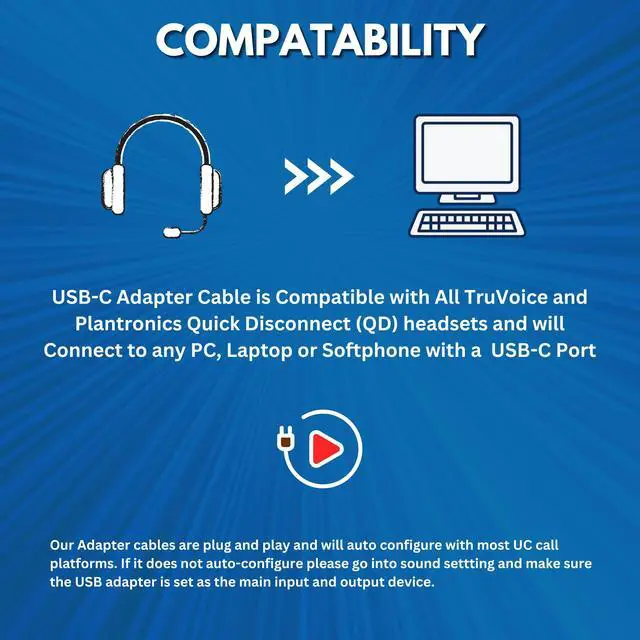
CONNECTION TYPE: USB-C adapter (Small USB type) is compatible with all Plantronics, Poly and Quick Disconnect (QD) Headsets. This adapter connects from the headset QD directly into the USB-C port on Computers, Laptops and Softphones.
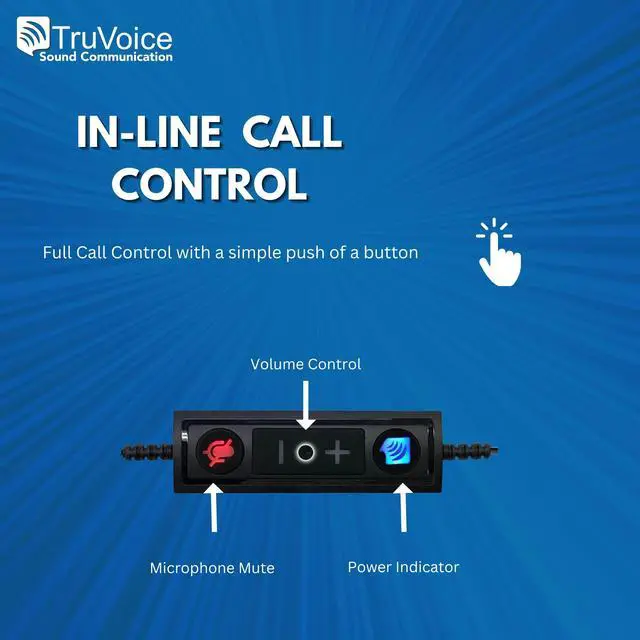
FULL CALL CONTROL: This adapter features in-line volume control and mute functionality, giving the user full control during the call with a touch of a button.
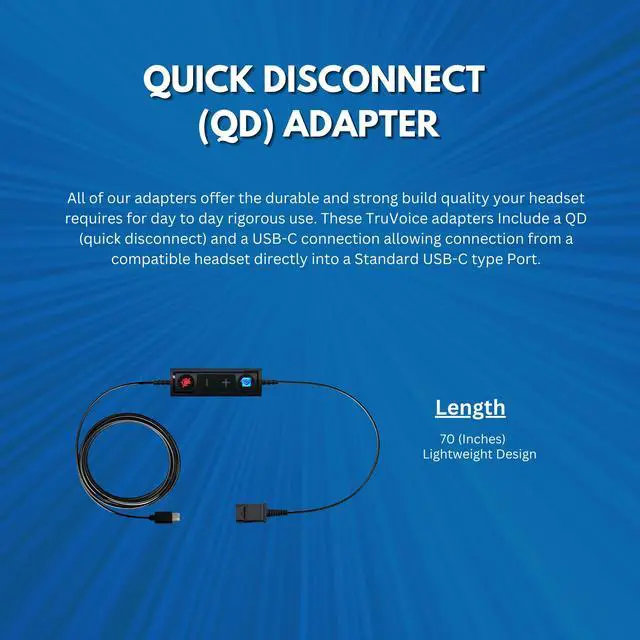
LENGTH: Straight Cable Length = 70 Inches.
DURABILITY: Durable and robust with anti-tangle material, ideal for everyday use.
COMPATIBILITY: USB-C Adapter is compatible with ALL UC applications and softphones including Microsoft Teams, Skype, Zoom, Avaya, Cisco Jabber, Avaya One X, Nextiva, 8x8, Ring Central and others. With most applications, the adapter is plug and play; if the headset does not auto-connect when plugged into the USB, manually add the headset as your speaker and microphone in your software application
FULL CALL CONTROL: This adapter features in-line volume control and mute functionality, giving the user full control during the call with a touch of a button.
LENGTH: Straight Cable Length = 70 Inches.
DURABILITY: Durable and robust with anti-tangle material, ideal for everyday use.
COMPATIBILITY: USB-C Adapter is compatible with ALL UC applications and softphones including Microsoft Teams, Skype, Zoom, Avaya, Cisco Jabber, Avaya One X, Nextiva, 8x8, Ring Central and others. With most applications, the adapter is plug and play; if the headset does not auto-connect when plugged into the USB, manually add the headset as your speaker and microphone in your software application
Warranty & Returns
Warranty, Returns, And Additional Information
Warranty
- Please contact the Seller directly for warranty information. Warranty information may also be found on the Manufacturer's website.
- CONTACT
Return Policies
- Return for refund within: 30 days
- Return for replacement within: 30 days
- This item is covered by QiPing Global Store Return Policy
Manufacturer Contact Info
- For a directory of all our manufacturers, please click below.
- Manufacturers Directory
LOADING...