

Your Browsing History

Meet Your Seller


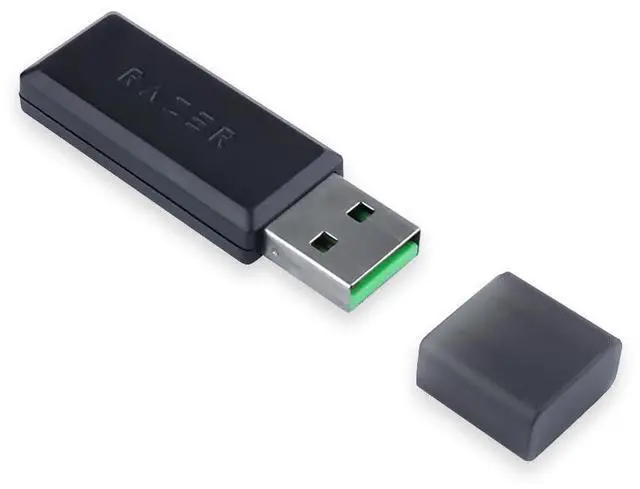
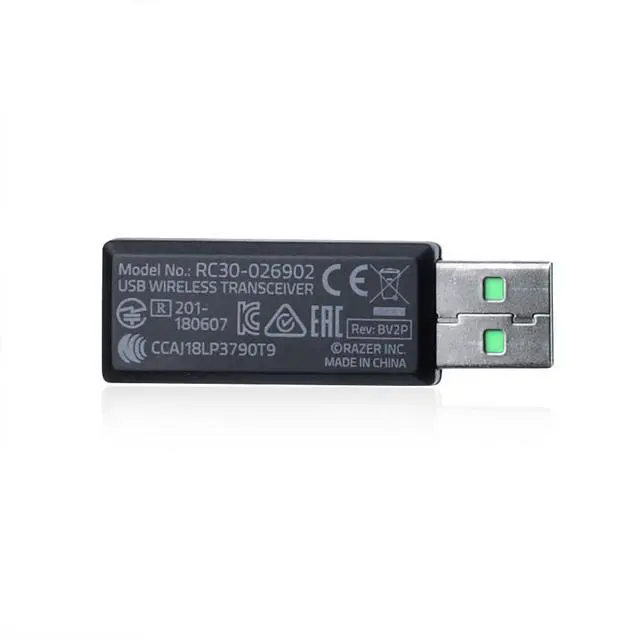
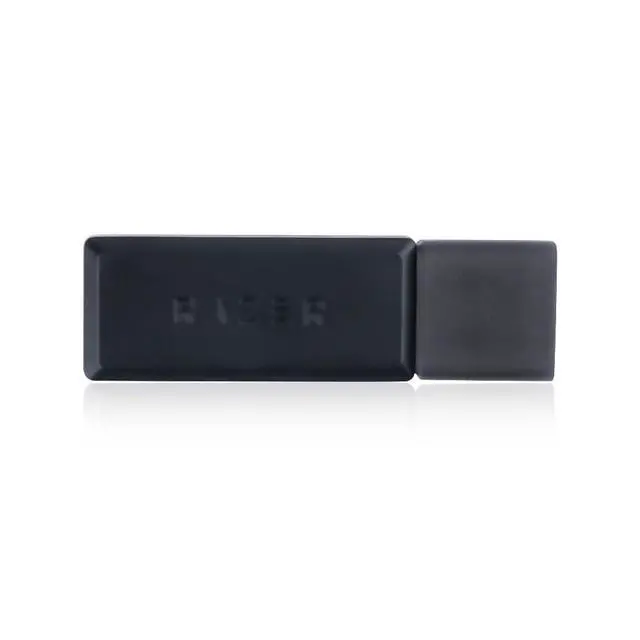
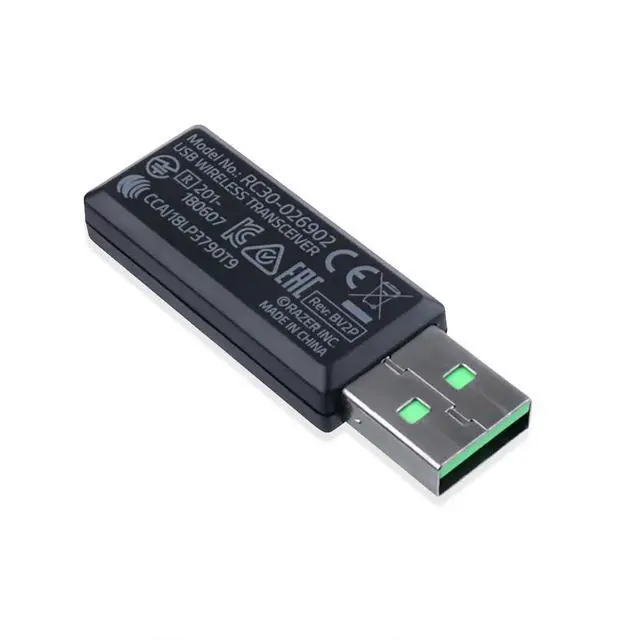
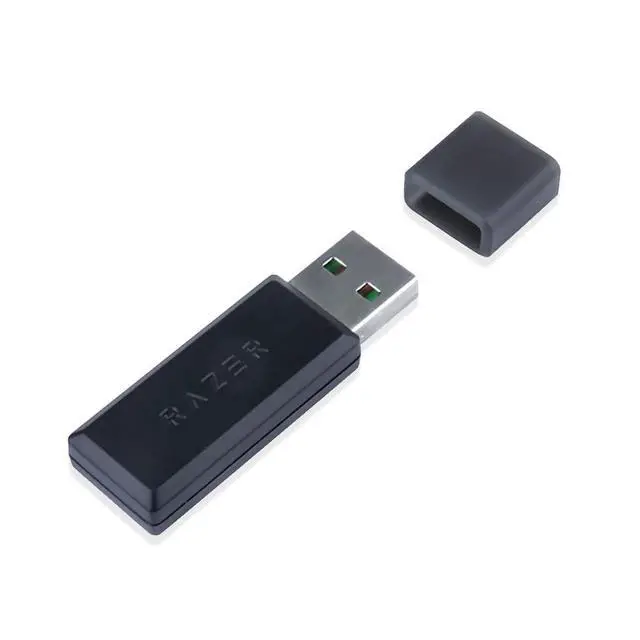


Professions USB Wireless Transceiver Receiver Adapter Replacement for Razer Blackshark V2 Pro Headset
Limited time offer, ends 09/29 By Brightflag Electronics
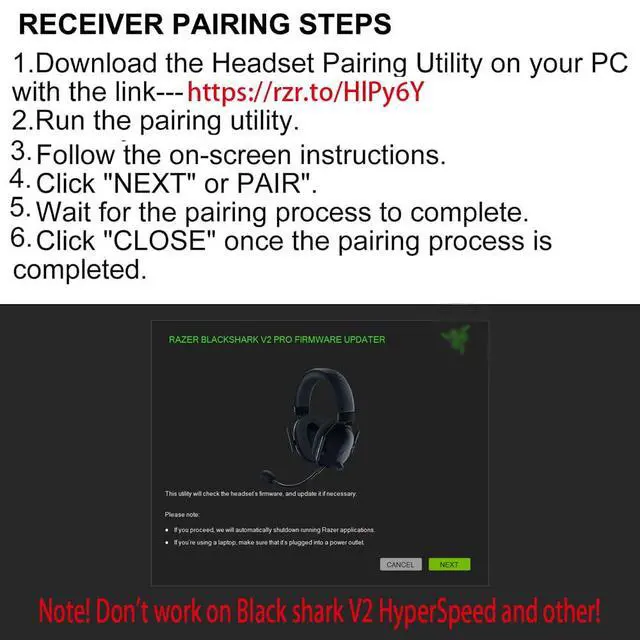
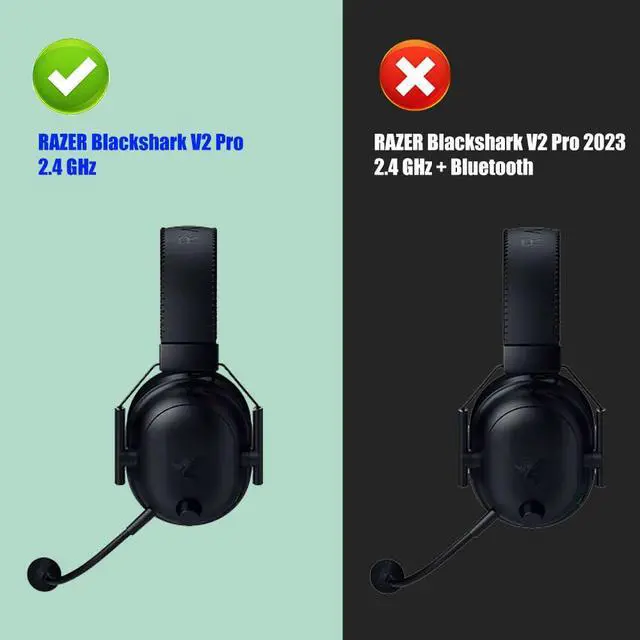
- 1, Compatible Model: Designed for Razer Blackshark V2 Pro Headset RZ04-03220. (Note: Does not fit Blackshark V2 Hyperspeed or other wireless head-mounted gaming earphones.) 2, Type: Wireless Headset Receiver 3, Pairing method: 1. Get the Headset Pairing Utility: Launch the pairing utility and pick your device. Make sure you have the correct dongle for the headset you intend to pair, then follow the on-screen instructions to complete the pairing. 4, Get the latest firmware updater and run it. You may be asked to confirm changes on your device by the User Account Control; click "Yes" to confirm these changes, then click "NEXT" to continue. The installer will shut down all running applications if you have not done so. 5, Not plug-and-play; pairing is needed for the first use. Please check the six pictures for detailed steps
+
+
Overview
Specs
Reviews

Any questions? Our AI mode will help you find out quickly.
Try me now
1,
Compatible Model: Designed for Razer Blackshark V2 Pro Headset RZ04-03220.
(Note: Does not fit Blackshark V2 Hyperspeed or other wireless head-mounted gaming earphones. )
2,
Type: Wireless Headset Receiver 3,
Pairing method: 1. Get the Headset
Pairing Utility: Launch the pairing utility and pick your device. Make sure you have the correct dongle for the headset you intend to pair, then follow the on-screen instructions to complete the pairing. 4, Get the latest firmware updater and run it. You may be asked to confirm changes on your device by the User Account Control; click "Yes" to confirm these changes, then click "NEXT" to continue. The installer will shut down all running applications if you have not done so. 5, Not plug-and-play; pairing is needed for the first use. Please check the six pictures for detailed steps
Compatible Model: Designed for Razer Blackshark V2 Pro Headset RZ04-03220.
(Note: Does not fit Blackshark V2 Hyperspeed or other wireless head-mounted gaming earphones. )
2,
Type: Wireless Headset Receiver 3,
Pairing method: 1. Get the Headset
Pairing Utility: Launch the pairing utility and pick your device. Make sure you have the correct dongle for the headset you intend to pair, then follow the on-screen instructions to complete the pairing. 4, Get the latest firmware updater and run it. You may be asked to confirm changes on your device by the User Account Control; click "Yes" to confirm these changes, then click "NEXT" to continue. The installer will shut down all running applications if you have not done so. 5, Not plug-and-play; pairing is needed for the first use. Please check the six pictures for detailed steps
Warranty & Returns
Warranty, Returns, And Additional Information
Warranty
- Please contact the Seller directly for warranty information. Warranty information may also be found on the Manufacturer's website.
- CONTACT
Return Policies
- Return for refund within: 30 days
- Return for replacement within: 30 days
- This item is covered by Brightflag Electronics Return Policy
Manufacturer Contact Info
- For a directory of all our manufacturers, please click below.
- Manufacturers Directory
LOADING...