Out of stock
  • $129.99
  • Free 30-day Returns
Sold by Muxiju Store

Shipped by Muxiju Store

Price alert
Shop it at NeweggBusiness.

Meet Your Seller

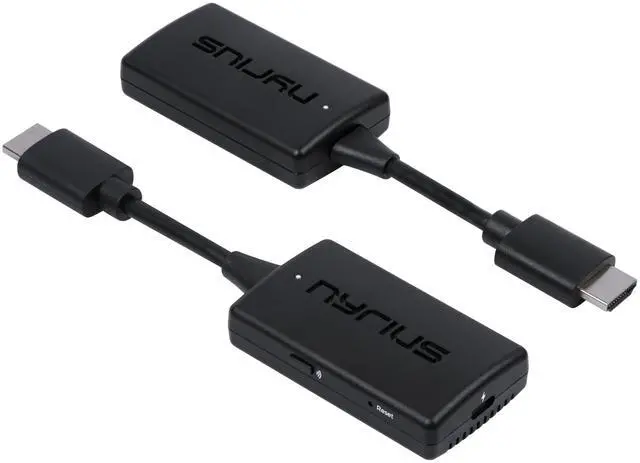
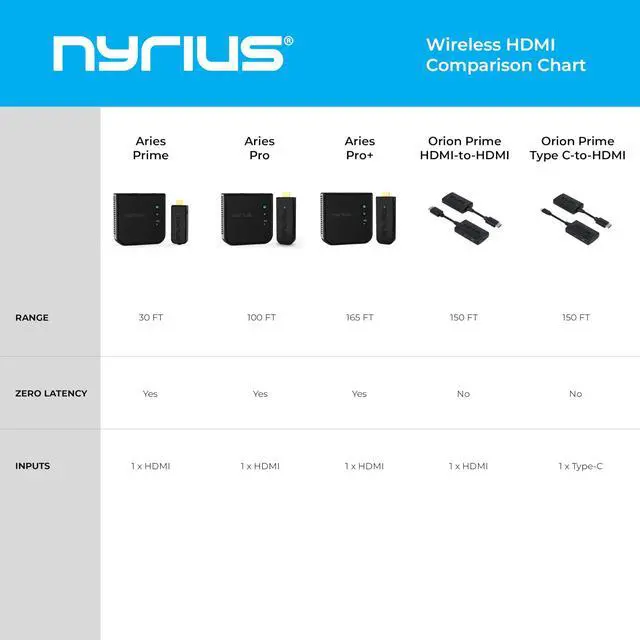
Orion Prime Wireless HDMI-to-HDMI Video Transmitter & Receiver, Plug & Play Extender, Stream Full HD 1080p up to 150ft from PC, Laptop, Cable/Satellite Box to a TV or Projector (TDD20)

  • Wireless Video Broadcast: Stream movies, TV shows, or sports wirelessly from any HDMI source to a TV or projector without inconvenient cables, apps, drivers, or WiFi. Crystal Clear Video: Enjoy exceptional video clarity and 1080p resolution. This adapter is designed to deliver undistorted HD visual performance. Wireless Range: Certified lab tested to transmit up to 50ft through walls, floors, and ceilings, and up to 150ft in clear line-of-sight environments without obstacles. Uninterrupted Wireless Connection: Auto-channel switching technology minimizes interference from other wireless devices such as Wi-Fi or Bluetooth for clear, stable streaming. Easy Plug & Play: Step 1: Connect the wireless HDMI transmitter to an HDMI source and USB power. Step 2: Connect the receiver to the HDMI port of your display and power. Then streaming begins
+
+
Overview
Specs
Reviews
avatar

Any questions? Our AI mode will help you find out quickly.

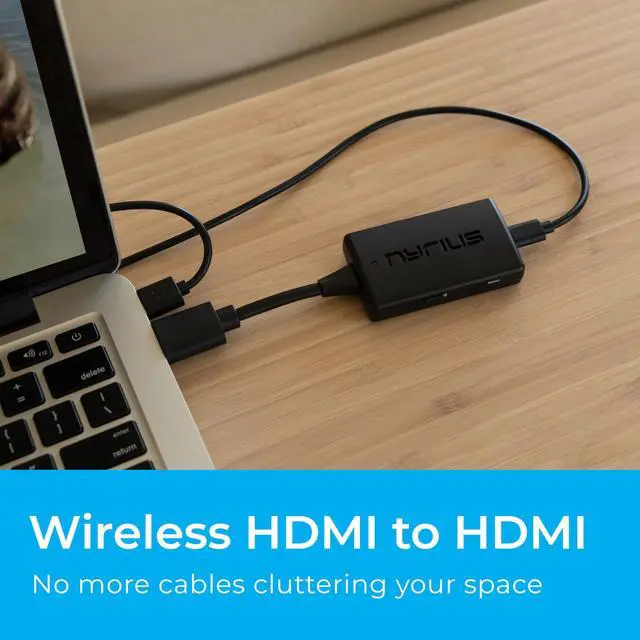
Wireless Video Broadcast: Stream movies, TV shows, or sports wirelessly from any HDMI source to a TV or projector without inconvenient cables, apps, drivers, or WiFi.
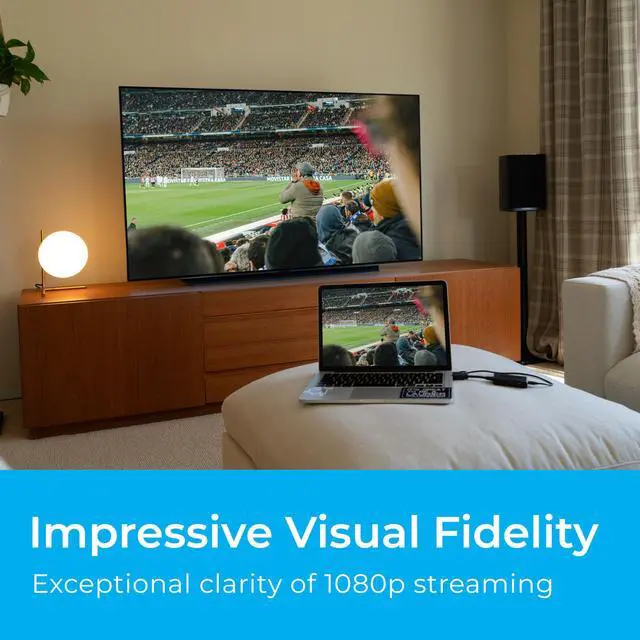
Crystal Clear Video: Enjoy exceptional video clarity and 1080p resolution. This adapter is designed to deliver undistorted HD visual performance.
Wireless Range: Certified lab tested to transmit up to 50ft through walls, floors, and ceilings, and up to 150ft in clear line-of-sight environments without obstacles.
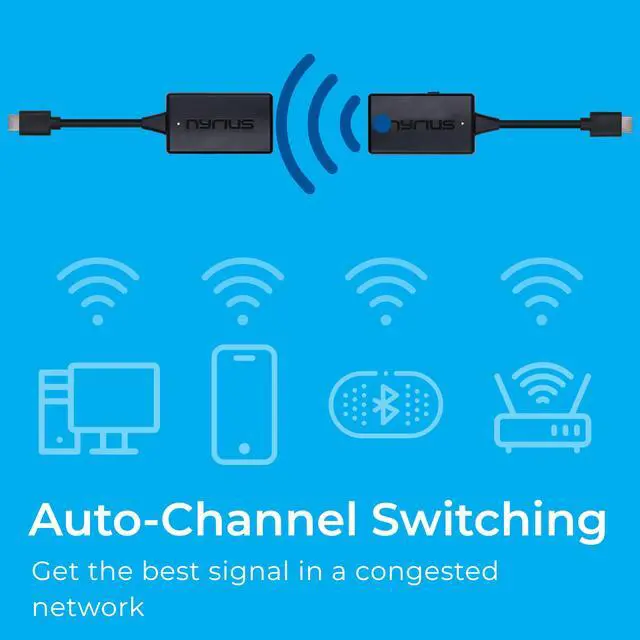
Uninterrupted Wireless Connection: Auto-channel switching technology minimizes interference from other wireless devices such as Wi-Fi or Bluetooth for clear, stable streaming.
Easy Plug & Play: Step
1: Connect the wireless HDMI transmitter to an HDMI source and USB power.
Step 2: Connect the receiver to the HDMI port of your display and power. Then streaming begins

Warranty & Returns

Warranty, Returns, And Additional Information

Warranty

  • Please contact the Seller directly for warranty information. Warranty information may also be found on the Manufacturer's website.
  • CONTACT

Return Policies

Manufacturer Contact Info

LOADING...