Your Browsing History
- Free 30-day Returns
$139.49
Sold by DrakeMount FortunaTech Parts
Shipped by DrakeMount FortunaTech Parts
Meet Your Seller
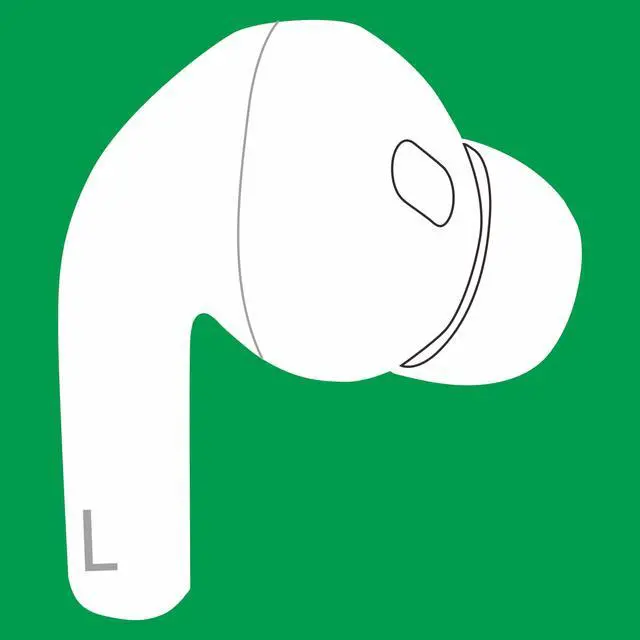
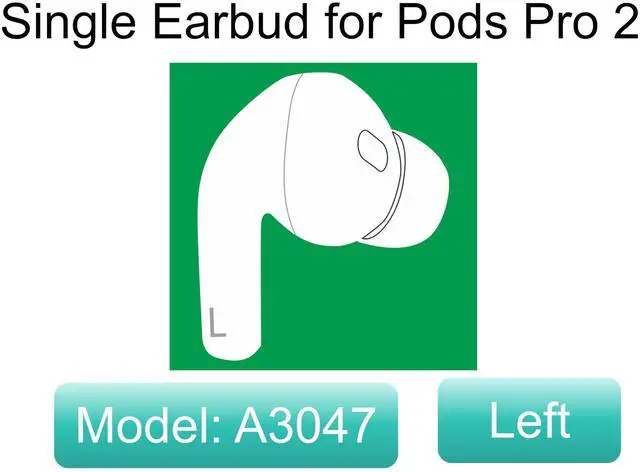
OEM Single Left Earbuds Replacement for Pod Pro (2nd Generation), A3047, A3048, A3049 USB-C. Genuine Left Ear Side Only, Compatible with Original Air Pro 2 A2968 Charging Case
Limited time offer, ends 10/14 By DrakeMount FortunaTech Parts
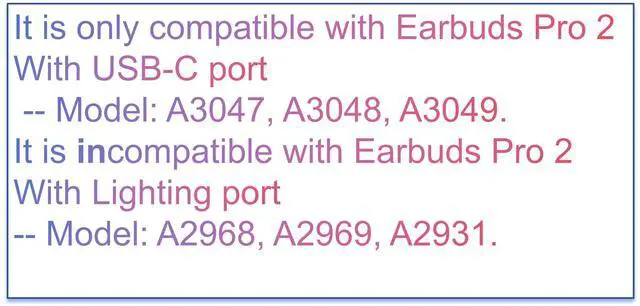
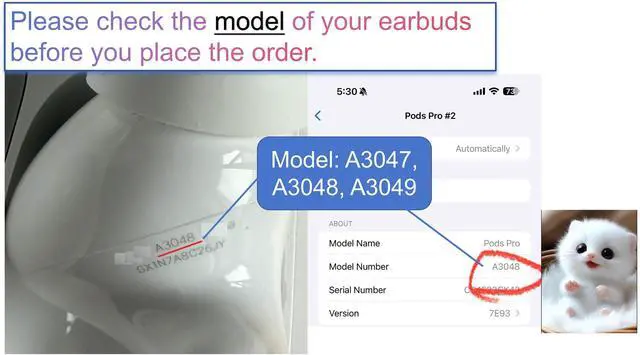
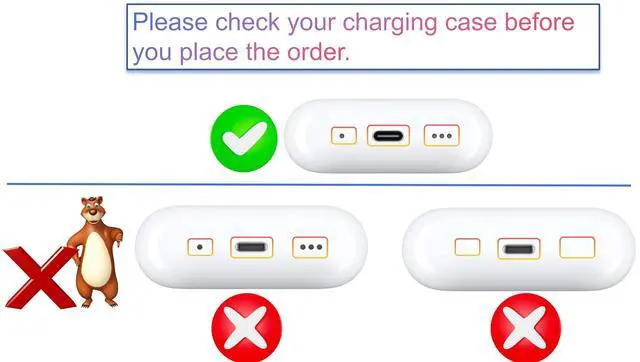
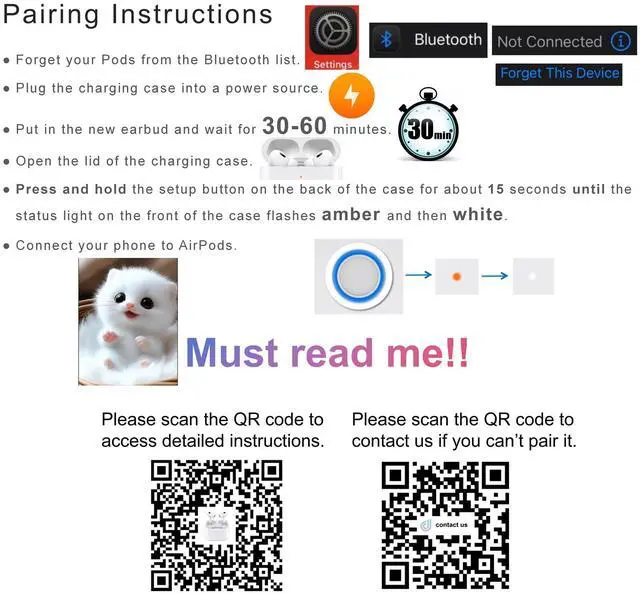
- It is compatible with Earbuds Pro (2nd Generation), A3047/A3048/A3049 earbuds, and A2968 charging case. It only contains the Left earbuds. Please check your charging case, which has a USB-C port. Warm Tips: It is incompatible with charging case A2700, and earbuds A2931, A2698, and A2699. If you charge the charging case in advance, you can use it to charge the earpods when you go out without a power supply. Please note that these earbuds (model numbers A3047/A3048/A3049) are only compatible with the Earbuds Pro (2nd Generation) charging case (model number A2968). Pairing Instructions: 1. Forget your Earbuds from the Bluetooth list. 2. Plug the charging case with a power source. 3. Put in the new earbud and wait for 30-60 minutes. 4. Open the lid of the charging case. 5. Press and hold the setup button on the back of the case for about 15 seconds, until the status light on the front of the case flashes amber, then white. 6. Connect the earbuds to your phone. If it does not work, please check if the models of the left and right earbuds match

+
+
Overview
Specs
Reviews
Any questions? Our AI mode will help you find out quickly.
Try me now
It is compatible with Earbuds Pro (2nd Generation), A3047/A3048/A3049 earbuds, and A2968 charging case. It only contains the Left earbuds. Please check your charging case, which has a USB-C port.
Warm Tips: It is incompatible with charging case A2700, and earbuds A2931, A2698, and A2699. If you charge the charging case in advance, you can use it to charge the earpods when you go out without a power supply. Please note that these earbuds (model numbers A3047/A3048/A3049) are only compatible with the Earbuds Pro (2nd Generation) charging case (model number A2968).
Pairing Instructions: 1. Forget your Earbuds from the Bluetooth list. 2. Plug the charging case with a power source. 3. Put in the new earbud and wait for 30-60 minutes. 4. Open the lid of the charging case. 5. Press and hold the setup button on the back of the case for about 15 seconds, until the status light on the front of the case flashes amber, then white. 6. Connect the earbuds to your phone. If it does not work, please check if the models of the left and right earbuds match
Warm Tips: It is incompatible with charging case A2700, and earbuds A2931, A2698, and A2699. If you charge the charging case in advance, you can use it to charge the earpods when you go out without a power supply. Please note that these earbuds (model numbers A3047/A3048/A3049) are only compatible with the Earbuds Pro (2nd Generation) charging case (model number A2968).
Pairing Instructions: 1. Forget your Earbuds from the Bluetooth list. 2. Plug the charging case with a power source. 3. Put in the new earbud and wait for 30-60 minutes. 4. Open the lid of the charging case. 5. Press and hold the setup button on the back of the case for about 15 seconds, until the status light on the front of the case flashes amber, then white. 6. Connect the earbuds to your phone. If it does not work, please check if the models of the left and right earbuds match
Warranty & Returns
Warranty, Returns, And Additional Information
Warranty
- Please contact the Seller directly for warranty information. Warranty information may also be found on the Manufacturer's website.
- CONTACT
Return Policies
- Return for refund within: 30 days
- Return for replacement within: 30 days
- This item is covered by DrakeMount FortunaTech Parts Return Policy
Manufacturer Contact Info
- For a directory of all our manufacturers, please click below.
- Manufacturers Directory
LOADING...