Out of stock
  • $57.99
  • Free 30-day Returns
Price alert
Shop it at NeweggBusiness.

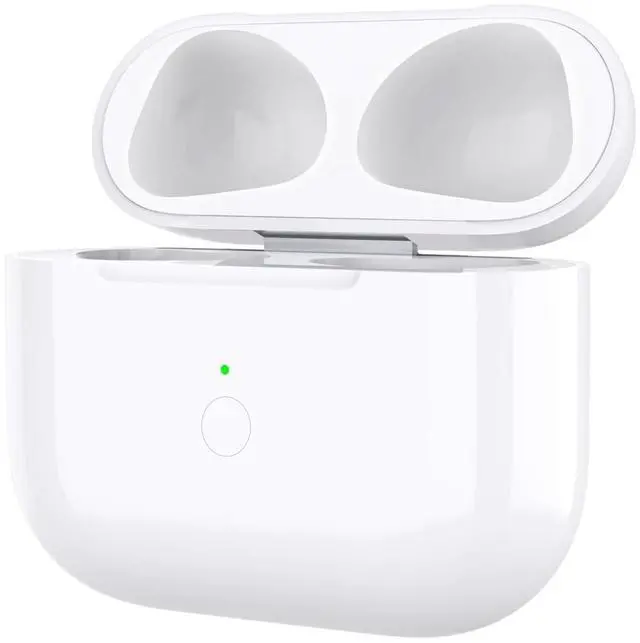
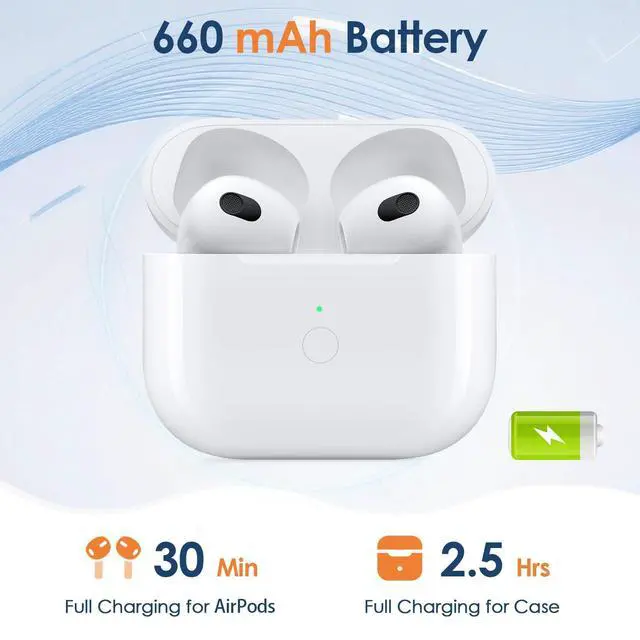
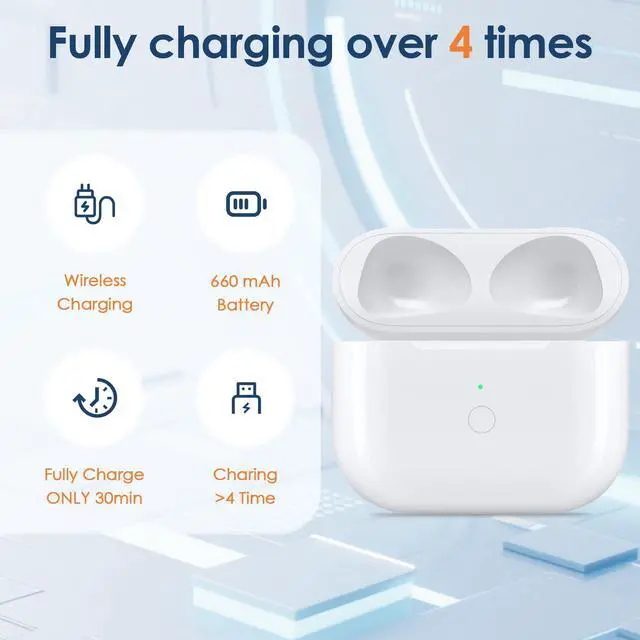
Wireless Charging Case for Air Pod 3rd Lightning Port, Bluetooth Pairing Sync Button, Built-in 660 mAh Battery, Replacement Case Only

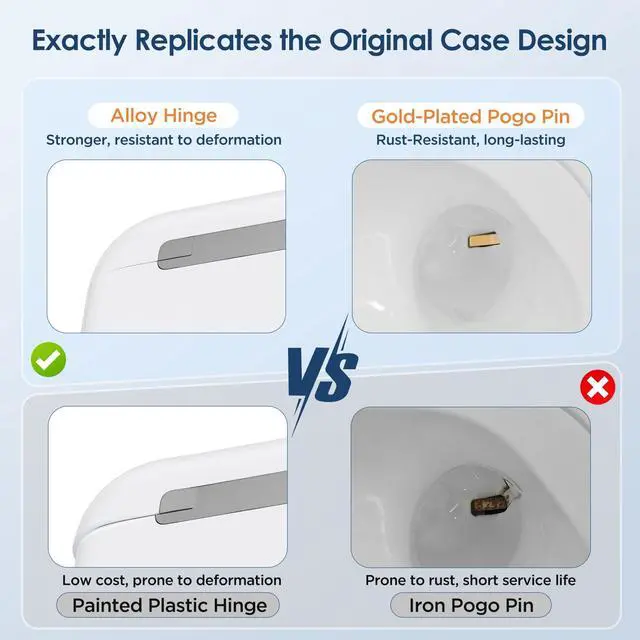
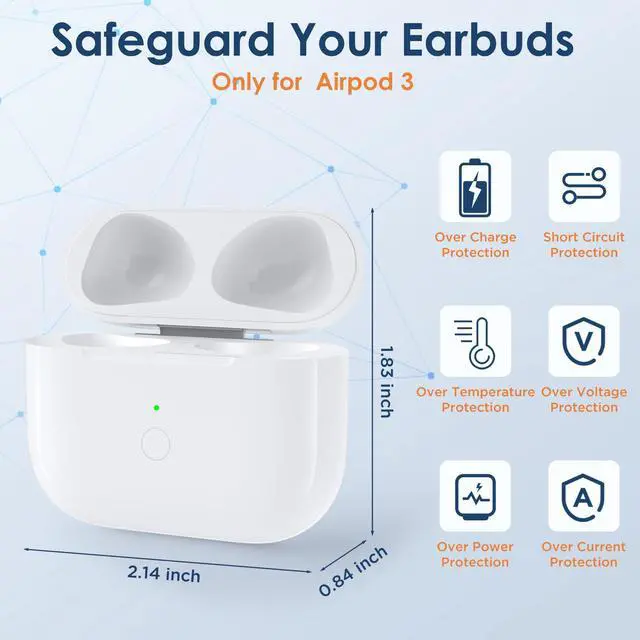
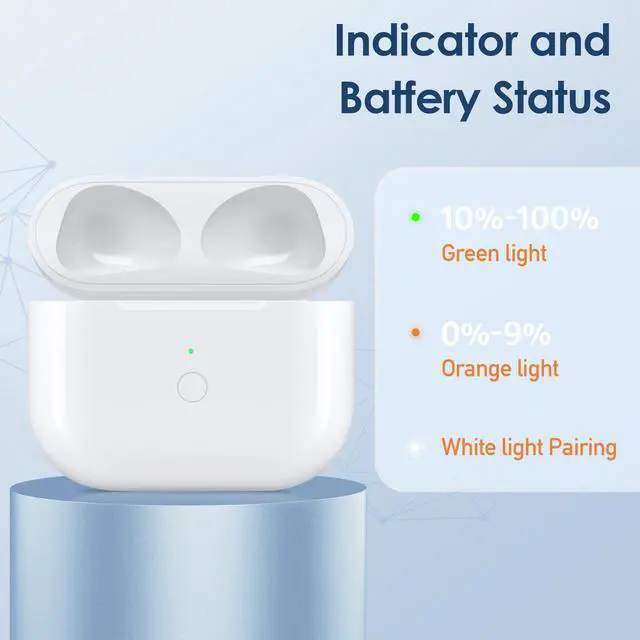
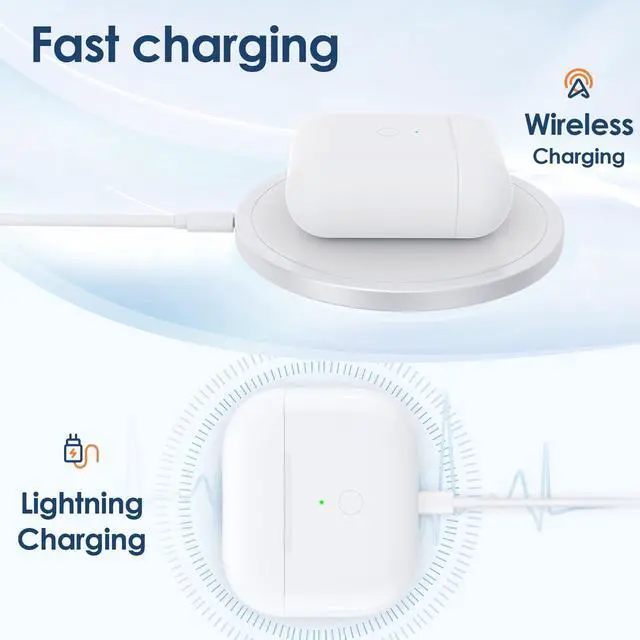
  • Perfect ReplacementThis charging case is only compatible with Airpod 3 Gen. Functionally it is the same as the original, charging your headphones perfectly. If you need a replacement case for your Airpod 3 earbuds, this will be a good choice. NOTE: NO FIND MY. NOT FOR PRO 3 CASE ONLY. Alloy Hinge & Gold-Plated Pogo Pin1:1 full restoration of the original charging case. Alloy hinge resists deformation. Gold-plated pogo pin resists rust and enables fast charging. Superior to plastic hinge and iron pogo pin found in cheap products. QI Wireless & Lightning ChargingSupports wireless charging and Lightning cable charging. Compatible with all Qi-standard wireless chargers. When the indicator lights red, it means it needs to be charged; when fully charged, it will turn green. Two charging methods make charging more convenient for you. Easy 4-Step ConnectionSimply turn on Bluetooth, open the lid, press and hold the pairing button, then tap Connect on your phone. The setup procedure is exactly the same as the original case

+
+
Overview
Specs
Reviews
avatar

Any questions? Our AI mode will help you find out quickly.

Perfect ReplacementThis charging case is only compatible with Airpod 3 Gen. Functionally it is the same as the original, charging your headphones perfectly. If you need a replacement case for your Airpod 3 earbuds, this will be a good choice.
NOTE: NO FIND MY. NOT FOR PRO 3 CASE ONLY. Alloy Hinge & Gold-Plated Pogo Pin 1:1 full restoration of the original charging case. Alloy hinge resists deformation. Gold-plated pogo pin resists rust and enables fast charging. Superior to plastic hinge and iron pogo pin found in cheap products. QI Wireless & Lightning ChargingSupports wireless charging and Lightning cable charging. Compatible with all Qi-standard wireless chargers. When the indicator lights red, it means it needs to be charged; when fully charged, it will turn green. Two charging methods make charging more convenient for you. Easy 4-Step ConnectionSimply turn on Bluetooth, open the lid, press and hold the pairing button, then tap Connect on your phone. The setup procedure is exactly the same as the original case

Warranty & Returns

Warranty, Returns, And Additional Information

Warranty

  • Please contact the Seller directly for warranty information. Warranty information may also be found on the Manufacturer's website.
  • CONTACT

Return Policies

Manufacturer Contact Info

LOADING...