Your Browsing History
Meet Your Seller
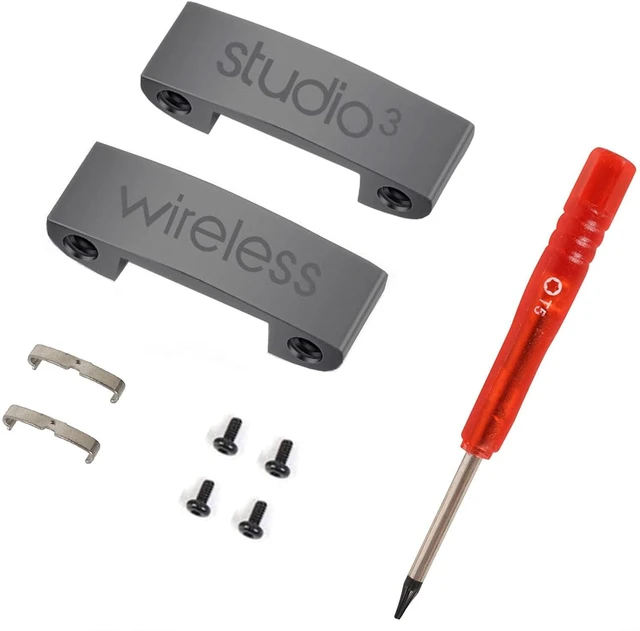
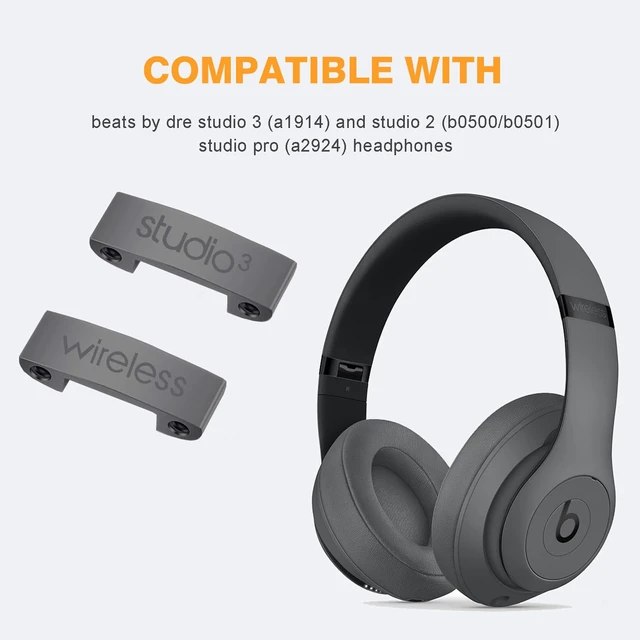
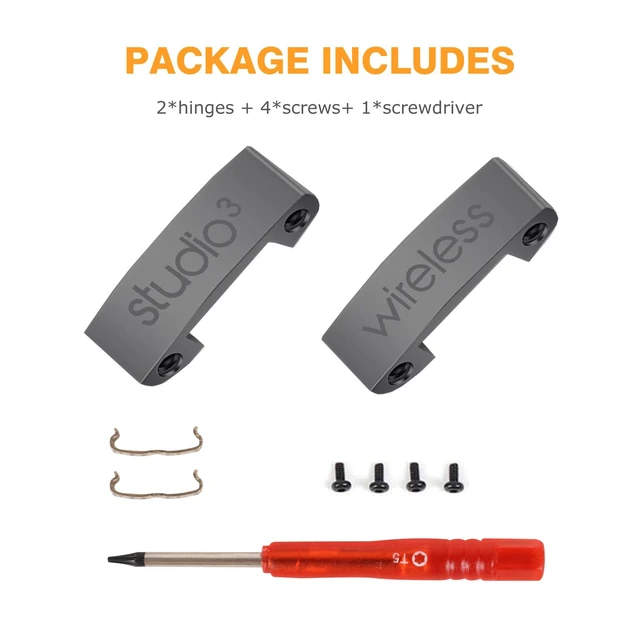
Studio 3 Hinge as Same as The OEM Replacement Parts Accessories Durable Repair Kit Compatible with Beats by Dre Studio3 (A1914), Studio 2 Wired/Wireless, Studio Pro (A2924) Headphones (Gray)
Limited time offer, ends 10/19 By EpicTransTrade
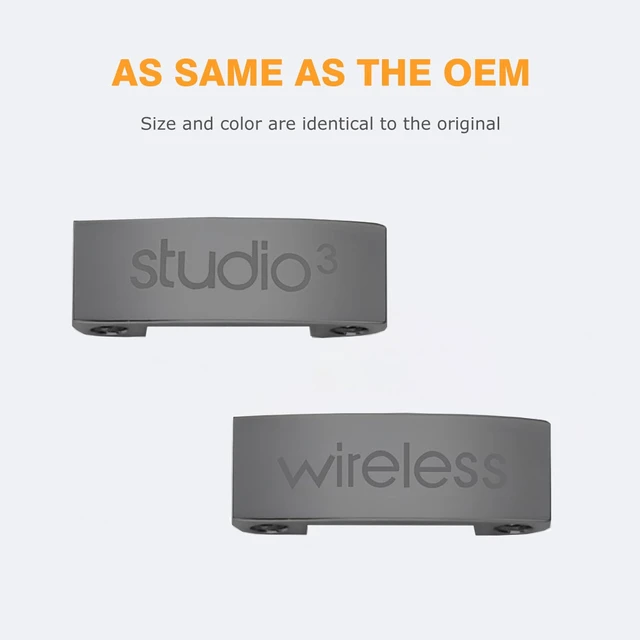
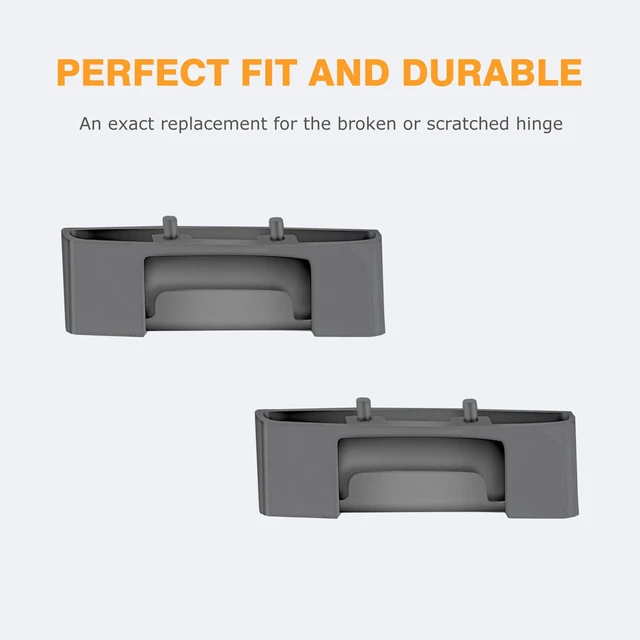
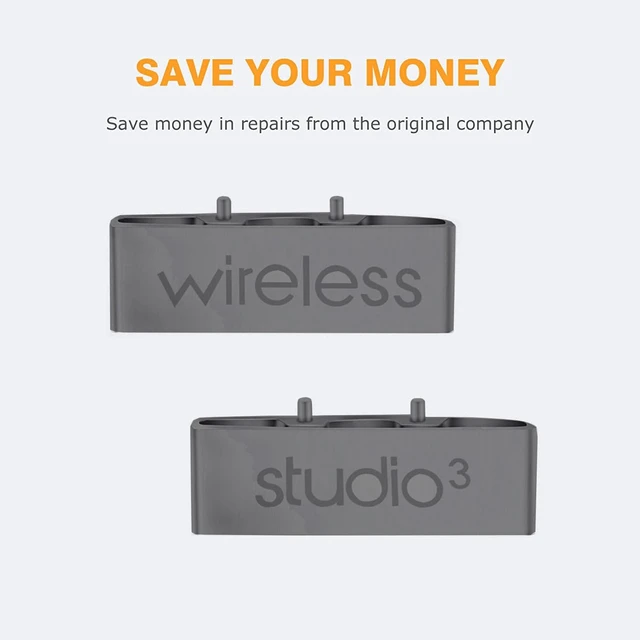
- As Same As The OEM - You do not need to be concerned about the size, color, and construction, because this part is just as same as the original one. Furthermore, it is also the same quality as the original. Save Your Money - Ordering this Studio 3 replacement hinge can save you 150 to 200 in repairs from the original headphone company or save you from buying new headphones. Perfect Fit and Durable - An exact match for your Studio 3 headphones, great value and durable replacements for the broken or scratched Studio 3 hinge. Compatibility - These Studio 3 replacement parts are ONLY compatible with Beats by Dre Studio3 Wireless (Model A1914) and Studio 2 Wired/Wireless (B0500/B0501), Studio Pro (A2924) Noise Cancelling Headphones. 2 Installation Options - 1. Cut the backside bar of the old hinge to remove it and cut the backside bar of the new hinge to install it (10 minutes). 2. Remove the earpad, speaker housing, and panel, thus removing the old hinge. When you have installed the new hinge, put the panel, speaker, and earpad back (40-50 minutes)

+
+
Overview
Specs
Reviews
Any questions? Our AI mode will help you find out quickly.
Try me now
As Same As The OEM - You do not need to be concerned about the size, color, and construction, because this part is just as same as the original one. Furthermore, it is also the same quality as the original. Save Your Money - Ordering this Studio 3 replacement hinge can save you 150 to 200 in repairs from the original headphone company or save you from buying new headphones. Perfect Fit and Durable - An exact match for your Studio 3 headphones, great value and durable replacements for the broken or scratched Studio 3 hinge.
Compatibility - These Studio 3 replacement parts are ONLY compatible with Beats by Dre Studio3 Wireless (Model A1914) and Studio 2 Wired/Wireless (B0500/B0501), Studio Pro (A2924) Noise Cancelling Headphones. 2 Installation Options - 1. Cut the backside bar of the old hinge to remove it and cut the backside bar of the new hinge to install it (10 minutes). 2. Remove the earpad, speaker housing, and panel, thus removing the old hinge. When you have installed the new hinge, put the panel, speaker, and earpad back (40-50 minutes)
Warranty & Returns
Warranty, Returns, And Additional Information
Warranty
- Please contact the Seller directly for warranty information. Warranty information may also be found on the Manufacturer's website.
- CONTACT
Return Policies
- Return for refund within: 30 days
- Return for replacement within: 30 days
- This item is covered by EpicTransTrade Return Policy
Manufacturer Contact Info
- For a directory of all our manufacturers, please click below.
- Manufacturers Directory
LOADING...