Your Browsing History
Meet Your Seller
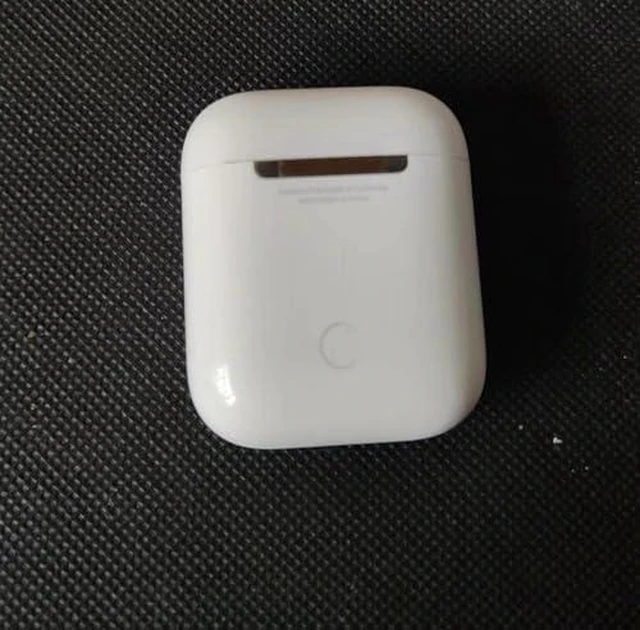
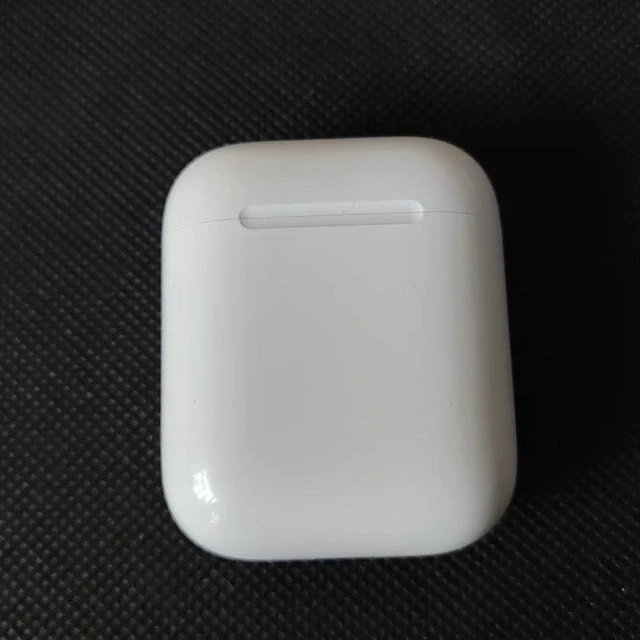
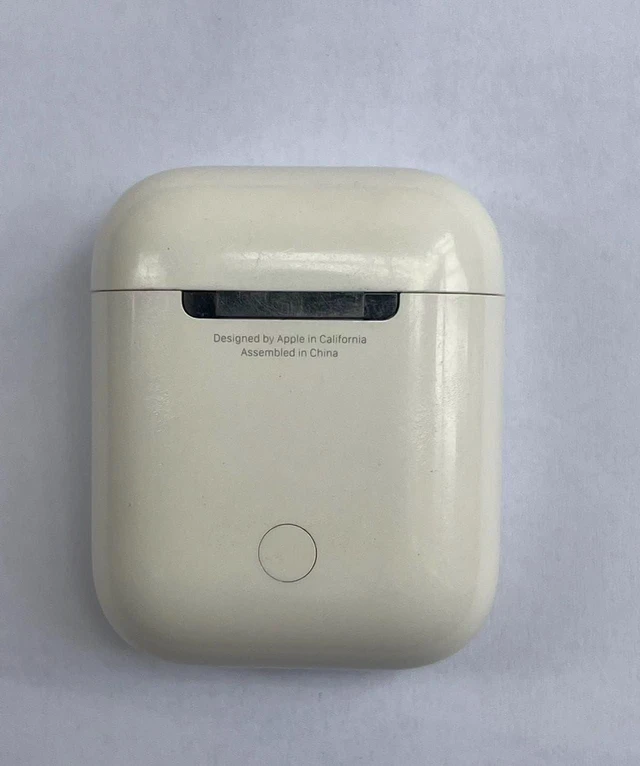
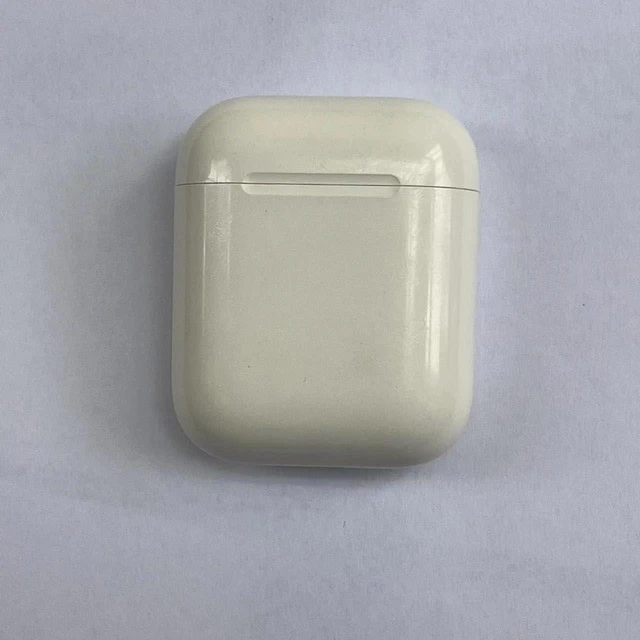
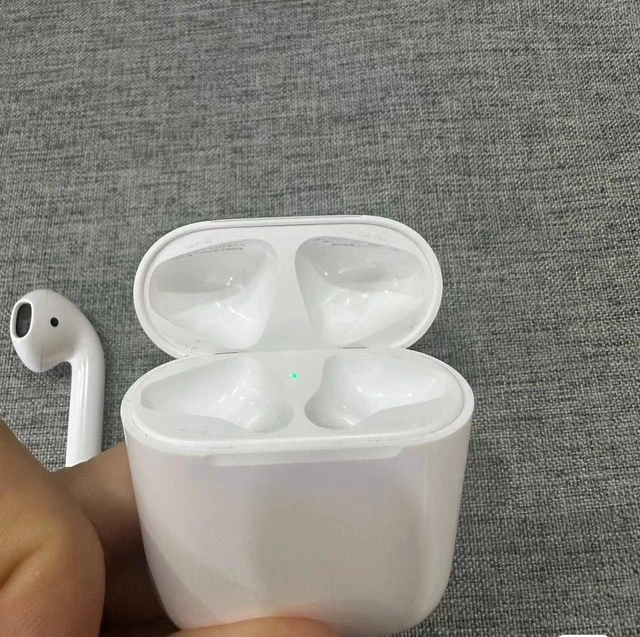
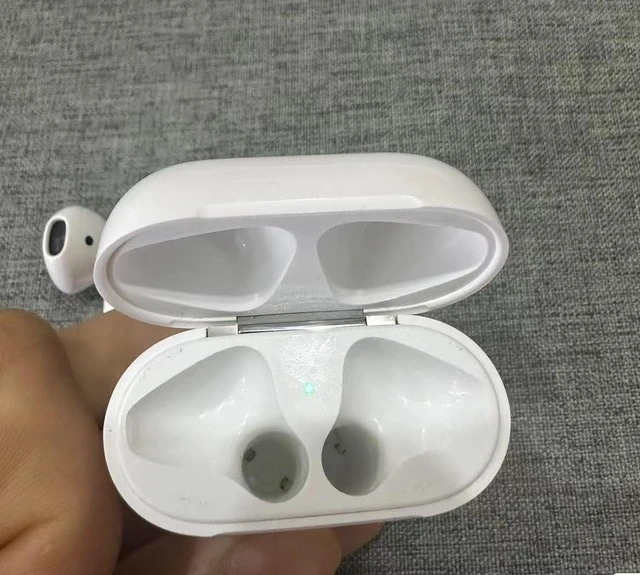
OEM A1602 Charging Case Replacement for Earbuds (1st Generation) & 2nd Gen, Original Single Cover Only for AirPods, Compatible with A1523, A1722, A2031, A2032 Earbuds, A1938
Limited time offer, ends 10/19 By EpicTransTrade
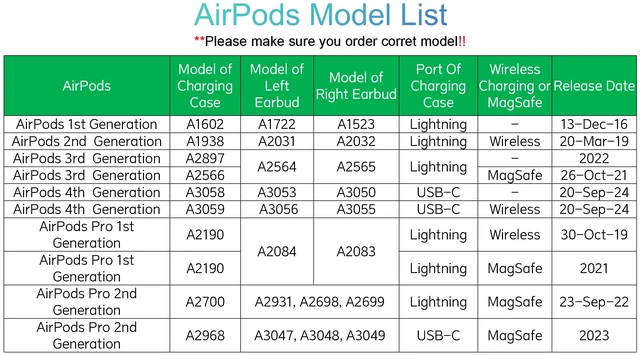
- It is compatible with Earbuds (1st & 2nd Generation), A2032, A2031 earbuds, and A1938 or A1602 charging case. It only contains the charging case. **Warm Tips: It is incompatible with Earbuds (3rd Generation), (4th Generation) charging case: A2897, A2566, A3058 or A3059, or earbuds A1722/A1523, A2564/A2565, A3053/A3050, A3056/A3055. If you charge the charging case in advance, you can use it to charge the earbuds when you go out without a power supply. Please note that these earbuds (model numbers A2032, A2031) are only compatible with the Earbuds (2nd Generation) charging case (model number A1938). Pairing Instructions: 1. Forget your Earbuds from the Bluetooth list; 2. Plug the charging case with a power source; 3. Put in the new earbud and wait for 30-60 minutes; 4. Open the lid of the charging case; 5. Press and hold the setup button on the back of the case for about 15 seconds, until the status light on the front of the case flashes amber, then white; 6. Connect the earbuds to your phone. **If it does not work, please check if the models of the left and right earbuds match

+
+
Overview
Specs
Reviews
Any questions? Our AI mode will help you find out quickly.
Try me now
It is compatible with Earbuds (1st & 2nd Generation), A2032, A2031 earbuds, and A1938 or A1602 charging case. It only contains the charging case.
**Warm Tips: It is incompatible with Earbuds (3rd Generation), (4th
Generation) charging case: A2897, A2566, A3058 or A3059, or earbuds A1722/A1523, A2564/A2565, A3053/A3050, A3056/A3055. If you charge the charging case in advance, you can use it to charge the earbuds when you go out without a power supply. Please note that these earbuds (model numbers A2032, A2031) are only compatible with the Earbuds (2nd Generation) charging case (model number A1938).
Pairing Instructions: 1. Forget your Earbuds from the Bluetooth list; 2. Plug the charging case with a power source; 3. Put in the new earbud and wait for 30-60 minutes; 4. Open the lid of the charging case; 5. Press and hold the setup button on the back of the case for about 15 seconds, until the status light on the front of the case flashes amber, then white; 6. Connect the earbuds to your phone. **If it does not work, please check if the models of the left and right earbuds match
**Warm Tips: It is incompatible with Earbuds (3rd Generation), (4th
Generation) charging case: A2897, A2566, A3058 or A3059, or earbuds A1722/A1523, A2564/A2565, A3053/A3050, A3056/A3055. If you charge the charging case in advance, you can use it to charge the earbuds when you go out without a power supply. Please note that these earbuds (model numbers A2032, A2031) are only compatible with the Earbuds (2nd Generation) charging case (model number A1938).
Pairing Instructions: 1. Forget your Earbuds from the Bluetooth list; 2. Plug the charging case with a power source; 3. Put in the new earbud and wait for 30-60 minutes; 4. Open the lid of the charging case; 5. Press and hold the setup button on the back of the case for about 15 seconds, until the status light on the front of the case flashes amber, then white; 6. Connect the earbuds to your phone. **If it does not work, please check if the models of the left and right earbuds match
Warranty & Returns
Warranty, Returns, And Additional Information
Warranty
- Please contact the Seller directly for warranty information. Warranty information may also be found on the Manufacturer's website.
- CONTACT
Return Policies
- Return for refund within: 30 days
- Return for replacement within: 30 days
- This item is covered by EpicTransTrade Return Policy
Manufacturer Contact Info
- For a directory of all our manufacturers, please click below.
- Manufacturers Directory
LOADING...