Your Browsing History
- Free 30-day Returns
$100.49
Meet Your Seller
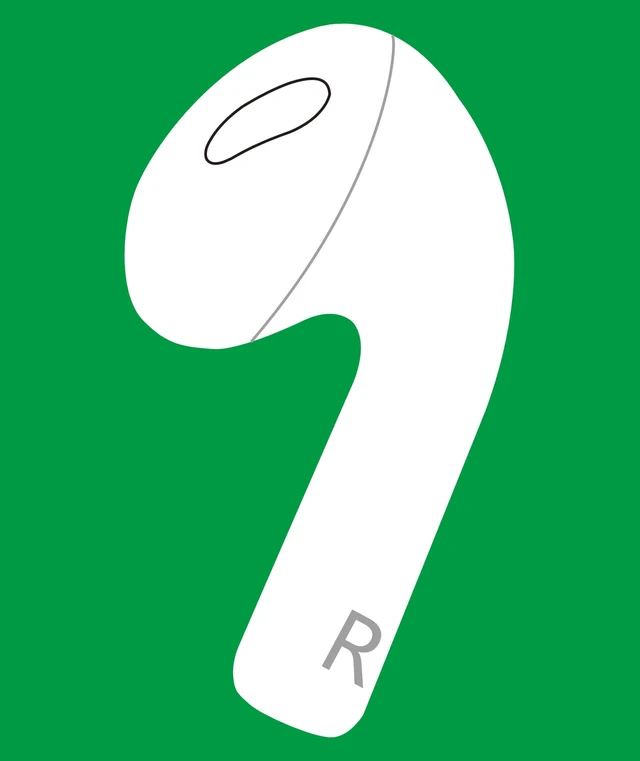
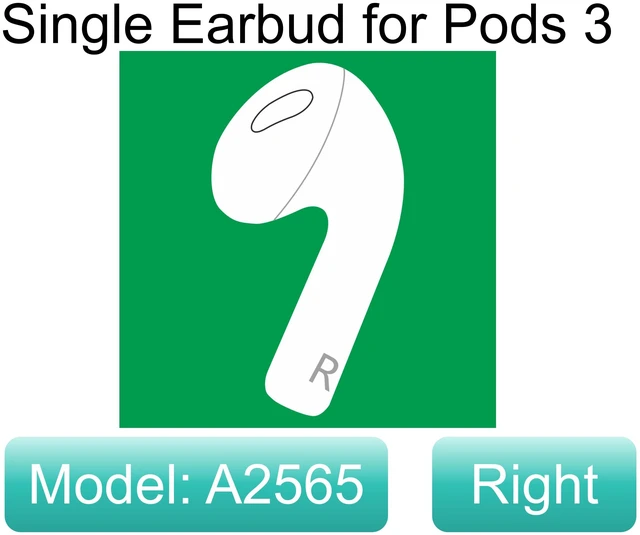
A2565 OEM Right Earbuds Replacement for AirPod 3rd Gen, Single Right Ear Side Only, Compatible with Original One AirPods 3 Generation A2897 A2566 Charging Case Earpad (Right A2565)
Limited time offer, ends 11/23 By DrakeMount FortunaTech Parts
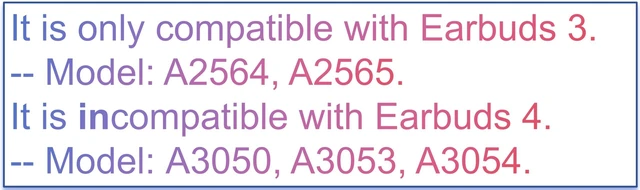
- It is compatible with Earbuds 3 (3rd Generation), A2564 earbuds, and the A2897 or A2566 charging case. Only the right earbud is included. This earbud is incompatible with the Earbuds (4th Generation) charging case, including A3058 and A3059, and with earbuds A3053, A3050, A3056, and A3055. If you charge the charging case in advance, you can use it to charge the earbuds when you are away from a power supply. Please note that this earbud, model A2565, is only compatible with the Earbuds 3 (3rd Generation) charging case, model A2897 or A2566. Instructions for pairing: 1. Forget your earbuds from the Bluetooth list. 2. Charge your earbuds for 30 minutes or more. 3. Ensure your iPhone or iPad is close to the earbuds while charging, side by side. 4. Reset and reconnect the earbuds. If pairing does not work, charge the earbuds more times, such as overnight. Pairing may take longer than expected
+
+
Overview
Specs
Reviews
Any questions? Ask CelesteSM will help you find out quickly.
Try me now
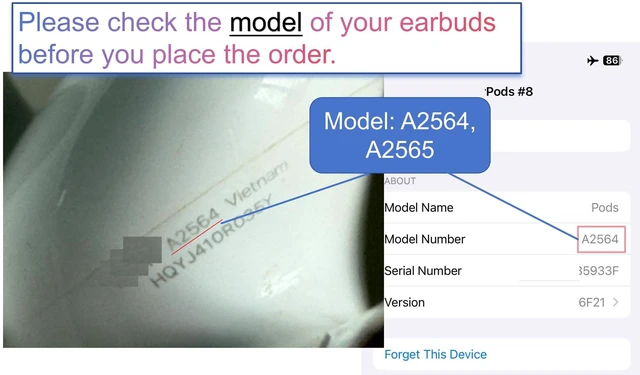
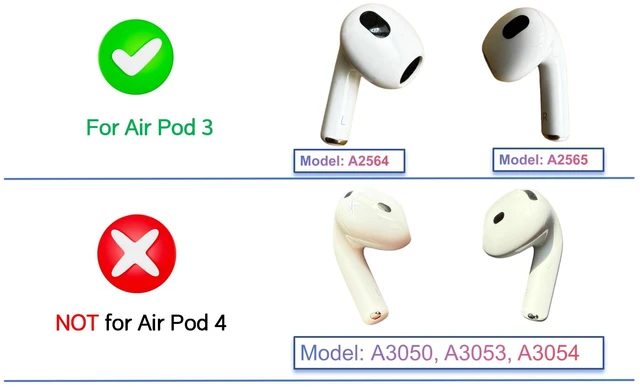
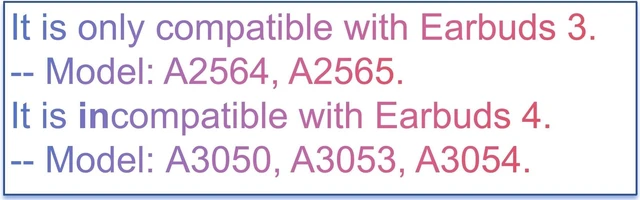
It is compatible with Earbuds 3 (3rd Generation), A2564 earbuds, and the A2897 or A2566 charging case. Only the right earbud is included. This earbud is incompatible with the Earbuds (4th Generation) charging case, including A3058 and A3059, and with earbuds A3053, A3050, A3056, and A3055. If you charge the charging case in advance, you can use it to charge the earbuds when you are away from a power supply. Please note that this earbud, model A2565, is only compatible with the Earbuds 3 (3rd Generation) charging case, model A2897 or A2566.
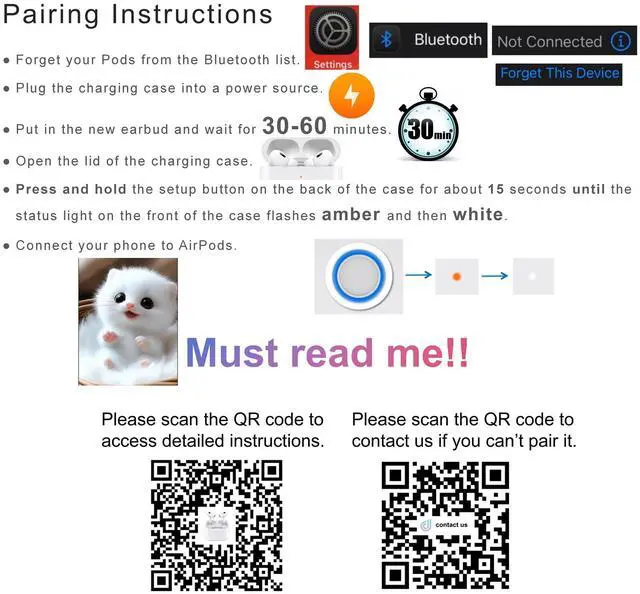
Instructions for pairing: 1. Forget your earbuds from the Bluetooth list. 2. Charge your earbuds for 30 minutes or more. 3. Ensure your iPhone or iPad is close to the earbuds while charging, side by side. 4. Reset and reconnect the earbuds. If pairing does not work, charge the earbuds more times, such as overnight. Pairing may take longer than expected
Warranty & Returns
Warranty, Returns, And Additional Information
Warranty
- Please contact the Seller directly for warranty information. Warranty information may also be found on the Manufacturer's website.
- CONTACT
Return Policies
- Return for refund within: 30 days
- Return for replacement within: 30 days
- This item is covered by DrakeMount FortunaTech Parts Return Policy
Manufacturer Contact Info
- For a directory of all our manufacturers, please click below.
- Manufacturers Directory
LOADING...