• $82.49
  • Free 30-day Returns
  • Price alert
    Shop it at NeweggBusiness.

    Meet Your Seller

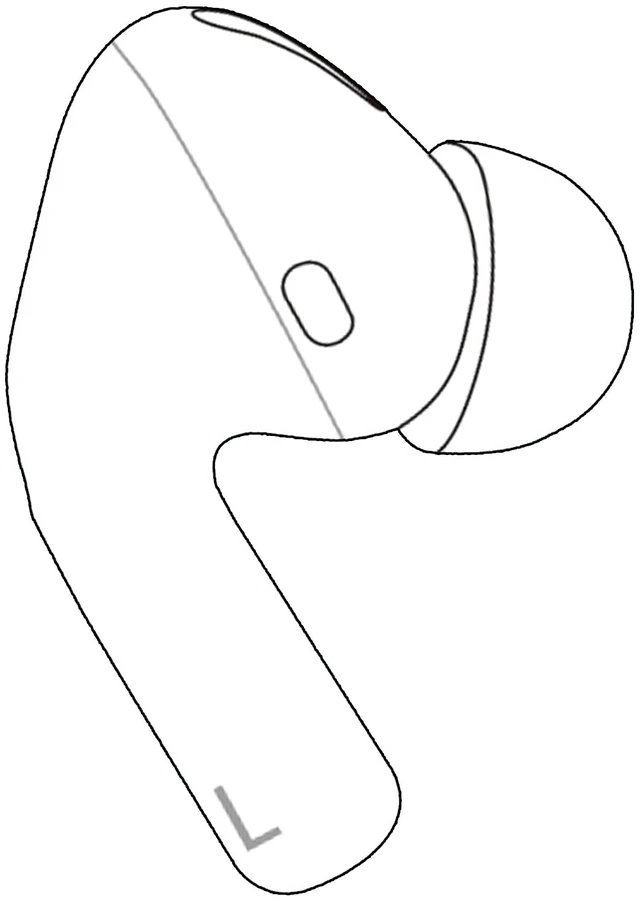
    Original Left Earbud Replacement Compatible for AirPods Pro 1st Gen A2084, Single Left Side Only, Works with A2190 Charging Case, ANC & Transparency, Not for Pro 2/USB-C (A2698 A2699 A3047 A3048)

    Limited time offer, ends 11/23 By Muxiju Store

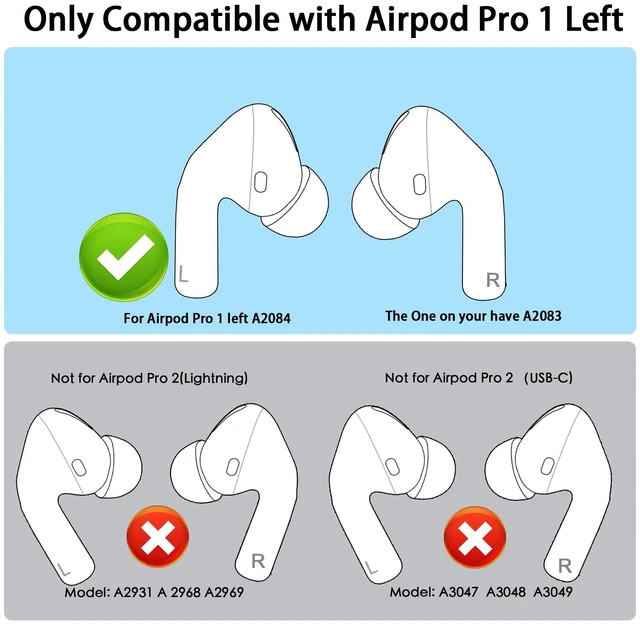
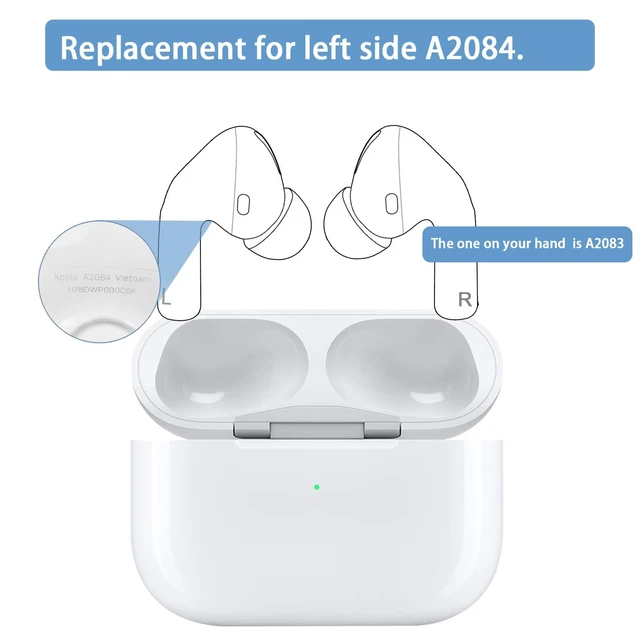
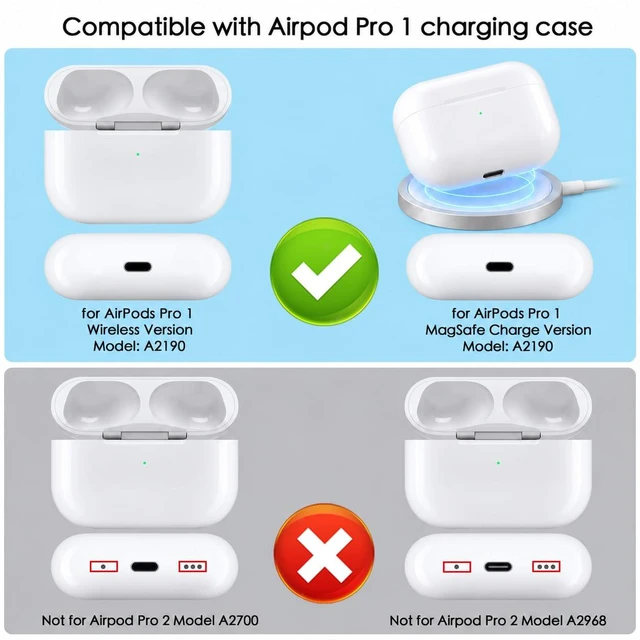
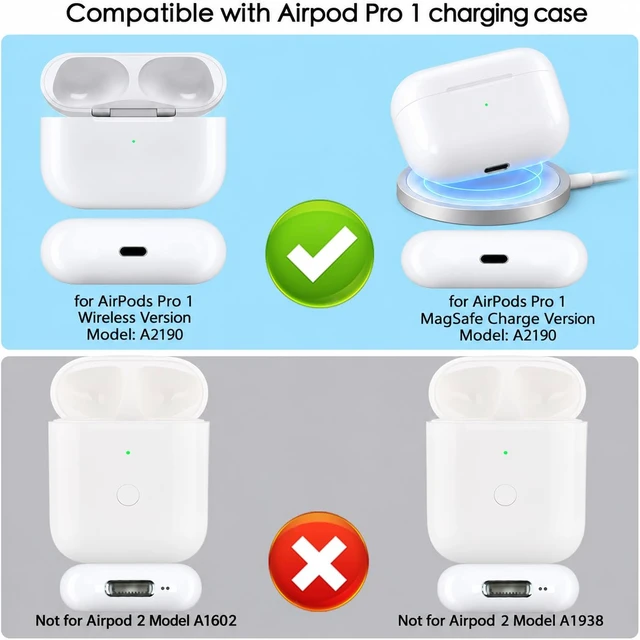
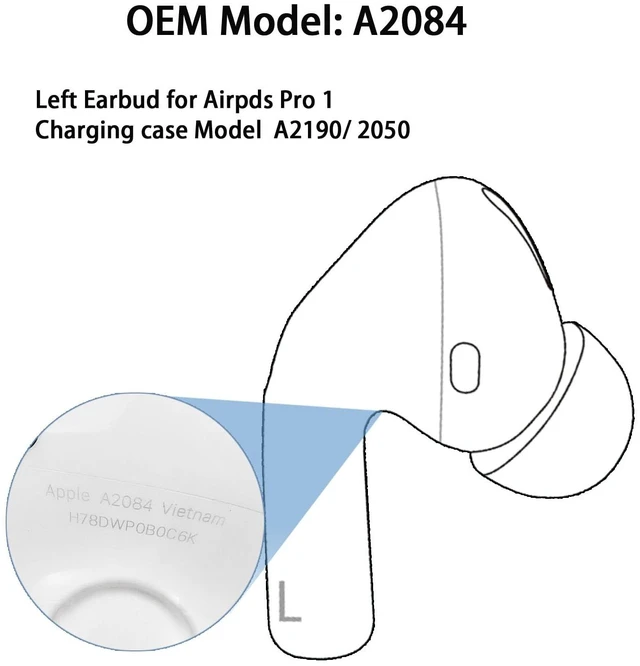
    • 1ST GENERATION ONLY CHECK YOUR MODEL FIRST: One left earbud, model A2084, for AirPods Pro (1st Generation, 2019) with the A2190 charging case (Lightning or MagSafe). Your remaining right earbud should be A2083. Find the model number printed on the earbud or under iPhone Settings > your AirPods > About. The right earbud and case are not included. NOT COMPATIBLE WITH: AirPods Pro 2 (A2698, A2699, A2931 / case A2700), AirPods Pro 2 USB-C (A3047, A3048, A3049 / case A2968), AirPods Pro 3, or standard AirPods 1/2/3/4. Earbuds from different generations will show a mismatch and cannot pair together. FULL PRO 1 FEATURES: Once paired with your A2083 right earbud and A2190 case, this earbud supports Active Noise Cancellation, Transparency mode, force-sensor press controls, automatic ear detection, and normal charging in the case. EASY PAIRING IN 4 STEPS: 1. Put both earbuds in the A2190 case and charge for 30-60 minutes with the lid open. 2. On iPhone, tap Forget This Device for your old AirPods. 3. With the lid open, press and hold the setup button on the back of the case for about 15 seconds, until the light flashes amber and then white. 4. Hold the case next to your iPhone and tap Connect. If a firmware mismatch appears, keep both earbuds charging near the iPhone for a few hours to sync
    +
    +
    Overview
    Specs
    Reviews

    Any questions? Ask CelesteSM will help you find out quickly.

    1ST GENERATION ONLY CHECK YOUR MODEL FIRST: One left earbud, model A2084, for AirPods Pro (1st Generation, 2019) with the A2190 charging case (Lightning or MagSafe). Your remaining right earbud should be A2083. Find the model number printed on the earbud or under iPhone Settings > your AirPods > About. The right earbud and case are not included.
    NOT COMPATIBLE WITH: AirPods Pro 2 (A2698, A2699, A2931 / case A2700), AirPods Pro 2 USB-C (A3047, A3048, A3049 / case A2968), AirPods Pro 3, or standard AirPods 1/2/3/4. Earbuds from different generations will show a mismatch and cannot pair together.
    FULL PRO 1 FEATURES: Once paired with your A2083 right earbud and A2190 case, this earbud supports Active Noise Cancellation, Transparency mode, force-sensor press controls, automatic ear detection, and normal charging in the case. EASY PAIRING IN 4
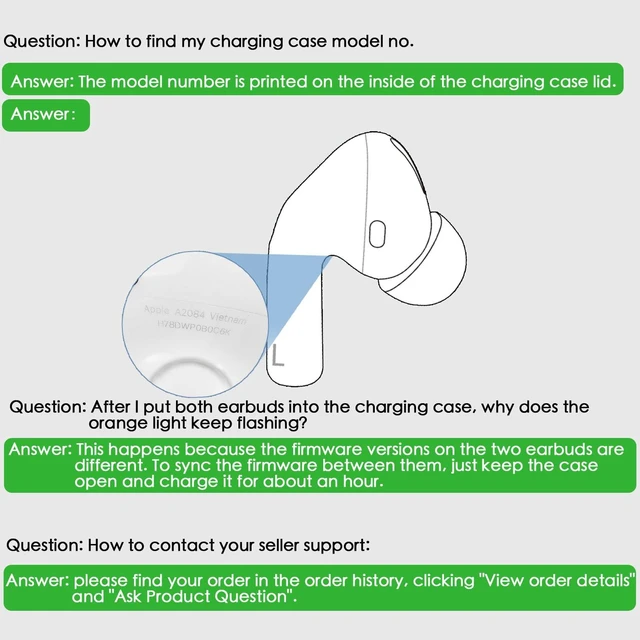
    STEPS: 1. Put both earbuds in the A2190 case and charge for 30-60 minutes with the lid open. 2. On iPhone, tap Forget This Device for your old AirPods. 3. With the lid open, press and hold the setup button on the back of the case for about 15 seconds, until the light flashes amber and then white. 4. Hold the case next to your iPhone and tap Connect. If a firmware mismatch appears, keep both earbuds charging near the iPhone for a few hours to sync

    Warranty & Returns

    Warranty, Returns, And Additional Information

    Warranty

    • Please contact the Seller directly for warranty information. Warranty information may also be found on the Manufacturer's website.
    • CONTACT

    Return Policies

    Manufacturer Contact Info

    LOADING...