• $26.99
  • Free 30-day Returns
  • Ships from Singapore.
    Sold by Direct from manufacturerAxis

    Shipped by Direct from manufacturerAxis

    Price alert
    Shop it at NeweggBusiness.

    Meet Your Seller

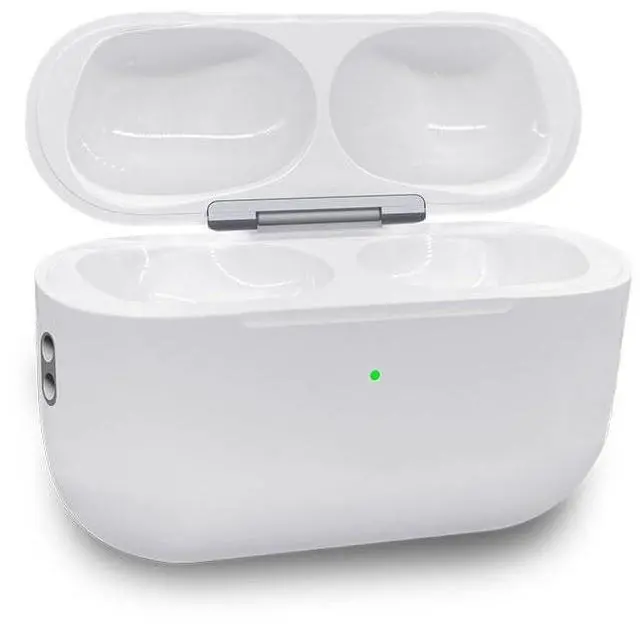
    BRILLESS Wireless Charging Case Replacement Compatible with AirPods Pro 3 (2025 Model) - USB-C & Qi Wireless Charging, Earphones Not Included

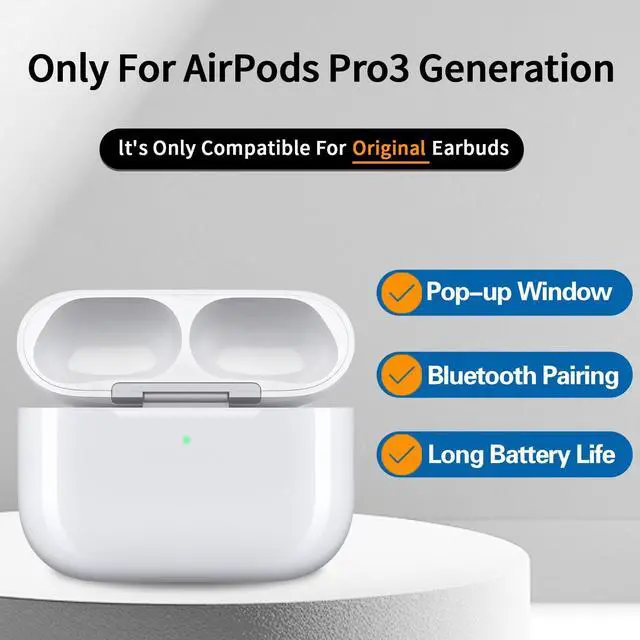
    • Perfect Fit for AirPods Pro 3 (2025): Designed exclusively as a replacement charging case for the Air Pods Pro 3 (2025 release). Please Note: Not compatible with Pro 1st/2nd gen, 1st-4th gen, or any other model. Earbuds are not included.
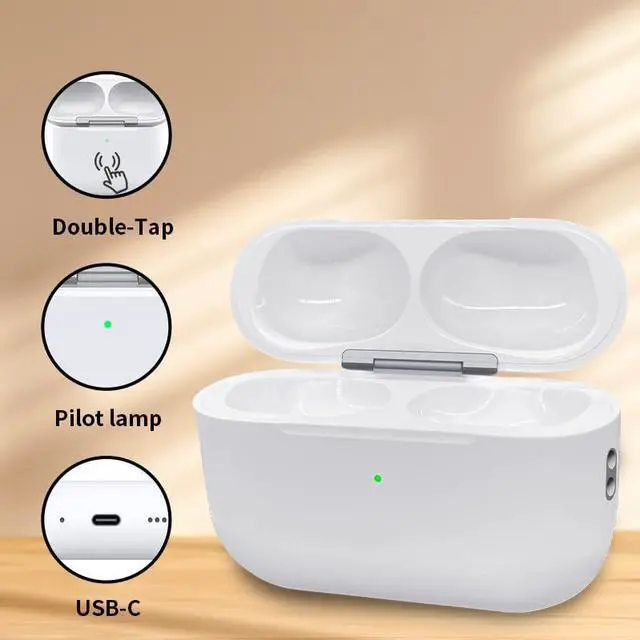
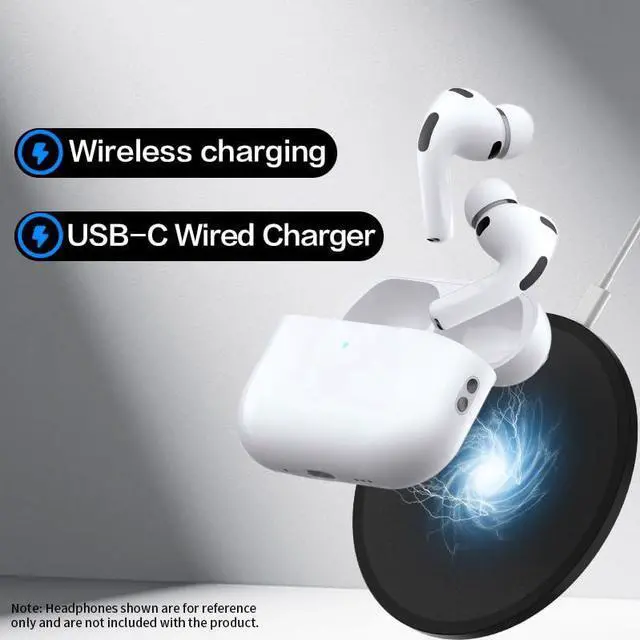
    • Dual Charging Convenience: Enjoy the flexibility of both USB-C wired charging and Qi-certified wireless charging. Quickly power up your case and earbuds for hours of listening.
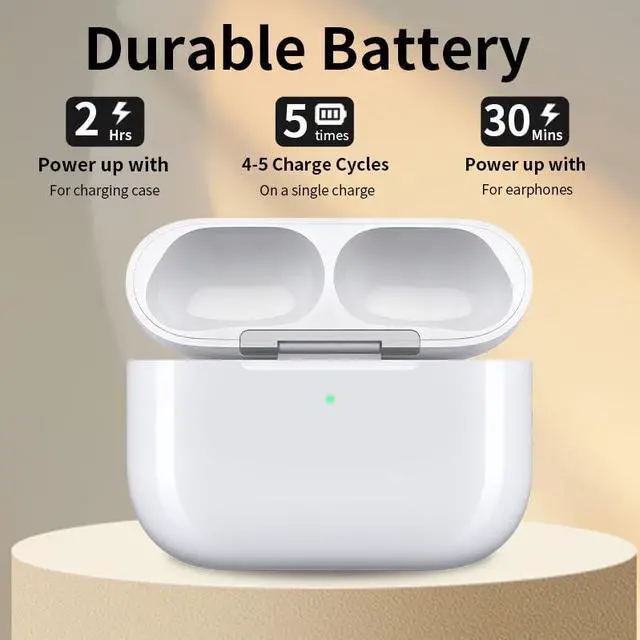
    • Extended Battery Life: The built-in 450mAh battery provides reliable power, capable of fully charging your Pro 3 earbuds multiple times on a single case charge to support your daily use.
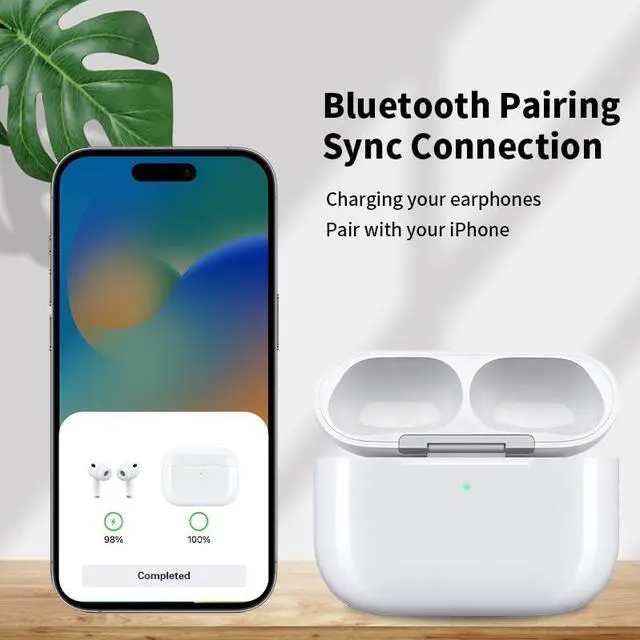
    • Simple Pairing & Portable Design: Features a streamlined pairing button for easy Bluetooth connection with your smartphone. Its lightweight and protective design makes it ideal for travel and everyday carry.
    • Reliable Replacement: If you've lost or damaged your original case, this is a trustworthy alternative. We provide clear setup guidance and dedicated customer support to ensure a smooth experience.
    +
    +
    Overview
    Specs
    Reviews
    avatar

    Any questions? Our AI beta will help you find out quickly.

    Wireless Charging Case Replacement Compatible with Air-Pods Pro 3 (2025 Model) - USB-C & Qi Wireless Charging, Earphones Not Included
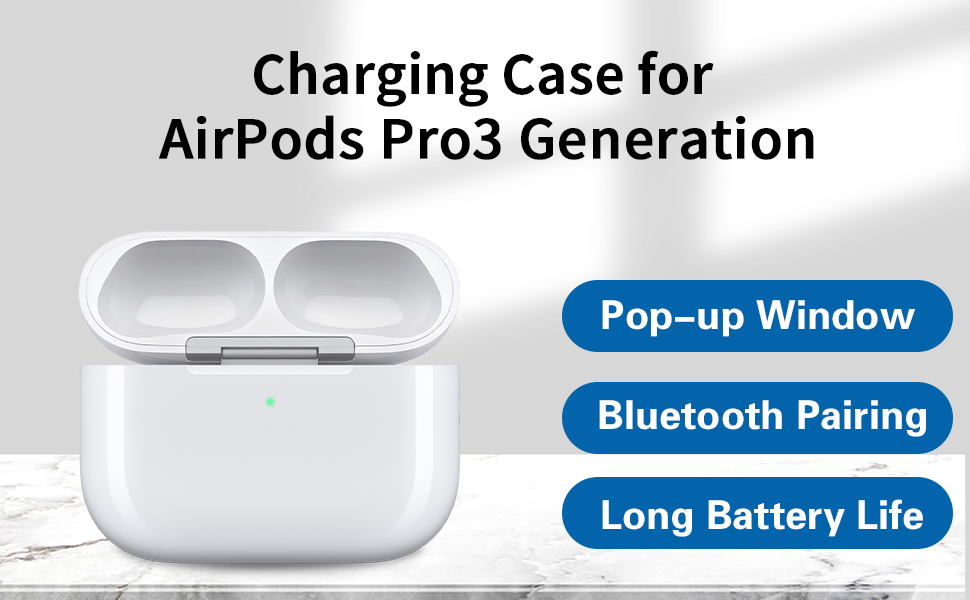
    Text reads 'Charging Case for AirPods Pro3 Generation', 'Pop-up Window', 'Bluetooth Pairing', 'Long Battery Life'. White charging case product illustration.

    Perfect Replacement

    This Air-Pods Pro 3 charging case features precision-cut interfaces for a perfect fit with the 3rd Gen earphones (Only for earphones of A3063 & A3064 & A3065 models) (Note: Earphones not included)
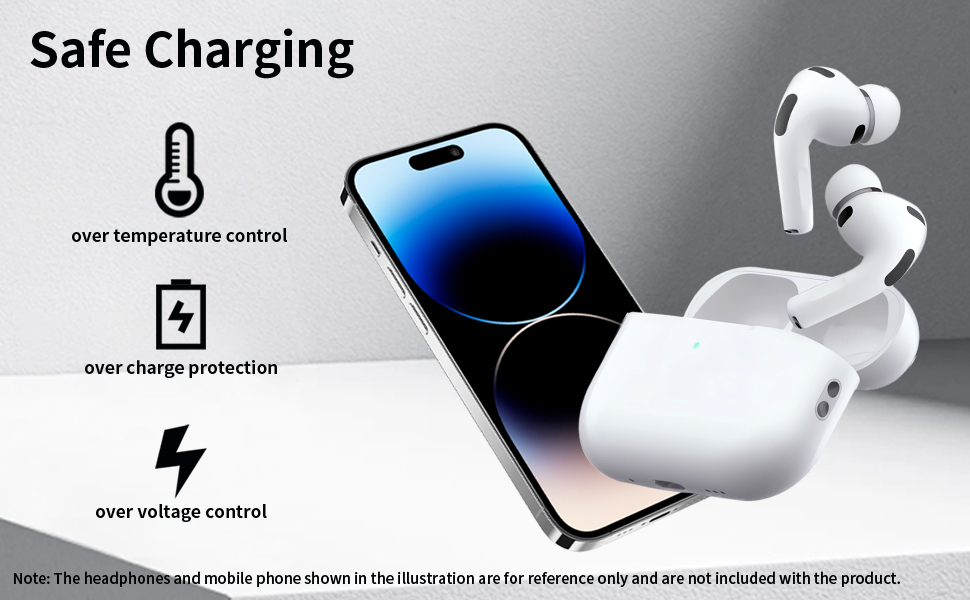
    Text reads 'Safe Charging'. Technical illustration series showing device charging safety features with lightning bolt and battery icons.

    Multiple Protection, Safe Charging

    • Overcharge Protection
    • Overtemperature Protection
    • Overvoltage Protection
    • Short Circuit Protection
    • Overcurrent Protection
    • Overpower Protection

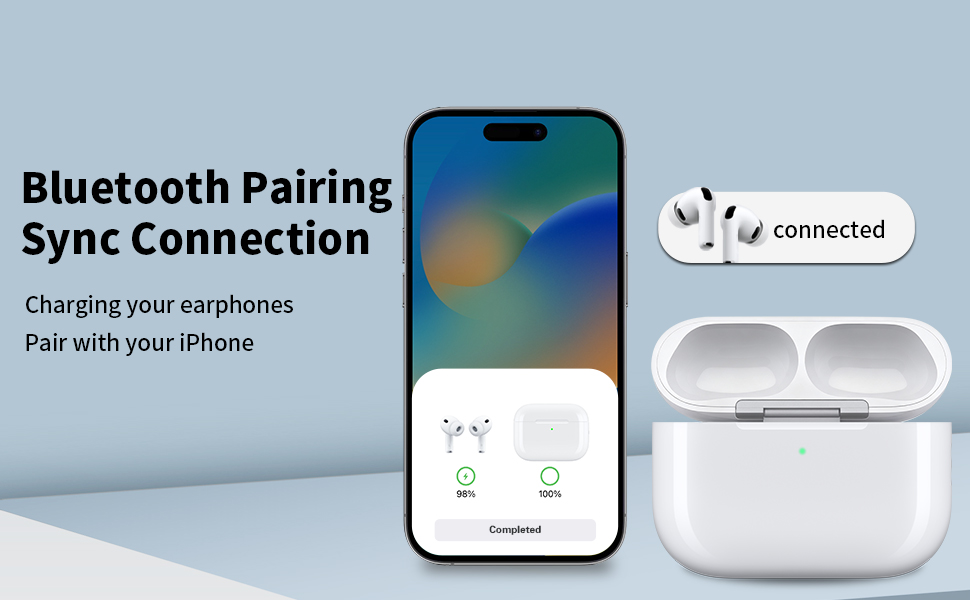
    Text reads 'Bluetooth Pairing Sync Connection' and 'Charging your earphone Pair with your iPhone'. Shows smartphone screen and white wireless earbuds case with connection status.

    Solution for Charging Issues with Earphones

    1. Clean the metal contact pointson both the earphones and charging case.

    2. Charge the case for15 minutes before inserting the earphones.
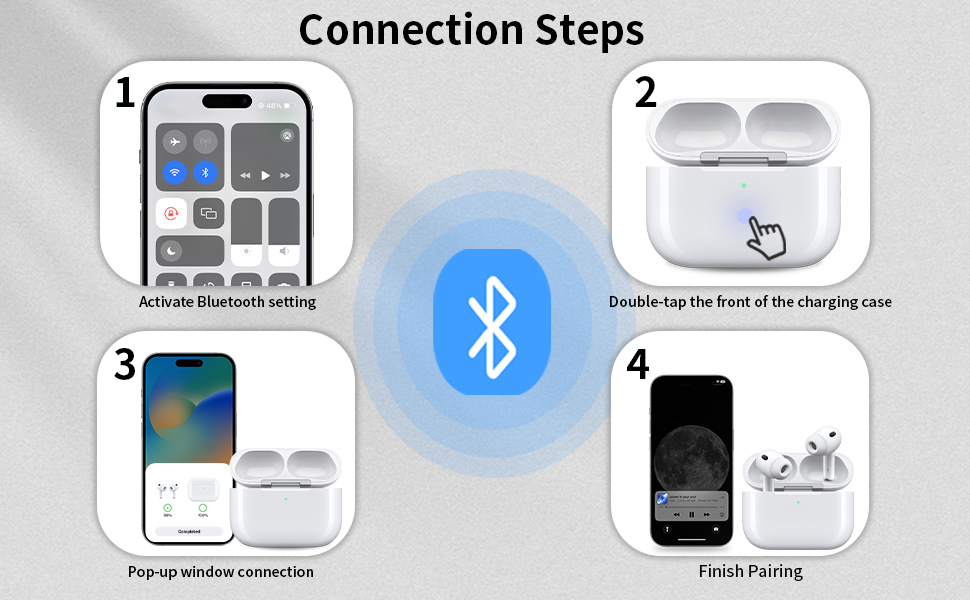
    Text reads 'Connection Steps'. Instructional diagram showing Bluetooth pairing steps with numbered icons and smartphone interface illustrations.

    Connection Steps

    Step 1:Activate Bluetooth setting on the phone in "Setting-Bluetooth-On"

    Step 2:Put the earbuds into charger case,then long press the sync button until the green flashing.

    Step 3:When pairing your phone, do not repeatedly open and close the lid.

    Step 4:When the pop-up window displays "Air-Pods Pro 3", click "Connect" and wait.
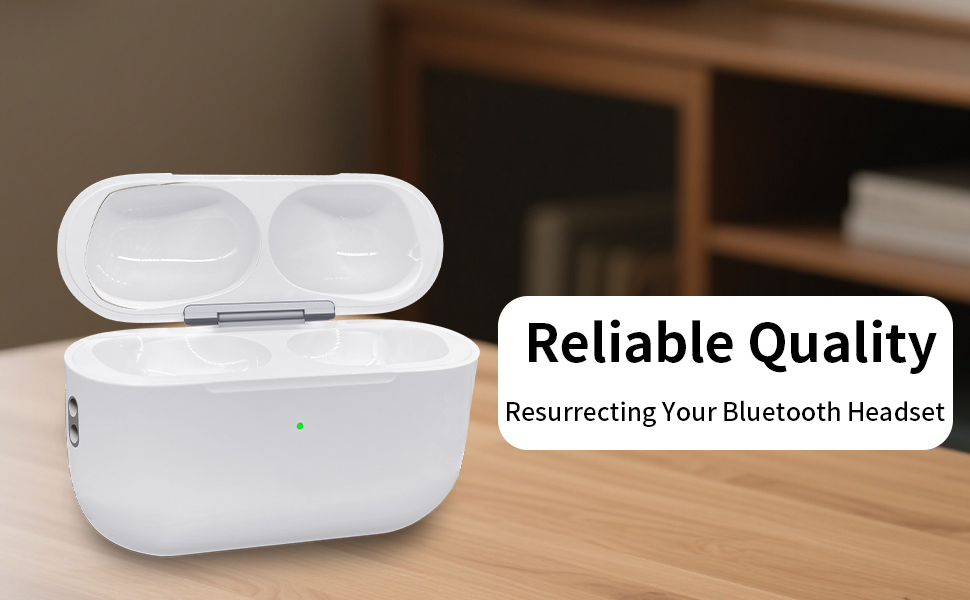
    Text reads 'Reliable Quality' and 'Resurrecting Your Bluetooth Headset'. White wireless earbuds charging case shown on wooden surface.

    Wireless Charging Case Replacement Compatible with Air-Pods Pro 3 (2025 Model) - USB-C & Qi Wireless Charging, Earphones Not Included

    Text reads 'Charging Case for AirPods Pro3 Generation', 'Pop-up Window', 'Bluetooth Pairing', 'Long Battery Life'. White charging case product illustration.

    Perfect Replacement

    This Air-Pods Pro 3 charging case features precision-cut interfaces for a perfect fit with the 3rd Gen earphones (Only for earphones of A3063 & A3064 & A3065 models) (Note: Earphones not included)

    Text reads 'Safe Charging'. Technical illustration series showing device charging safety features with lightning bolt and battery icons.

    Multiple Protection, Safe Charging

    • Overcharge Protection
    • Overtemperature Protection
    • Overvoltage Protection
    • Short Circuit Protection
    • Overcurrent Protection
    • Overpower Protection

    Text reads 'Bluetooth Pairing Sync Connection' and 'Charging your earphone Pair with your iPhone'. Shows smartphone screen and white wireless earbuds case with connection status.

    Solution for Charging Issues with Earphones

    1. Clean the metal contact pointson both the earphones and charging case.

    2. Charge the case for15 minutes before inserting the earphones.

    Text reads 'Connection Steps'. Instructional diagram showing Bluetooth pairing steps with numbered icons and smartphone interface illustrations.

    Connection Steps

    Step 1:Activate Bluetooth setting on the phone in "Setting-Bluetooth-On"

    Step 2:Put the earbuds into charger case,then long press the sync button until the green flashing.

    Step 3:When pairing your phone, do not repeatedly open and close the lid.

    Step 4:When the pop-up window displays "Air-Pods Pro 3", click "Connect" and wait.

    Text reads 'Reliable Quality' and 'Resurrecting Your Bluetooth Headset'. White wireless earbuds charging case shown on wooden surface.

    Dual Charging Convenience: Enjoy the flexibility of both USB-C wired charging and Qi-certified wireless charging. Quickly power up your case and earbuds for hours of listening.


    Product information

    Brand BRILLESS
    Compatible Devices Headphones
    Form Factor Case
    Shell Type Hard
    Material Plastic
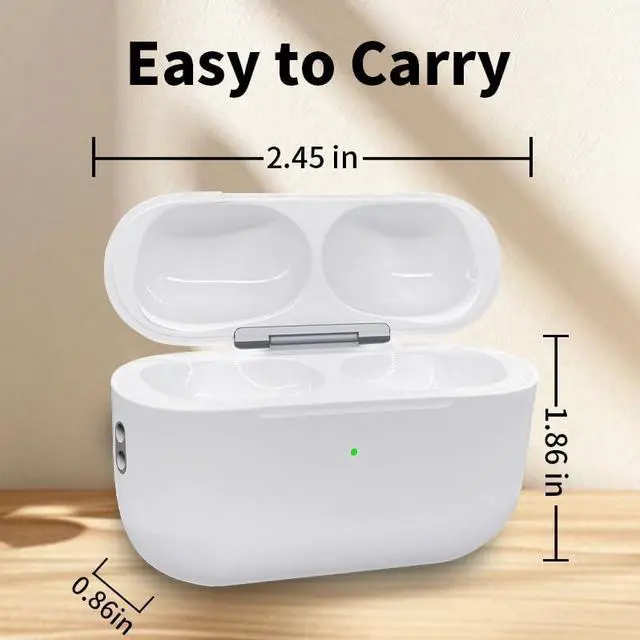
    Package Dimensions 2 x 1.7 x 0.85 inches
    Item Weight 2.88 ounces
    Batteries 1 Lithium Ion batteries required. (included)
    Special features Wireless Charging Compatible
    Whats in the box A charging case
    Manufacturer Shenzhen Hengxinlian E-Commerce Co., Ltd.
    Date First Available December 18, 2025

    Warranty & Returns

    Warranty, Returns, And Additional Information

    Warranty

    • Please contact the Seller directly for warranty information. Warranty information may also be found on the Manufacturer's website.
    • CONTACT

    Return Policies

    • Return for refund within: 30 days
    • Return for replacement within: non-replaceable
    • This item is covered by Axis Return Policy

    Manufacturer Contact Info

    LOADING...