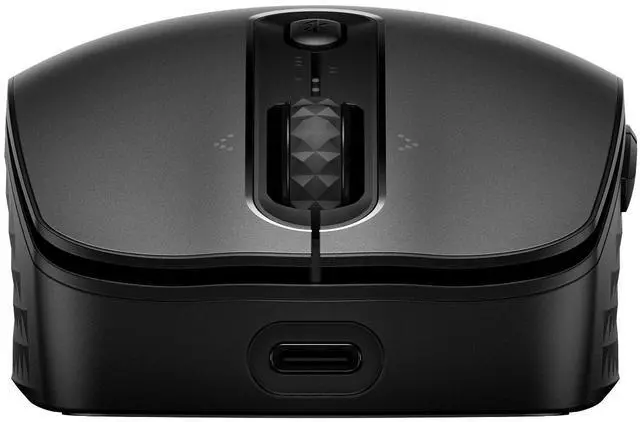
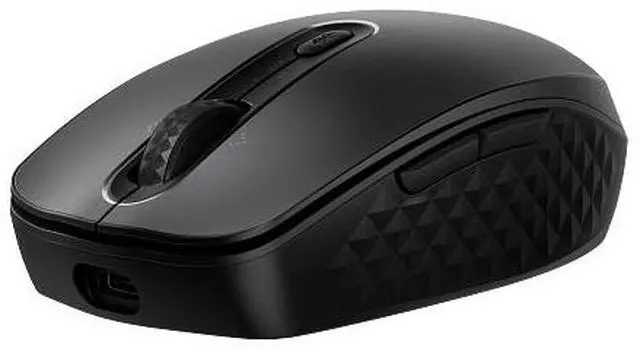
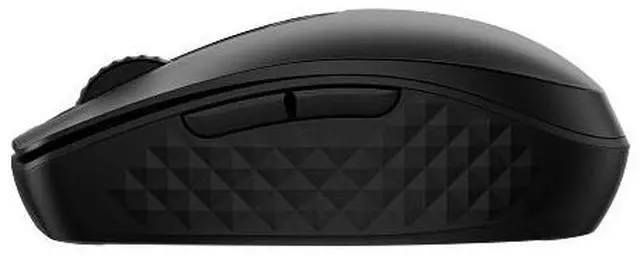
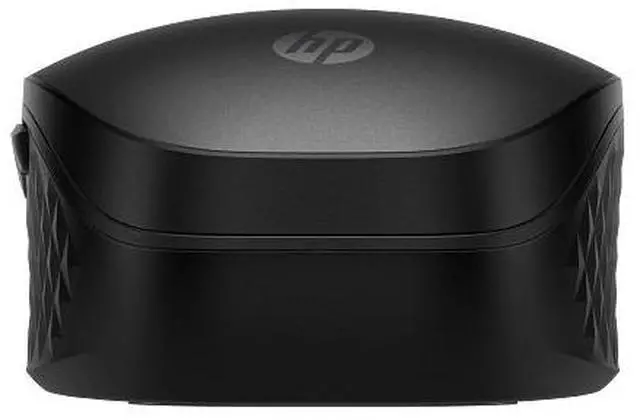
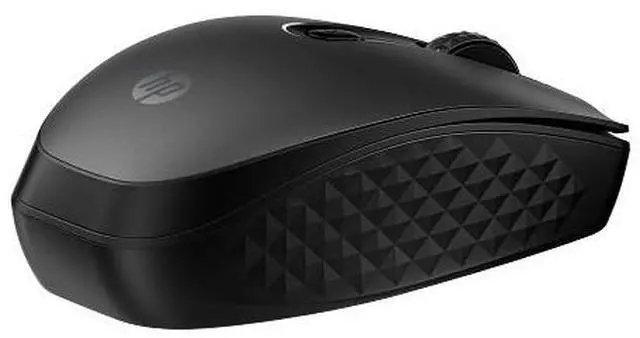
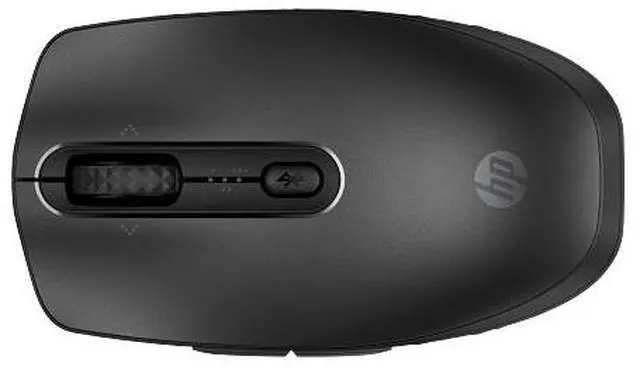
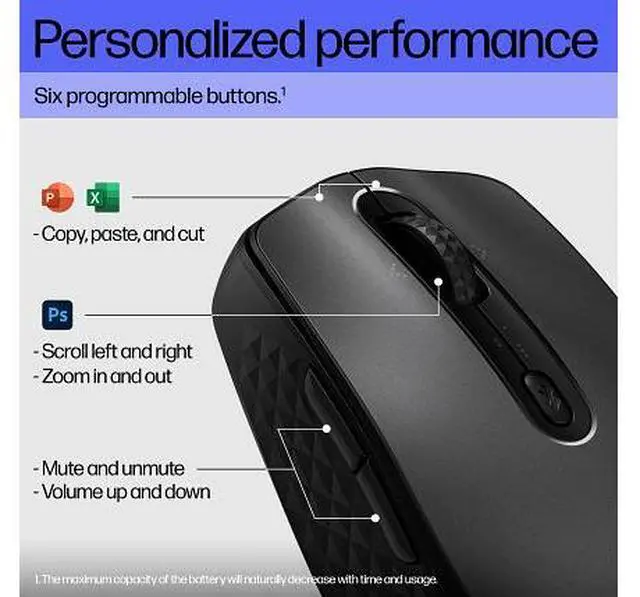
The HP 690 Rechargeable Wireless Mouse is a black wireless mouse for people who want a rechargeable everyday work mouse, with support for connecting to multiple devices and six programmable buttons.
Recommended For
- People who switch between a work laptop and other devices can pair the mouse with up to three Bluetooth devices and move between them without using a USB receiver.
- Mobile and hybrid workers who carry a mouse between home, office, and shared workspaces can use its compact design, rechargeable battery, and USB-C or Qi charging.
- Office users who frequently scroll wide spreadsheets or documents can use the tilt wheel for horizontal scrolling and program buttons for recurring tasks.
- People working in quiet shared spaces can choose it for its quiet-click positioning, while still using a wireless mouse for everyday computer tasks.
Real-World Use Scenarios
- At a desk shared between a work laptop and a personal computer, pair the mouse with multiple devices and switch between them instead of keeping a separate mouse for each.
- When working from a café, meeting room, or offsite, pair it to a Bluetooth laptop without using a USB receiver; its compact size makes it convenient to carry with the computer.
- In a quiet office, library, or meeting, use the quieter main clicks to navigate and take notes with less clicking noise than a typical mouse; the side buttons may still be audible.
- When navigating wide spreadsheets or large web pages, use the tilt scroll wheel to move sideways as well as up and down, reducing reliance on the horizontal scrollbar.
- For everyday work across documents and apps, customize the programmable buttons for frequently used actions so common tasks take fewer clicks; setup requires HP Accessory Center software.




 here!