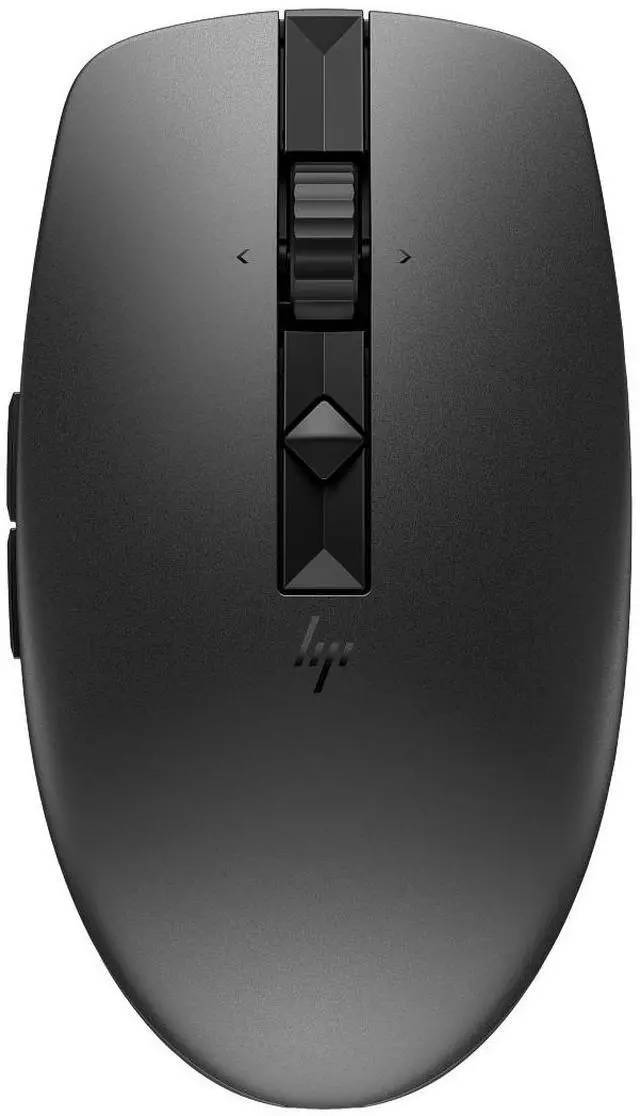
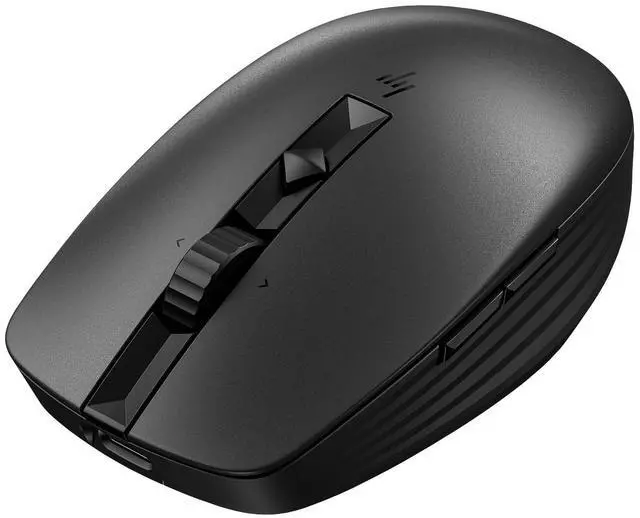
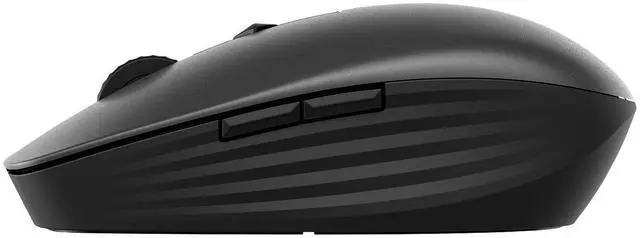
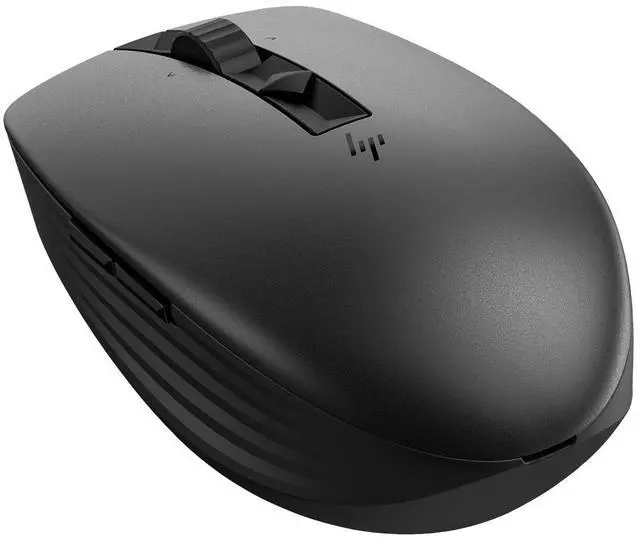
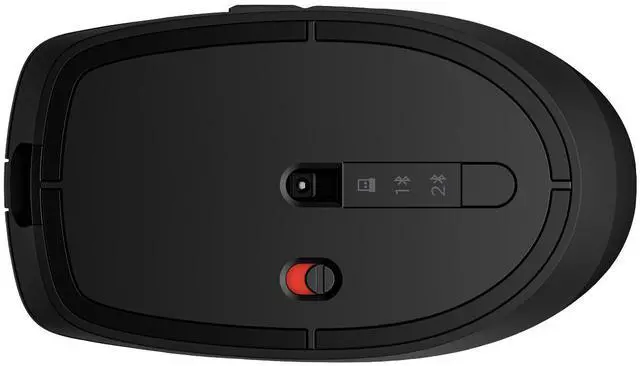
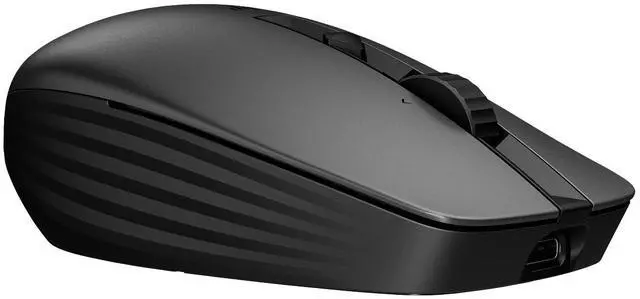
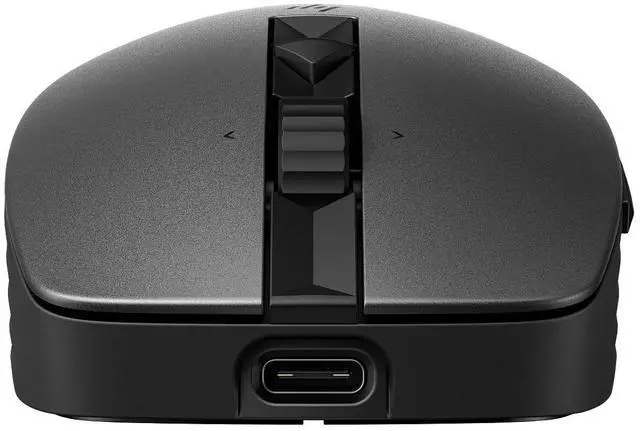
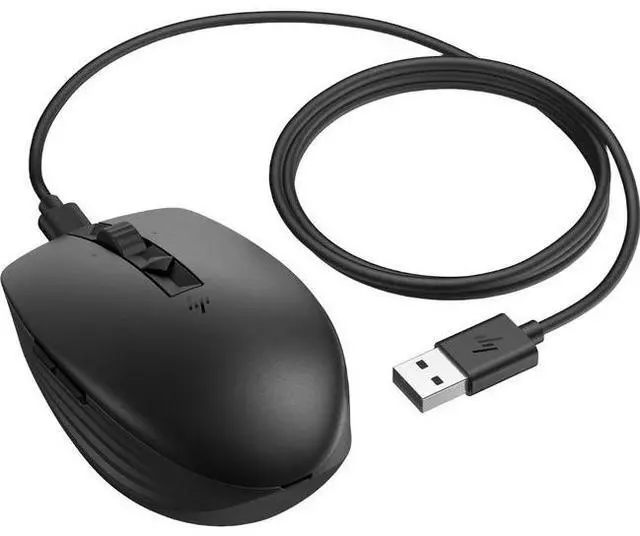
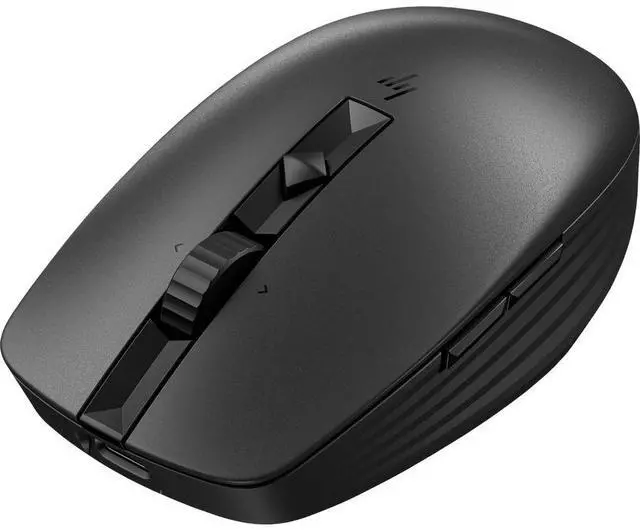
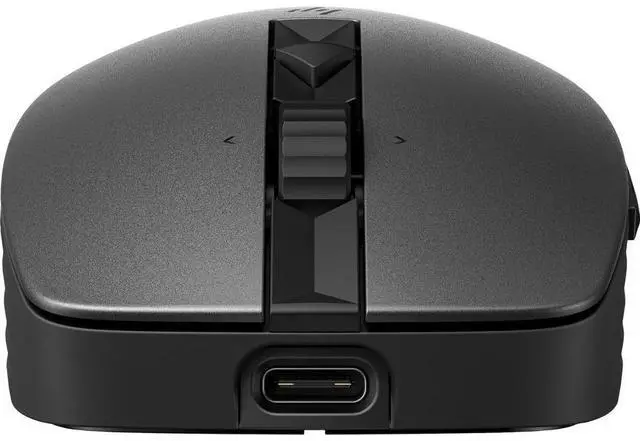
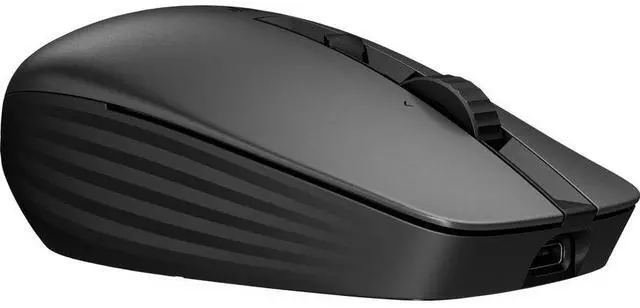
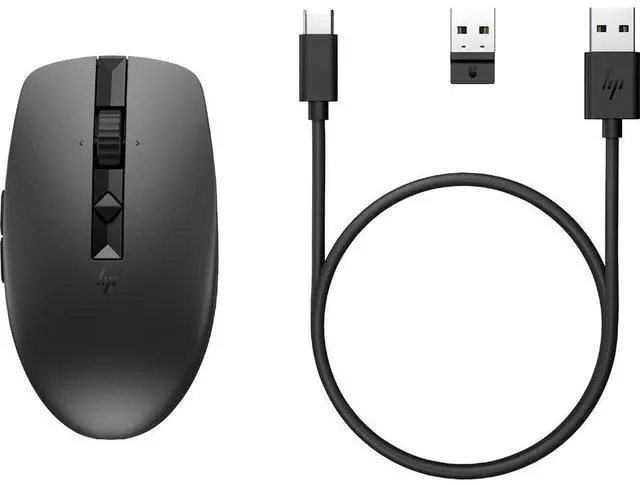
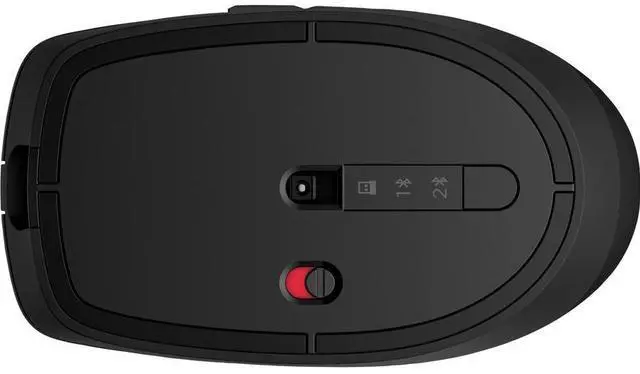
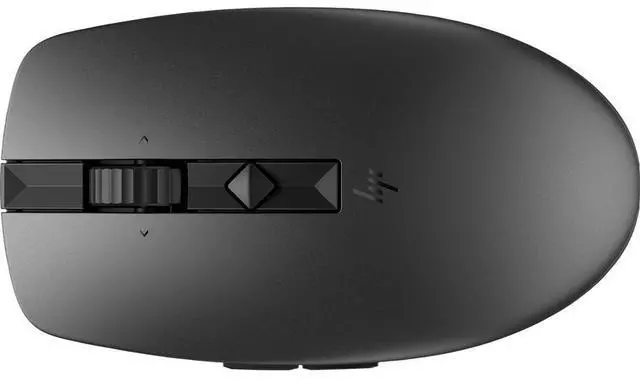
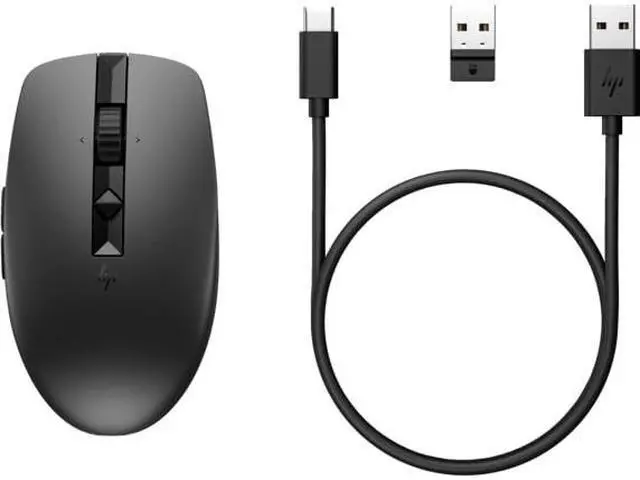
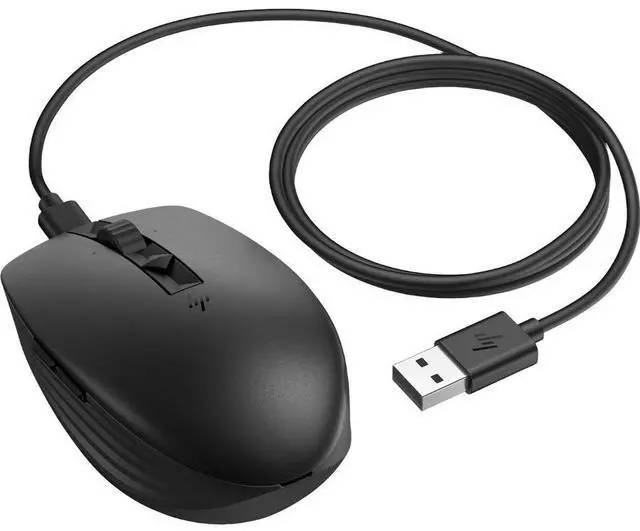
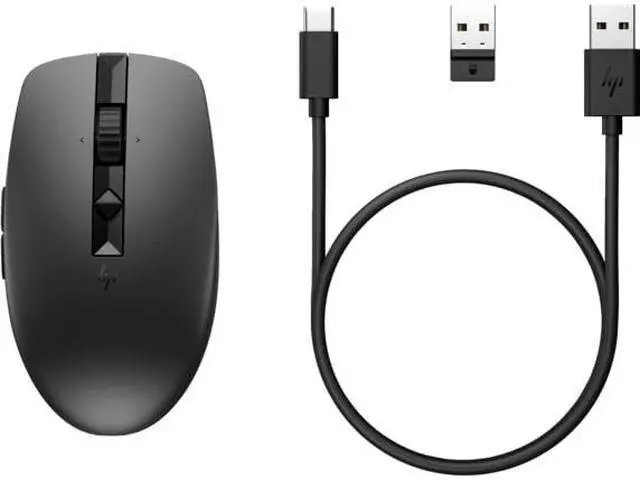
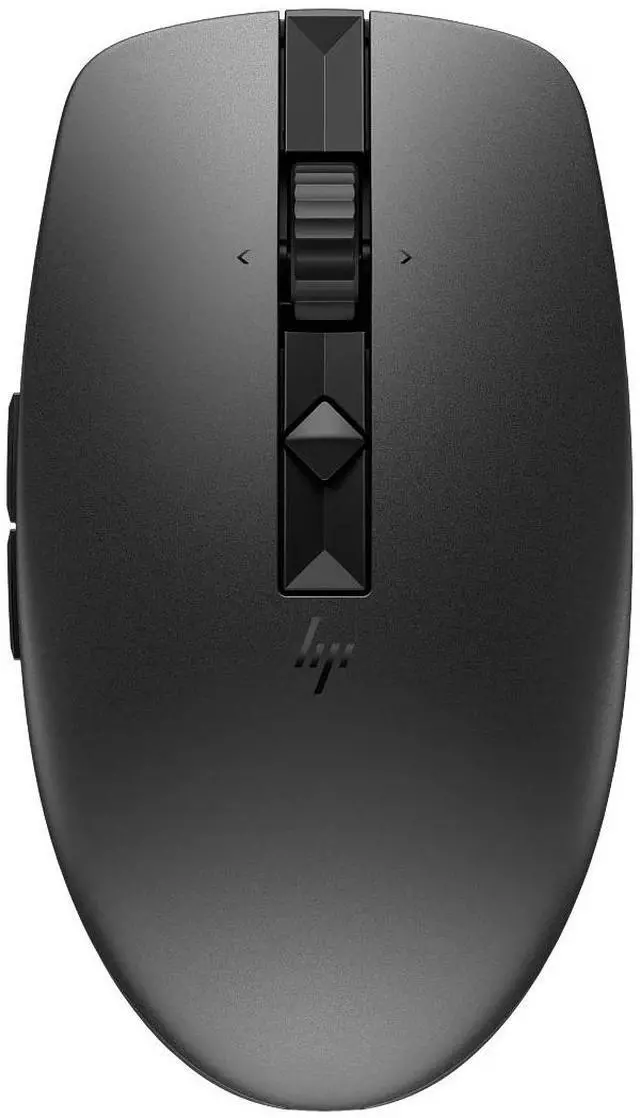
The HP 715 Rechargeable Multi-Device Mouse is a wireless, rechargeable mouse with Bluetooth 5.3 and 2.4 GHz connectivity, suited to people who use multiple compatible devices and want a flexible setup.
Recommended For
- People who regularly switch between a work computer and personal laptop or tablet: it can save up to three devices and switch between Bluetooth and a USB receiver.
- Mobile workers who want a compact mouse for a laptop bag and prefer recharging over replacing batteries; HP lists up to three months of battery life per charge under its stated usage conditions.
- Office users who want to assign frequent actions—such as shortcuts or navigation—to extra buttons; six buttons are programmable through HP Accessory Center.
- People working at different desks or on glass surfaces who want a mouse that HP says can track on glass and is designed for either hand.
Real-World Use Scenarios
- When moving between a work laptop and a personal computer, switch the mouse between saved devices instead of keeping a separate mouse for each; HP users report that switching between three devices is convenient.
- For spreadsheet work or repetitive computer tasks, assign frequent commands to programmable buttons; one HP reviewer says they use the shortcuts to make spreadsheet work more efficient.
- In a shared office, library, or quiet café, use the mouse for everyday navigation and clicking with less click noise; HP positions the mouse for quiet workspaces, and reviewers mention its quiet clicks.
- When working away from a desk, use the compact mouse with a laptop and connect by Bluetooth or its USB receiver; its rechargeable battery avoids carrying spare disposable batteries, though it still needs charging periodically.
- At a desk with a glass tabletop or other surface where a standard mouse may struggle, use the mouse’s track-on-glass sensor to keep navigating without relying on a mouse pad.




 here!

 Top Rated