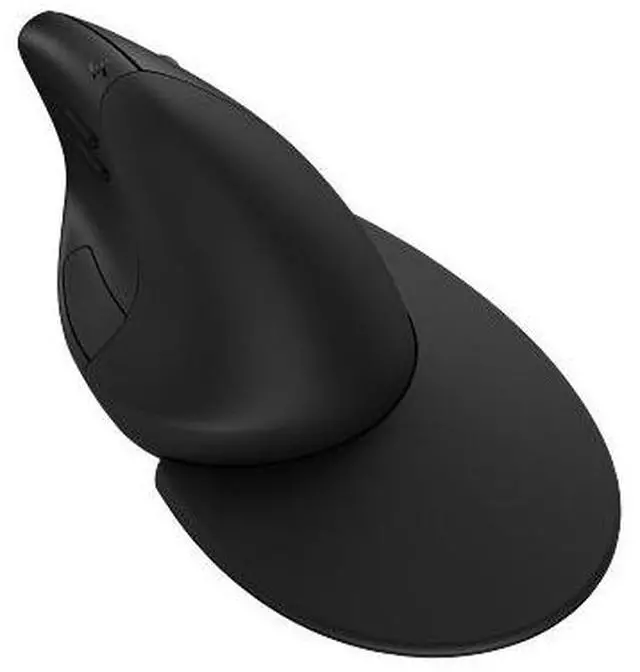
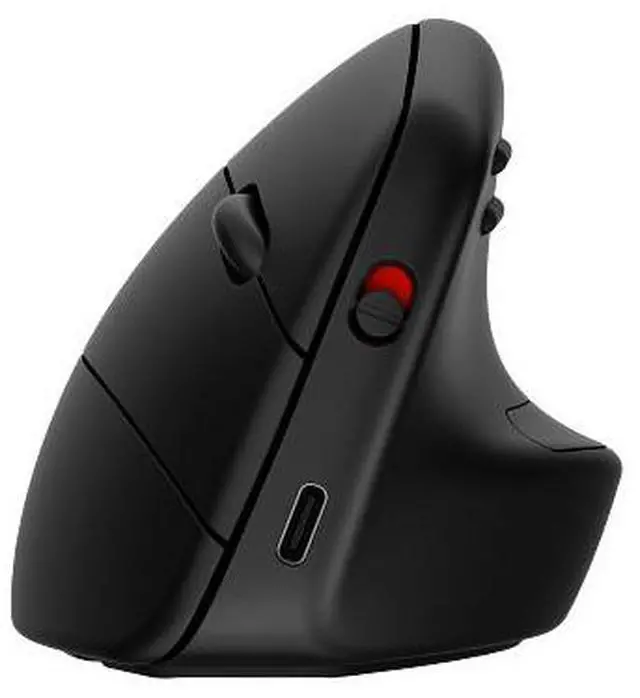
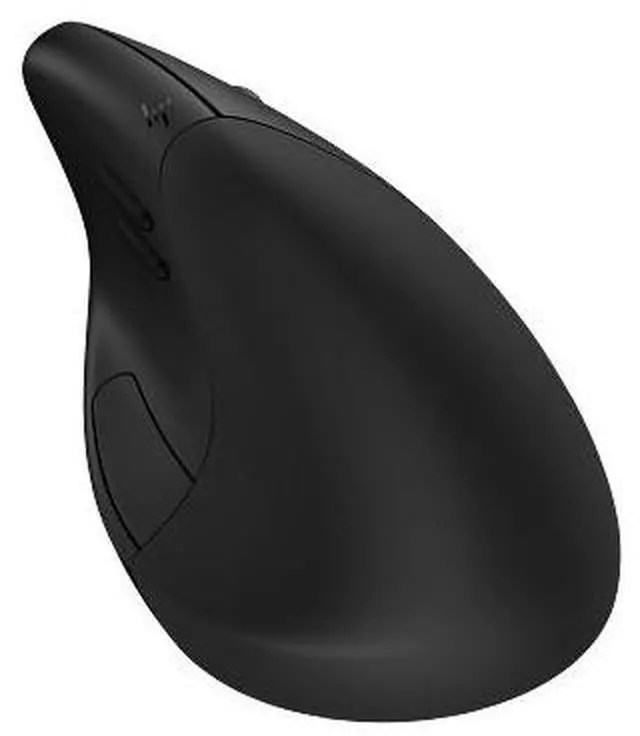
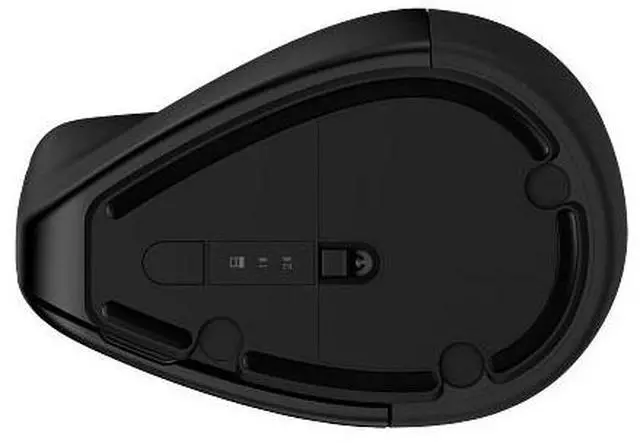
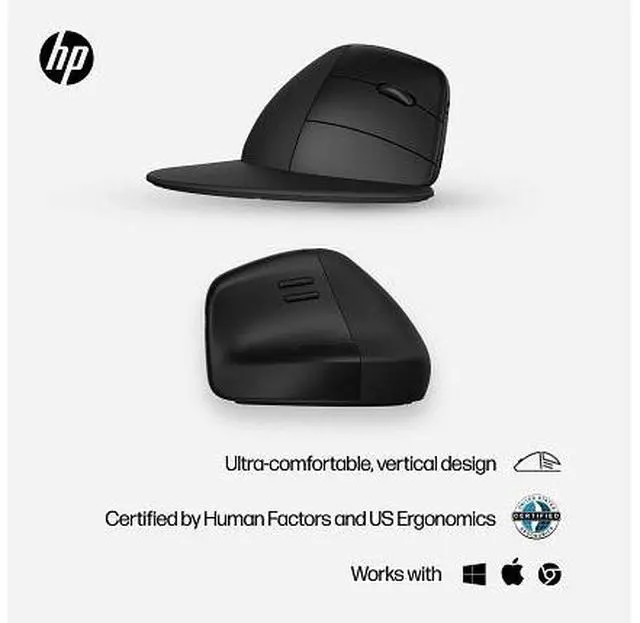
The HP 925 Ergonomic Vertical Mouse for business is a vertical mouse designed for a more natural upright hand position, making it suitable for people who spend long periods working at a computer and want an ergonomic-style alternative to a conventional mouse.
Recommended For
- Right-handed desk workers who use a mouse for long stretches and want to try a more upright hand position; the 925 has a vertical grip and detachable wrist rest, though comfort depends on personal fit.
- People doing slow, controlled creative work such as digital drawing or graphic design who value a steady-feeling pointer over a conventional mouse grip.
- Office and hybrid workers who switch among a desktop, laptop, and tablet and want one mouse that can pair with up to three devices over Bluetooth or its USB receiver.
- Right-handed users with larger hands who want a roomy vertical mouse and are willing to spend time adjusting to its grip.
- Users who want to customize mouse buttons for recurring work tasks, such as navigation or app shortcuts, using HP Accessory Center.
Real-World Use Scenarios
- During a long office or work-from-home day of clicking, scrolling, and switching between documents, a right-handed user can try the upright grip and detachable wrist rest for a more relaxed-feeling hand position; comfort depends on personal fit and setup.
- When sketching or doing other slow, precise digital-art work, the vertical grip may help keep mouse movements steady; one reviewer found it useful for drawing, though it did not replace a stylus or tablet.
- When replacing a conventional mouse, expect an adjustment period: users may need time to get used to the upright hand position and find a comfortable grip before everyday pointing feels natural.
- For a work setup shared across a laptop and desktop, a user can pair the mouse with more than one device and switch connections instead of keeping a separate mouse at each station.
- For routine business tasks such as document navigation and repeated app actions, users can adjust button assignments and pointer settings to better match their workflow; these options are managed through HP's accessory software.




 here!