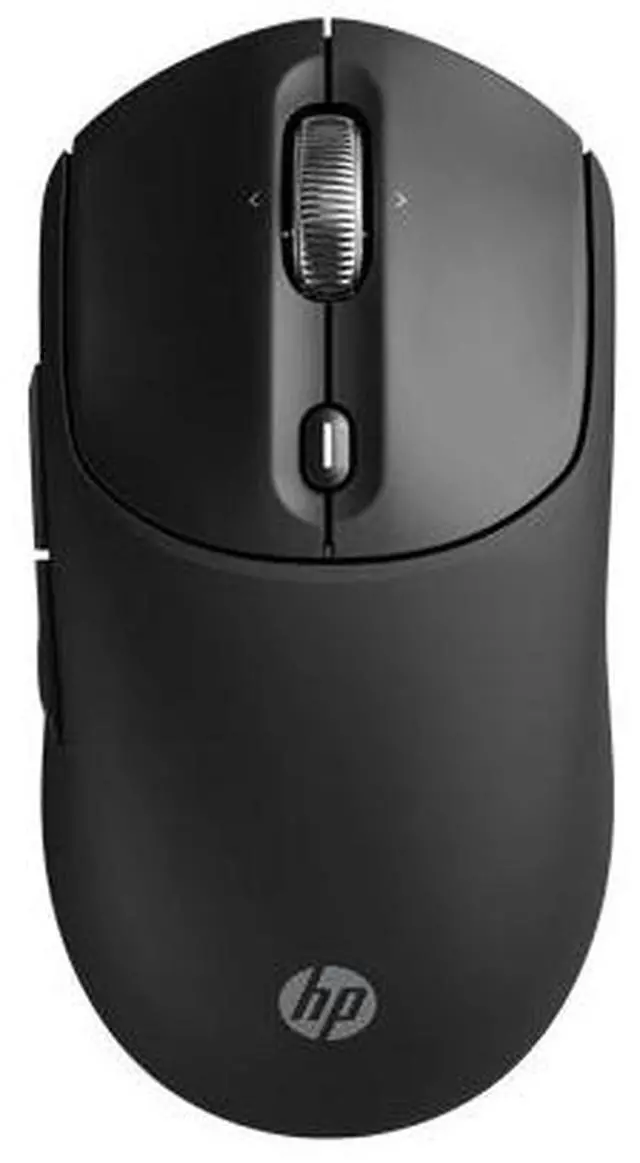
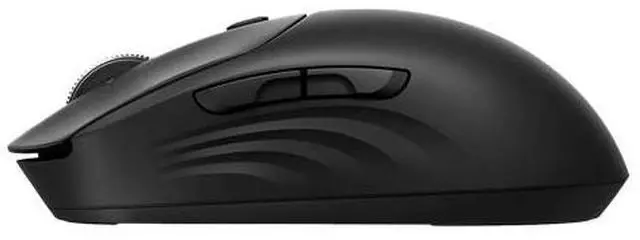
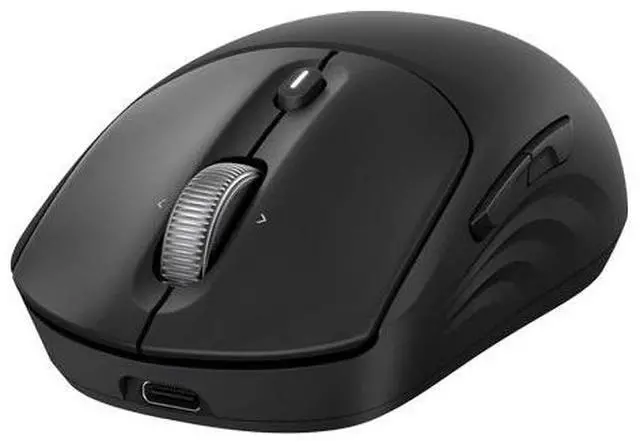
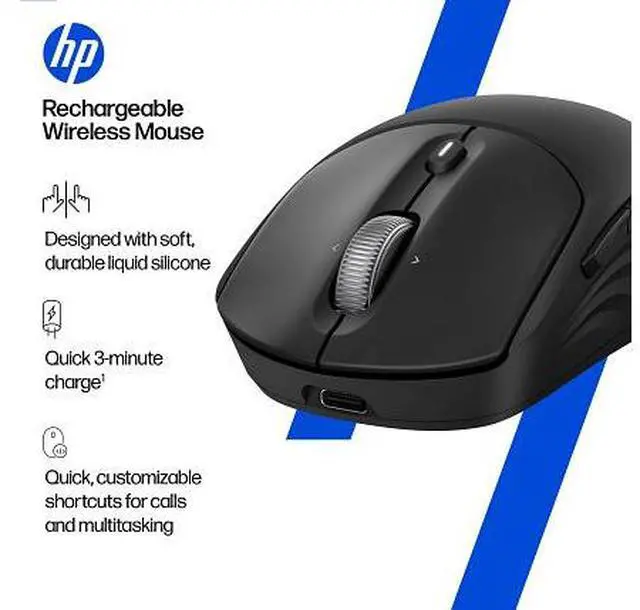
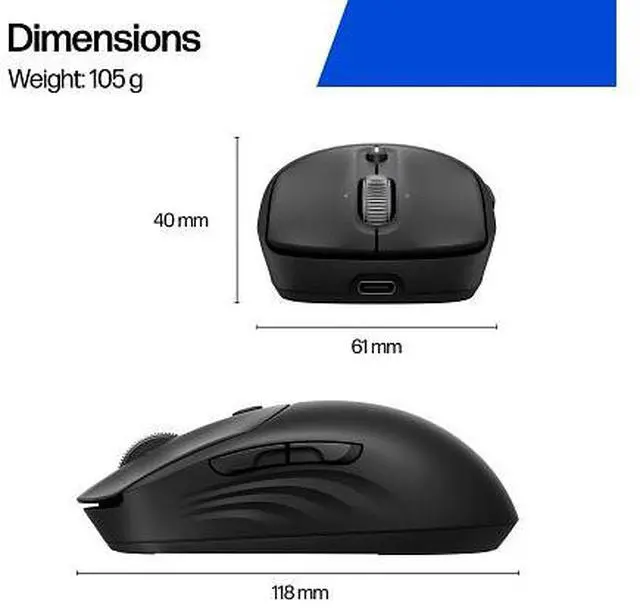
The HP 700 Rechargeable Wireless Mouse is a rechargeable wireless mouse for people who want a straightforward pointing device for everyday computer use.
Recommended For
- Laptop users who move between home, office, and travel setups: its compact, symmetrical shape, wireless options, and fast recharge suit a mouse that travels with a laptop.
- People switching between a laptop and desktop: Bluetooth and the included USB receiver support multiple device connections, with a button to switch between them.
- Office users who rely on keyboard shortcuts and frequent scrolling: the Shortcut Wheel, programmable buttons, and horizontal scrolling can make recurring productivity tasks easier to access.
- People working in shared offices, meetings, or quiet home spaces: the quiet buttons help reduce clicking noise, according to Coolblue’s product review.
- Left-handed users looking for a conventional mouse shape: the symmetrical design can be used by either hand.
Real-World Use Scenarios
- When moving between home, office, or meeting rooms with a laptop, users can pack the compact mouse and keep its USB receiver stored inside; a reviewer specifically found it well suited to laptop travel.
- When switching between a work computer and another device, users can pair the mouse through Bluetooth or its USB receiver and change connections, reducing the need to keep separate mice at each desk.
- For work involving repeated app or meeting actions, users can customize the Shortcut Wheel and buttons for shortcuts; this can reduce trips to menus, although setup requires HP Accessory Center.
- When navigating wide spreadsheets, long documents, or webpages, users can scroll vertically and side to side with the wheel, making it easier to move through content without relying only on scroll bars.
- If the mouse runs low during a work session, users can give it a short USB-C charge and get back to work without replacing batteries; HP advertises a three-minute quick charge, though actual use may vary.
- At a fixed desk for long, continuous workdays, it can handle everyday pointing and scrolling, but one reviewer found its conventional shape less suitable for prolonged daily use; it may fit mobile work better than an ergonomics-first setup.




 here!