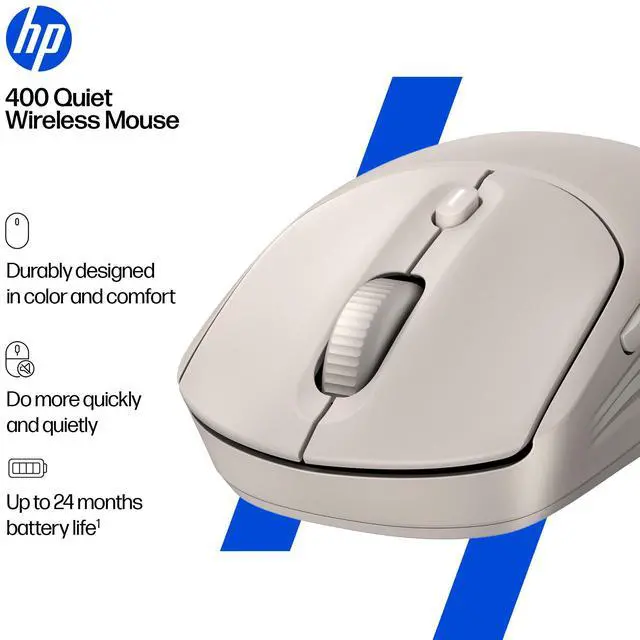
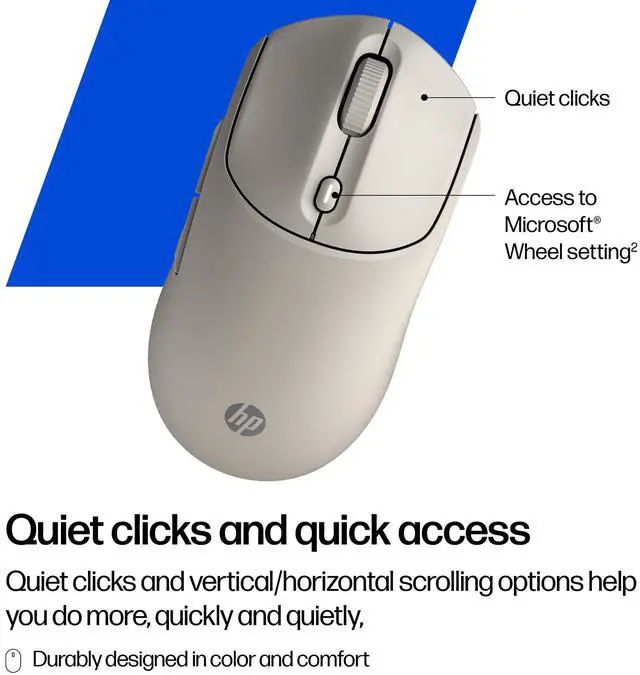
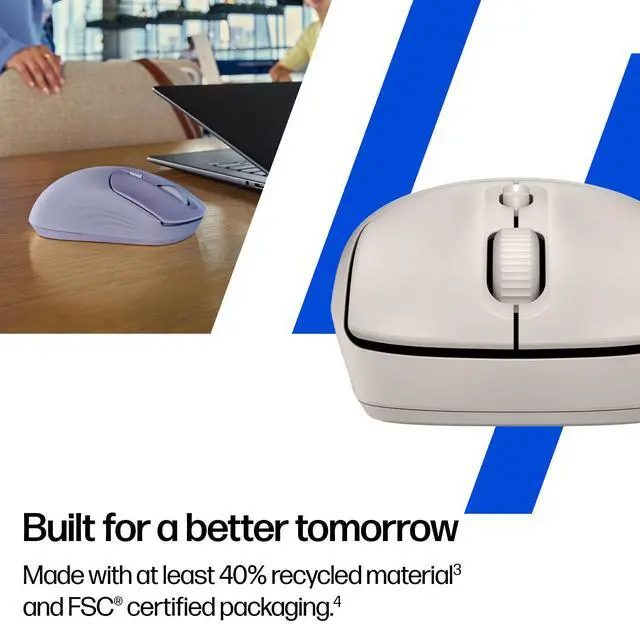
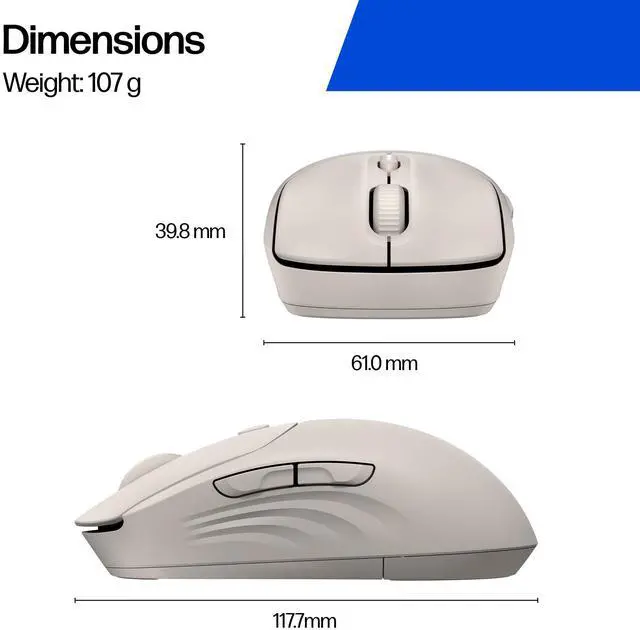
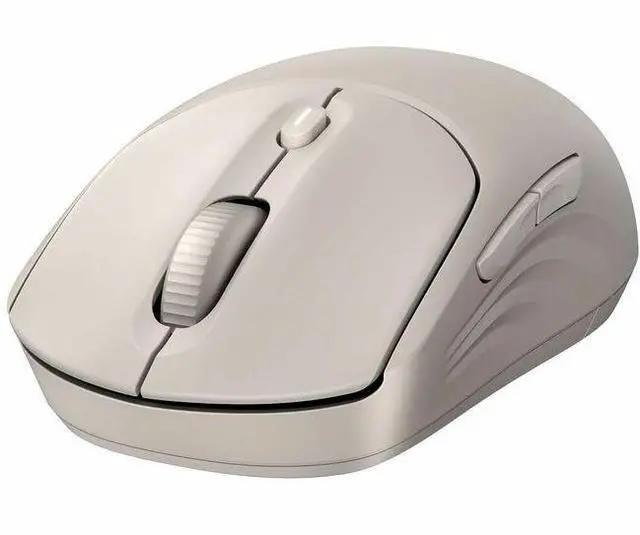
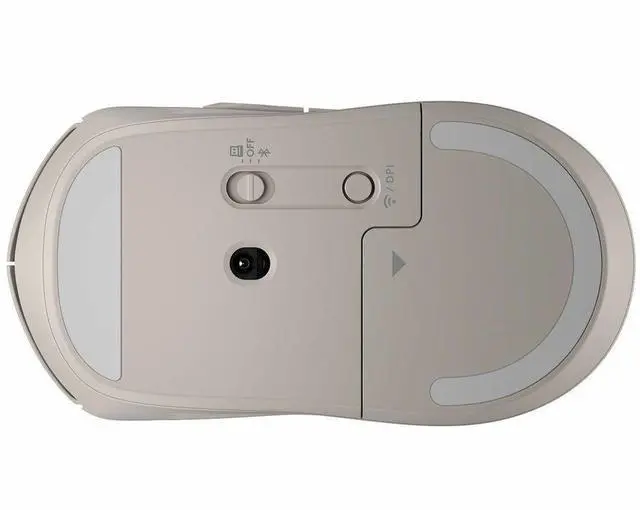
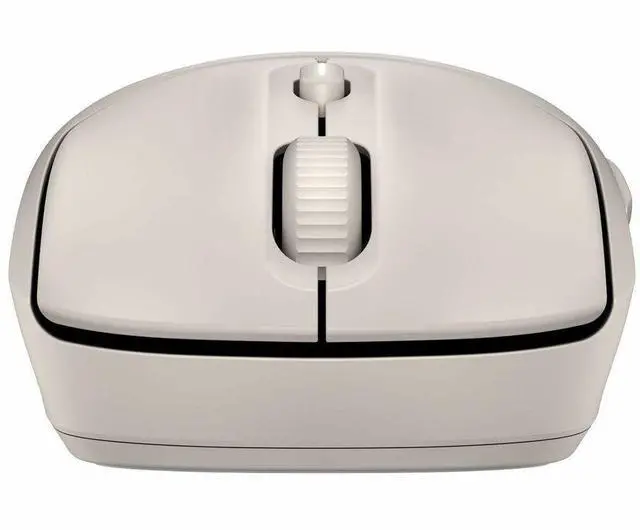
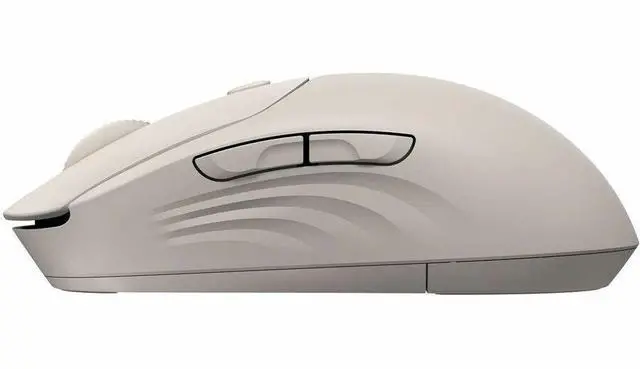
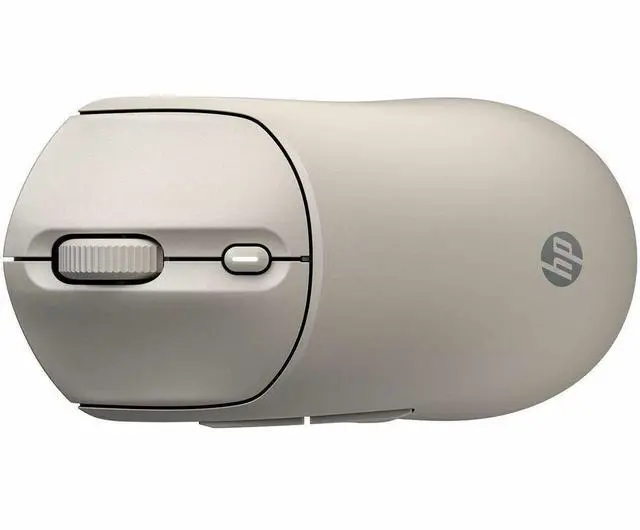
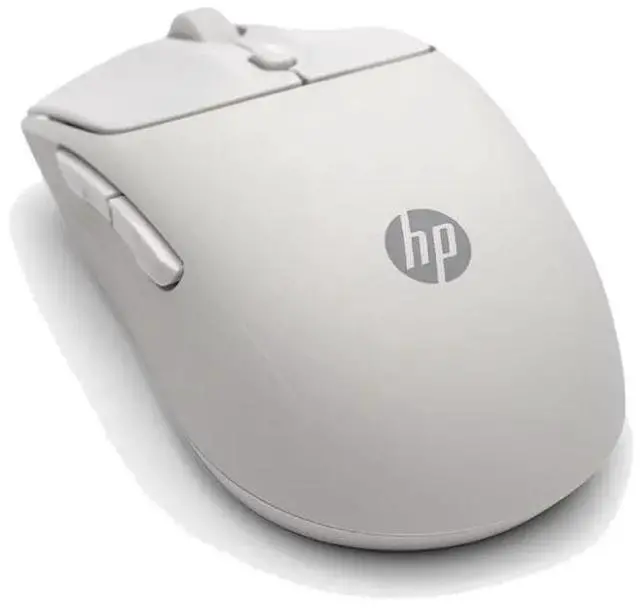
The HP 400 Quiet Wireless Mouse is a maple-finish wireless mouse suited to everyday computer use, especially for people who prefer quieter mouse clicks at home or in shared workspaces.
Recommended For
- People working in shared offices, libraries, or quiet home workspaces who want quieter clicks during frequent computer use.
- Laptop users who want a cable-free mouse for desk work or study, with a choice of Bluetooth or a 2.4 GHz USB receiver.
- Students and office workers navigating documents, webpages, and spreadsheets who can use vertical and horizontal scrolling and quiet, everyday controls.
- Users who prefer an ambidextrous mouse and want a long-lasting AA-powered option rather than a mouse that needs frequent charging.
Real-World Use Scenarios
- In a quiet office, library, or shared room, someone handling routine computer tasks can click with less audible noise than with a standard mouse, helping keep nearby distractions down.
- When working through wide spreadsheets or large documents, a user can scroll vertically or horizontally to move around the content without relying only on on-screen scroll bars.
- For everyday laptop work—such as browsing, email, and document editing—the wireless connection avoids a mouse cable; Bluetooth or the included USB receiver offers two ways to connect, depending on the device and setup.
- At a shared workstation, left- and right-handed users can take turns using the same mouse, while its silicone surface is designed to be easy to clean and sanitize.
- During a full workday of routine clicking and scrolling, the single-AA design and long stated battery life can reduce how often the user needs to replace batteries, though actual battery life varies with use.




 here!

 Hot Seller