




 here!
here!
I’m your shopping assistant for PC builds, upgrades, and everything tech.
Got questions? Ask away!
Start a conversation
here!
I’m your shopping assistant for PC builds, upgrades, and everything tech.
Got questions? Ask away!
Start a conversation



Any questions? Ask CelesteSM will help you find out quickly.
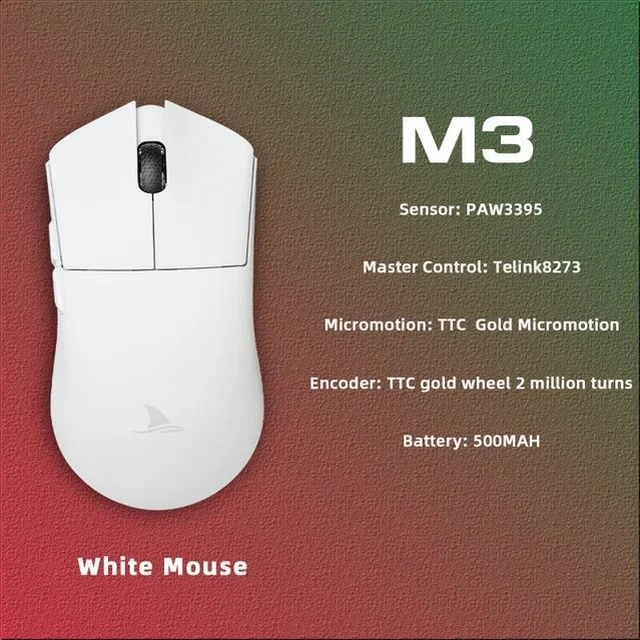
Brand Motospeed (Darmoshark)
Product modelM3
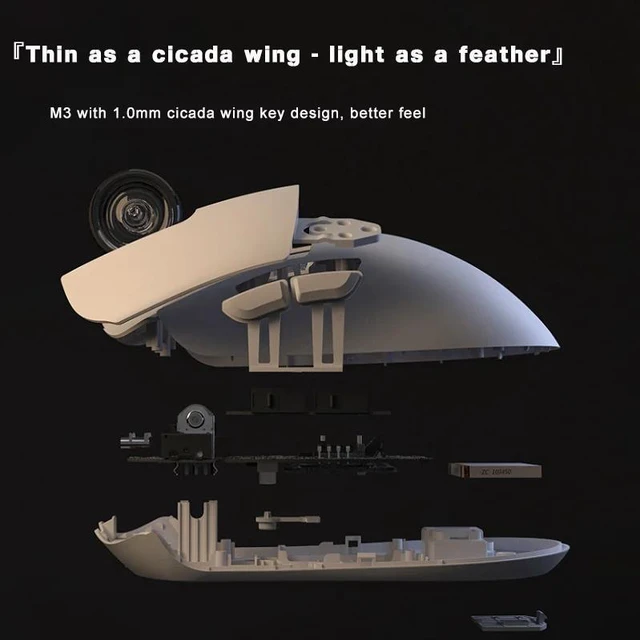
Shell material ABS
EncoderFeng shi Wei qi F-SWITCHF
Foot stickersTeflon PTFE
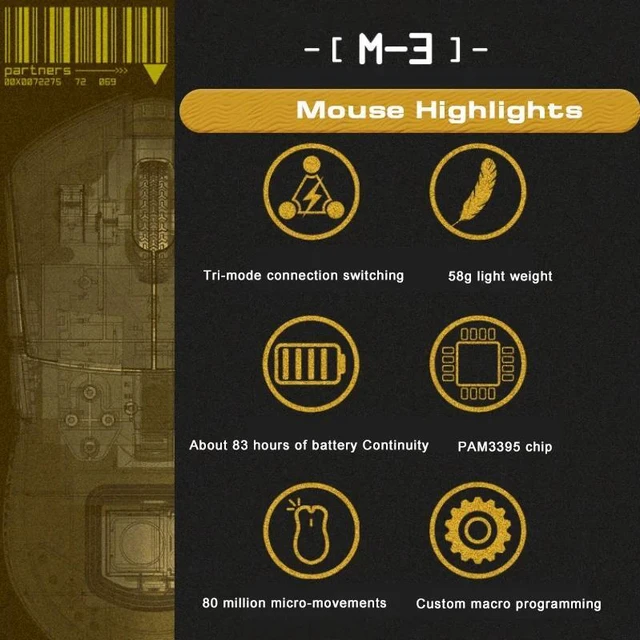
Optoelectronic ICPAM3395
Master control ICTri-mode Telink solution, 2.4G Bluetooth 5.0 wired
WireType-C data cable five-core braided flash rope with magnetic ring
Lithium battery500mAh
Maximum speed650IPS
FPS image processing26000fps
Acceleration:50G
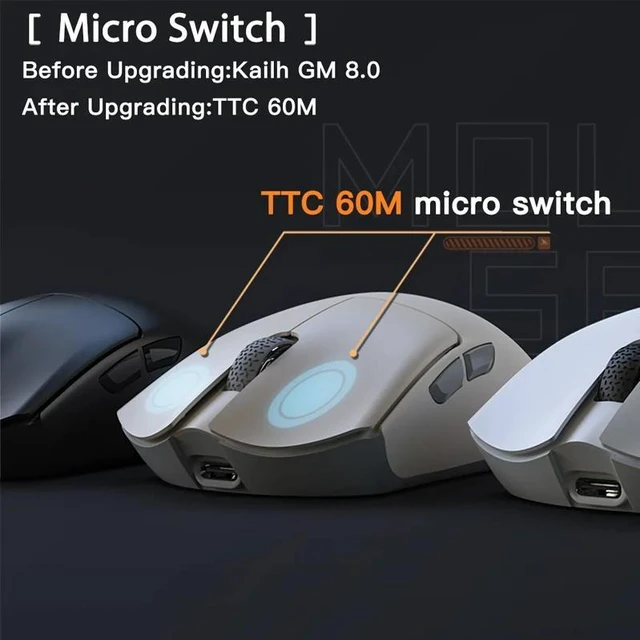
Left and right switch operating forceKailh 60±5gf
SPI 8ms2ms(default)1ms
Operating Voltage:USB WiredDC5V±5% WirelessDC3.7V
Interface Gold-plated USB2.0 Type-C
Bottom sensor light:infrared light
Connection method Bluetooth 5.02.4G wirelessType-C wired
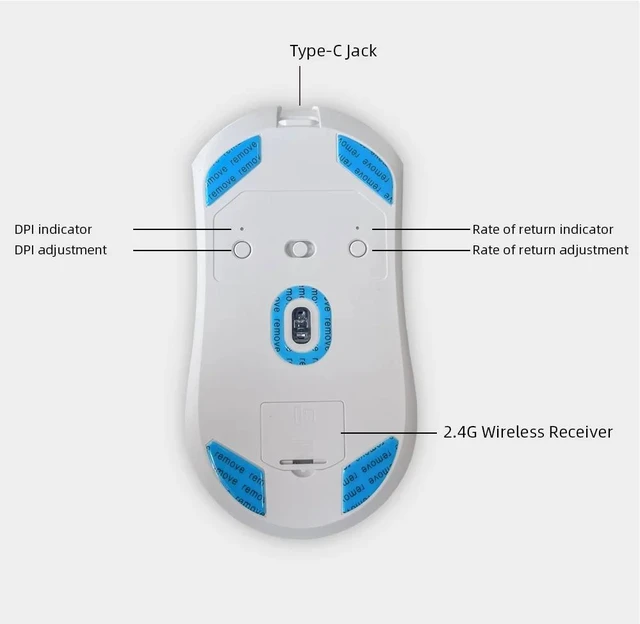
DPI400 red, 800 blue (default), 1600 green, 3200 purple, 4800 yellow
DPI26000DPI( Driver settings)
Wired2.4GHz red light 125HZ, blue light 500HZ,green light 1000HZ
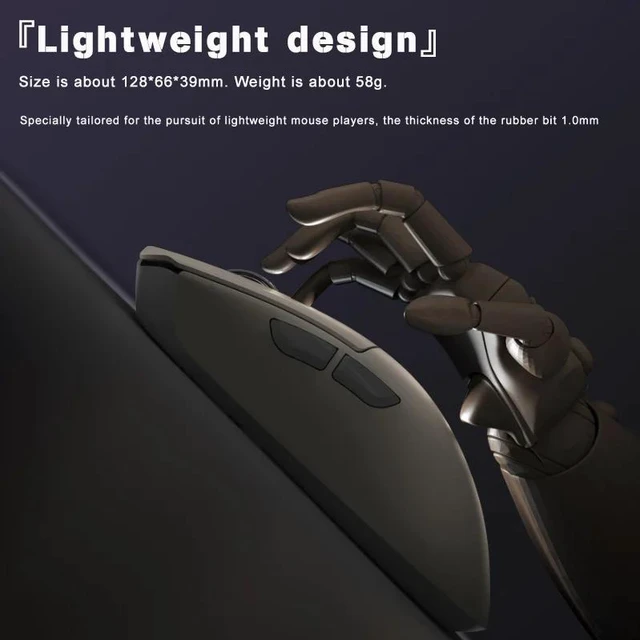
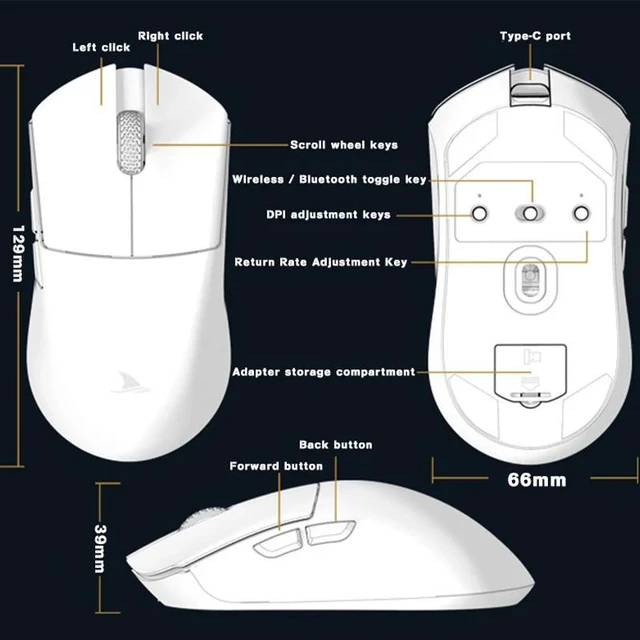
Size129.5566.1239.23mm
Weight net weight 58±5G
Driver installation only Windows system is supported
Driver installation httpwww.darmoshark.cn
Operating system:
Wired and 2.4G modes WinXPWin7Win8Win10Win11Macos
Bluetooth mode Win8Win10Win11Macos
Bluetooth pairing operation:
When the bottom three section switch is turned to the B icon, press the left, middle and right buttons at the same time, and the blue light of the scroll wheel position flashes, entering the pairing state. At this time, you need to turn on the Bluetooth device to search for the N3 Mouse before pairing. After the connection is successful, the indicator light goes out.
2.4G pairing operation
When the bottom three section switch is turned to the G icon, press the left, middle and right buttons at the same time, and the green light of the scroll wheel position flashes to enter the pairing state. At this time, the receiver needs to be inserted. After the connection is successful, the indicator light goes out. (Note The factory has been paired and it is OK. If the 2.4G has no function, this step can be followed
Wired mode
When inserting Type-c data cable connection, the wired mode is preferred.
Package content
1 x M3 Gaming mouse
1 x USB2.0 Type-C Cable
1 x 2.4G Wireless Receiver
1 x User manual
1 x Adapter
1x Foot stic


