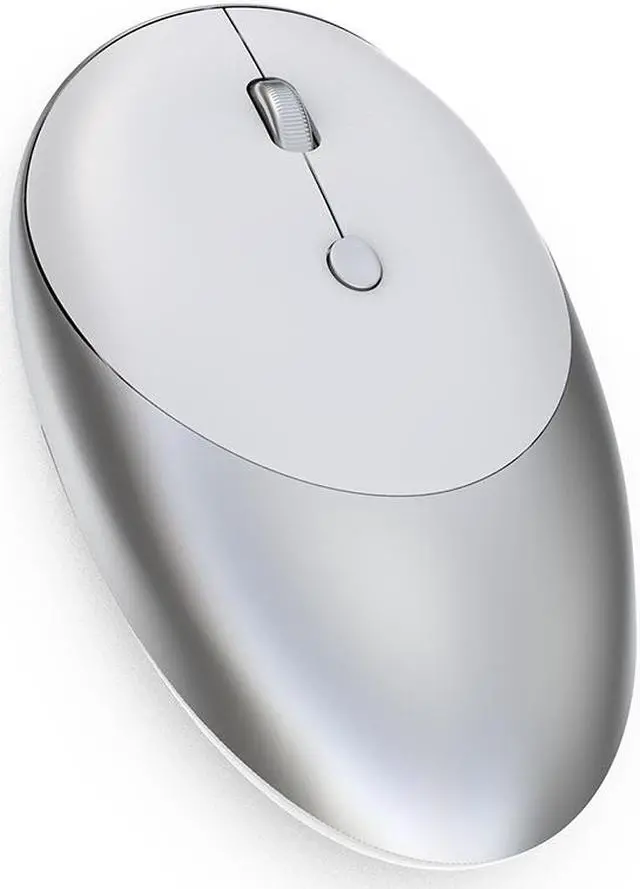
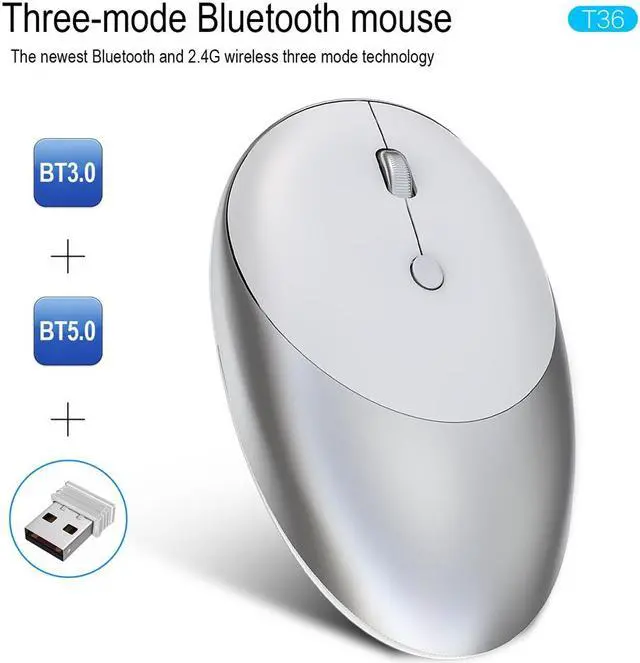
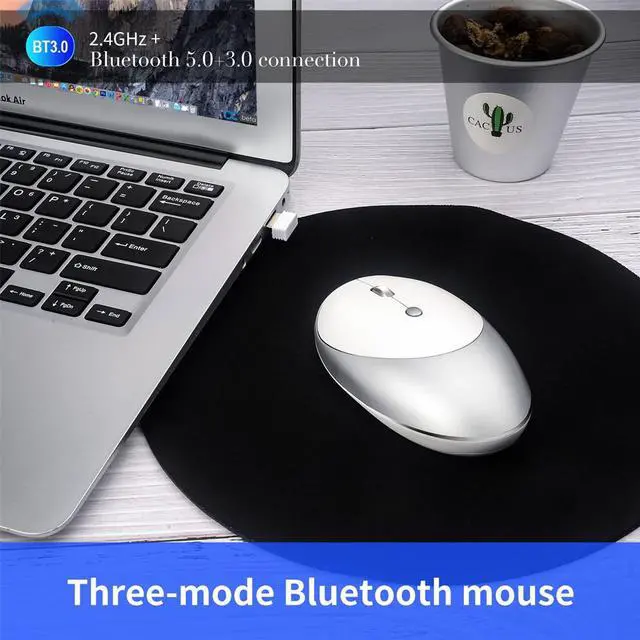
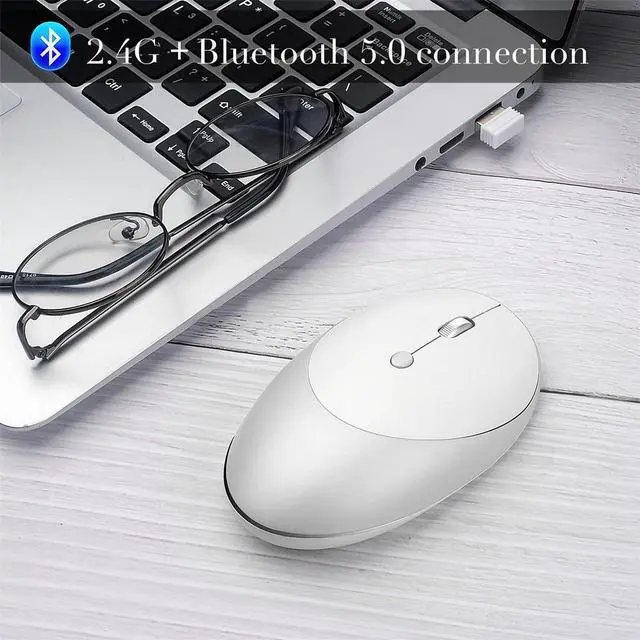
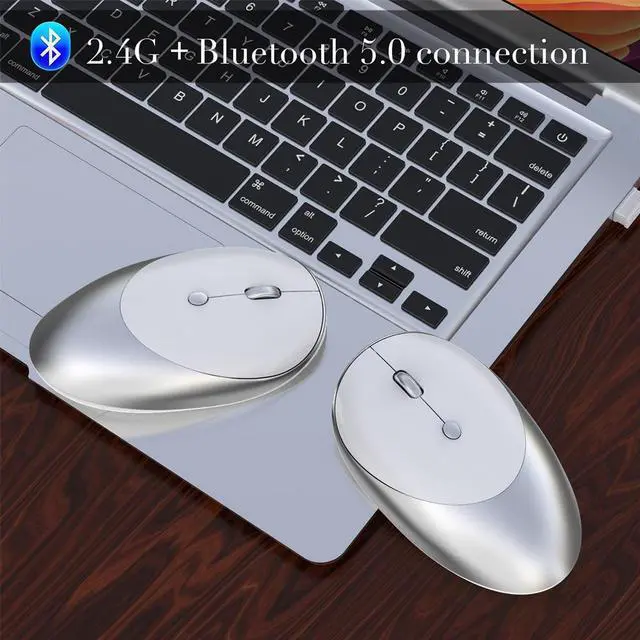
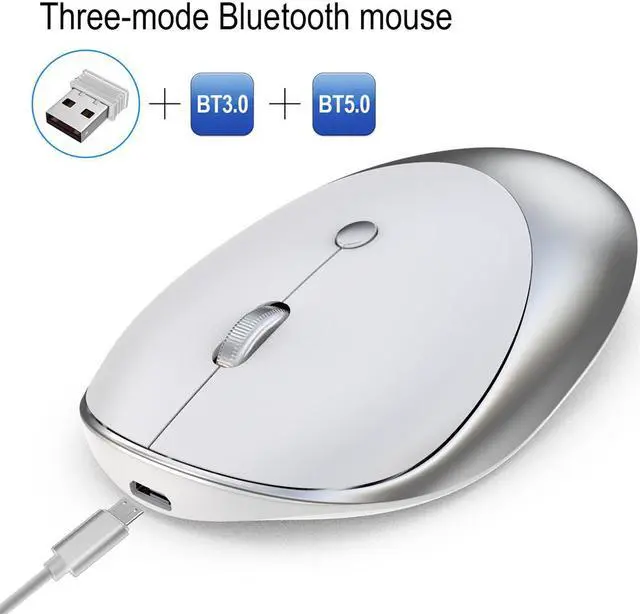
Feature: Three Connection Modes. BT 3.0 + BT 5.0 + 2.4G wireless connection modes deliver fast transmission mode of data, allowing you to connect to a computer via 2.4G wireless, connect to another computer via BT 3.0 and to a third computer via BT 5.0, and simply switches by mode button, for more convenience. Silent Design. The button is designed without noise and makes click silent without disturbing others. High Quality Material. Made of high quality material, to ensure its durability and longer service life, with 5000000 times click. 1600 DPI Resolution. Engineered with up to 16, 000 DPI, and professional IC positioning accuracy, the mouse offers deadly precision and greatly optimizes power control. Ergonomic Design. Adopts the ergonomic design to fit your palm perfectly, and allows the wrist, palm, and hand back to move comfortably.
Specification:
Brand/Model: HXSJ/T36
Material: ABS
Rated Voltage/Current: 3.7V /10mA
Key Life: 5 million times
Wireless Distance: 10m / 393.7 inches
Work: Photoelectric
Battery Capacity: 500mAh(Chargeable)
Cable Length: 80cm / 31.5 inches
Resolution: 1600dpi(Default)
System requirements: For Windows 98 / Me / 2000 / XP / Vista / Win 7 / Win8 / 10/Vista Mac OS or latest.
Item Size: 10.9 * 6.4 * 2.8 cm / 4.3 * 2.5 * 1.1 inches
Item Weight: 69g / 2.4 oz
Package Size: 13.2 * 8 * 4cm / 5.2 * 3.1 * 1.6 inches
Package Weight: 124g / 4.4 oz
How to use: For 2.4G
Wireless Mode:
1. Set the mouse switch to ON and the optical sensor to red.
2. Plug the receiver into the computer' s USB port. Press the mode button once. The red LED flashes and the installation is done automatically.
For BT Mode: BT
3.0 mode connection steps:
1. Turn on the BT icon on your computer.
2. Turn on the mouse power switch, press the mode switch 2 times.
3. Enter BT 3.0 connection mode for pairing.
BT 5.0 mode connection steps:
1. Turn on the BT icon on your computer.
2. Turn on the mouse power switch, press the mode switch 3 times, the third mode light turns blue Flashing quickly.
3. Enter BT 5.0 connection mode to select pairing.
Packing Include: 1 * Mouse 1 * USB Charging Cable 1 * English Manual





 here!
here!