Specification:
Brand/Model: HXSJ/T36
Color: Silver
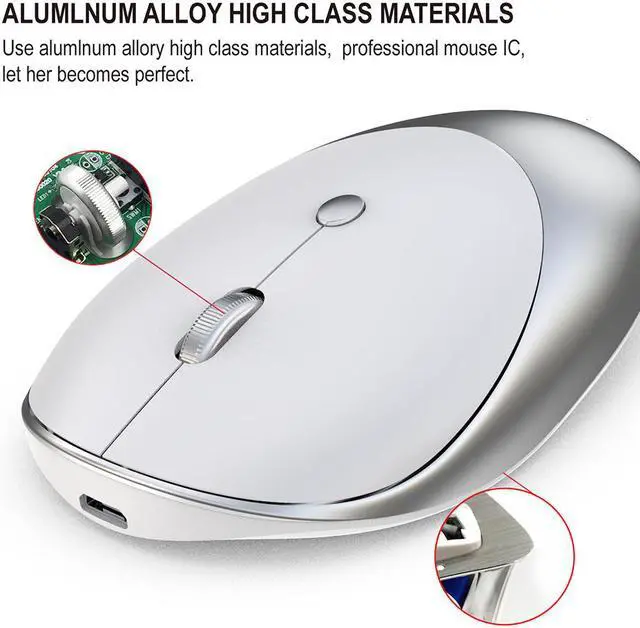
Material: ABS+Metal
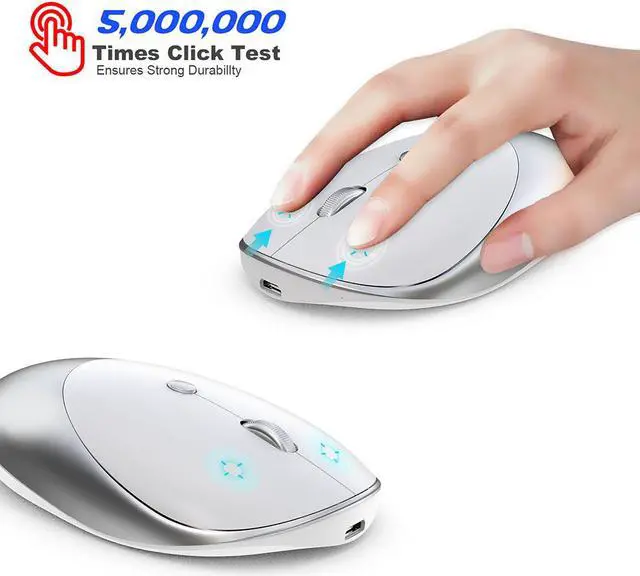
Key life: 5 million times
Wireless distance: 10m
Work:photoelectric
Battery capacity:500mAh(Built in invisible Chargeable)
Charging cable length: 80cm
Project Type: Ergonomics Optical Mouse
Resolution: 1600dpi(Default)
Operation Mode:photoelectric+Bluetooth 3.0/5.0
Rated voltage / current: 3.7V / 10mA
Power Type:Rechargeable
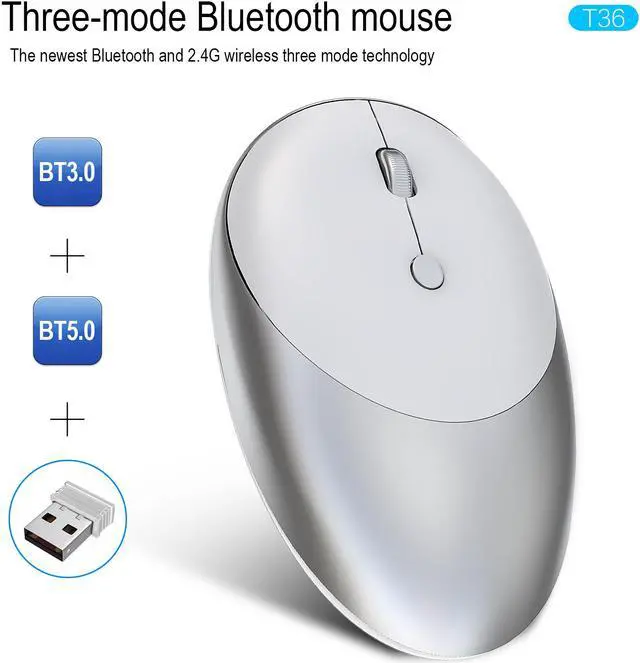
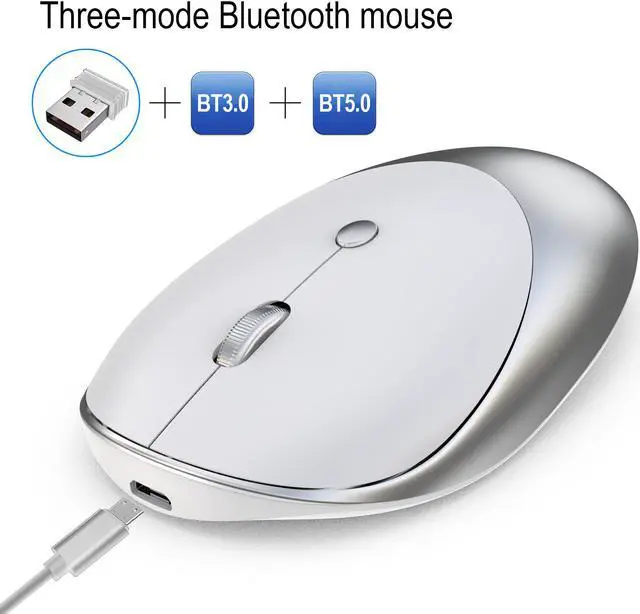
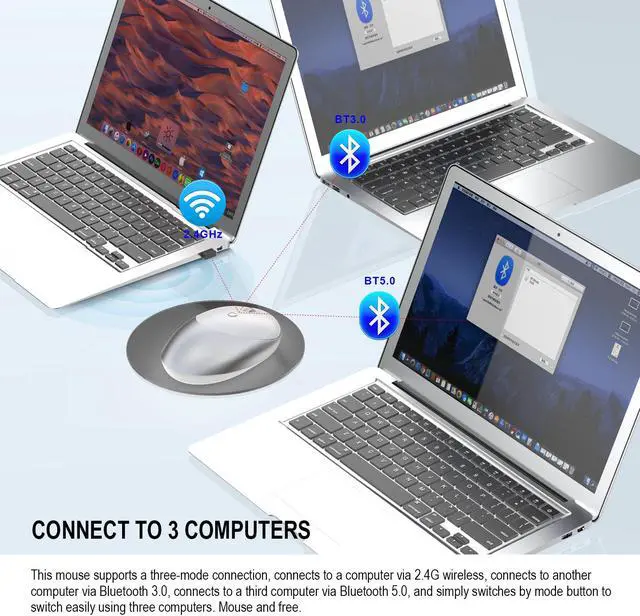
Type:2.4Ghz Wireless+Bluetooth 3.0/5.0(Three Modes)
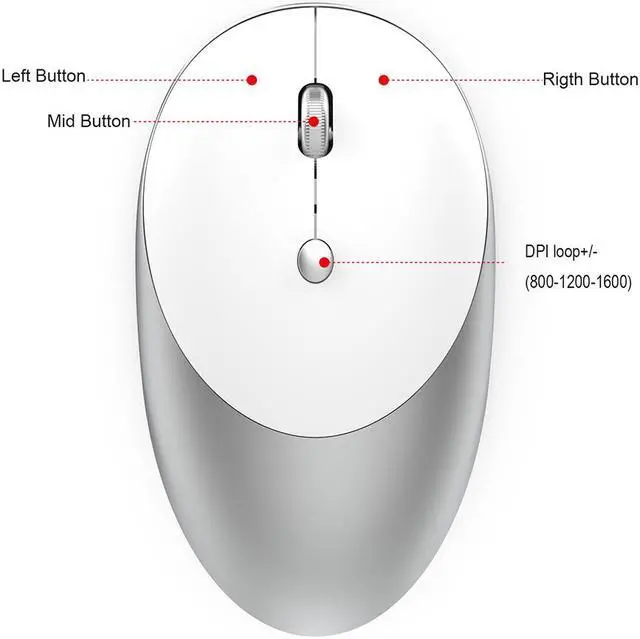
Buttons: 2 Buttons and 1 Round (Middle Mutton) and Mouse mode key(Bottom of the mouse)
System requirements: Windows 98 / Me / 2000 / XP / Vista / Win 7 / Win8 / 10/Vista Mac OS or latest.
Product weight: 75g
Item size: 10.9 *6.4 * 2.8cm
Packing weight: 132g
Package Size:12.6 * 8* 4.2cm
Package List:
1 * Mouse (Three Modes: Bluetooth 3.0+5.0 + 2.4 G wireless)
1 * USB Receiver
1 * USB Charging Cable(80cm)
1 * English manual
How to use:
For 2.4G Wireless Mode:
Click mouse mode key>Mode indicator red light on >plug receiver into computer USB port > con net ed
1. Set the mouse switch to ON and the optical sensor to red.
2. Plug the receiver into the computer's USB port. Press the mode button once.The red LED flashes and the installation is done automatically.
For Bluetooth Mode:
Bluetooth 3.0 mode connection steps:
Product parameters:
1. Turn on the Bluetooth icon on your computer, the second mode light turns green and flashes quickly.
2. Turn on the mouse power switch, press the mode switch 2 times.
3. Enter BT3.0 Bluetooth connection mode for pairing.
Bluetooth 5.0 mode connection steps:
1. Turn on the Bluetooth icon on your computer.
2. Turn on the mouse power switch, press the mode switch 3 times, the third mode light turns blue Flashing quickly.
3. Enter BT5.0 Bluetooth connection mode to select pairing.
Bluetooth mode connection needs to pay attention to the problem:
1: Bluetooth 3.0 and Bluetooth 5.0 are dual-channel, according to the version of Bluetooth of your computer, to automatically switch the connection, the green light does not mean Bluetooth 3.0, the blue light does not mean Bluetooth 5.0.
2: When connecting to Bluetooth, you must search for Bluetooth when the green light or blue light flashes quickly. Otherwise, you cannot connect. If the green or blue light is flashing slowly, press and hold the mode button for 5 seconds, then the light will be Fast flashing.





 here!
here!