Your Browsing History
- Free 30-day Returns
$51.96
Ships from China.
Meet Your Seller
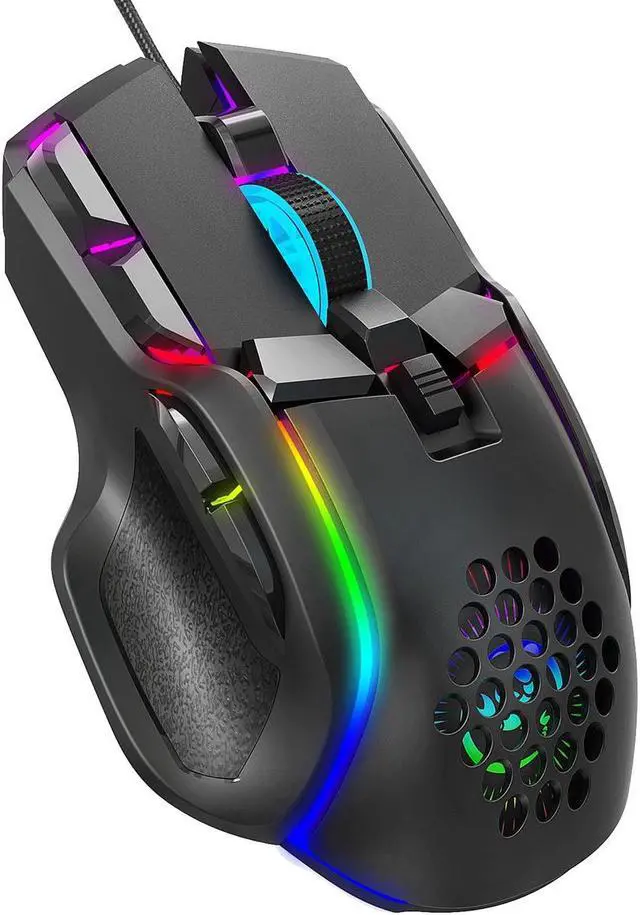
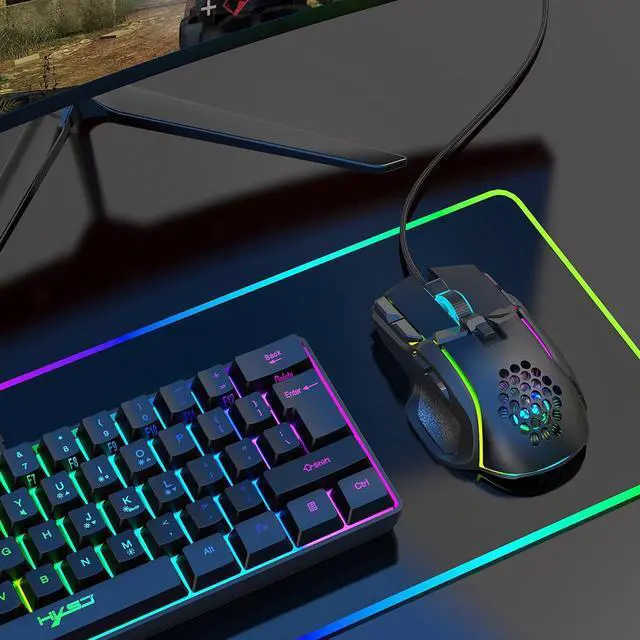
Computer PC Gaming Mice USB Mouse with 13 RGB Backlit Light, 12800 DPI, Ergonomic Plug Play Gamer Mouse for Laptop Mac
- Computer PC Gaming Mice USB Mouse with 13 RGB Backlit Light, 12800 DPI, Ergonomic Plug Play Gamer Mouse for Laptop Mac
+
+
Overview
Specs
Reviews
Any questions? Our AI beta will help you find out quickly.
Try me now
How to use:
1. Download the macro programming software through the website provided by the seller.
2. After downloading, open it directly and use the buttons to customize programming.
3. When the mouse is successfully connected and used normally, Open the S700 macro programming software directly to use the macro programming function.
4. Adop A826 IC professional game chip, using high-performance program control decoder chip for smooth motion and precise control.
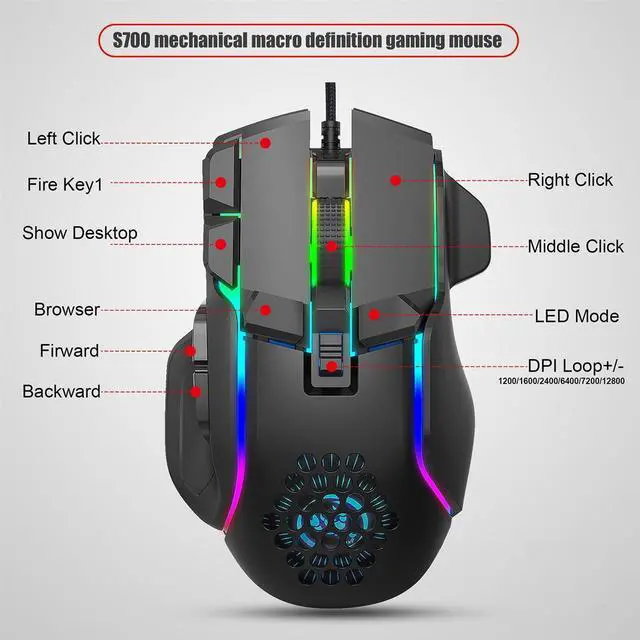
5. Button settings For the 1-10 button (as shown), the drive supports custom settings.
6.
DPI setting: default 1200/1600/2400/6400/7200/12800 the Six-segment DPI value can be any section.
7.
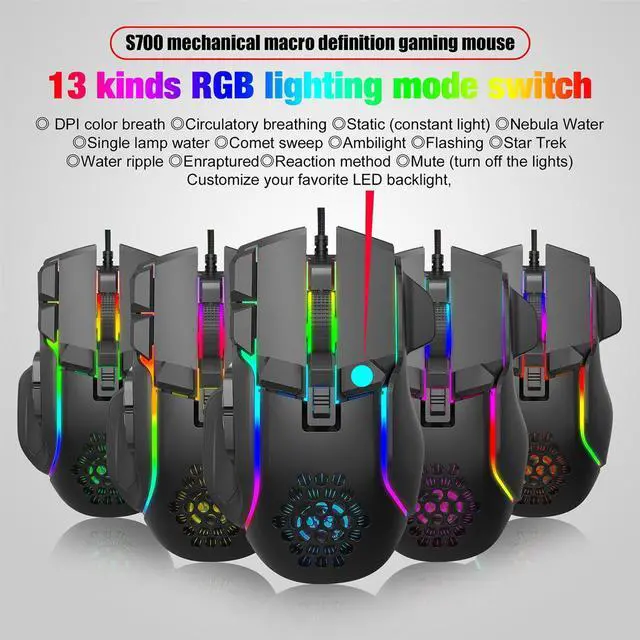
Light mode: 13 kinds RGB lighting mode switch.
8.
Mouse parameters: You can set the pointer precision, wheel speed and double click speed.
9.
Custom Settings: Custom macro editing that supports game effects.
10. When the settings are complete, click Applications and then click Save Configuration. You should start the driver again the next time
download link:
https: //drive. google. com/file/d/1fhN-zqQ_veXhjuhojLXLiIpfhUMAwCiY/view? usp=sharing
Material: plastic
colour: black
Package Contents:
1 x Gaming mouse
Only the above package content, other products are not included.
Note: Light reflection and different displays may cause the color of the item in the picture a little different from the real thing. The measurement allowed error is +/- 1-3cm.

1. Download the macro programming software through the website provided by the seller.
2. After downloading, open it directly and use the buttons to customize programming.
3. When the mouse is successfully connected and used normally, Open the S700 macro programming software directly to use the macro programming function.
4. Adop A826 IC professional game chip, using high-performance program control decoder chip for smooth motion and precise control.
5. Button settings For the 1-10 button (as shown), the drive supports custom settings.
6.
DPI setting: default 1200/1600/2400/6400/7200/12800 the Six-segment DPI value can be any section.
7.
Light mode: 13 kinds RGB lighting mode switch.
8.
Mouse parameters: You can set the pointer precision, wheel speed and double click speed.
9.
Custom Settings: Custom macro editing that supports game effects.
10. When the settings are complete, click Applications and then click Save Configuration. You should start the driver again the next time
download link:
https: //drive. google. com/file/d/1fhN-zqQ_veXhjuhojLXLiIpfhUMAwCiY/view? usp=sharing
Material: plastic
colour: black
Package Contents:
1 x Gaming mouse
Only the above package content, other products are not included.
Note: Light reflection and different displays may cause the color of the item in the picture a little different from the real thing. The measurement allowed error is +/- 1-3cm.
Warranty & Returns
Warranty, Returns, And Additional Information
Warranty
- Please contact the Seller directly for warranty information. Warranty information may also be found on the Manufacturer's website.
- CONTACT
Return Policies
- Return for refund within: 30 days
- Return for replacement within: 30 days
- This item is covered by Focus Memory Return Policy
Manufacturer Contact Info
- For a directory of all our manufacturers, please click below.
- Manufacturers Directory
LOADING...