Your Browsing History
- Free 30-day Returns
$37.96
Ships from China.
Meet Your Seller
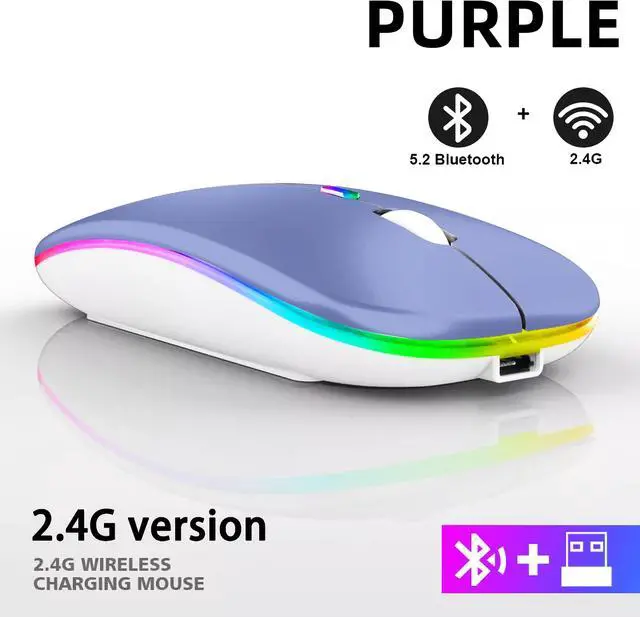
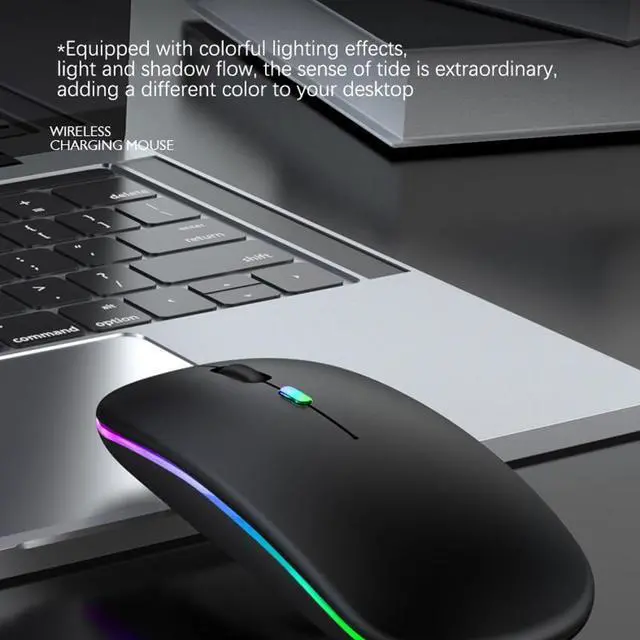
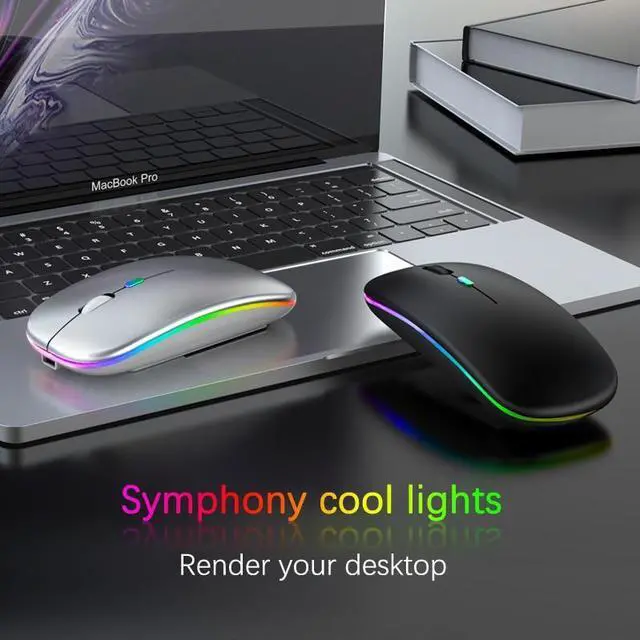
Rechargeable Bluetooth Wireless Mouse with 2.4GHz USB RGB 1600DPI Mouse for Computer Laptop Tablet PC Macbook Gaming Mouse Gamer(Dual Mode Wireless)
- Rechargeable Bluetooth Wireless Mouse with 2.4GHz USB RGB 1600DPI Mouse for Computer Laptop Tablet PC Macbook Gaming Mouse Gamer(Dual Mode Wireless)
+
+
Overview
Specs
Reviews (1)
Any questions? Our AI beta will help you find out quickly.
Try me now
The "Dual Mode Wireless" means bluetooth 5.0 version work via receiver and bluetooth, it is dual mode, please choose right option you need
Product Features:
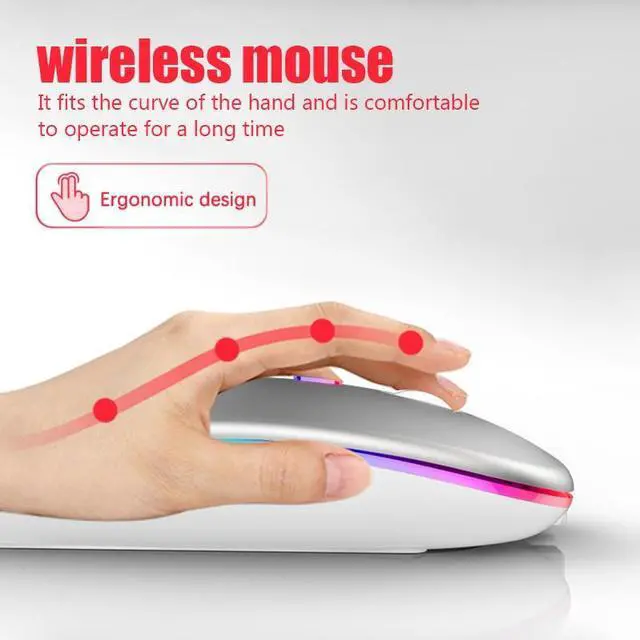
1, Ultra-slim design, fashionable and convenient;
2, Strong anti-interference ability, long working distance up to 10M
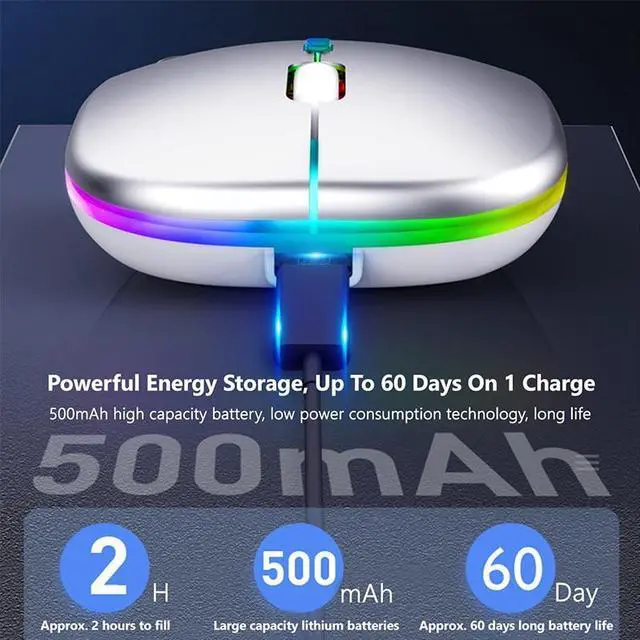
3, Intelligent energy-saving red light design, long standby time
4, Scroll wheel zips, you through webs with ease and speed
Note:
1, Do not disassemble the product by yourself
2, Avoid dropping
3, Avoid water
2.4G Connect:
when using:
1, insert the USB receiver at the botton of the mouse onto the computer
2, open the power switch at the bottom of the mouse, then you can USE it normally! (Please note that in this order, quick pairing)
Bluetooth usage
1, Power ON to ON position, turn ON the bluetooth of the device, and click the BT 3.0 Mouse or BT 5.2 Mouse
How to connect mouse for iOS:
You need to upgrade to iOS 13 or above,
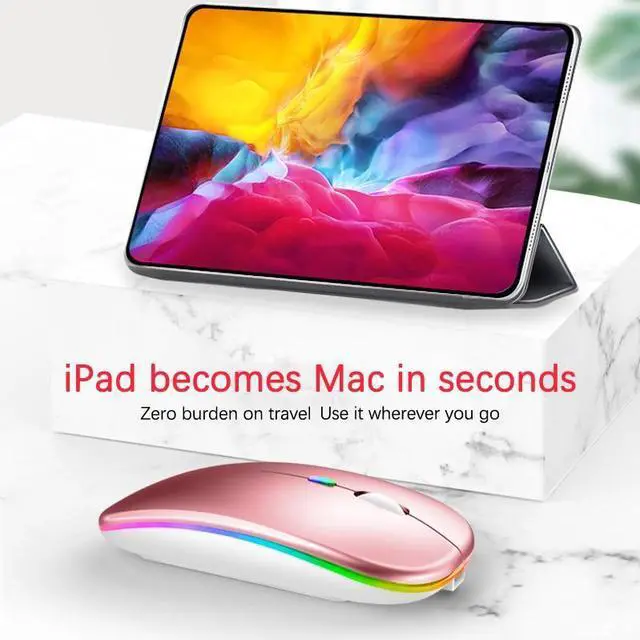
setting Accessibility Touch Accessibility Touch Turn on your phone or tablet, and search for pairing

Product Features:
1, Ultra-slim design, fashionable and convenient;
2, Strong anti-interference ability, long working distance up to 10M
3, Intelligent energy-saving red light design, long standby time
4, Scroll wheel zips, you through webs with ease and speed
Note:
1, Do not disassemble the product by yourself
2, Avoid dropping
3, Avoid water
2.4G Connect:
when using:
1, insert the USB receiver at the botton of the mouse onto the computer
2, open the power switch at the bottom of the mouse, then you can USE it normally! (Please note that in this order, quick pairing)
Bluetooth usage
1, Power ON to ON position, turn ON the bluetooth of the device, and click the BT 3.0 Mouse or BT 5.2 Mouse
How to connect mouse for iOS:
You need to upgrade to iOS 13 or above,
setting Accessibility Touch Accessibility Touch Turn on your phone or tablet, and search for pairing
Warranty & Returns
Warranty, Returns, And Additional Information
Warranty
- Please contact the Seller directly for warranty information. Warranty information may also be found on the Manufacturer's website.
- CONTACT
Return Policies
- Return for refund within: 30 days
- Return for replacement within: 30 days
- This item is covered by Focus Memory Return Policy
Manufacturer Contact Info
- For a directory of all our manufacturers, please click below.
- Manufacturers Directory
LOADING...