Tips for
Push Buttons:
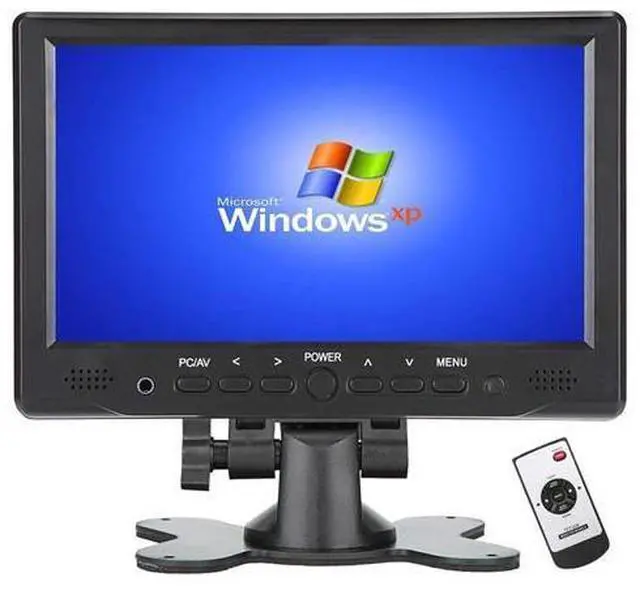
1. Press [PC/AV] to select display mode, you get PC ( VGA ) /HDMI/AV1/AV2 options seperately,. apply PC mode if VGA cable; HDMI mode if HDMI cable, etc
2. Go to [Menu] for screen brightness related adjustment If no signal, please
follow below steps: 1. Check if select correct display mode at PC/AV button 2.
Settings on laptop/computer: a). Window system, Please click [Window+P] to select [Mirror Mode], [extend Mode] or [Second Screen Only] b). IOS system, Please
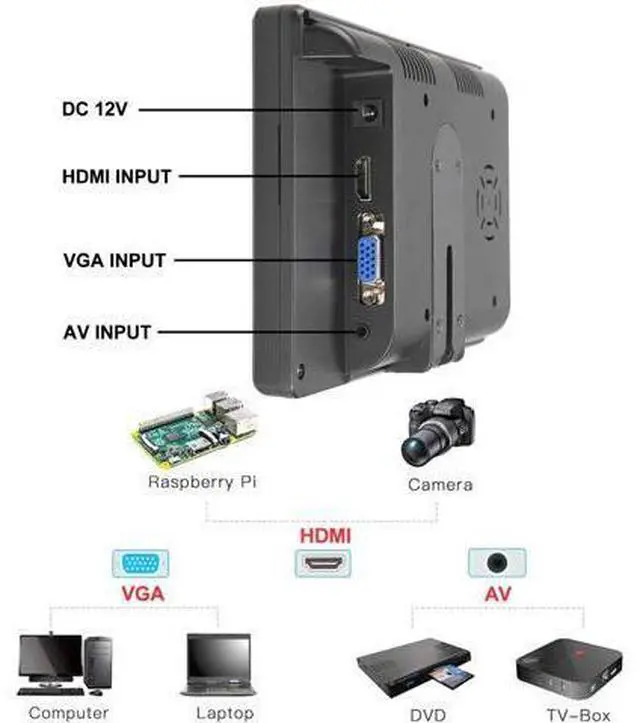
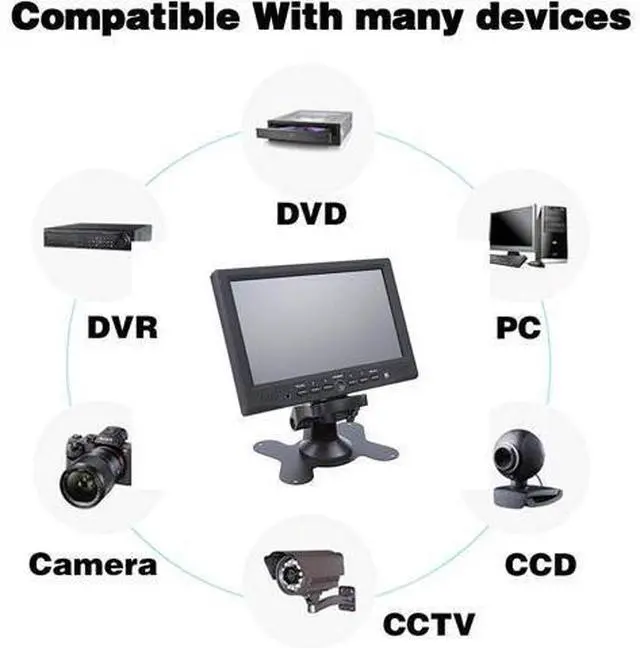
set as: preferences - > monitor- >arrangememt- > mirror; set resolution: Finder- >system- >preferences- >displays- >resolution Applications Scenarios ØHook up to Google Chromecast / Amazon Fire Tv Ø- Monitor a Mac Mini Server Ø- Security monitor for a CCTV Camera System Ø- Secondary visual monitor in recording studio Ø- Monitor for small hobby computers such as the Raspberry Pi Ø- Monitor for personal computers / Laptop Ø-Using as a TV with a roku in kitchen Ø- Monitor for a back-up camera on a vehicle or RV; work great with magnetic CD mount in car. Ø-Monitor for car/pipeline inspection tool Ø- Monitor for an entertainment system on a small rig, such as car, RV, truck cab, boat, where the viewer will be close to the screen HDMI Input HDMI Input Port allows for connectivity to Laptop, PC, Raspberry Pi, Cameras that support HDMI connectivity. VGA Input VGA Input for Vintage PC which can be used for portable small VGA screen monitor AV Input By AV Input, it can be a small TV for the kitchen or bedroom, only works when connectiong to TV cable box / TV receiver equipment
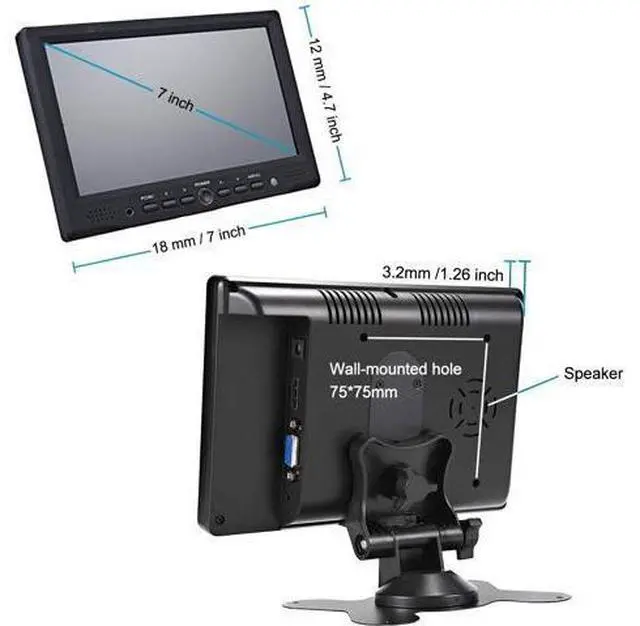
Warm Tips: The screen is covered in a protective film before shipment, customer can remove it upon receipt of the product Panel Size 7 inch TFT LCD Screen Resolution IPS 1024*600 Compatible OS Windows 95, 98, NT4, 2000, Windows 7, 10, XP Display Ratio 16:9 Color system PAL 4.43, NTSC 3.57 Input Voltage DC 12V +/-10% Tips for
Push Buttons:
1. Press PC/AV to select display mode, you get PC ( VGA ) /HDMI/AV1/AV2 options seperately,. apply PC mode if VGA cable; HDMI mode if HDMI cable, etc
2. Go to Menu for screen brightness related adjustment If no signal, please
follow below steps: 1. Check if select correct display mode at PC/AV button 2.
Settings on laptop/computer: a). Window system, Please clickWindow+Pto selectMirror Mode, extend Modeor "Second Screen Only" b). IOS system, Please
set as: preferences? monitor? arrangememt? mirror; set resolution: Finder? system? preferences? displays? resolution
Specification: Panel
Size: 7 inch TFT
LCD Screen Resolution: IPS 1024*600
Compatible OS: Windows 95, 98, NT4, 2000, Windows 7, 10, XP
Display Ratio: 16:9
Color system: PAL 4.43, NTSC 3.57
Input Voltage: DC 12V +/-10%
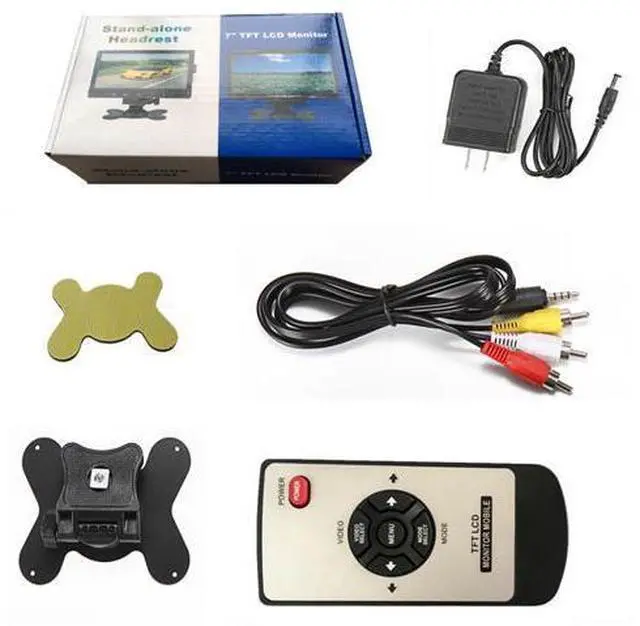
Package include: 1xTFT LCD Monitor, 1x AV Cable, 1X DC12V AC Adapter, 1X Remote Control, 1X Bracket, 1X User Manual, 1xSticker





 here!
here!