

Your Browsing History
- Free 30-day Returns
$86.88
Ships from China.

Meet Your Seller

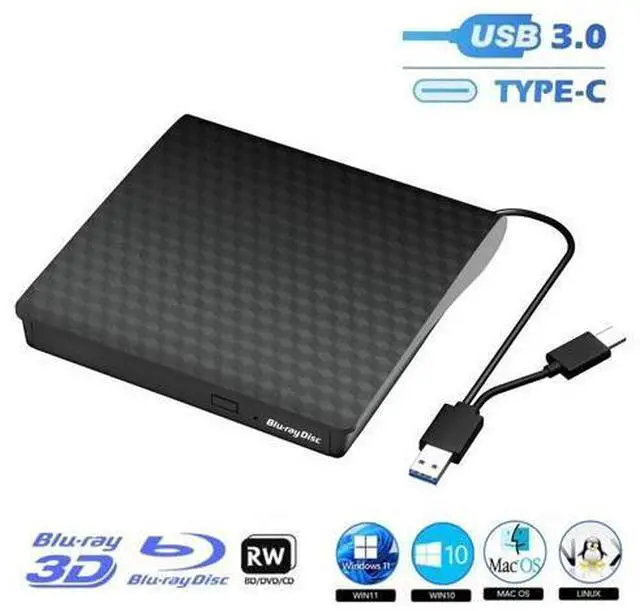


External Bluray Drive, USB 3.0 and Type-C External Blu Ray Burner Player Slim 3D Optical CD DVD Drive, Blu-Ray DVD CD Player Compatible with Windows XP/7/8/10/11 Mac OS for PC Laptop Desktop MacBook
Limited time offer, ends 10/13 By TechMax Depot
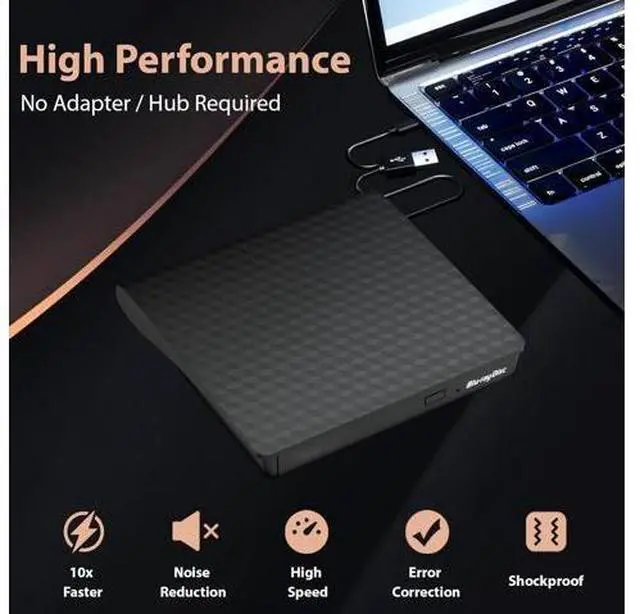
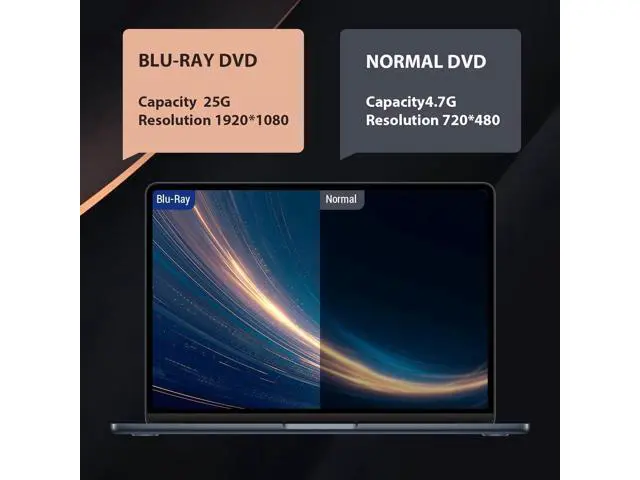
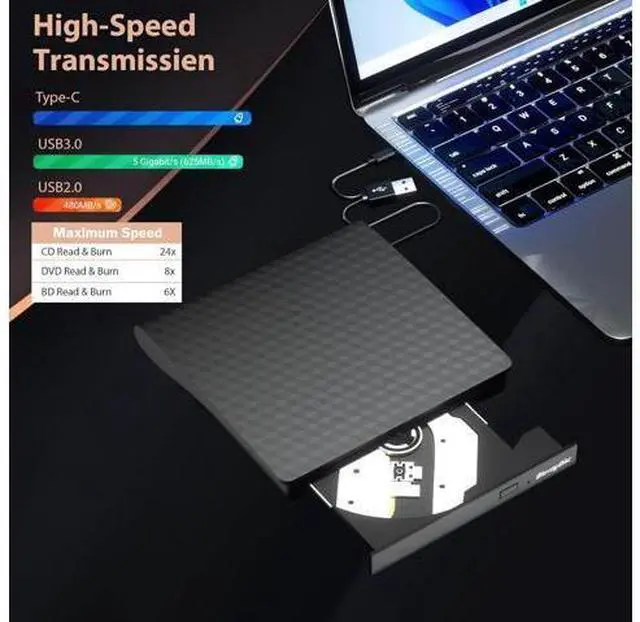
- [Superior Blu-ray Functionality] Features enhanced storage capacity and accelerated read/write speeds. It enables burning functions for CDs and DVDs with capacities of 8.5G, 4.7G, and 700M. The burner's advanced high-speed 3.0 provide excellent error correction capabilities, impact resistance, low noise, and energy efficiency.
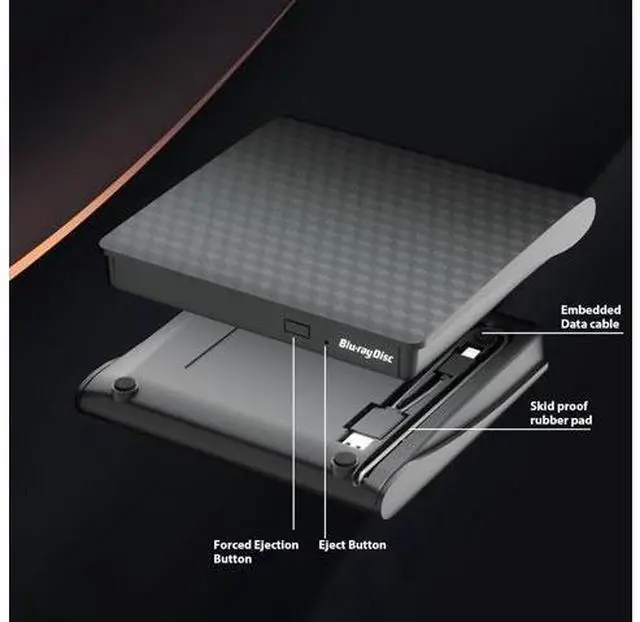
- [Portable & User-Friendly] Stylish and Compact ,crafted for easy portability and storage convenience. Its cutting-edge dual-interface design combines 2 separate USB cables into 1, allowing seamless connections to computers featuring either Type-C or USB 3.0 interfaces.
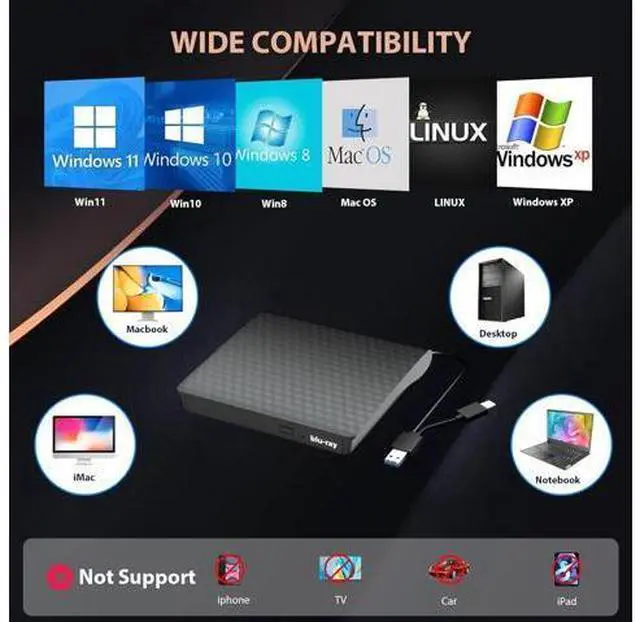
- [Wide Compatibility] Compatibility with Windows XP/2003/Vista/7/8/10/11, Linux, and all versions of Mac OS. Please note, it is not compatible with BD recorders, iPad tablets, Surface tablets, TVs, projectors, smartphones, or cars.
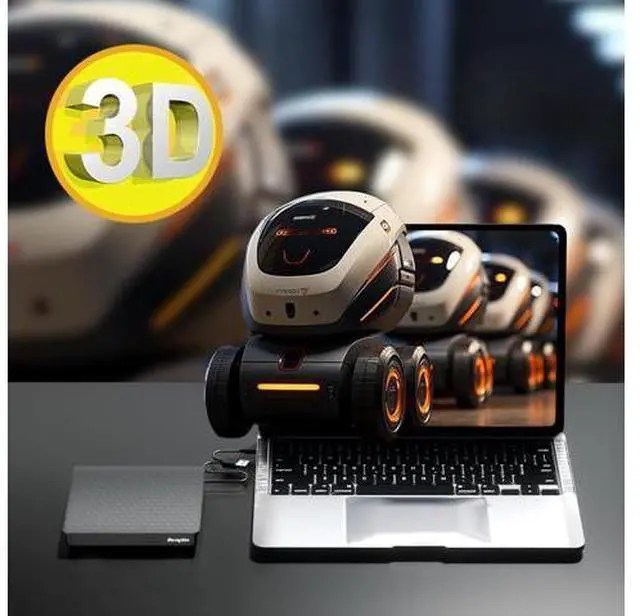
- [3D Ultra HD USB CD Drive] Supports 3D playback, delivering a lifelike experience with clarity comparable to 4K quality. However, the drive cannot play 4K Ultra HD Dis
+
+
Overview
Specs
Reviews

Any questions? Our AI mode will help you find out quickly.
Try me now
Q & A:
Q: Why can't it read my Blu-ray disc?
A: Please make sure that your disc is not blocked, copyrighted Blu-ray discs have zone bit code protection. You need to download the shielding software AnyDVD to decode the zone bit code.
Q: After connecting to my computer, why can't my computer show this blu ray?
A: The desktop computers plug USB cable directly into the USB interface located back of the motherboard. Laptops ensure that has suffipower and connect the power cable. If you still cannot, please restart your computer.
Q: Why can't disc tray normally be ejected?
A: If it is a notebook, it may be due to insufficient power. You can also force it to open with a small needle.
Q: When playing a disc, it is very noisy, is it a little problem?
A: This is normal. There are some blu ray discs that are thicker than normal discs and will be too noisy during operation.
Q: Can not burn discs.
A: Burns need to install the burning software. It is recommended to use NERO burning software.
Package includes: 1x USB 3.0 & Type-C Blu-ray Drive, 1 x User Manual. We provides full service for our customers. If you encounter any problems with the product, please contact us for after-sales service.
Q: Why can't it read my Blu-ray disc?
A: Please make sure that your disc is not blocked, copyrighted Blu-ray discs have zone bit code protection. You need to download the shielding software AnyDVD to decode the zone bit code.
Q: After connecting to my computer, why can't my computer show this blu ray?
A: The desktop computers plug USB cable directly into the USB interface located back of the motherboard. Laptops ensure that has suffipower and connect the power cable. If you still cannot, please restart your computer.
Q: Why can't disc tray normally be ejected?
A: If it is a notebook, it may be due to insufficient power. You can also force it to open with a small needle.
Q: When playing a disc, it is very noisy, is it a little problem?
A: This is normal. There are some blu ray discs that are thicker than normal discs and will be too noisy during operation.
Q: Can not burn discs.
A: Burns need to install the burning software. It is recommended to use NERO burning software.
Package includes: 1x USB 3.0 & Type-C Blu-ray Drive, 1 x User Manual. We provides full service for our customers. If you encounter any problems with the product, please contact us for after-sales service.
Warranty & Returns
Warranty, Returns, And Additional Information
Warranty
- Please contact the Seller directly for warranty information. Warranty information may also be found on the Manufacturer's website.
- CONTACT
Return Policies
- Return for refund within: 30 days
- Return for replacement within: non-replaceable
- This item is covered by TechMax Depot Return Policy
Manufacturer Contact Info
- For a directory of all our manufacturers, please click below.
- Manufacturers Directory
LOADING...