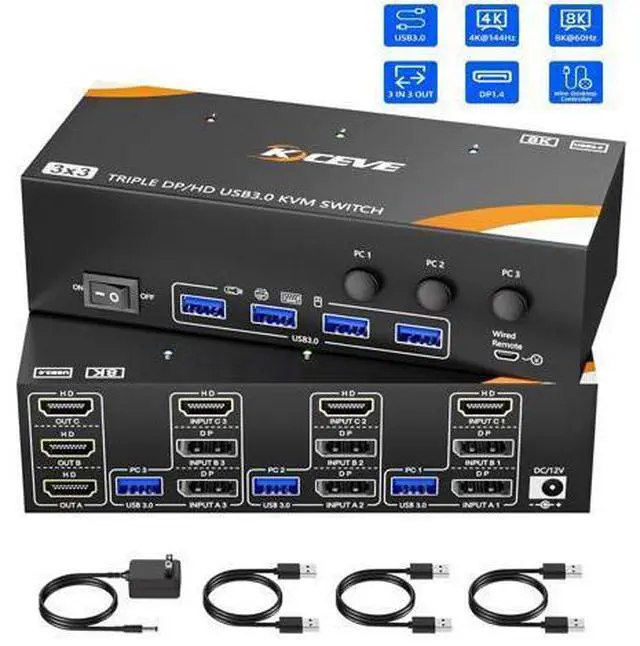
8K@60Hz KVM Switch 3 Computers share 3 monitors and 4 USB devices
Q & A:
Q: Can KVM switches support up to 4K@144Hz?
A: DisplayPort
Part: DP 1.4 supports up to 8K@30Hz, 4K@144Hz, 4K@120Hz;
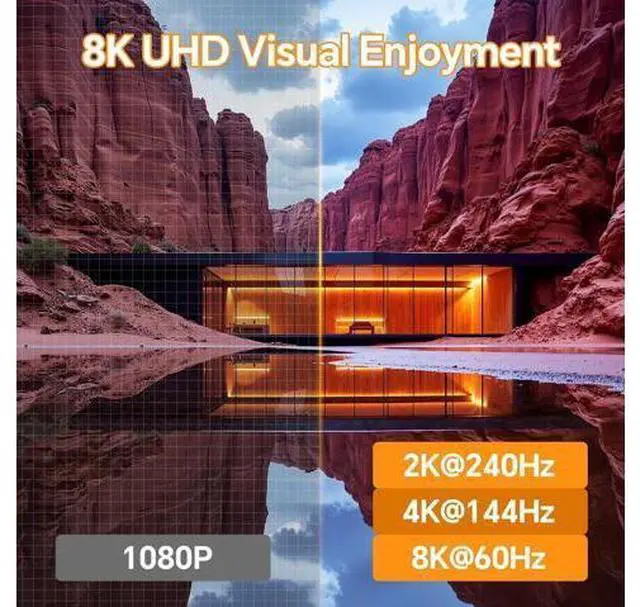
HDMI Part: HDMI 2.1 supports up to 8K@60Hz, 4K@120Hz, and is backward compatible with lower resolutions and refresh rates.
Q: Do I need to connect the 12V/1A power supply to use it?
A: Yes, make sure that your computer supports the display of multiple screens. You can connect two screens directly to the computer and check if images are displayed.
Q: How do I connect the KVM switch for normal use?
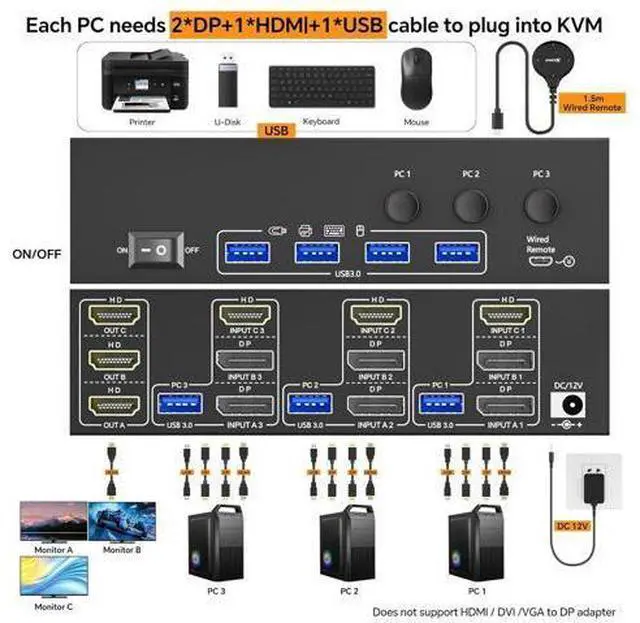
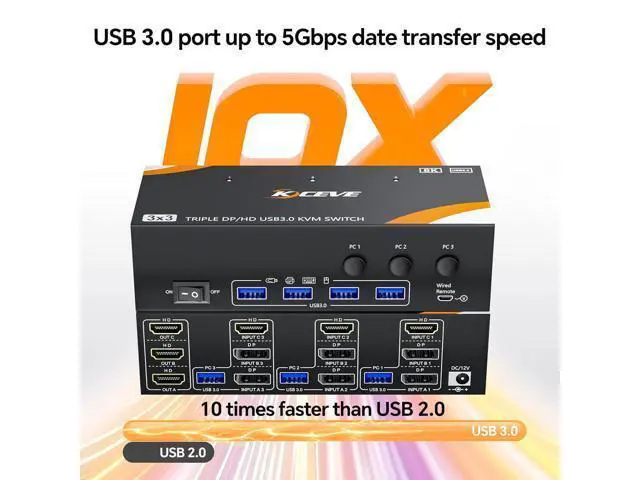
A: 2*DP+1*HDMI+1*USB (applies to PC 1, PC 2, PC 3).
Desktop: Graphics card must have at least 2*DP+1*HDMI ports;
Laptop: Requires at least 2*DP+1*HDMI ports or used with a USB-C docking station.
Q: Why is there flickering or no image after I connect to the KVM switch?
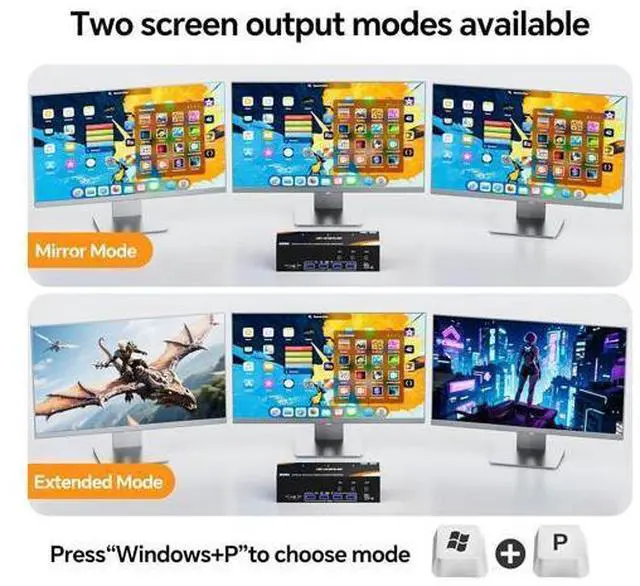
A: If you want to achieve the best resolution, your computer, monitor and cable must support 8K and the cable length must not exceed 1.5 meters. HDMI + DP + DP KVM Switch for 3 Computers 3 Monitors Share 4 USB 3.0 Devices 3 computers share one set of mouse, keyboard, printer, scanner, and 3 HDMI monitors Choose extended screen mode or mirror mode by pressing Windows+P 2
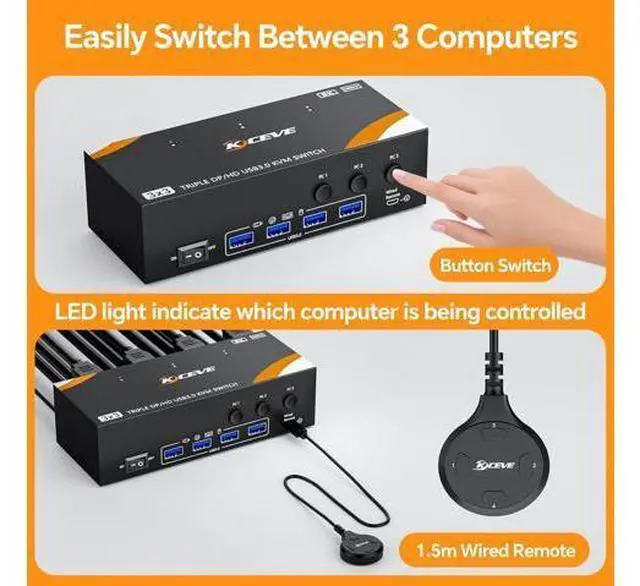
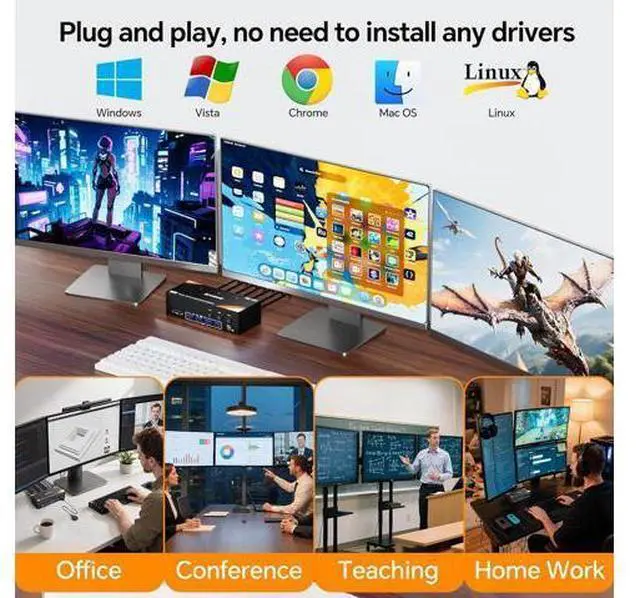
Switching methods: Switched by 1.5 m Wired Remote & Button Switch Plug and play. No additional driver software required LED light indicate which computer is active Compatible with Windows11/10/8/7/XP/Vista/Mac OS/Chrome/Linux etc system Support most
HDMI DP interfaces input device: PC, laptop, TV Box, PS5, Monitor, HDTV, projectors. Compliant with HDMI 2.1, HDCP 2.3, displayport 1.4
NOTE: Please make sure your PC supports 3 or multi-screen displays HD Resolution Visual Enjoyment HDMI port support 8K@60Hz, 4K@60Hz, 2K@165Hz
Please Note: Using 8K cables will solve the problem of flickering and black screen. Each PC needs 1 HDMI + 2 DP + 1 USB cable to plug into the KVM switch
Video Out: 3 HDMI monitor 15.5 x 6.5 x 4.3 cm( 6.1 x 2.6 x 1.7 inch), 380g/ 0.84LB
Build-in: ESD protection system
Shell Material: Metal Please connect DC 12V power supply
Packing List: 1 x KVM Switch 3 Monitor HDMI+DP+DP 3 x USB 3.0 Cable 1 x DC 12V Charger 1 x Wired Remote 1.5 m 1 x User Manual





 here!
here!