

Your Browsing History
- Free 30-day Returns
$83.98
Ships from China.

Meet Your Seller

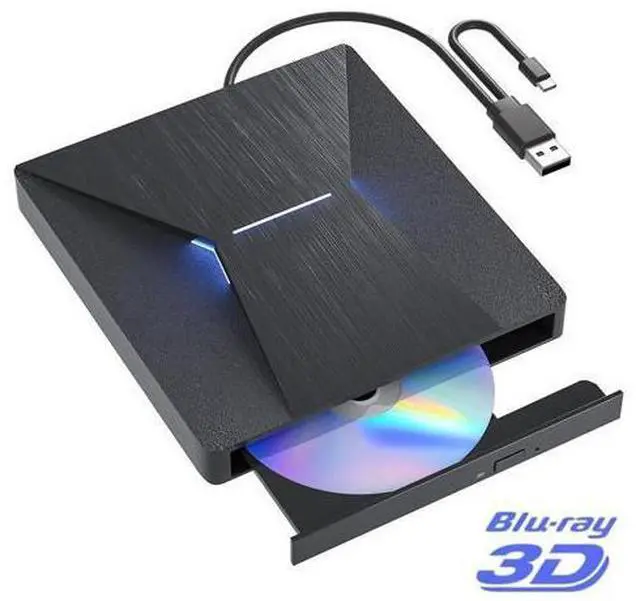

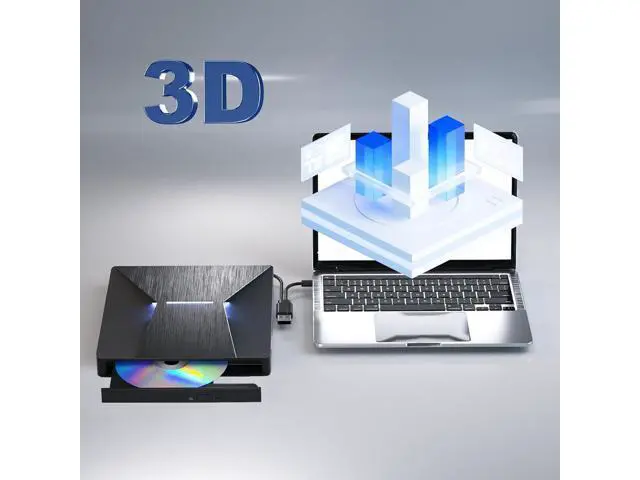
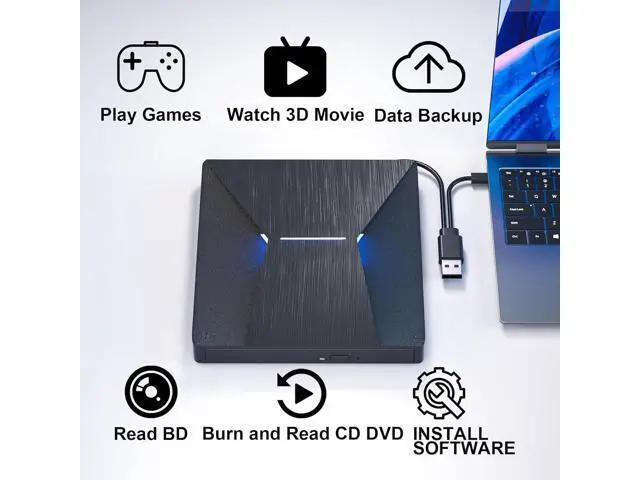
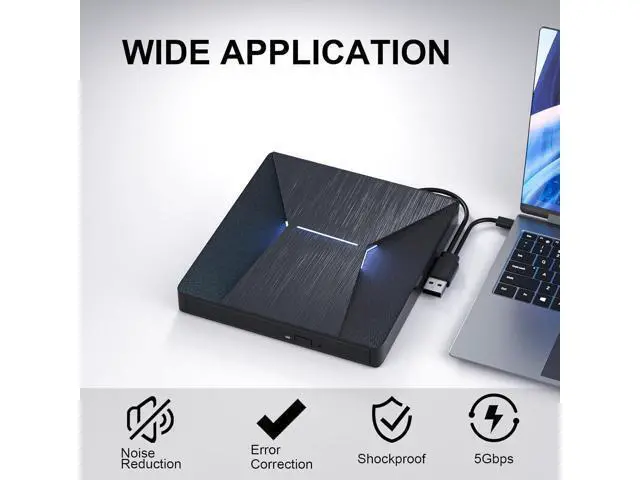
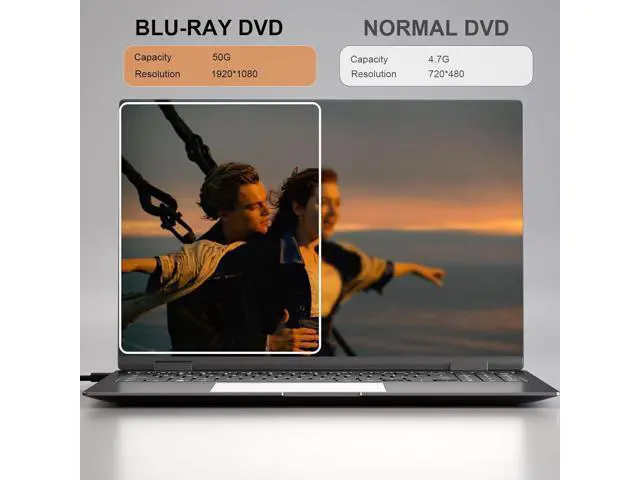


DIXSG External Blu Ray Drive, USB 3.0 and Type-C External Blu-Ray CD DVD Drive, Blu-ray Reader 3D Slim Optical CD Drive CD/DVD Burner Optical Drive Compatible with Windows XP/7/8/10, Laptop, Desktop
Limited time offer, ends 09/27 By TechMax Depot
- Latest HD Burning Technology: The external blu ray drive has a larger storage capacity and a faster reading and recording speed. Blu-ray reading speeds are up to 6x, DVDs up to 8x, and CDs up to 24x. Supports 8.5G 4.7G 700M CD DVD burning capabilities. Ad
+
+
Overview
Specs
Reviews

Any questions? Our AI mode will help you find out quickly.
Try me now
Q & A:
Q: Does this drive can burn BluRay?
A: No, this drive can only read Bluray, it can't burn BluRay.
Q: Does this drive can read and burn CD and DVD?
A: Yes, this drive can read and burn CD and DVD.
Q: Why does this can't play the Bluray in my computer?
A: This external Blu-ray DVD reader needs to download the Blu-ray player software itself before it can read Blu-ray DVD. Macgo blu-ray Player for MAC OS, and PowerDVD for Windows. Blu-ray Master is free one for all system.
Q: Why the drive can't be ejected?
A: Please connect the USB port with your device first and then it will be ejected.
Q: Which system and computer brand is this drive compatible with?
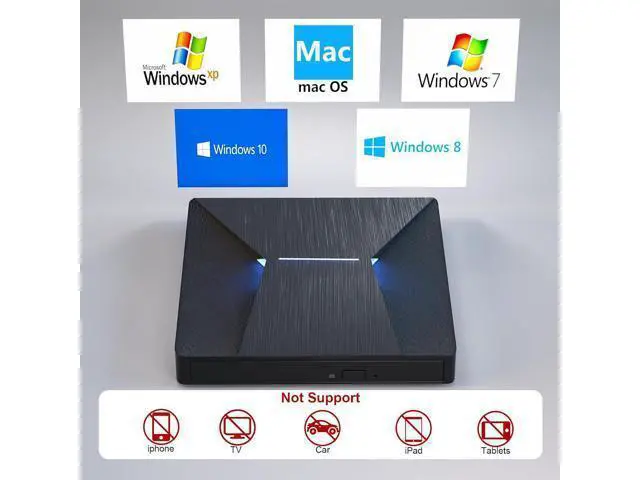
A: Our drive is compatible with operating system Window 7 8 10 11 XP, Linux, MAC OS. Compatible with computer brand De-ll, Ac-er, H-P, As-us, S-a-ms-u-n-g, Le-n-o-vo. Warm Tips Prior to using this external Blu-ray DVD Player, it is necessary to download suitable Blu-ray player software. Recommended options include Macgo Blu-ray Player for MAC OS, PowerDVD for Windows, and Blu-ray Master for all systems (free). Please note that this Blu-ray player cannot be used with tablets, such as the Surface series, due to low voltage conditions. When connecting the device to your computer, ensure it is plugged directly into a USB port. For desktop computers, connect the device to a USB port on the motherboard for proper functionality. Avoid using USB hubs or extension cables, as they may result in the drive not being recognized or difficulties in reading BD, CD/DVD. Please be aware that player software is NOT included and will need to be obtained separately. Kindly note that the Bluray DVD Drive does not support playback of 4K Ultra HD Discs. To optimize performance, we recommend connecting the power cable during use.
This will ensure stable and reliable operation.
Q: Does this drive can burn BluRay?
A: No, this drive can only read Bluray, it can't burn BluRay.
Q: Does this drive can read and burn CD and DVD?
A: Yes, this drive can read and burn CD and DVD.
Q: Why does this can't play the Bluray in my computer?
A: This external Blu-ray DVD reader needs to download the Blu-ray player software itself before it can read Blu-ray DVD. Macgo blu-ray Player for MAC OS, and PowerDVD for Windows. Blu-ray Master is free one for all system.
Q: Why the drive can't be ejected?
A: Please connect the USB port with your device first and then it will be ejected.
Q: Which system and computer brand is this drive compatible with?
A: Our drive is compatible with operating system Window 7 8 10 11 XP, Linux, MAC OS. Compatible with computer brand De-ll, Ac-er, H-P, As-us, S-a-ms-u-n-g, Le-n-o-vo. Warm Tips Prior to using this external Blu-ray DVD Player, it is necessary to download suitable Blu-ray player software. Recommended options include Macgo Blu-ray Player for MAC OS, PowerDVD for Windows, and Blu-ray Master for all systems (free). Please note that this Blu-ray player cannot be used with tablets, such as the Surface series, due to low voltage conditions. When connecting the device to your computer, ensure it is plugged directly into a USB port. For desktop computers, connect the device to a USB port on the motherboard for proper functionality. Avoid using USB hubs or extension cables, as they may result in the drive not being recognized or difficulties in reading BD, CD/DVD. Please be aware that player software is NOT included and will need to be obtained separately. Kindly note that the Bluray DVD Drive does not support playback of 4K Ultra HD Discs. To optimize performance, we recommend connecting the power cable during use.
This will ensure stable and reliable operation.
Warranty & Returns
Warranty, Returns, And Additional Information
Warranty
- Please contact the Seller directly for warranty information. Warranty information may also be found on the Manufacturer's website.
- CONTACT
Return Policies
- Return for refund within: 30 days
- Return for replacement within: non-replaceable
- This item is covered by TechMax Depot Return Policy
Manufacturer Contact Info
- For a directory of all our manufacturers, please click below.
- Manufacturers Directory
LOADING...