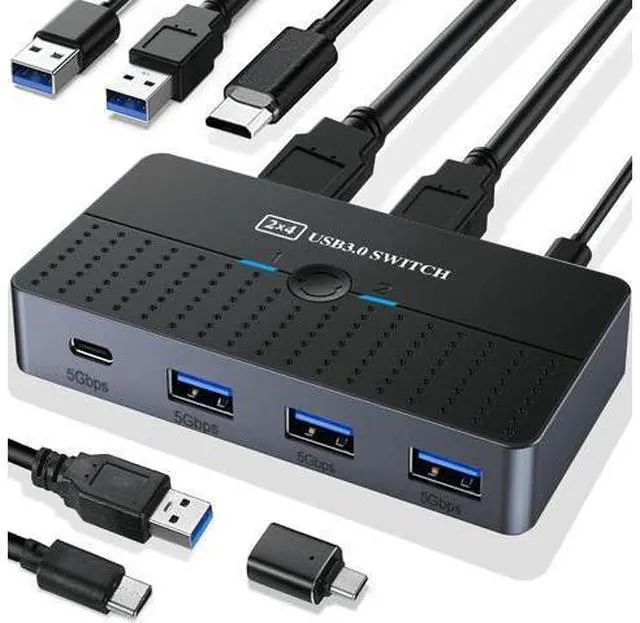
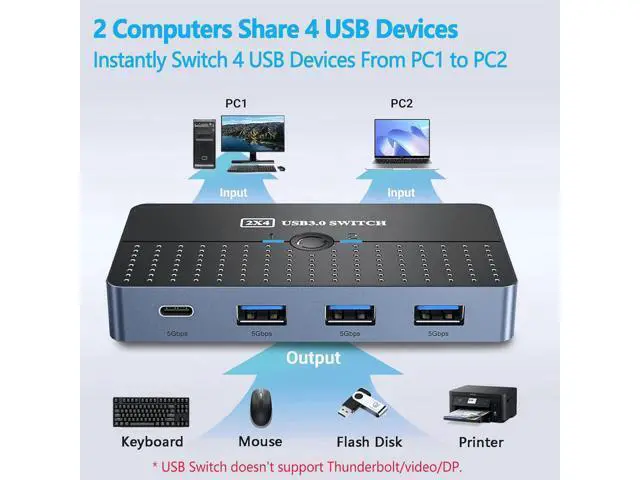
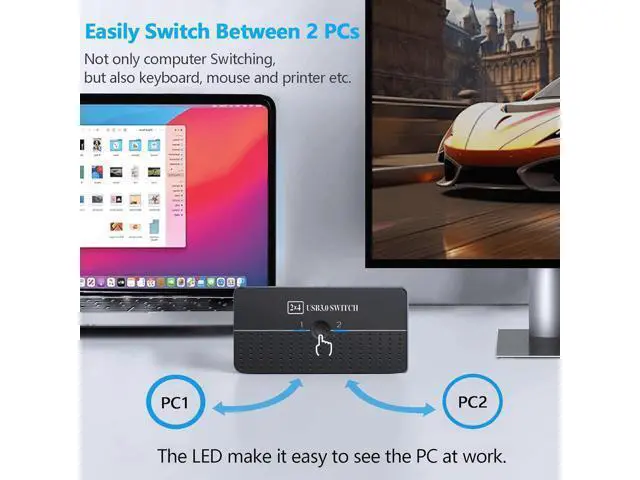
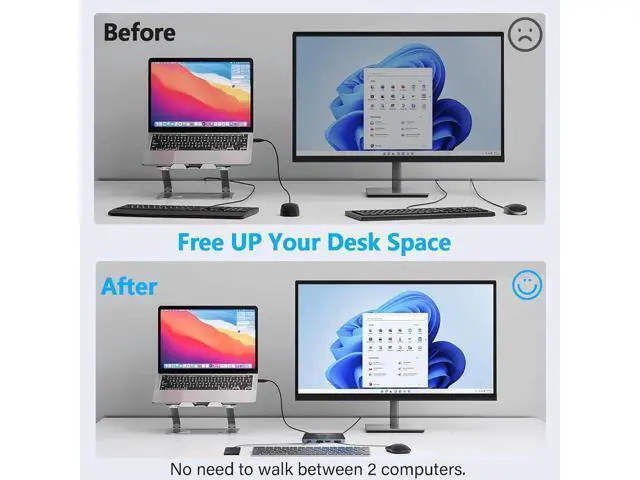
Product Advantages: 1. Support 2 computers sharing 1x USB C and 3x USB-A devices. 2. Supports connection of various peripheral devices, such
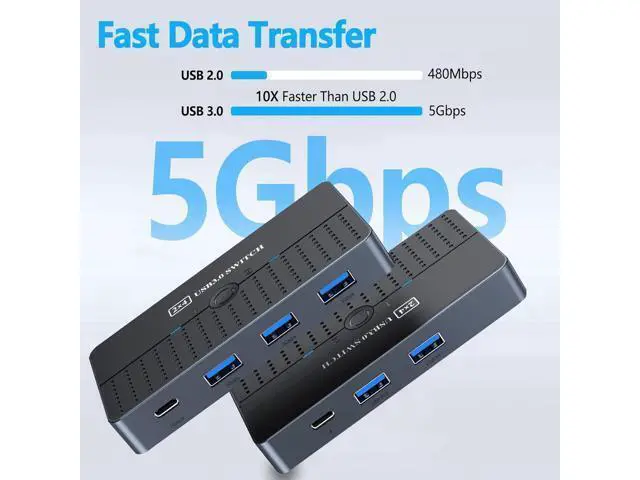
as: wired mouse, wired keyboard, USB hub (Only data transfer is allowed), USB flash drive/external hard drive, scanner, printer, etc. 3. With USB 3.0 ports, transfer rates can be up to 5Gbps bandwidth. 4. The USB switcher additionally designed USB-C connection power connector provides 5V/2A power supply. Make it more stable when working. 5.
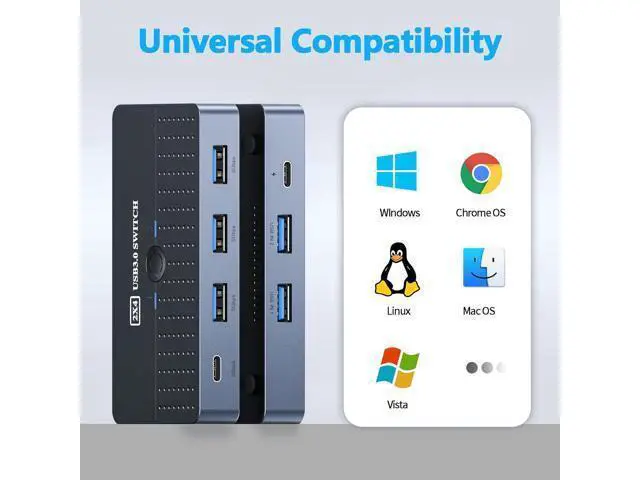
Widely compatible systems: Windows XP/Vista/7/ 8.1 /10/11, Mac OS, Linux and Chrome OS. Wide Compatibility The USB-C switch is designed to be compatible with a wide range of operating systems, including Windows, macOS, and Linux, as well as various types of USB devices. This ensures that it will work with your existing setup and won't require any special software or drivers.
Note:
1.
For Input Ports: This USB switch doesn't support any video input and associated monitors because the switch doesn't support the Thunderbolt/ HDMI/ DisplayPort/VGA protocols.
2.
For Output Ports: The USB output ports are for data transfer only and do not support power or video output (monitor).
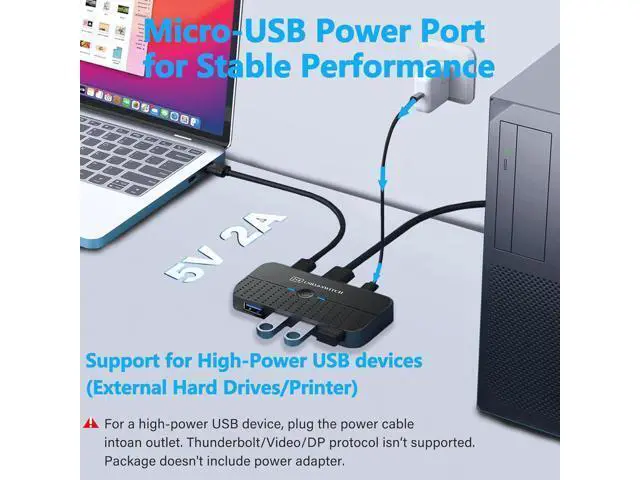
3. When connecting a high-power device (printer, hard disk), you need to connect the USB-C power port to the outlet for better compatibility. (USB-C to A power cord only, power adapter not included) 4. About the computer being in sleep mode: If the usb device disconnects after the computer wakes up from sleep mode, it may be caused by the power saving mode. Please turn off power saving mode and try again. If you have additional questions, please feel free to contact-us for assistance. Connect USB C & USB A Devices The USB 3.0 switch provides 1 USB C port and 3 USB A ports to support connecting various USB devices, extending more ports for two computers Aluminum USB 3.0 Switch With high-quality Aluminum shell is more durable, anti-fingerprint, and accelerates heat dissipation USB-C Power Supply The USB switch is designed with a optional power supply for high-power devices like Hard Disk Drives, headsets, and other USB devices to work more stably
Product Advantages:
1. Support 2 computers sharing 1x USB C and 3x USB-A devices.
2. Supports connection of various peripheral devices, such
as: wired mouse, wired keyboard, USB hub (Only data transfer is allowed), USB flash drive/external hard drive, scanner, printer, etc.
3. With USB 3.0 ports, transfer rates can be up to 5Gbps bandwidth.
4. The USB switcher additionally designed USB-C connection power connector provides 5V/2A power supply. Make it more stable when working.
5.
Widely compatible systems: Windows XP/Vista/7/ 8.1 /10/11, Mac OS, Linux and Chrome OS.
Note:
1.
For Input Ports: This USB switch doesn't support any video input and associated monitors because the switch doesn't support the Thunderbolt/ HDMI/ DisplayPort/VGA protocols.
2.
For Output Ports: The USB output ports are for data transfer only and do not support power or video output (monitor).
3. When connecting a high-power device (printer, hard disk), you need to connect the USB-C power port to the outlet for better compatibility. (USB-C to A power cord only, power adapter not included)
4. About the computer being in sleep mode: If the usb device disconnects after the computer wakes up from sleep mode, it may be caused by the power saving mode. Please turn off power saving mode and try again. If you have additional questions, please feel free to contact-us for assistance.
Package: - 1 x USB 3.0 Switch - 2 x USB-A to A Cables - 1 x USB C Power Cable - 1 x USB C to USB A adapter





 here!
here!