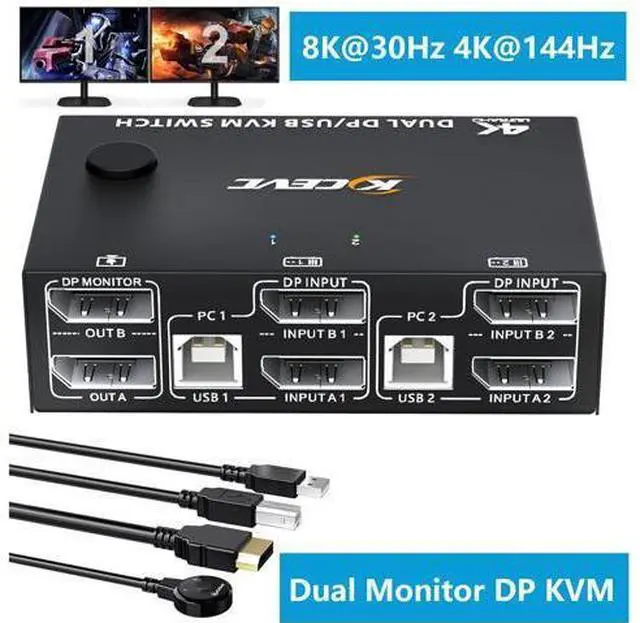
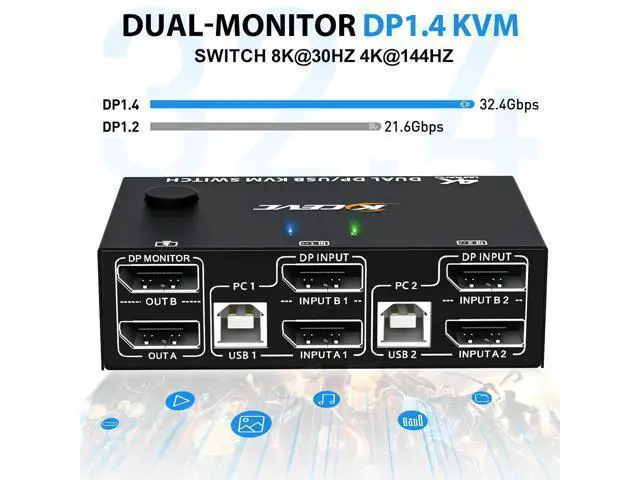
Dual Monitor Displayport 1.4 KVM Switch 4K@144Hz/100Hz 2 IN 2 OUT Dual-Monitor DP 1.4
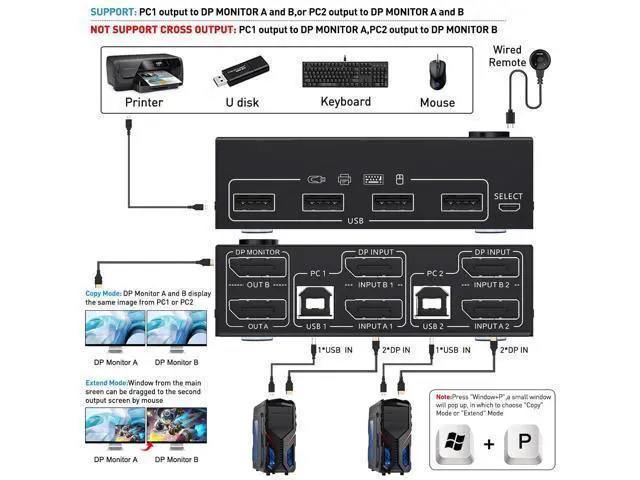
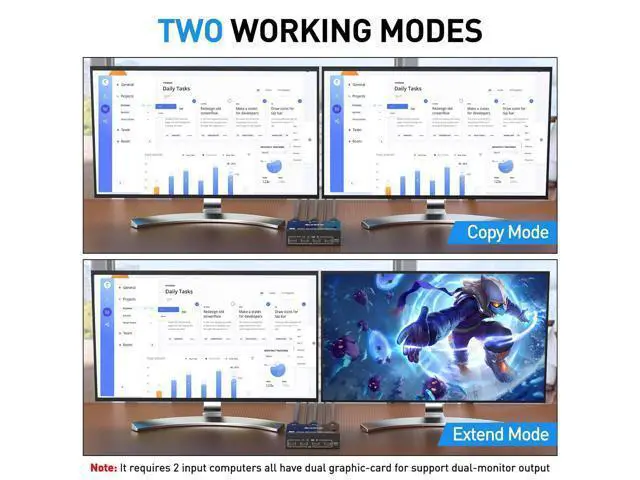
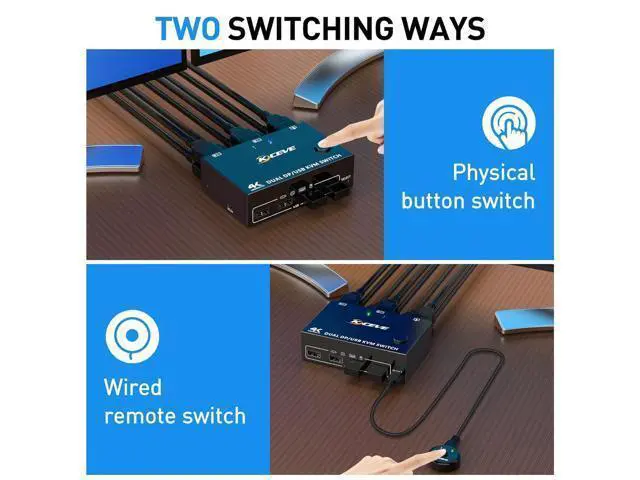
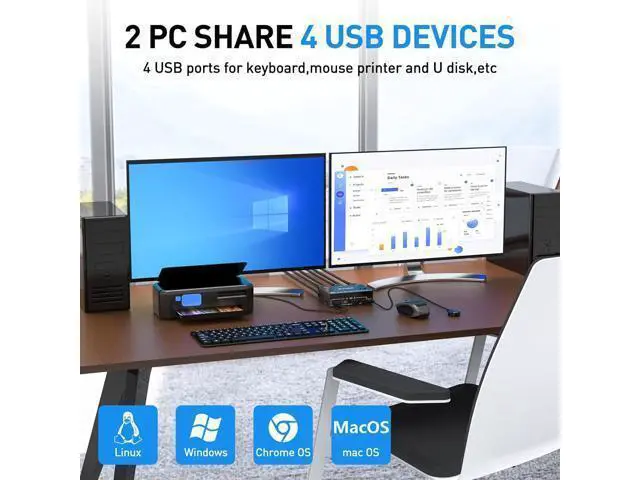
KVM Switch Features: 2 computers/laptops share a set of wired/wireless keyboard, mouse and 2 monitors, 4 USB devices. Support the highest resolution 8K@30Hz, 4K@144Hz/100Hz, backward compatible with lower resolutions and DP 1.2. Dual monitor output supports extended and copy display. Press "Window+P" to select the working mode, and supports most common operating systems. Support push-button switch and wired remote control, two color indicator light. Displayport KVM Switch Connection Steps This DP KVM switch has 2 sets of ports for 2 PC, each computer needs 2 displayport cable + 1 USB-B cable to connect KVM-switches. In order not to affect the functions of extended and mirror display, USB cable and 2 displayport cables must be fully plugged in. Step
1. Connect 2 displayport cables+1 USB-B cable between computer 1 and KVM (USB 1, INPUT A1, INPUT B1). Step
2. Connect 2 displayport cables+1 USB-B cable between computer 2 and KVM (USB 2, INPUT A2, INPUT B2). Step
3. Connect 2 displayport cables between the KVM (OUT A, OUT B) and 2 monitors. Step
4. Plug your USB device (keyboard & mouse) into the USB port on the KVM. You can connect up to 4 USB 2.0 devices simultaneously. Compatible with USB 2.0 / 1.1 devices. Step
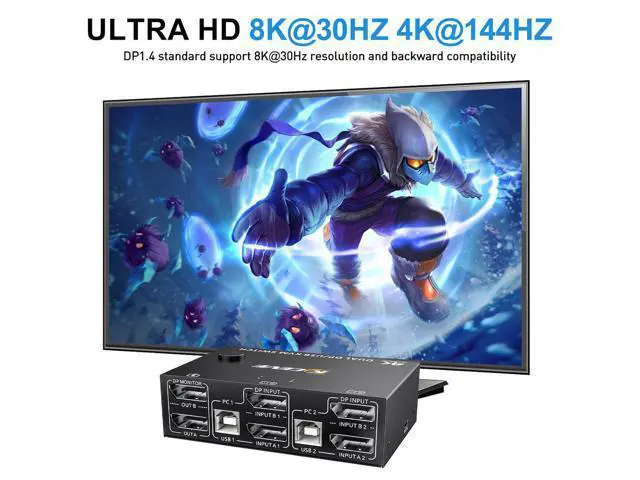
5. Plug the wired remote into the "SELECT" port to switch freely between PC1 and PC2. 2 PC Share 4 USB 2.0 Devices The 4 USB ports of the displayport KVM switch can be connected to USB devices such as mouse, keyboard, printer, U disk, scanner, webcam 8K/4K UHD Resolution Visual Enjoyment Our KVM switch supports connection to 8K and 4K high-resolution displays, 8K@30Hz, 4K@144Hz, 4k@60Hz, 3D 1080P backward compatible with lower resolutions. Also works with ultra wide monitor Wired Remote & Button Switch The displayport KVM switch can be switched by this 1.5 m wired control cable, also switch with one click through the button on the switcher panel DC 5V Power Interface (Micro USB Port) When you use high-power USB devices, please plug in the DC 5V power supply to provide enough power (not included) Compatible with Most Systems This KVM switch suitable for for Windows, Windows XP, Mac OS, Vista, Linux, Android, etc Support Wireless Keyboard & Mouse Support 2.4GH z wireless technology keyboard and mouse (not support
Bluetooth) Specification: Product
Name: Displayport KVM Switch 2 monitors
Input: Each PC (Displayport A+B), 1 x USB type-B
Video Out: 2 x Displayport (Monitor)
Down Input: 4 x USB A, Support USB HUB; Connect to wireless keyboard mouse, printer
Display port switch size: 10.18 x 6.48 x 3.03 cm DP / USB 2.0 / wired control cable length: 150cm (50 inches)
HDCP: 2.2
YUV:
4:4: 4
Build-in: ESD protection system
Surface: black oxidation treatment
Shell Material: Metal, drop-resistant, high-temperature resistant Powered by USB cables or 5V charger. Please be Aware before
Order: This KVM Switch requires 2* DP+1*USB input for each computer and 2* DP output for 2 monitors. However, most computers especially laptops do not have 2 DisplayPort outputs, If so, please check if your computer / laptop has another video ports like HDMI or USB C (VGA and DVI is not recommended), If yes, you can use a powered HDMI to DP adapter (HDMI input, displayport output, with USB power), or a USB C to DP adapter for converting it to DisplayPort. When adapters are being used, the resolution will drop. So the less adapter the better. Suggest to Use DisplayPort monitor to avoid using adapters on video outputs. This KVM Switch does not support EDID emulation (all DP KVM on the market do not support it, this is the DisplayPort specific issue and is why DisplayPort doesn't support EDID emulation, not just this product).
Features: 2 computers share a set of wired / wireless mouse, keyboard, printer, scanner or webcam, and display on 2 monitors You can choose between extended screen mode and mirrored screen mode by pressing Windows+P on the keyboard Extended mode can output two diff





 here!
here!