Your Browsing History
Meet Your Seller
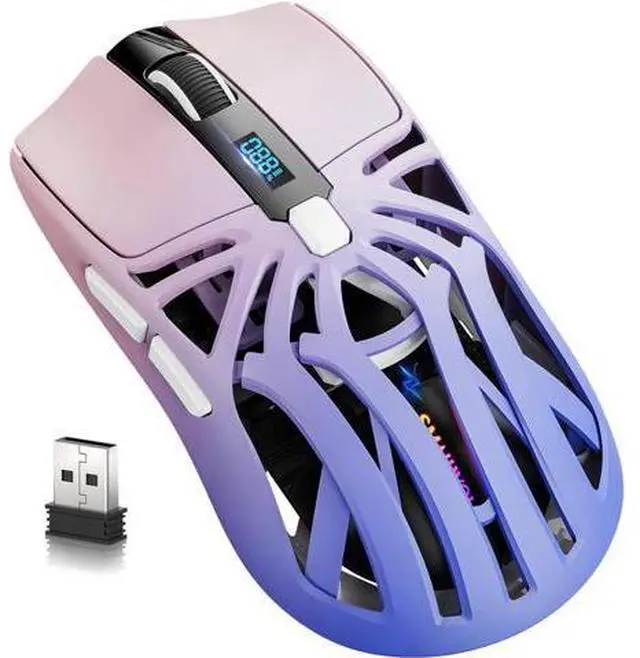
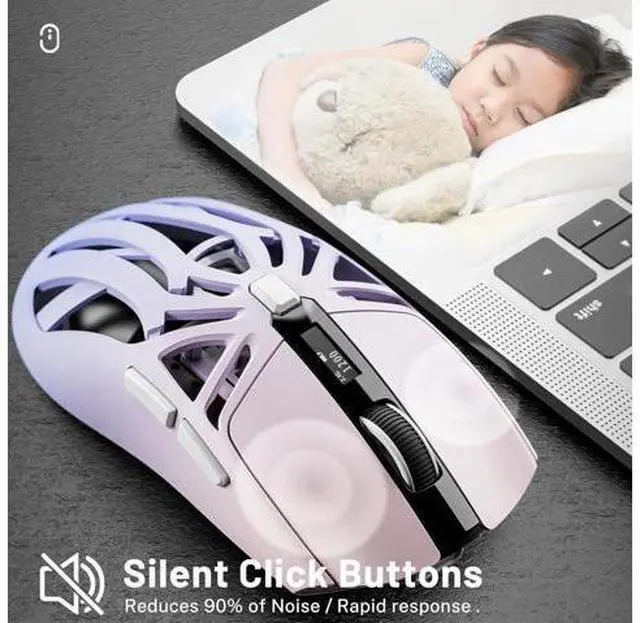
DIXSG Wireless Gaming Mouse, 10000 DPI, Tri-Mode 2.4GHz/Bluetooth/Wired Mouse, 6 Buttons, Digital Display, Silent Mice, Rechargeable, Customizable Macro and RGB Backlight for PC/Mac/Laptop (Purple)
Limited time offer, ends 07/12 By TechMax Depot
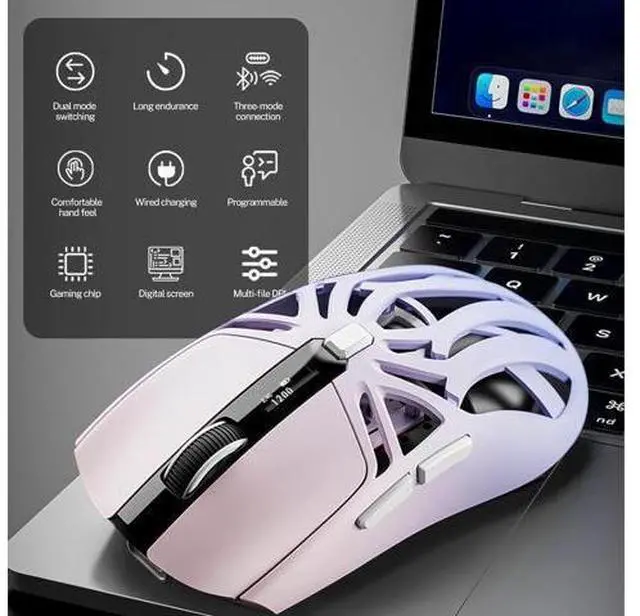
- [Stylish Gaming Mouse]: The mouse is made of unique design and skin-friendly material, which is not only cool but also comfortable to hold.
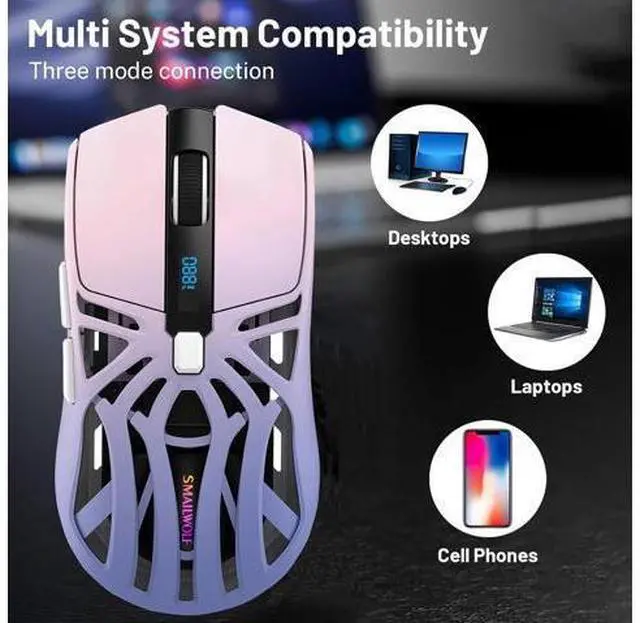
- [Three Connection Modes]: Wireless Mouse Offers 3 Reliable Connection Modes, Including BT5.0, 2.4GHz Wireless Mode
+
+
Overview
Specs
Reviews
Any questions? Our AI beta will help you find out quickly.
Try me now
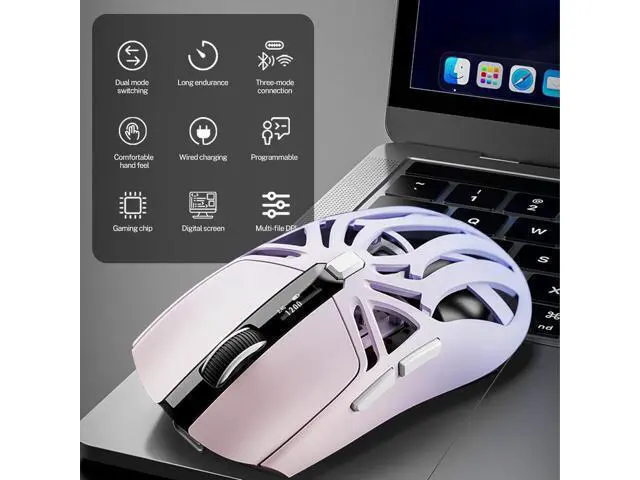
Product Features: Three
connection modes: 2.4G connection
1. Toggle the switch on the back of the mouse to 2.4 g.
2. Connect the receiver to the USB port on the PC side.
3. Wait for the system to read and ready to use. BT connection
1. Toggle the switch on the back of the mouse to BT.
2. Press and hold the left, middle and right mouse buttons at the same time for 4 seconds, and the scroll wheel appears to flash rapidly with a blue light.
3. Then open the Bluetooth search to connect, when the device appears "RS8".
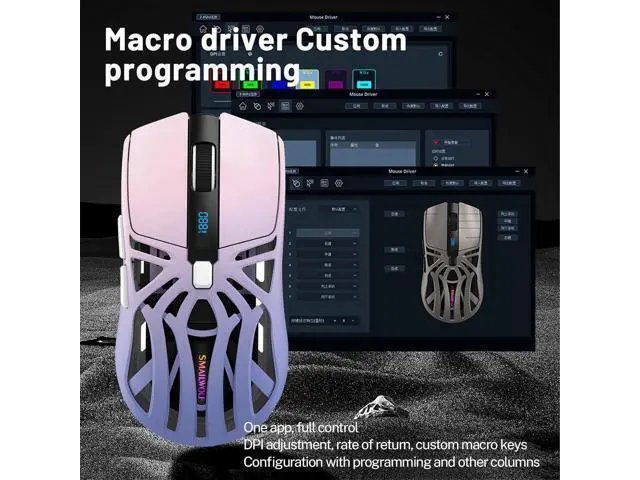
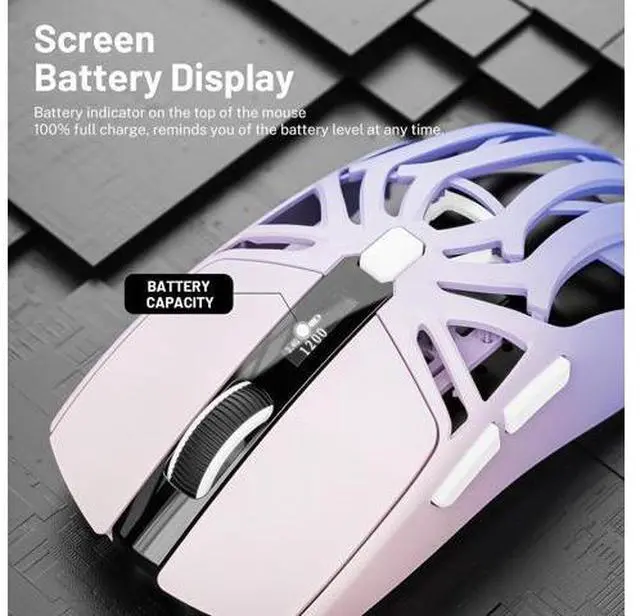
4. Click match to connect. Wired connection Connect the mouse and the PC port with the Type-c, then you can use it. Battery Level Visible The top of the mouse is designed with a screen displaying the power level, so you can check the remaining power level at any time. Macro Driver Custom Programming Adjusts a range of configurations, full adjustments, DPI adjustments, return rate adjustments, custom macro keys and programming.
Product Parameters:
Acceleration: 10g
DPI: 1200-1600-2400-3200-6400-10000
Number of buttons: 6
Return rate: 1000
Transmission Distance: 10M
Battery capacity: 500MA
Interface: Type-C +
USB receiver Image Sensor: Gaming Chip
Bluetooth 5.1 Compatible: Window/Mac/Android
Wireless connection: USB 2.4G
Wireless XP/Vista/Win7/Win8/Win10/Win11 Package Includes: Wireless Gaming Mouse*1 User manual *1 TYPE-C cable *1 USB receiver *1

connection modes: 2.4G connection
1. Toggle the switch on the back of the mouse to 2.4 g.
2. Connect the receiver to the USB port on the PC side.
3. Wait for the system to read and ready to use. BT connection
1. Toggle the switch on the back of the mouse to BT.
2. Press and hold the left, middle and right mouse buttons at the same time for 4 seconds, and the scroll wheel appears to flash rapidly with a blue light.
3. Then open the Bluetooth search to connect, when the device appears "RS8".
4. Click match to connect. Wired connection Connect the mouse and the PC port with the Type-c, then you can use it. Battery Level Visible The top of the mouse is designed with a screen displaying the power level, so you can check the remaining power level at any time. Macro Driver Custom Programming Adjusts a range of configurations, full adjustments, DPI adjustments, return rate adjustments, custom macro keys and programming.
Product Parameters:
Acceleration: 10g
DPI: 1200-1600-2400-3200-6400-10000
Number of buttons: 6
Return rate: 1000
Transmission Distance: 10M
Battery capacity: 500MA
Interface: Type-C +
USB receiver Image Sensor: Gaming Chip
Bluetooth 5.1 Compatible: Window/Mac/Android
Wireless connection: USB 2.4G
Wireless XP/Vista/Win7/Win8/Win10/Win11 Package Includes: Wireless Gaming Mouse*1 User manual *1 TYPE-C cable *1 USB receiver *1
Warranty & Returns
Warranty, Returns, And Additional Information
Warranty
- Please contact the Seller directly for warranty information. Warranty information may also be found on the Manufacturer's website.
- CONTACT
Return Policies
- Return for refund within: 30 days
- Return for replacement within: non-replaceable
- This item is covered by TechMax Depot Return Policy
Manufacturer Contact Info
- For a directory of all our manufacturers, please click below.
- Manufacturers Directory
LOADING...