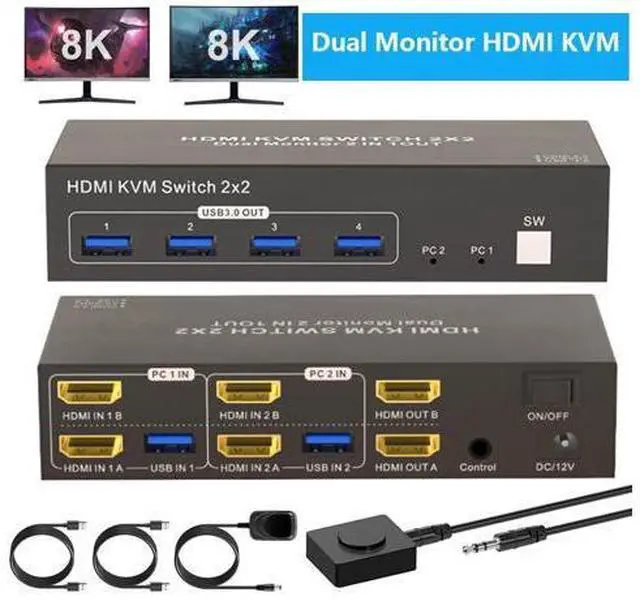
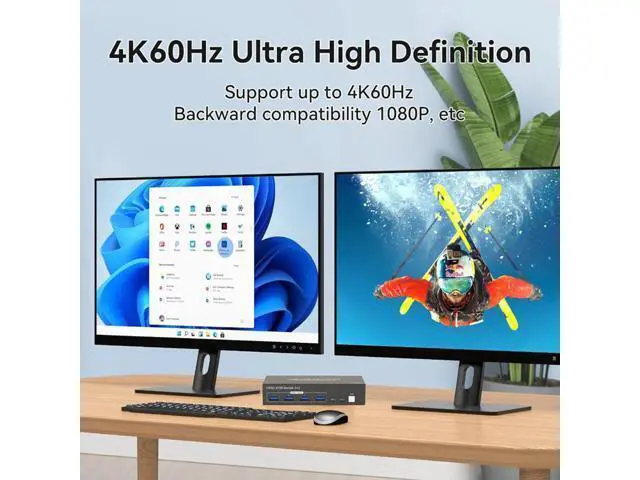
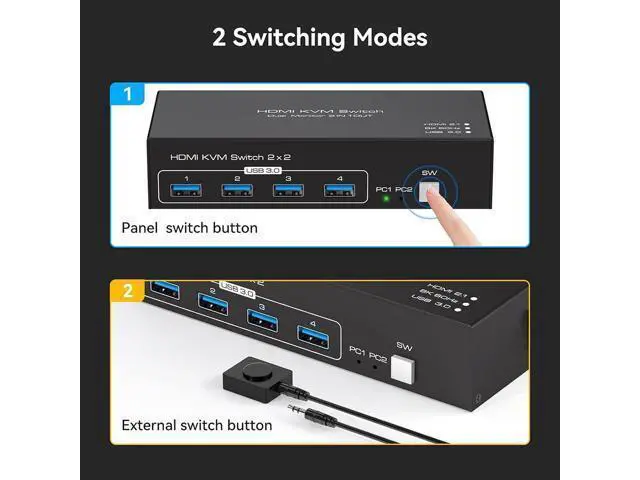
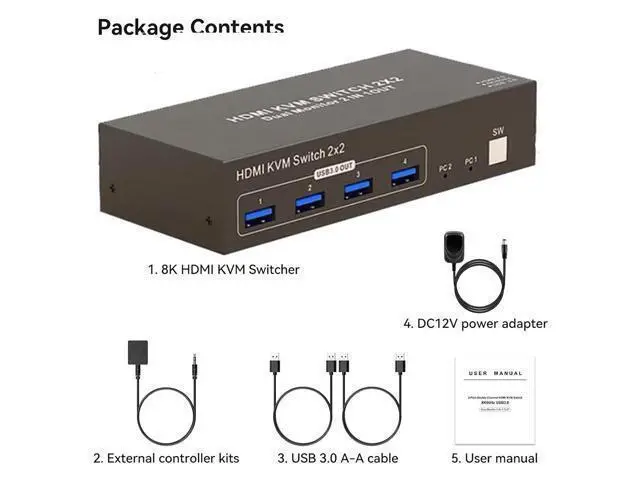
HDMI KVM Switch Dual Monitor 2 In 2 Out 4K60Hz Dual Monitor KVM Switch HDMI 2 computers share 2 monitors and 4 USB 3.0 device Dual Monitor KVM Switch HDMI 2.0 can connect 2 computer hosts sharing 1 set of keyboard, mouse and 2 monitors. With four USB 3.0 hub ports, a barcode scanner, USB hard drive or other USB device can be connected to the KVM. Supports Windows/Vista/XP and Mac systems, Linux and Unix, plug and play. Supports front panel buttons and external switch buttons to control KVM switching input sources.
Supports USB 3.0 transfer rates of up to 5Gbps. Having a dual monitor KVM switch can make your desktop neater and your work more efficient and convenient. Dual Monitor HDMI KVM Switch HDMI 2 monitors 2 computers supports 2 modes
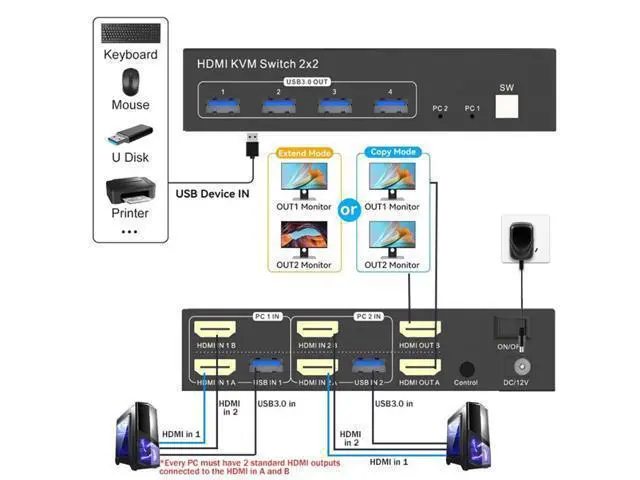
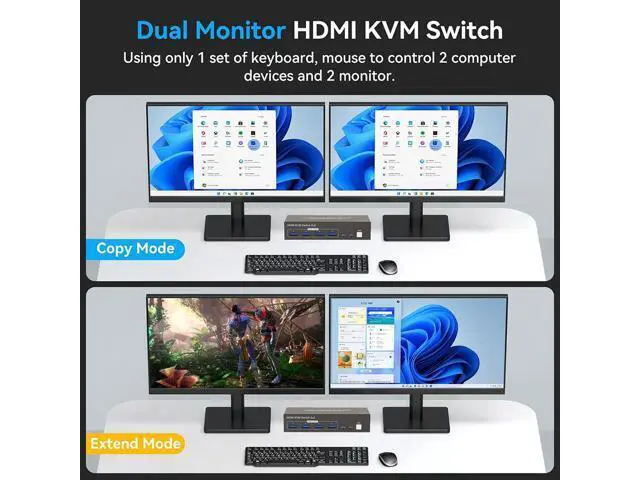
Mode 1: Copy mode (computer host outputs 2 identical screens on 2 displays)
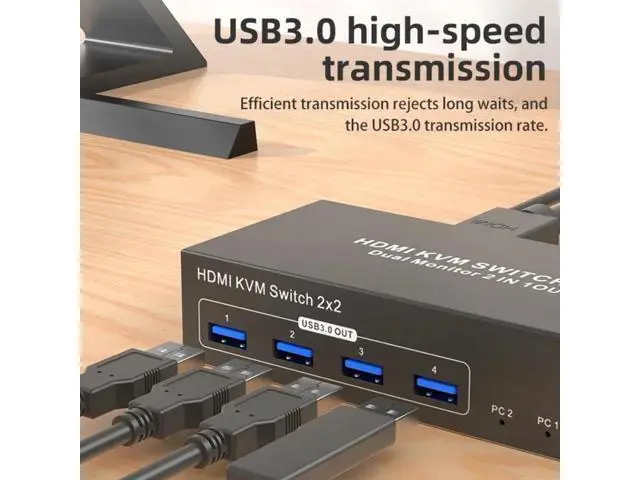
Mode 2: Extended mode (computer host outputs 2 different screens on 2 displays) KVM Switch with 4 USB 3.0 Ports HDMI kvm switch with 4 USB 3.0 ports, two computers can share up to 4 usb devices, such as mouse, keyboard, printer, hard disk, etc. The transmission speed of USB 3.0 is as high as 5Gbps, which is far superior to USB 2.0 in reading data. Button and Desktop Controller Switching You can switch between 2 computers through press the button on the HDMI KVM switch or through the desktop controller. Desktop controller also hides the KVM for a tidier desktop. The KVM switch 2 monitors plug-and-play, it is simple and easy to install. LED indicate the active computer.
NOTE: Keyboard shortcuts (hotkeys) toggles are not supported. 8K60Hz Dual Monitor HDMI USB 3.0 KVM Switch 2 computers share 2 monitors and 4 USB 3.0 device
Features: Dual Monitor KVM Switch HDMI 2.0 can connect 2 computer hosts sharing 1 set of keyboard, mouse and 2 monitors. With four USB 3.0 hub ports, a barcode scanner, USB hard drive or other USB device can be connected to the KVM. Supports Windows/Vista/XP and Mac systems, Linux and Unix, plug and play. Supports front panel buttons and external switch buttons to control KVM switching input sources. Supports USB 3.0 transfer rates of up to 5Gbps. KVM Switch HDMI 2 monitors 2 computers supports 2 modes
Mode 1: Copy mode (computer host outputs 2 identical screens on 2 displays)
Mode 2: Extended mode (computer host outputs 2 different screens on 2 displays) Support resolutions up to 4K120HZ/8K60HZ, and backward compatible with lower resolutions: 4K@60HZ, 4K@30HZ, 1080P, 720P, etc.
Note: The use of adapters, conversion cables, and converters in connection may result in degradation of resolution, flickering, or failure to work, and should be minimized or not used.





 here!
here!