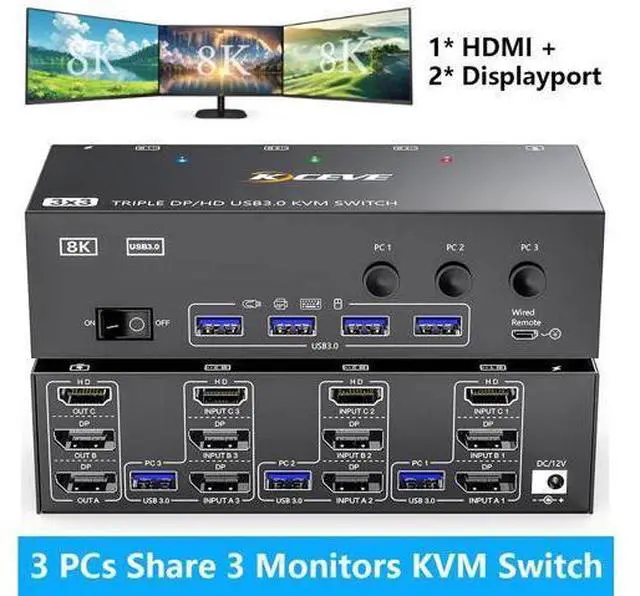
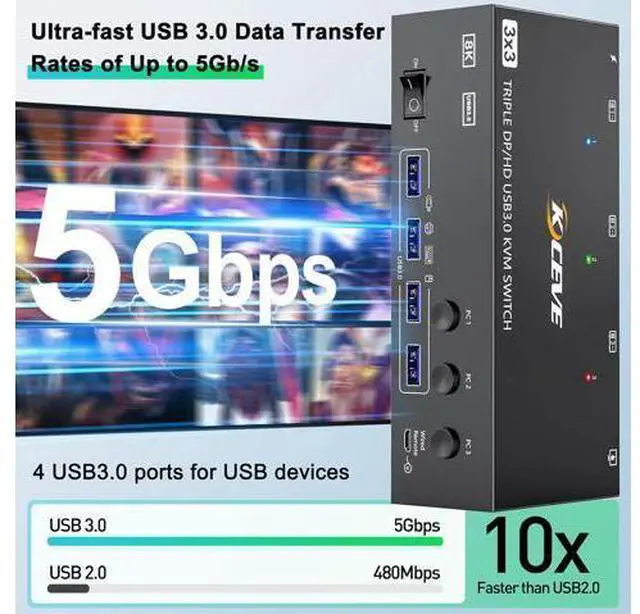
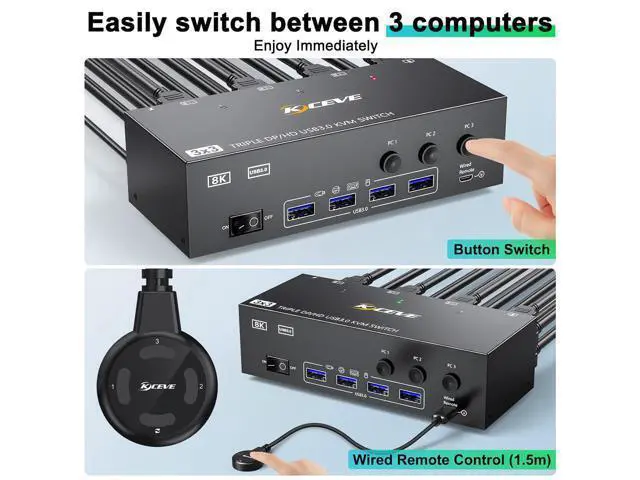
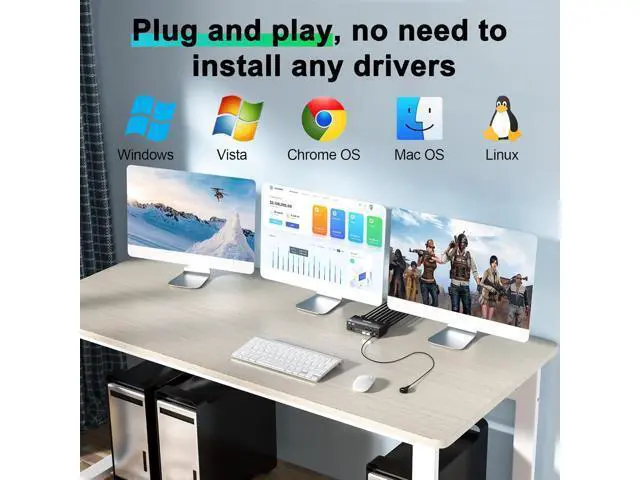
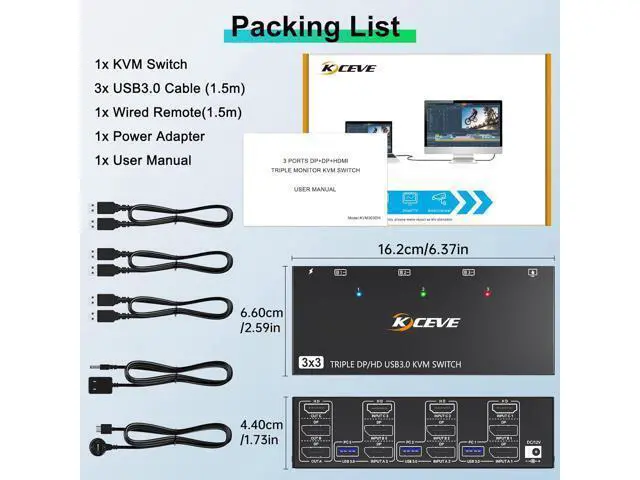
2 Port DP & 1 Port HDMI Triple Monitor KVM Switch 3 Computers 3 Monitors 3 computers share 3 monitors and 4 USB 3.0 devices. Supports wired or wireless keyboard and mouse.
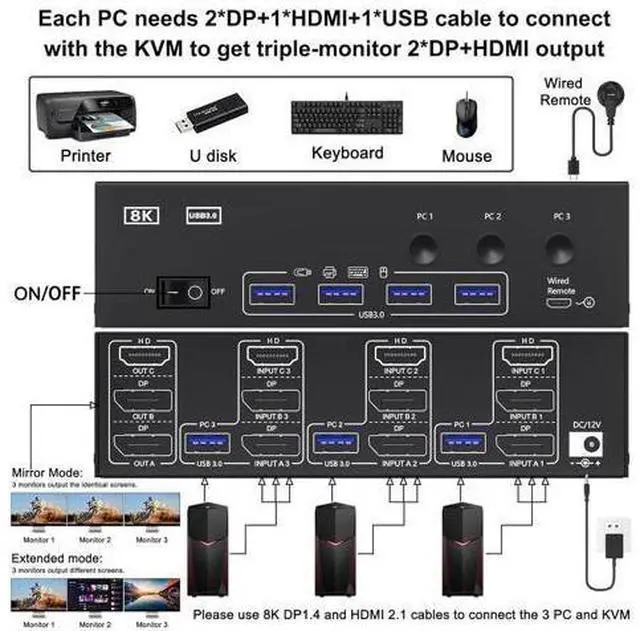
Switching mode: button switch and wired remote. Driver-free for Windows, Mac, Linux, Unix, Ubuntu. Connection diagram of triple monitor KVM switch Each computer requires 1*HDMI+2*Displayport +1* USB cable to connect the 3 monitor KVM switch, OUT A, OUT B, OUT C connect to 3 monitors. Supports DP to HDMI, USB-C to HDMI, USB-C to DP converter and USB-C docking station. Please confirm whether your computer's graphics card supports 1*HDMI+2*Displayport before placing an order. Come with 12V
DC power supply: This triple monitor KVM switch is equipped with a 12V DC power supply to support high power USB devices such as hard drives, webcams etc. It avoids situations where the power supply is insufficient to make it unusable and ensures stable transmission between devices without disconnection. How to set the output mode: Windows
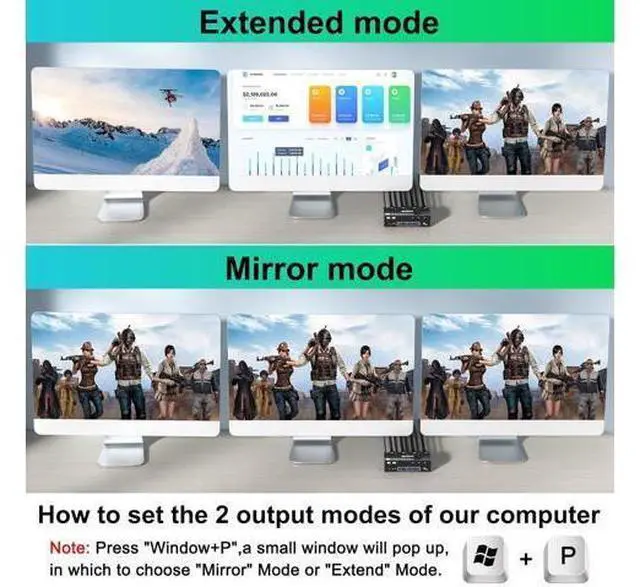
OS: Press the shortcut key "WIN+P" and then select "Extension" or "mirror"
Mac OS: Set [Mirror
Mode]: Select [A-p-p-l-e Icon] [System Preferences], click [Display] [Arrange], and then check [Mirror Display]; Set [Extended
Mode]: When [Mirror Display] is unchecked, "Extended Mode" can be achieved.
Q & A:
Q: Is the KVM Switch compatible with computers or laptops only with USB-C ports?
A: Yes, but you need purchase an additional USB-C to DP/HDMI adapter or USB-C docking station to connect the KVM to your USB-C computer/laptop.
Q: Why do some monitors work fine and others not when the cables are connected the same way?
A: This depends on factors such as the version of cable used, the length of the individual cables, and whether adapters are used. It is recommended to use HD-MI 2.1, DP 1.4 cable, and the length of a single cable should not exceed 1.5 m.
Q: Can the KVM switch's USB port be used for high-power USB devices such as hard drives?
A: Yes, but please plug in the 12V power adapter for stable performance.
Q: Does the KVM switch support Hotkey switching?
A: No, it DOES NOT support Hotkey switching, but supports button switch and wired remote
Q: Does this KVM switch support EDID emulation?
A: NO, It does not support EDID emulation. This KVM switch 3 computers 3 monitors perfect for hooking up 3 desktops or laptops to share one set of wired or wireless keyboard mouse and 3 monitors (supports extended and mirrored display modes).: extended mode can output three different screens and mirror mode can output three identical screens.
Please Note:
1. Before placing an order, please connect your devices and monitors directly to ensure that multi-screen output is supported.
2. This Displayport+HDMI KVM Switch requires 2*DP + 1*HDMI + 1*USB connections per computer. If your devices do not have all the ports, please buy a reliable adapter or docking station. Support two mode
Mode 1: Copy mode (computer host outputs 3 identical screens on 3 displays)
Mode 2: Extended mode (computer host outputs 3 different screens on 3 displays) Please press the button Windows+p, Select, copy or expand in the upper right corner





 here!
here!