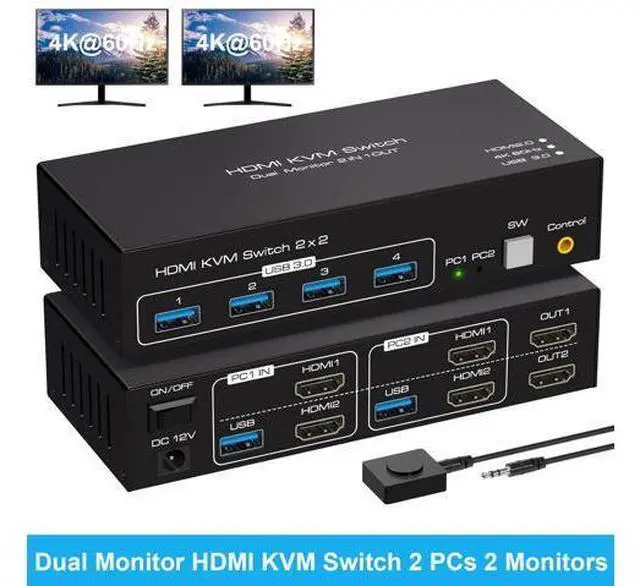
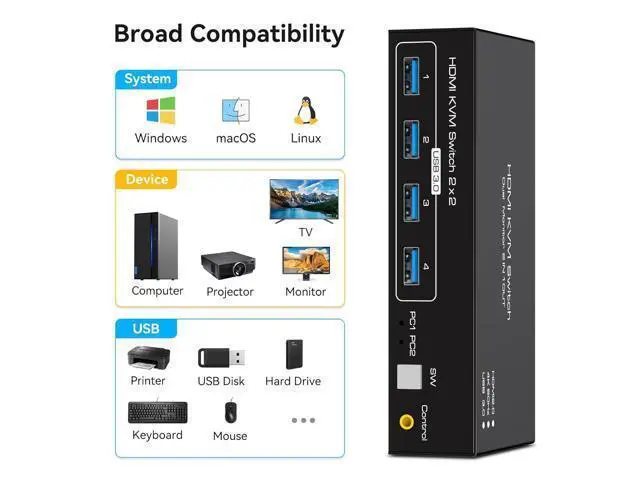
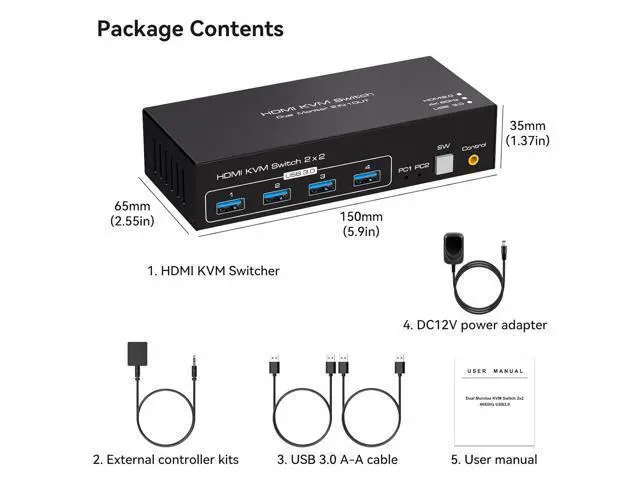
4K HDMI KVM Switch for 2 Computers Share 2 Monitors and 4 USB 3.0 devices. It is possible to control two computers and two monitors directly with one set of keyboard and mouse. Two monitors can support two modes: duplicate and extend. Supports resolutions up to 4K 60Hz. Equipped with four USB 3.0 ports, allowing you to connect scanners, hard drives, and other USB devices. Equipped with a 12V/1A power supply, ensuring stable work even when high-power devices are connected. Compatible with Windows/Vista/XP, Mac OS, Linux, and Unix, plug-and-play.
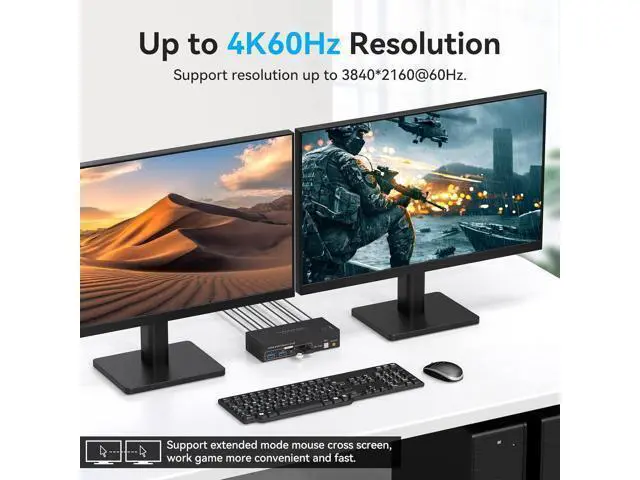
Please note: To use this device properly, please make sure that your computer contains 2 HDMI ports and your monitor contains at least 1 HDMI port. With a KVM switch for two monitors, you can clean up your desk and make your work more efficient and convenient Supports resolutions up to 4K@60Hz, backwards compatible with lower resolutions, e. g. 4K @ 30Hz, 1080p, etc.
Please note: To achieve 4K@60Hz, you need your computer, monitor, and connecting cables to support 4K@60Hz. KVM switch HDMI 2 monitors 2 computer supports 2 modes
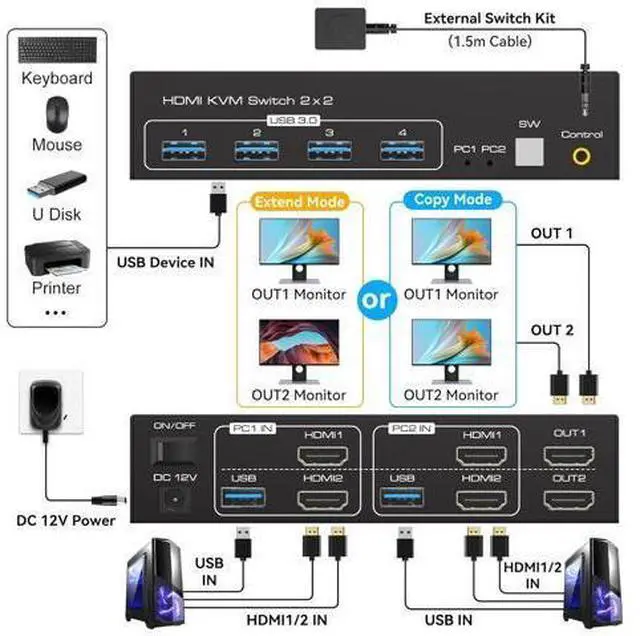
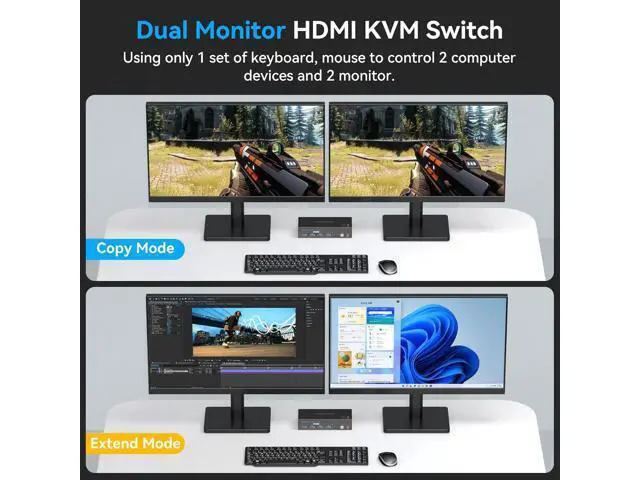
Mode 1: Copy mode (computer host emits 2 identical screens on 2 displays)
Mode 2: Extended mode (The main computer outputs 2 different screens on 2 monitors, and the mouse can be moved freely between the 2 monitors. )
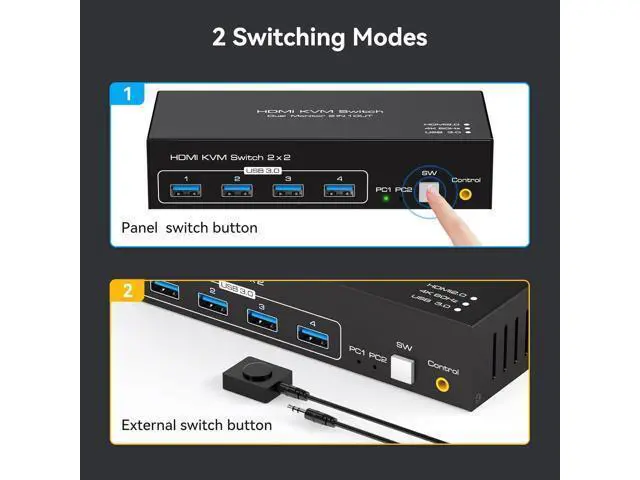
Note: Your computer is required to support dual screen display. And support copy and expand mode. Connection Schematic Please make sure both of your computer ordock station has 2 HDMl Ports + USB-A Port. Please make sure both of your monitorshave an HDMl Port. HDMI to DP or HDMI to DVl/VGA cable arenot recommended. Button Switch With a touch of a button on the control panel, you can easily and quickly switch between computers. Desktop Controller The included extension cable for the push button switch allows for easy switching without having to stand up. LED Indicator The LED lights are designed to display active devices, so you can clearly see which device is in use. 4K HDMI KVM Switch for 2 Computers Share 2 Monitors and 4 USB 3.0 devices. It is possible to control two computers and two monitors directly with one set of keyboard and mouse. Two monitors can support two modes: duplicate and extend. Supports resolutions up to 4K 60Hz. Equipped with four USB 3.0 ports, allowing you to connect scanners, hard drives, and other USB devices. Equipped with a 12V/1A power supply, ensuring stable work even when high-power devices are connected. Compatible with Windows/Vista/XP, Mac OS, Linux, and Unix, plug-and-play.
Please note: To use this device properly, please make sure that your computer contains 2 HDMI ports and your monitor contains at least 1 HDMI port. HDMI KVM Switch 2 in 2 out, support panel button and external cable control switching, one key to switch two signal sources.
(Note: This dual-monitor KVM switch requires your computer to have dual graphics cards (2 HDMI output ports) and support duplicate and expansion modes.
Note: Keyboard shortcuts (hotkeys) are not supported for switching. )





 here!
here!