




 here!
here!
I’m your shopping assistant for PC builds, upgrades, and everything tech.
Got questions? Ask away!
Start a conversation
here!
I’m your shopping assistant for PC builds, upgrades, and everything tech.
Got questions? Ask away!
Start a conversation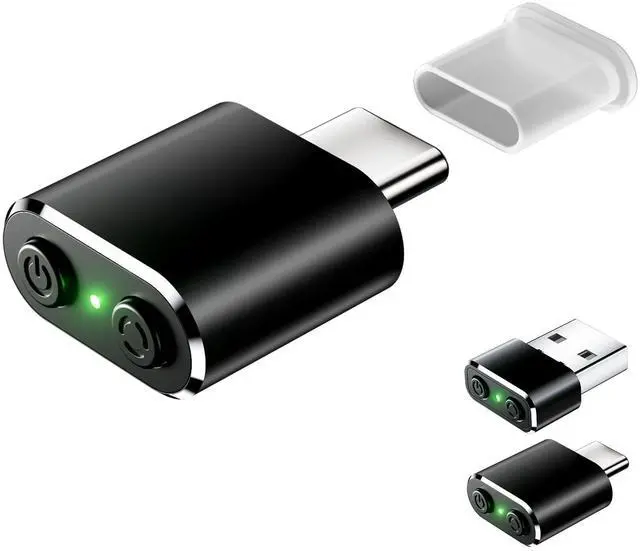



Any questions? Ask CelesteSM will help you find out quickly.


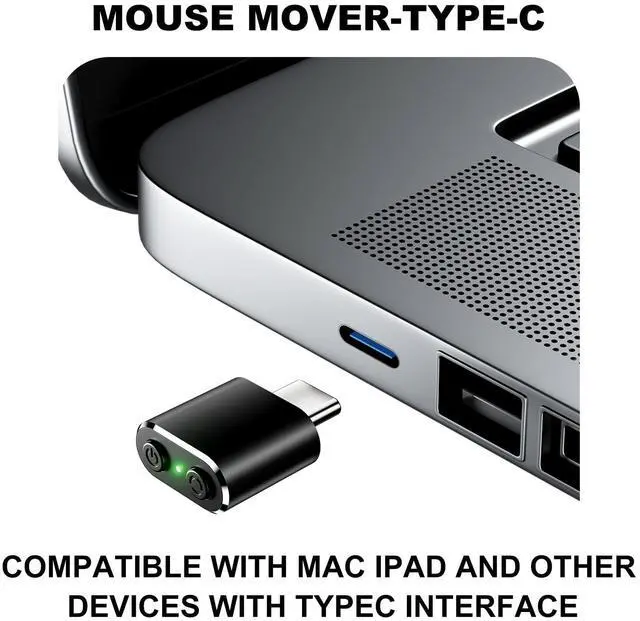
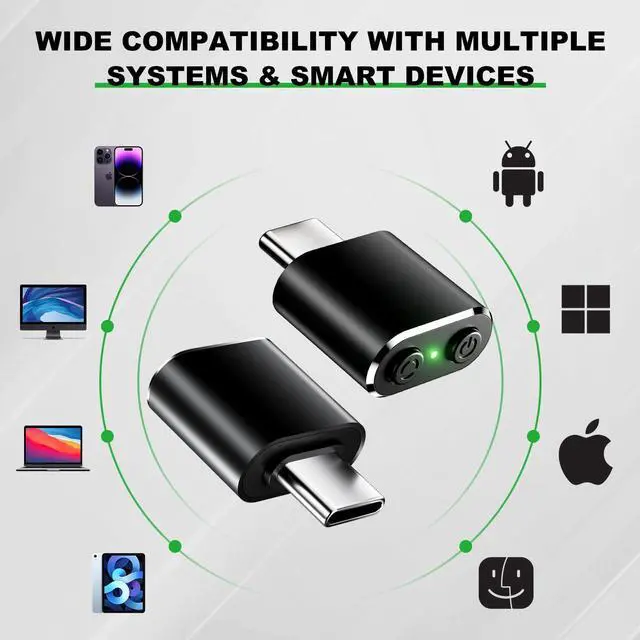
type c mouse mover is compatible with ipad devices OS13/iOS14 iPad/ iPad pro/ iPad Air/ mini/iphone:
connection method: Open iPad Settings > Accessibility > Touch > Open AssistiveTouch


type c mouse mover is compatible with ipad devices OS13/iOS14 iPad/ iPad pro/ iPad Air/ mini/iphone:
connection method: Open iPad Settings > Accessibility > Touch > Open AssistiveTouch
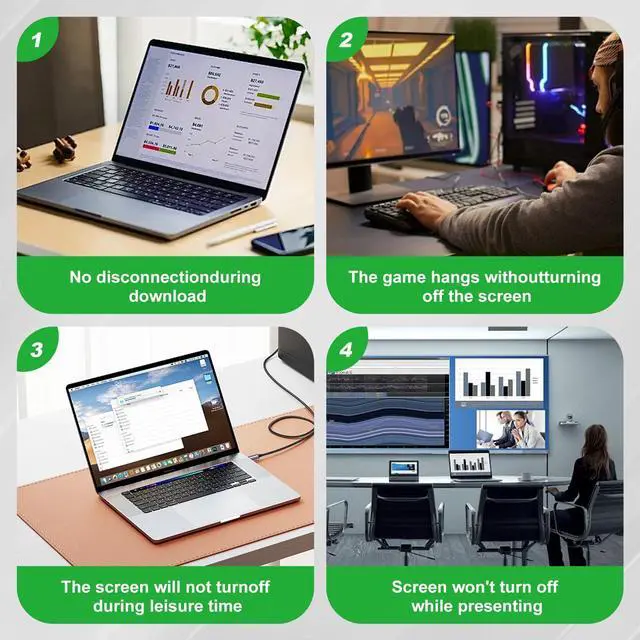
Mini Type C Mouse Mover - Keep Your PC Active with Compact and Quiet Design, Ideal for Preventing Screen Timeouts BAGINGAN
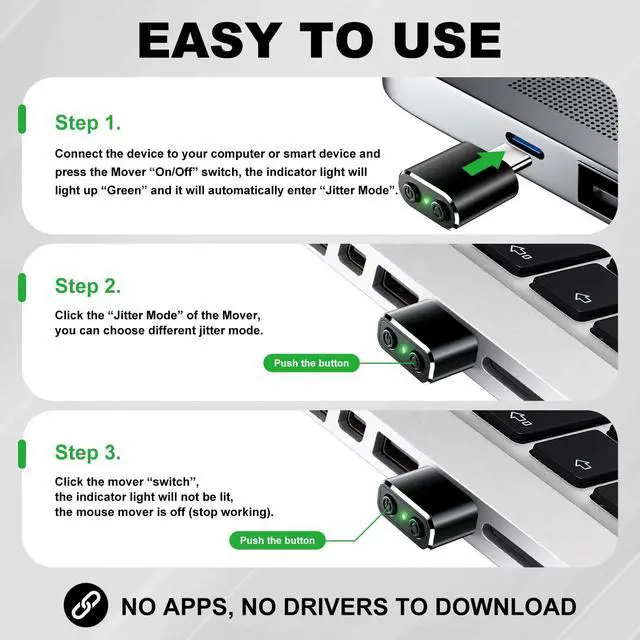
How to use
Step 1.
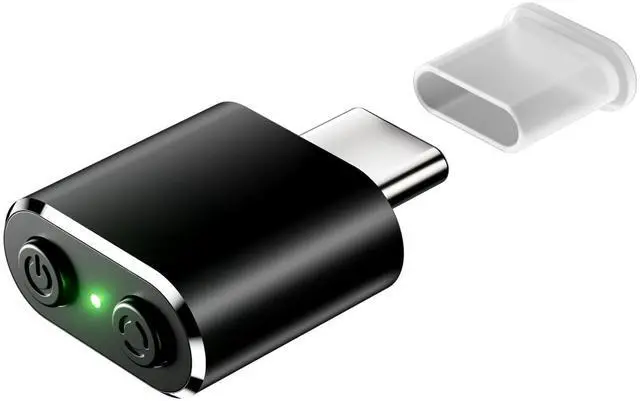
Connect the device to your computer or smart device and press the Mover On/Off switch, the indicator light will light up Green and it will automatically enter Jitter Mode.
Step 2.
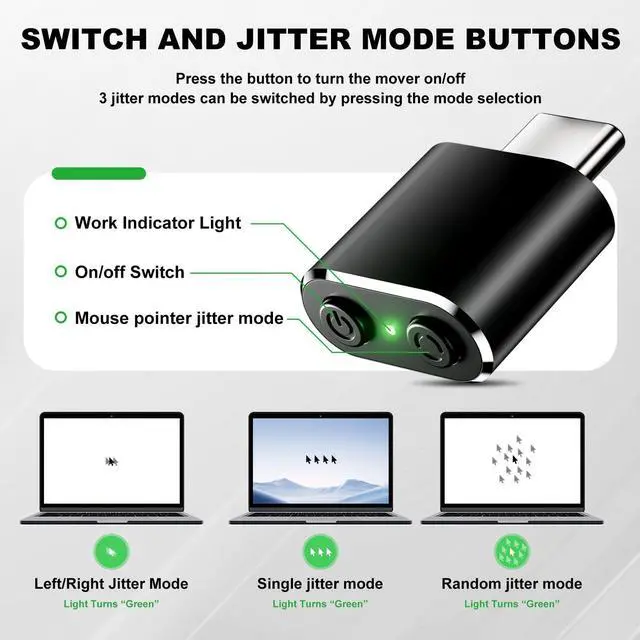
Click the Jitter Mode of the Mobilizer, you can choose different jitter mode.
Step 3.
Click the mover switch, the indicator light will not be lit, the mouse mover is off (stop working).
No Apps, No drivers to download
Product List:
type c mouse mover*1;
Instruction manual*1;
| Brand | BAGINGAN |
| Color | TypeC Black |
| Connectivity Technology | USB |
| Special Feature | Lightweight |
| Movement Detection Technology | Optical |
| Package Dimensions | 3.15 x 2.48 x 0.67 inches |
| Item Weight | 0.317 ounces |
| Date First Available | March 17, 2025 |
| Manufacturer | BAGINGAN |



