• $39.99
  • Price alert
    Shop it at NeweggBusiness.

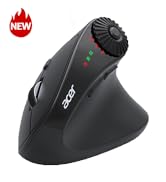
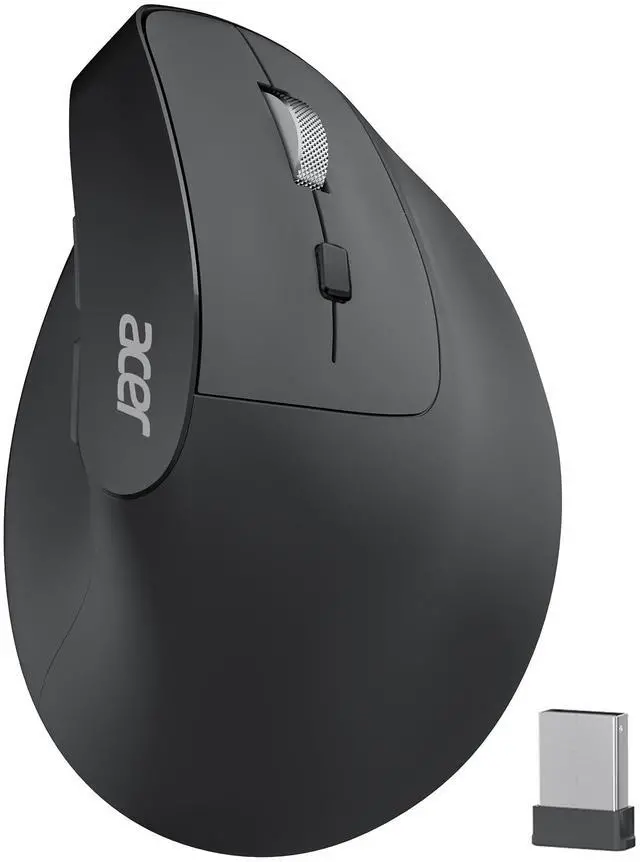
    Ergonomic Mouse Wireless, Adjustable DPI Vertical Mouse 1000/1200/1600 with 6 Buttons, Rechargeable Ergo Mice, Medium to Large Sized Hands, 2.4GHz USB Receiver for Computer, Laptop, PC

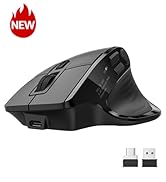
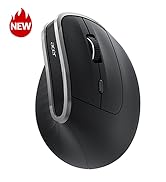
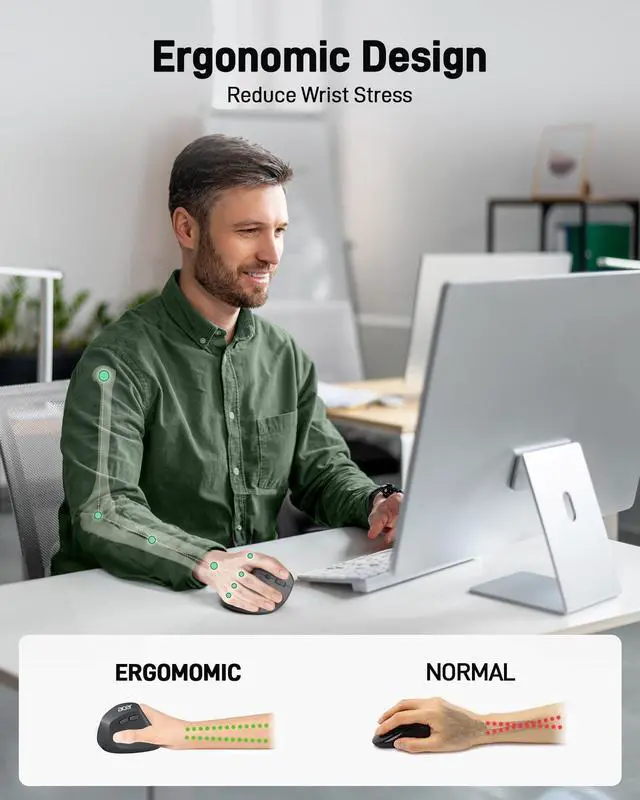
    • [57° Ergonomic Vertical Design] This mouse ergonomic features a vertical design that naturally contours to your medium to large hand. Its 57° tilt angle reduces wrist and arm pressure, decreasing muscle activity by up to 10% for greater comfort and less fatigue during prolonged use. To reduce fatigue, let your palm rest naturally against the mouse's contour and require 1-2 weeks of adjustment.
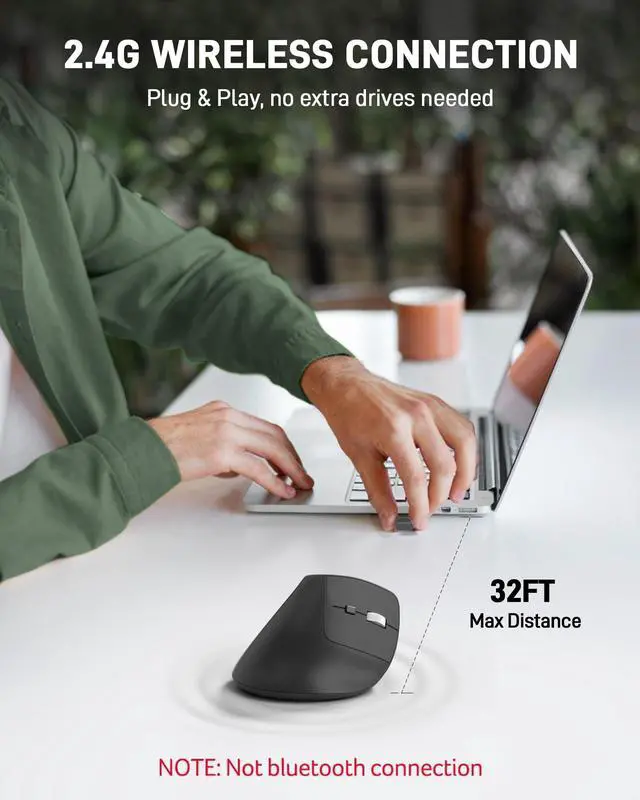
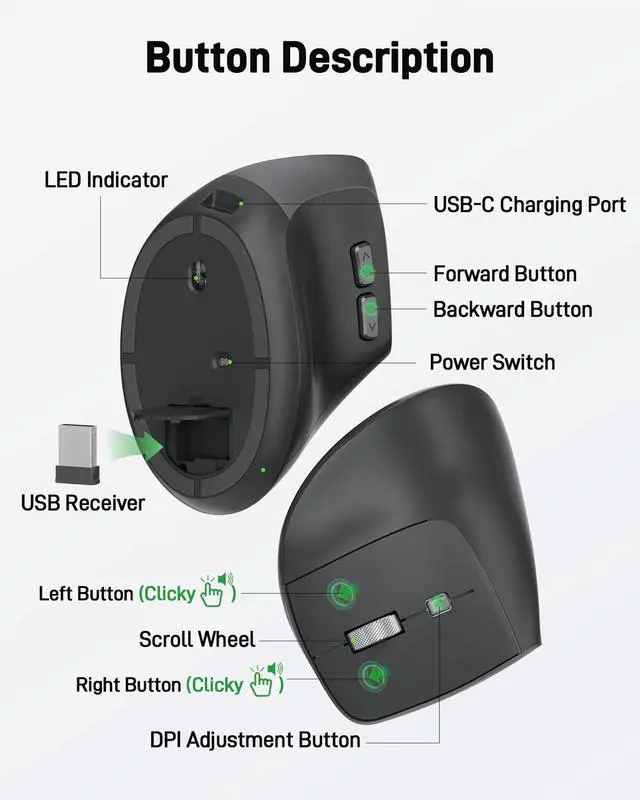
    • [2.4GHz Wireless Connection] This wireless ergonomic mouse offers a fast and stable 2.4GHz wireless connection. You can easily connect it via the included USB-A receiver, ensuring smooth operation with a reliable range of up to 32 FT (10 M). NOT Bluetooth connection. The USB A receiver stores inside the mouse.
    • [3 Adjustable DPI Settings] This vertical wireless mouse offers three adjustable DPI levels (1000/1200/1600) for seamless precision in navigating spreadsheets, editing documents, or managing tasks. Switch effortlessly between settings for optimized control throughout your workflow.
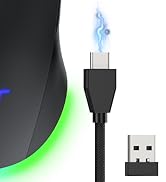
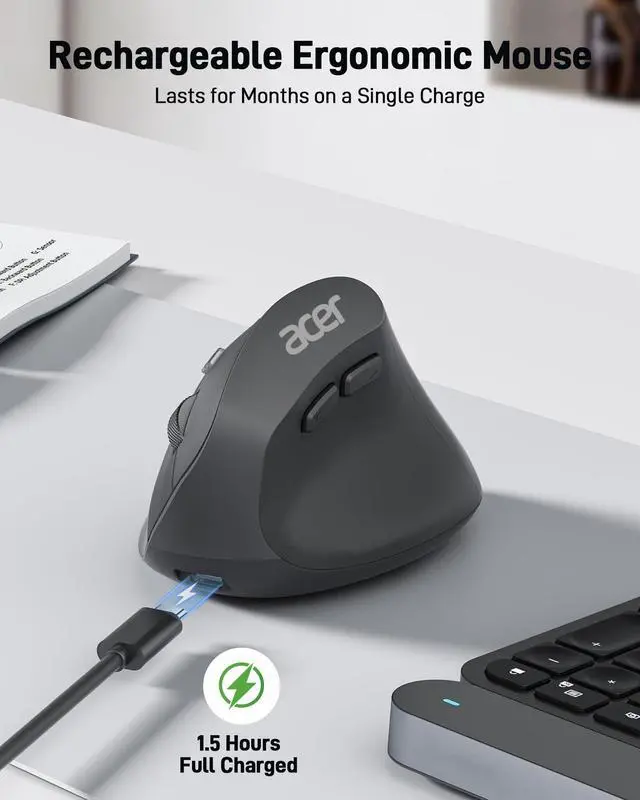
    • [High-Capacity Rechargeable Battery] This rechargeable ergonomic mouse is equipped with a durable 300mAh lithium rechargeable battery, lasting up to a month on a full charge. Easily recharge with the included USB cableno battery changes needed. Sleeps after 10 minutes. Wake with double clicks.
    +
    +
    Overview
    Specs
    Reviews
    avatar

    Any questions? Our AI beta will help you find out quickly.

    wireless mouse mouse for laptop ergonomic mouse computer mouse

    The Curve Provides a Natural, Comfortable Fit for Users with Medium to Large Hands

    Q1 Why is my wireless mouse not working?
    - 1. Ensure the mouse is fully charged. 2. Make sure the power switch at the bottom of the mouse is turned on. 3. Ensure the USB receiver is properly connected to your computer. 4. Keep the mouse within 10 meters of your computer for optimal performance.
    Q2 Why does the ergonomic mouse feel uncomfortable?
    - 1. Switching from a traditional to an ergonomic mouse may require 1-2 weeks of adjustment. 2. Please adjust your grip to allow your palm to naturally fit the curve of the mouse to reduce hand fatigue.
    Q3 How to wake up the mouse?
    - The wireless mouse enters sleep mode after 10 minutes of inactivity, you can wakes up it with double clicks.
    Q4 Why does my wireless mouse occasionally disconnect?
    - 1. Low battery power. 2. The mouse is too far from the computer. 3. There is significant wireless interference around, leading to an unstable signal.
    Q5 Can this mouse be connected via Bluetooth?
    - No, it can only be connected with the included USB receiver
    Q6 Is this mouse suitable for all hand sizes?
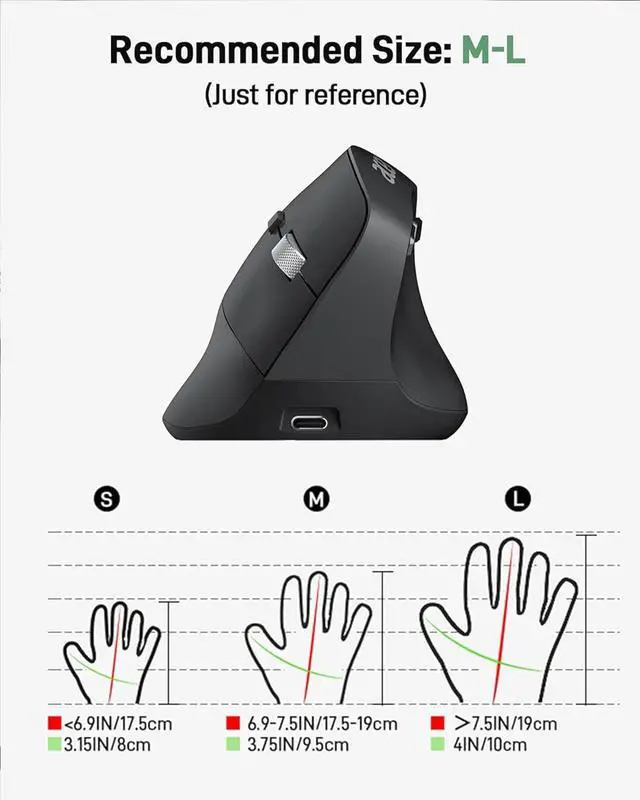
    - This mouse prefer medium to large sized hands users. This mouse is L 4.3 inches, W 3.1 inches, H 2.9 inches, and a weight of 3.3oz.
    Q7 Why is the mouse hard to click?
    - Place your fingertips on the top of the mouse buttons for easier clicking.
    Q8 Does this mouse make clicking sounds when used?
    - Yes, this mouse has a crisp clicks.

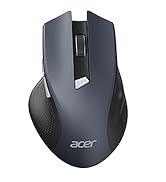
    Acer Wireless Mice

    https://m.media-amazon.com/images/S/aplus-media-library-service-media/55fa8bec-c96e-4485-93ed-2cc5b6effe6e.__AC_SR200,225___.jpg

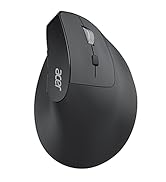
    Acer Ergonomic Mouse

    https://m.media-amazon.com/images/S/aplus-media-library-service-media/db19bef3-878b-466d-a48c-087af6f9db82.__CR0,0,400,450_PT0_SX200_V1___.jpg

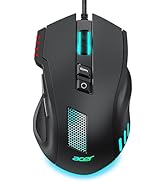
    Wired Gaming Mouse OMW317

    https://m.media-amazon.com/images/S/aplus-media-library-service-media/4e7f1eaa-6385-4026-b831-d62f5e2c50a7.__CR4,0,324,364_PT0_SX200_V1___.jpg

    Acer Mouse OMR243

    https://m.media-amazon.com/images/S/aplus-media-library-service-media/2b23b3e8-3288-4a70-93c2-843b80552b04.__CR4,0,324,364_PT0_SX200_V1___.jpg

    Acer Mouse OMR242

    https://m.media-amazon.com/images/S/aplus-media-library-service-media/d388f140-49ef-4c37-a15a-633aab946cc2.__CR4,0,324,364_PT0_SX200_V1___.png

    Acer Wired Mouse

    Customer Reviews
    Price
    Number of Buttons
    6 Buttons 8 Buttons 5 Buttons 4 Buttons 6 Buttons
    Adjustable DPI
    1000, 1200, 1600 1200,2400,3200,6400, max 12800 1200 800, 1200, 1600 800, 1200, 1600
    Navigation Buttons
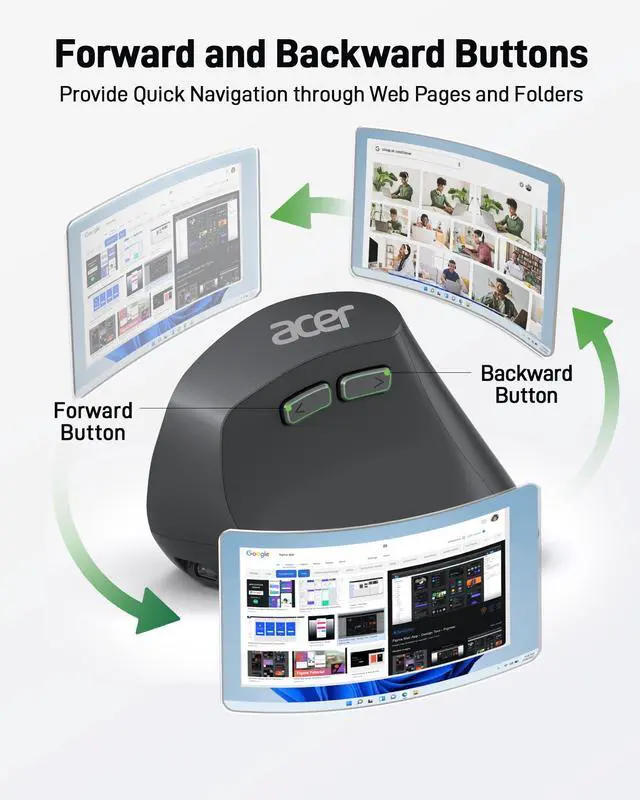
    Forward and Backward Forward and Backward Forward and Backward ? Forward and Backward
    Design
    57° Ergonomic Vertical Modern Modern Flat Modern
    Connect Method
    2.4G USB A Receiver Wired USB-A 2.4G USB A Receiver 2.4G USB A Receiver 2.4G USB A Receiver
    Rechargeable
    ? ? ? ? ?
    wireless mouse for laptop computer mouse wireless vertical mouse laptop mouse

    The Curve Provides a Natural, Comfortable Fit for Users with Medium to Large Hands

    Q1 Why is my wireless mouse not working?
    - 1. Ensure the mouse is fully charged. 2. Make sure the power switch at the bottom of the mouse is turned on. 3. Ensure the USB receiver is properly connected to your computer. 4. Keep the mouse within 10 meters of your computer for optimal performance.
    Q2 Why does the ergonomic mouse feel uncomfortable?
    - 1. Switching from a traditional to an ergonomic mouse may require 1-2 weeks of adjustment. 2. Please adjust your grip to allow your palm to naturally fit the curve of the mouse to reduce hand fatigue.
    Q3 How to wake up the mouse?
    - The wireless mouse enters sleep mode after 10 minutes of inactivity, you can wakes up it with double clicks.
    Q4 Why does my wireless mouse occasionally disconnect?
    - 1. Low battery power. 2. The mouse is too far from the computer. 3. There is significant wireless interference around, leading to an unstable signal.
    Q5 Can this mouse be connected via Bluetooth?
    - No, it can only be connected with the included USB receiver
    Q6 Is this mouse suitable for all hand sizes?
    - This mouse prefer medium to large sized hands users. This mouse is L 4.3 inches, W 3.1 inches, H 2.9 inches, and a weight of 3.3oz.
    Q7 Why is the mouse hard to click?
    - Place your fingertips on the top of the mouse buttons for easier clicking.
    Q8 Does this mouse make clicking sounds when used?
    - Yes, this mouse has a crisp clicks.

    Acer Wireless Mice

    https://m.media-amazon.com/images/S/aplus-media-library-service-media/55fa8bec-c96e-4485-93ed-2cc5b6effe6e.__AC_SR200,225___.jpg

    Acer Ergonomic Mouse

    https://m.media-amazon.com/images/S/aplus-media-library-service-media/db19bef3-878b-466d-a48c-087af6f9db82.__CR0,0,400,450_PT0_SX200_V1___.jpg

    Wired Gaming Mouse OMW317

    https://m.media-amazon.com/images/S/aplus-media-library-service-media/4e7f1eaa-6385-4026-b831-d62f5e2c50a7.__CR4,0,324,364_PT0_SX200_V1___.jpg

    Acer Mouse OMR243

    https://m.media-amazon.com/images/S/aplus-media-library-service-media/2b23b3e8-3288-4a70-93c2-843b80552b04.__CR4,0,324,364_PT0_SX200_V1___.jpg

    Acer Mouse OMR242

    https://m.media-amazon.com/images/S/aplus-media-library-service-media/d388f140-49ef-4c37-a15a-633aab946cc2.__CR4,0,324,364_PT0_SX200_V1___.png

    Acer Wired Mouse

    Customer Reviews
    Price
    Number of Buttons
    6 Buttons 8 Buttons 5 Buttons 4 Buttons 6 Buttons
    Adjustable DPI
    1000, 1200, 1600 1200,2400,3200,6400, max 12800 1200 800, 1200, 1600 800, 1200, 1600
    Navigation Buttons
    Forward and Backward Forward and Backward Forward and Backward ? Forward and Backward
    Design
    57° Ergonomic Vertical Modern Modern Flat Modern
    Connect Method
    2.4G USB A Receiver Wired USB-A 2.4G USB A Receiver 2.4G USB A Receiver 2.4G USB A Receiver
    Rechargeable
    ? ? ? ? ?
    Ergonomic Mouse Wireless, Adjustable DPI Vertical Mouse 1000/1200/1600 with 6 Buttons, Rechargeable Ergo Mice, Medium to Large Sized Hands, 2.4GH z USB Receiver for Computer, Laptop, PC

    Warranty & Returns

    Warranty, Returns, And Additional Information

    Warranty

    • Please contact the Seller directly for warranty information. Warranty information may also be found on the Manufacturer's website.
    • CONTACT

    Return Policies

    Manufacturer Contact Info

    LOADING...