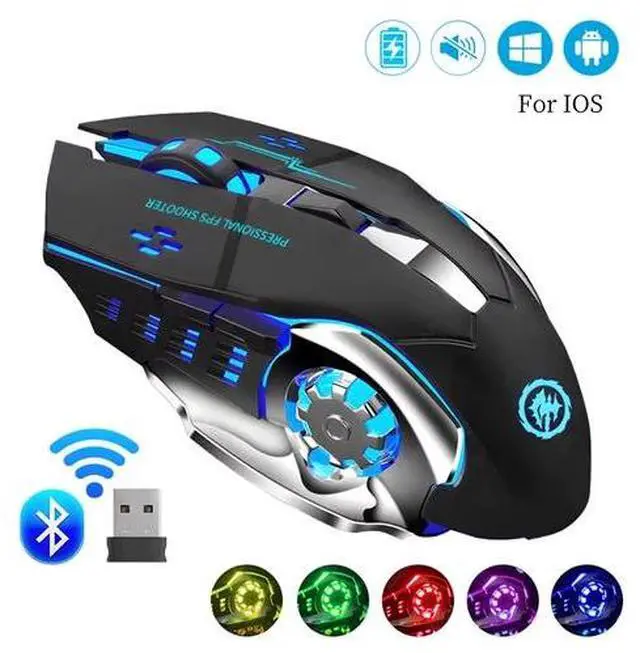
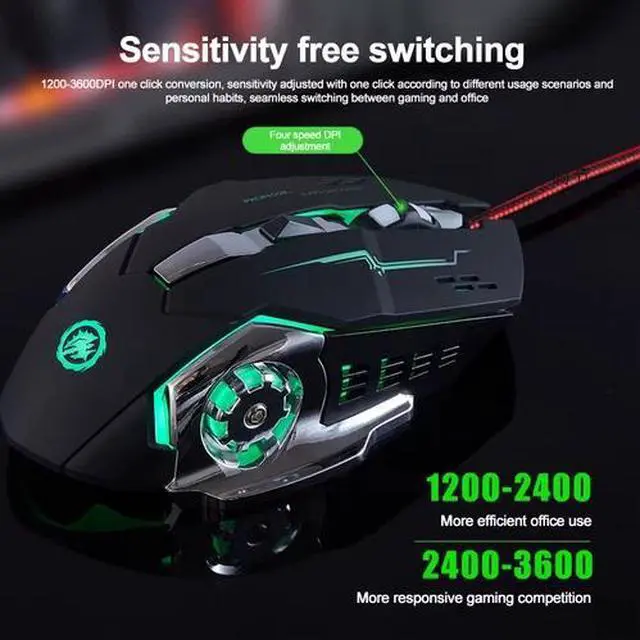
Bluetooth & 2.4GHz Wireless Gaming Mouse
Bluetooth Connection: Support Windows 8/10, Mac OS, iPad, or iPhone Series ( NOTE: It is required to update your system to iPad OS 13/ iOS 13 or Above and Turn on the Assistive Touch on the iPad/ iPhone: Setting - Accessibility - Assistive Touch for an iPad usage. )
2.4G wireless: Just plug the USB receiver into your laptop/computer, and the mouse will auto-connect with your device, no additional driver or software is needed.
NOTE
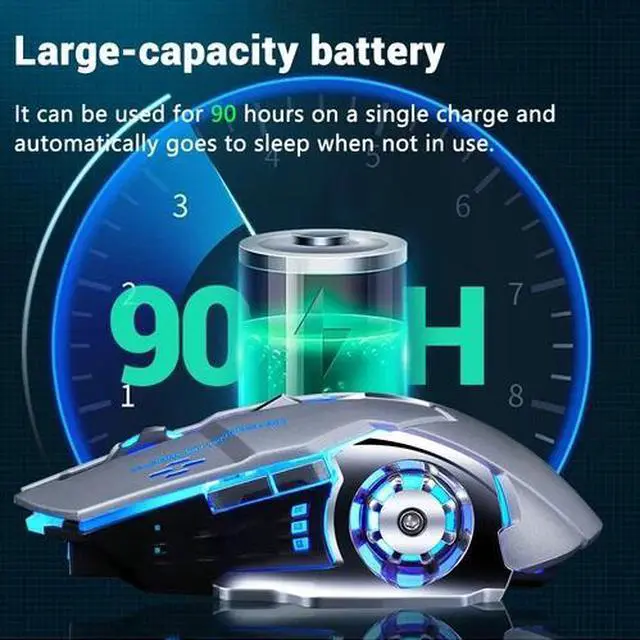
1. Please charge the mouse with the computer interface for about 2 hours before the first time uses it. Do not use the mobile phone charger or fast charger to charge the mouse.
2. It's out of power if the mouse cursor moves slowly or stops moving. Please charge it in time.
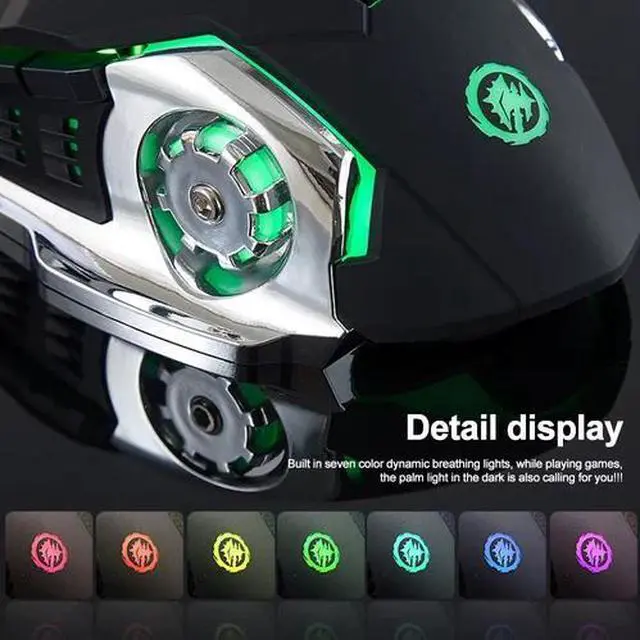
3. The blue light beside the scroll wheel will be on while charging, and then goes off when the mouse is fully charged.
4. When you do not use it for over 1 minute, the mouse will enter into sleeping mode, you can click the left and right buttons to wake it up.
5. The mouse side buttons are not available for Mac OS as Mac OS does not support it.
Product information
| Condition | New: A brand-new, unused, unopened, undamaged item in its original packaging (where packaging is applicable). Packaging should be the same as what is found in a retail store, unless the item is handmade or was packaged by the manufacturer in non-retail packaging, such as an unprinted box or plastic bag. See the seller's listing for full details. |
| Brand | Unbranded |
| Type | Gaming Mouse |
| Color | Black |
| Connectivity | Wireless, Bluetooth, USB |
| Features | Rechargeable |
| Charger Included | Yes |
| Tracking Method | Optical |