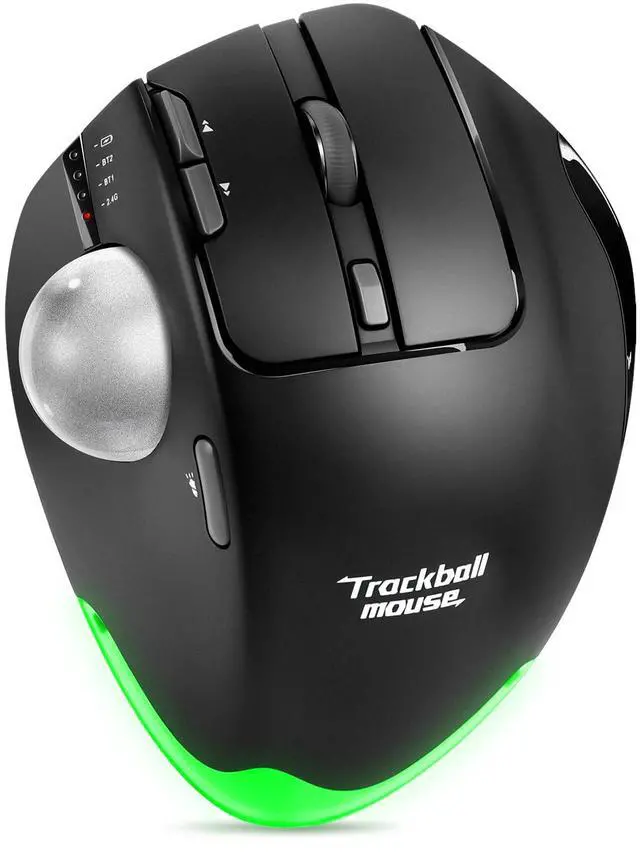
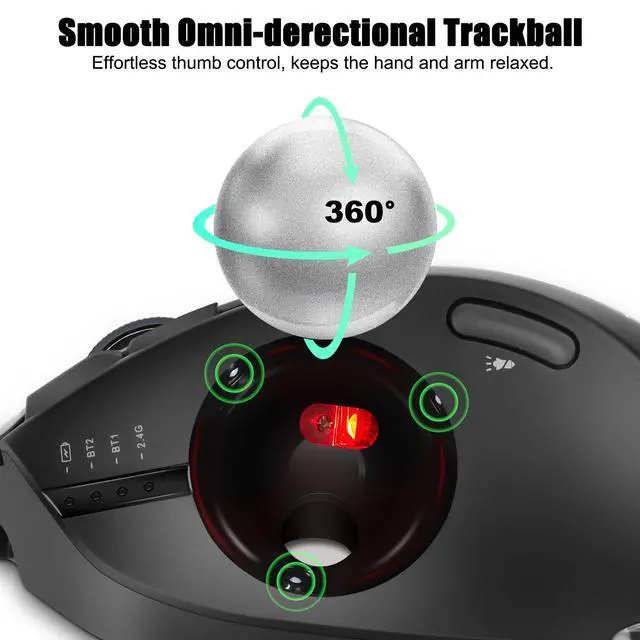
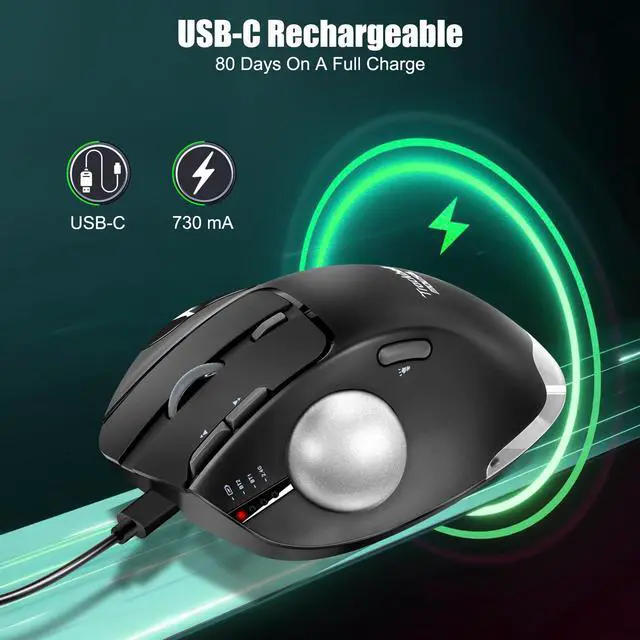
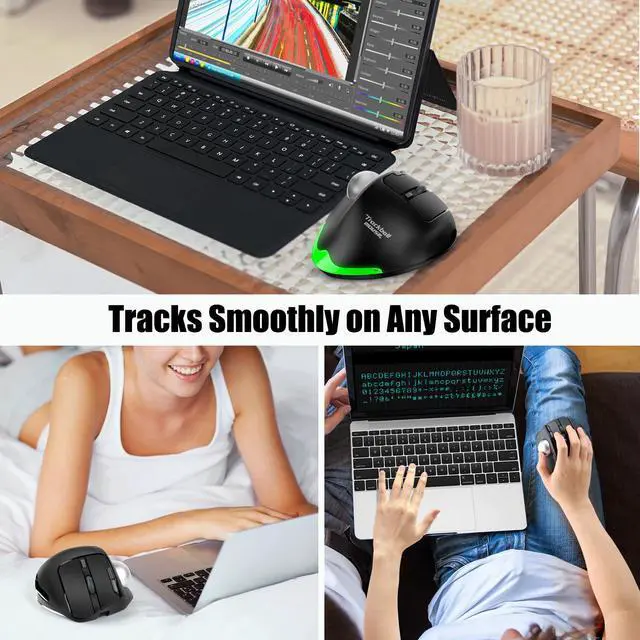
Precision & Smooth Thumb Control - No more need to move your arm around to move the cursor, just with your thumb movement, so you can use it on any surface. Trackball movement reduces wrist and arm muscular fatigue by 20% compared to a regular mouse.
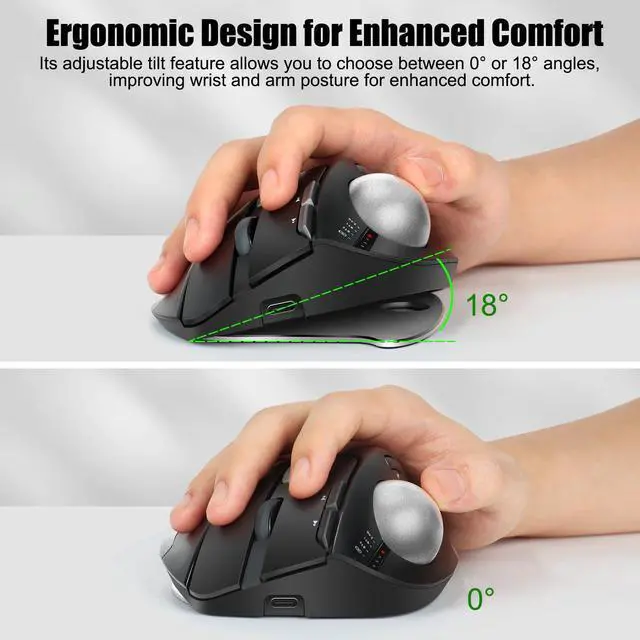
Comfortable Grip & Adjustable Tilt - The broader shape ensures optimal palm support, and you can choose a 0 or 18° angle for a more natural, comfortable hand position.
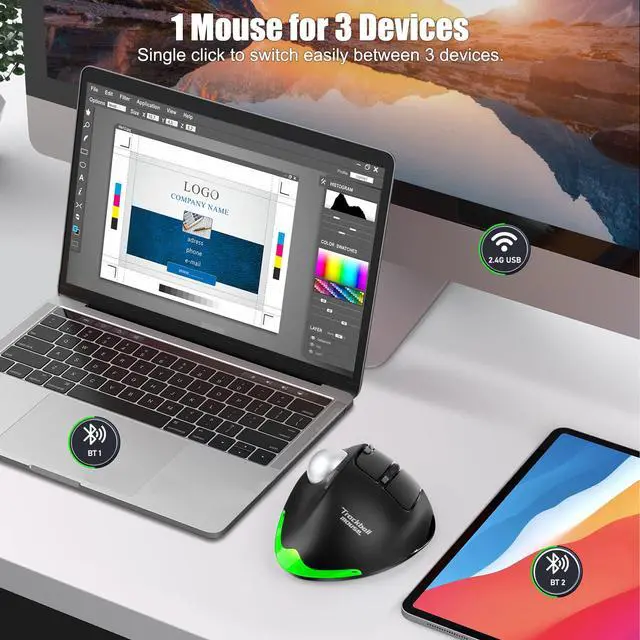
Wireless Connection Support 3 Device - Upgraded Tri-mode wireless mouse, which can connect to 2 devices via BT and 1 device through a 2.4GHz USB Receiver. It allows for seamless switching between 3 devices with just one mouse. Note: You cannot control all three devices simultaneously.
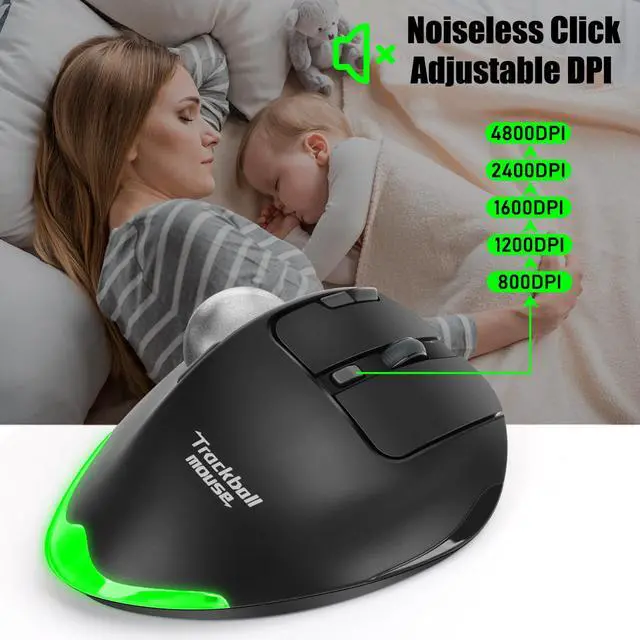
5 Adjustable DPI & 7 Programmable Buttons - 5 DPI levels (800/1200/1600/2400/4800 DPI) allow you to easily adjust the cursor sensitivity for more precise tracking. You can customize each button's function via attached software (please refer to the manual), creating a customized professional mouse.
Noiseless Click Mouse & Rechargeable - The responsive buttons provide a quiet click, allowing you to stay focused while working without disturbing others. Built-in rechargeable 730mAh battery, works for up to 80 days on a full charge. Battery life may vary based on user and computing conditions.
+
+
Overview
Specs
Reviews
Any questions? Our AI beta will help you find out quickly.