

Your Browsing History
- Free 30-day Returns
$21.99


Meet Your Seller

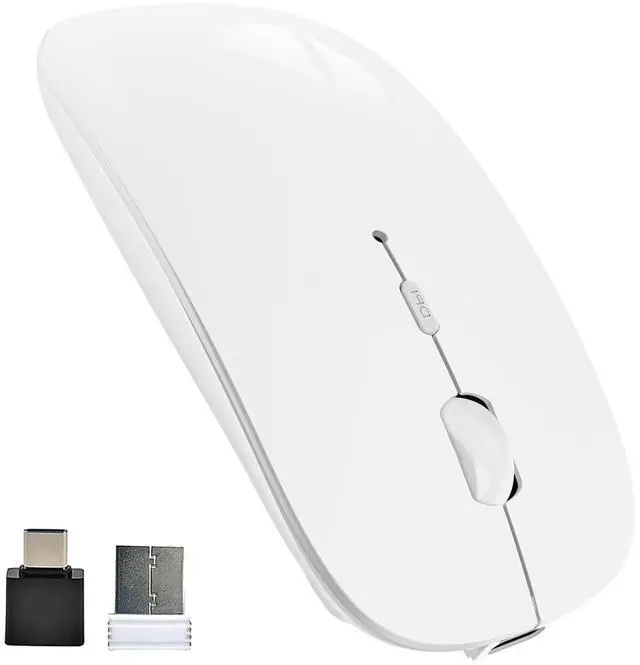
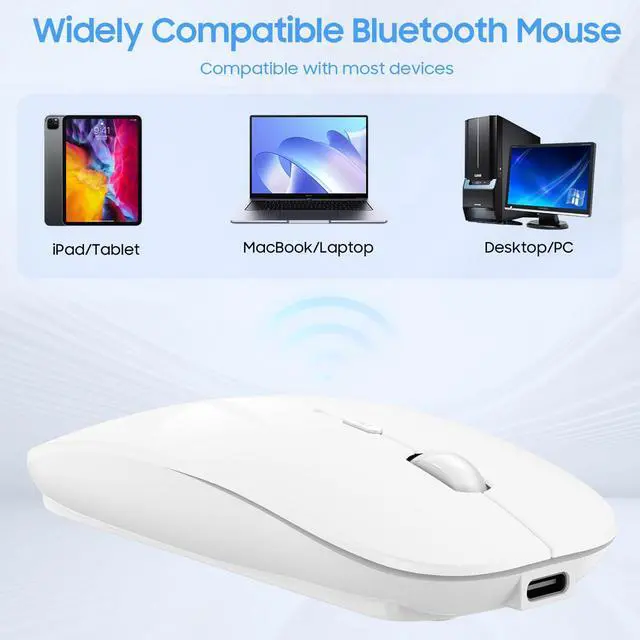


Bluetooth Wireless Mouse Dual Mode(Bluetooth5.2+USB),Silent Rechargeable mice with USB-C to USB Adapter for MacBook,Laptop,Tablet,iPad,PC(White)
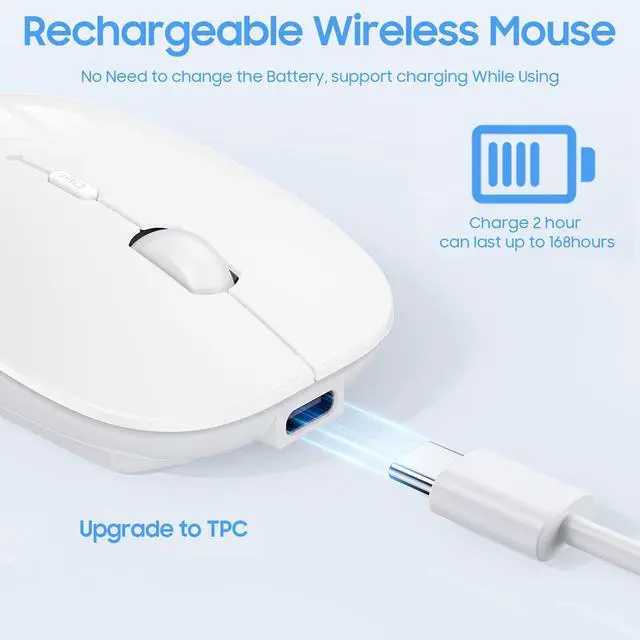
- Rechargeable batteryUniversal USB charging port, only need to charge 2-3 hours,Up to 5-7 weeks of use on a single charge.After a few minutes of inactivity, this wireless Bluetooth mouse will automatically enter sleep mode to save power Auto sleep mode. Wake up by clicking any button.
+
+
Overview
Specs
Reviews

Any questions? Our AI mode will help you find out quickly.
Try me now
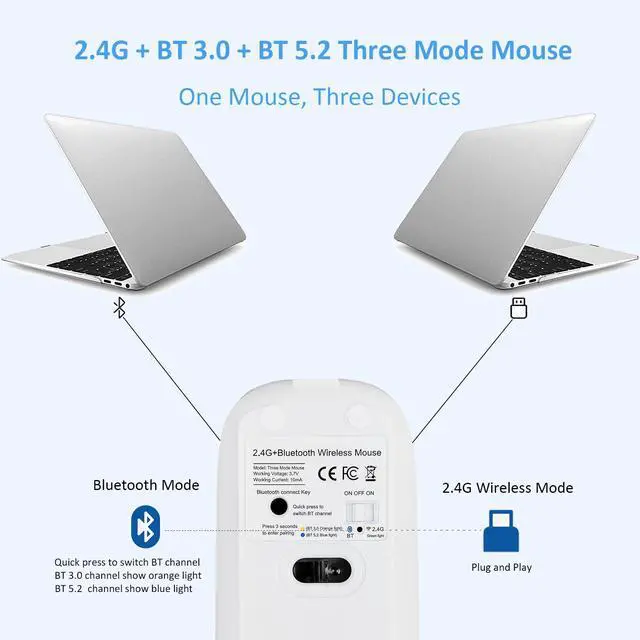
Dual Mode:Bluetooth 5.2 + bluetooth 3.0 and 2.4 G wireless connection
Rechargeable:Built-in rechargeable battery
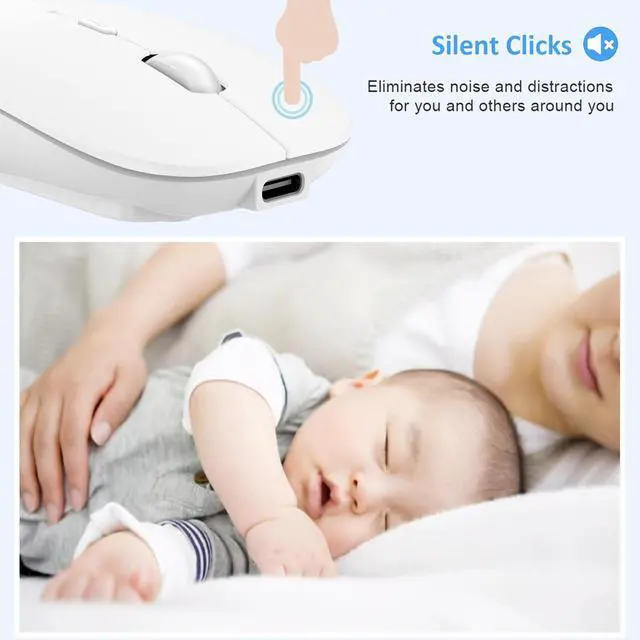
Silent Click:Soundless design for the right and left buttons, wont disturb others
Energy Saving:After a few minutes of inactivity, this wireless Bluetooth mouse will automatically enter sleep mode to save power Auto sleep mode.
Operation distance: Up to 10m
Working current:<15mA
Net weiht:3.5oz
Size:4.45×2.24×0.87inch
How to use it?
2.4GHz wireless mode:
Take out the USB receiver(the receiver is at the bottom of the mouuse);Turn on the 2.4GHz mode,the green light will be on for a while;Plug the receiver into the USB port of your computer, Then you can use the mouse in 2.4GHz Mode.
Bluetooth mode:
Turn on iPad/PC Bluetooth; Turn on the switch to mode Bluetooth mode,and now the blue light on the botton will flash.Press and hold the black connection key for 3 seconds,then mouse enter pairing mode.
Package Included:
1 x Wireless Mouse
1 x USB Receiver
1 x USB Charging Cable
1 x User Manual
NOTE:
1.Please charge the mouse for 2 hours before the first time to use it. The blue light beside the scroll wheel will be on while charging, and then goes off when the mouse is fully charged.
2.Not all computers support two modes. For example, Win 7 system does not support Bluetooth mode.
Warranty & Returns
Warranty, Returns, And Additional Information
Warranty
- Please contact the Seller directly for warranty information. Warranty information may also be found on the Manufacturer's website.
- CONTACT
Return Policies
- Return for refund within: 30 days
- Return for replacement within: 30 days
- This item is covered by Bisi Global Purchase Return Policy
Manufacturer Contact Info
- For a directory of all our manufacturers, please click below.
- Manufacturers Directory
LOADING...