







Turn on
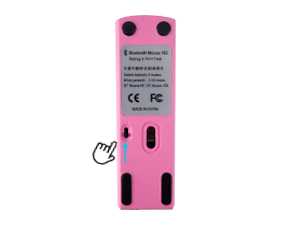
Turn on the switch at the bottom of the mouse.
Bluetooth 4.0
The blue light flashes, indicating Bluetooth 4.0 mode.
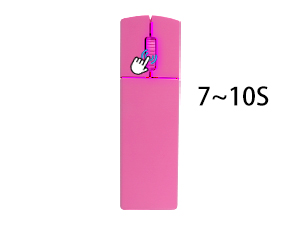
Bluetooth 5.0
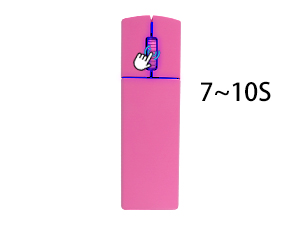
Press and hold the scroll wheel for 7 ~10 seconds + to switch modes. The pink-purple light flashes, indicating Bluetooth 5.0 mode.
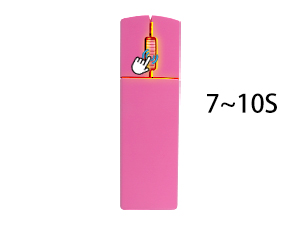
2.4G mode
Press and hold the scroll wheel for 7 ~10 seconds+ to switch modes. The yellow-green light flashes, indicating 2.4G mode.

Turn on
Turn on the switch at the bottom of the mouse.
Bluetooth 4.0
The blue light flashes, indicating Bluetooth 4.0 mode.
Bluetooth 5.0
Press and hold the scroll wheel for 7 ~10 seconds + to switch modes. The pink-purple light flashes, indicating Bluetooth 5.0 mode.
2.4G mode
Press and hold the scroll wheel for 7 ~10 seconds+ to switch modes. The yellow-green light flashes, indicating 2.4G mode.