• $67.99
  • Free 30-day Returns
  • Sold by Lookatworld

    Shipped by Lookatworld

    Price alert
    Shop it at NeweggBusiness.

    Meet Your Seller

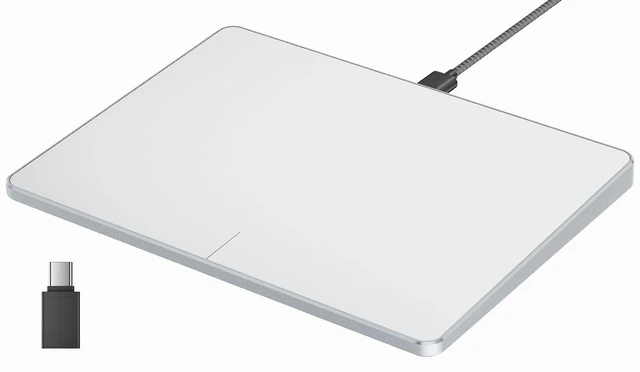
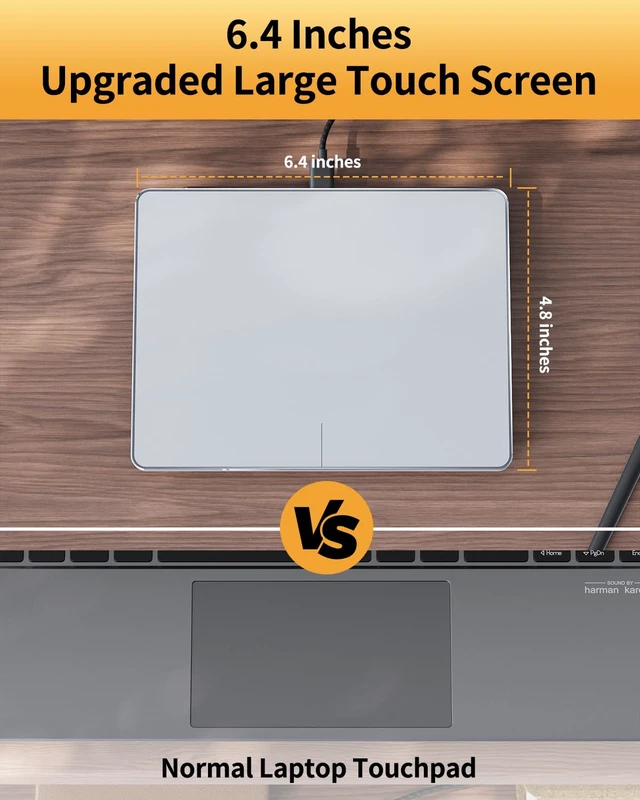
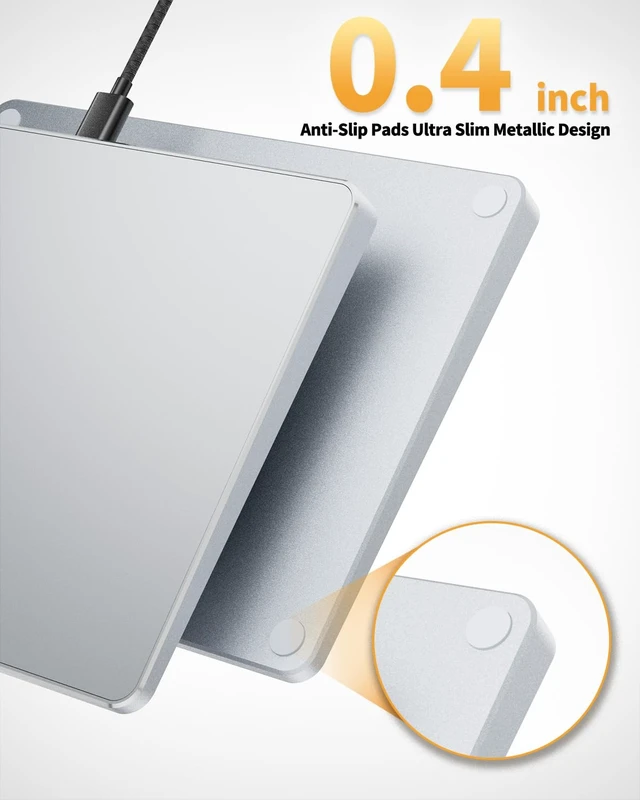
    Wired USB Trackpad Mouse for Windows 10/11, Large High-Precision Touchpad Mouse, Multi-Gesture with Ultra Slim Portable Aluminum Trackpad for Computer/Desktop/Laptop, White and Silver

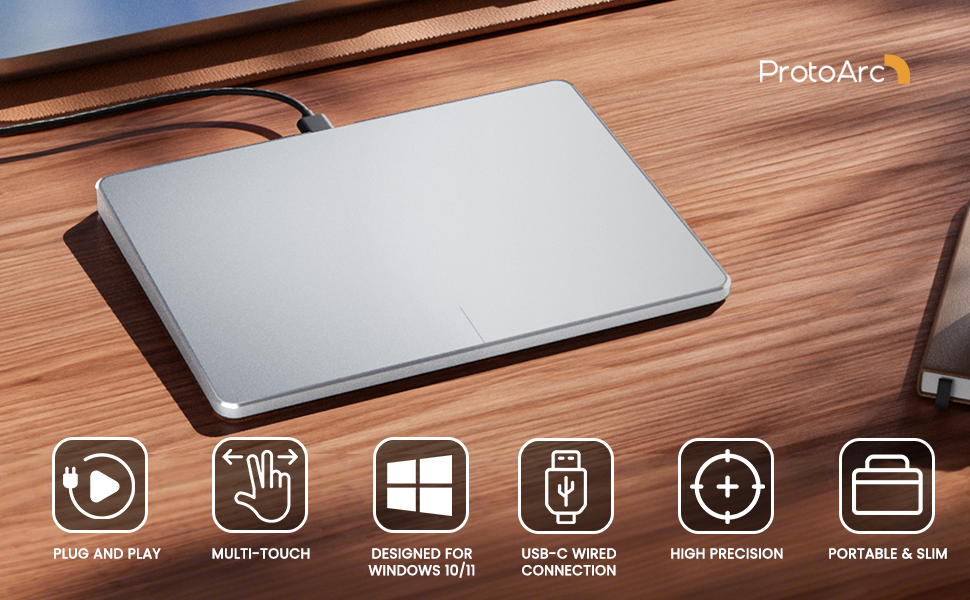
    • Wired only (via USB-C cable) provides stable connection, but is NOT compatible with Mac, Chrome, or Linux
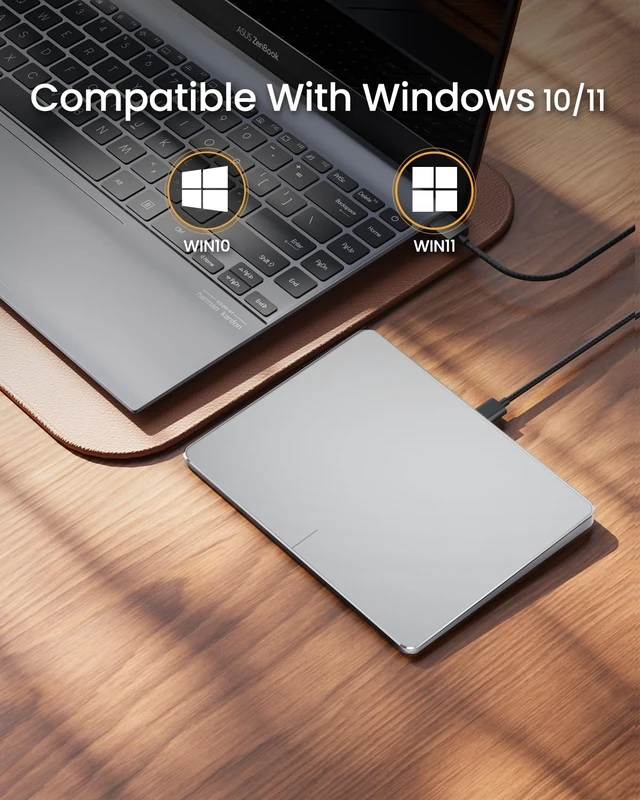
    • Windows Only: The Large Wired Trackpad for Windows10/11 is compatible with Windows 11, Windows 10, PC, laptops and desktop computers. Note: Not compatible with Mac/Chrome OS/Linux. Not recommended for use on other systems. Some touchpad gestures or functions may be missing
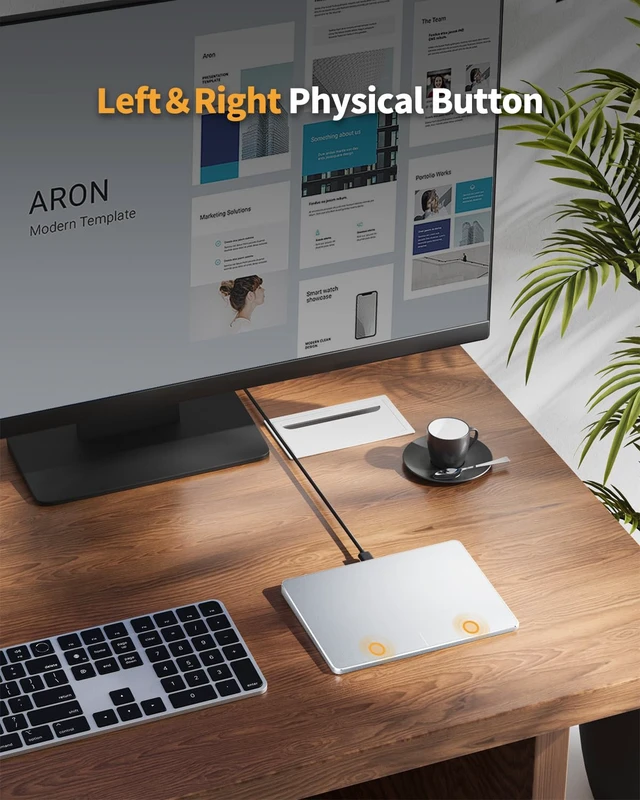
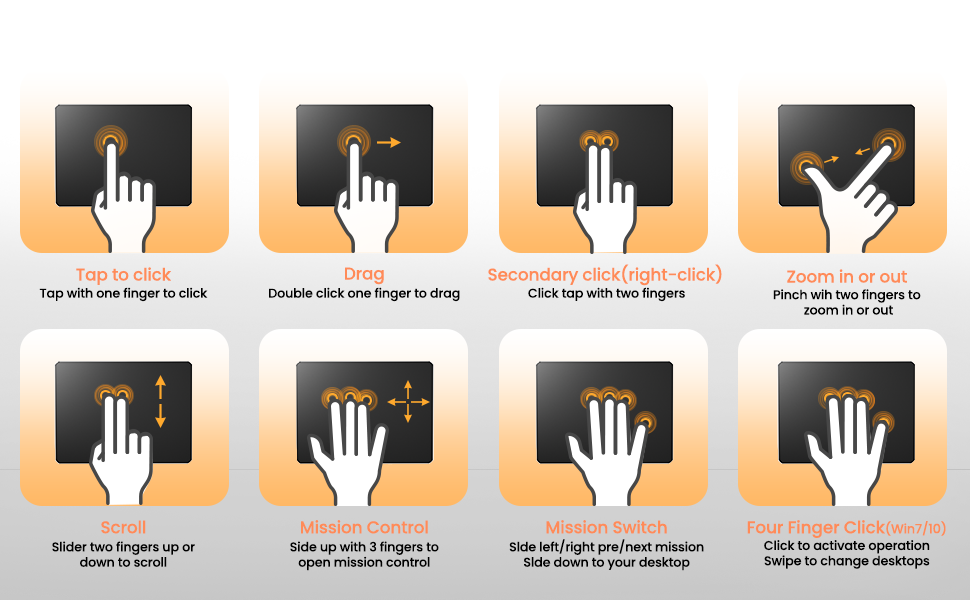
    • Convenient Physical Buttons: The touchpad features physical left and right buttons at the bottom, functioning like mouse buttons. It also supports single-finger clicks for left-clicking and two-finger taps for right-clicking, allowing for easy text and document selection and drag-and-drop operations
    • File Drag and Drop & Text Selection: Double-tap and hold with one finger, then slide to drag files or select text
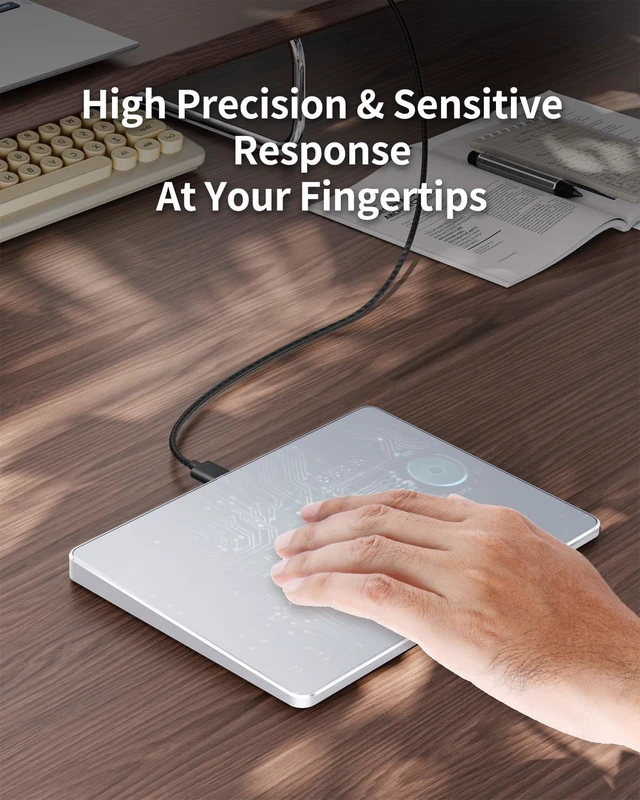
    • Multi-Gesture Support: The touchpad supports various gestures, recognizing up to four fingers. It offers rapid and sensitive response, providing a smoother user experience than typical laptop touchpads. It supports common functions including clicking, scrolling up and down, and pinch-to-zoom for images
    • Adjust Cursor Speed: Open "Windows Settings" "Bluetooth & other devices" "Touchpad," and drag the "Cursor Speed" slider to adjust the speed to your preference (slow fast).
    +
    +
    Overview
    Specs
    Reviews

    Any questions? Ask CelesteSM will help you find out quickly.
    trackpad
    trackpad

    Compatibility Warning for Wired Trackpad for Windows 10/11

    Windows Only: T1 Wired Trackpad is compatible with Windows 10/11 only

    Wired Only: Connects only via wired, provides you with a stable connection via a USB-C cable.

    It is not compatible with Mac/Chrome/Linux operating system devices

    Note: It is not recommended to use on other systems. Some touchpad gestures or functions may be missing.

    Why can't I find the DPI adjustment feature on the T1 wired touchpad?

    The T1 wired touchpad does not include a DPI adjustment feature. However, you can customize cursor speed via:

    Open Windows Settings ? Navigate to Bluetooth & other devices ? Select Touchpad.

    Adjust the Cursor speed slider to match your preference (slower ? ? faster)

    Tip: Test small incremental changes to find your ideal speed for productivity.
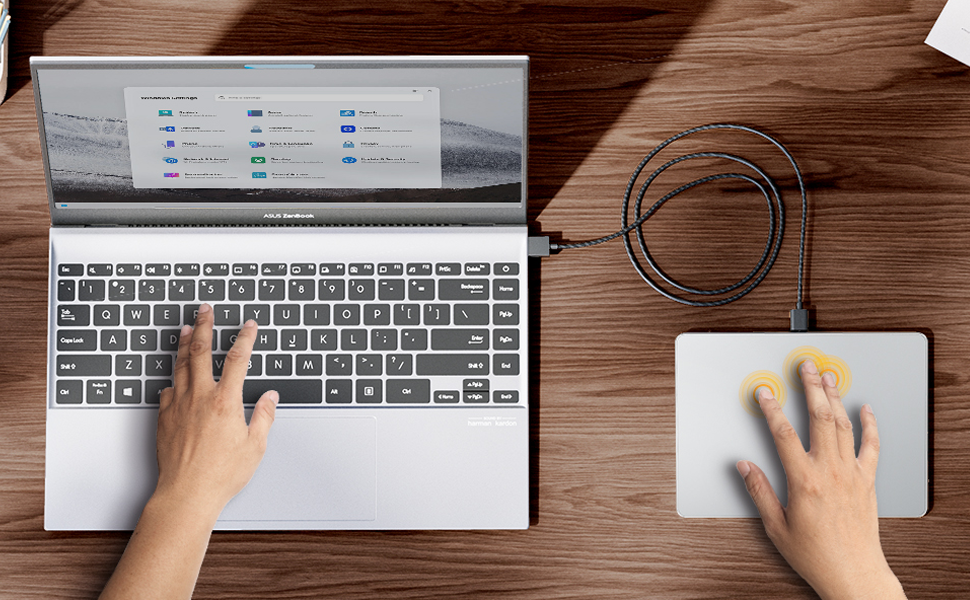
    About Convenient left and right physical clicks

    • The wired trackpad supports physical clicks of the left and right buttons at the bottom to realize the left and right mouse button functions. It also supports full-area single-click to realize the left mouse button function and two-finger single-tap for right mouse clicks
    • How to drag files and select text: Double-click with one finger + hold/slide to drag files or select text

    trackpad

    ProtoArc Wired Trackpad is a great alternative to computer mice when desk space is limited. In addition to being a space saver, trackpad can be easier to use than other input devices like mice

    trackpad
    trackpad

    Compatibility Warning for Wired Trackpad for Windows 10/11

    Windows Only: T1 Wired Trackpad is compatible with Windows 10/11 only

    Wired Only: Connects only via wired, provides you with a stable connection via a USB-C cable.

    It is not compatible with Mac/Chrome/Linux operating system devices

    Note: It is not recommended to use on other systems. Some touchpad gestures or functions may be missing.

    Why can't I find the DPI adjustment feature on the T1 wired touchpad?

    The T1 wired touchpad does not include a DPI adjustment feature. However, you can customize cursor speed via:

    Open Windows Settings ? Navigate to Bluetooth & other devices ? Select Touchpad.

    Adjust the Cursor speed slider to match your preference (slower ? ? faster)

    Tip: Test small incremental changes to find your ideal speed for productivity.

    About Convenient left and right physical clicks

    • The wired trackpad supports physical clicks of the left and right buttons at the bottom to realize the left and right mouse button functions. It also supports full-area single-click to realize the left mouse button function and two-finger single-tap for right mouse clicks
    • How to drag files and select text: Double-click with one finger + hold/slide to drag files or select text

    trackpad

    ProtoArc Wired Trackpad is a great alternative to computer mice when desk space is limited. In addition to being a space saver, trackpad can be easier to use than other input devices like mice

    Wired USB Trackpad Mouse for Windows 10/11, Large High-Precision Touchpad Mouse, Multi-Gesture with Ultra Slim Portable Aluminum Trackpad for Computer/Desktop/Laptop, White and Silver

    Warranty & Returns

    Warranty, Returns, And Additional Information

    Warranty

    • Please contact the Seller directly for warranty information. Warranty information may also be found on the Manufacturer's website.
    • CONTACT

    Return Policies

    Manufacturer Contact Info

    LOADING...