

Your Browsing History
- Free 30-day Returns
$81.19
Ships from China.


Meet Your Seller


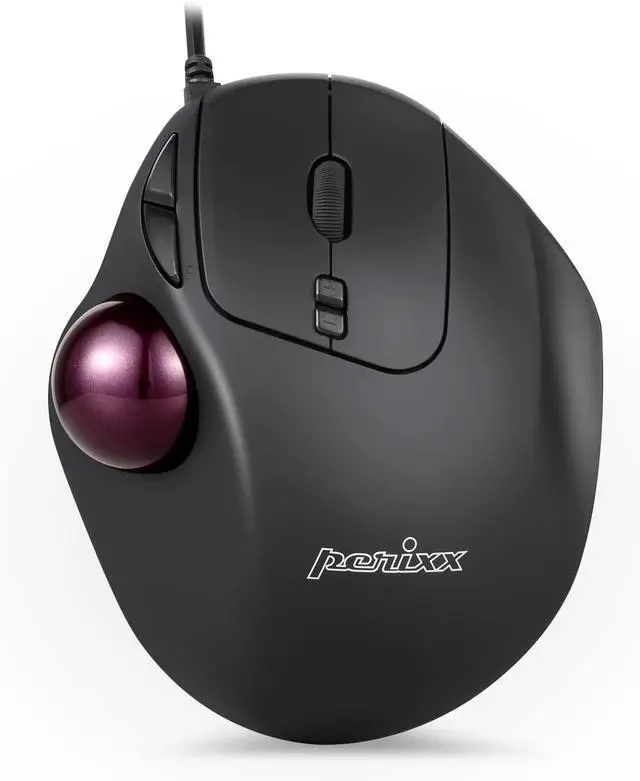
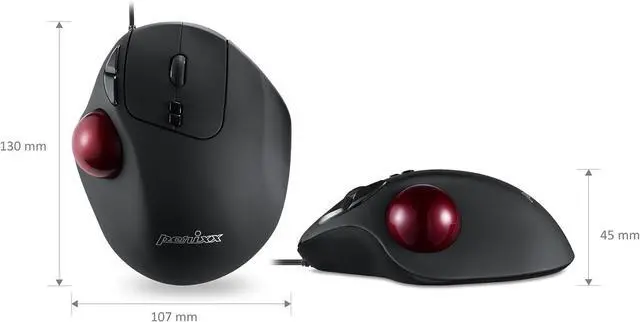
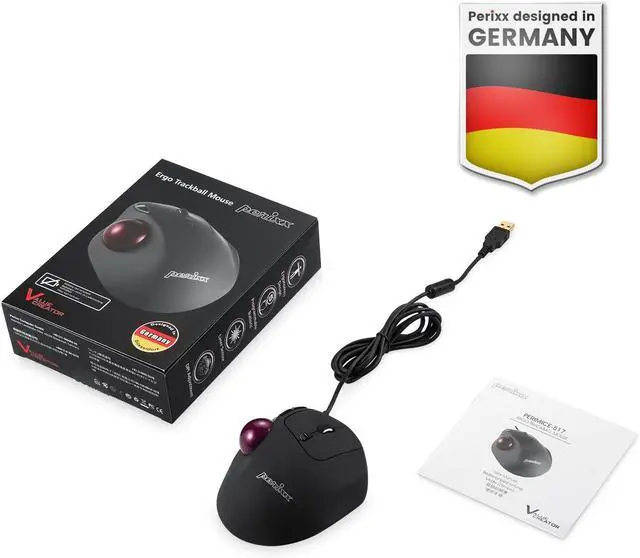


Perixx Perimice-517 Wired Trackball USB Mouse, 7 Button Design, Build-in 1.34 Inch Trackball with Pointing Feature
Limited time offer, ends 08/16 By EnYZME
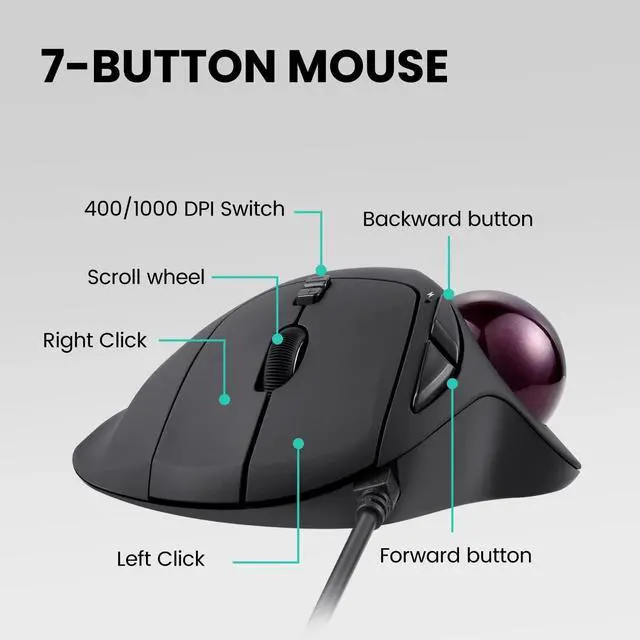
- 7-BUTTON ERGO MOUSE - Wired ergonomic trackball mouse with quiet clicks (left/ right/ backward/ forward/DPI switches) and they work with the trackball simultaneously Easy to switch the cursor speed with DPI switch buttons (resolution 400/1000)
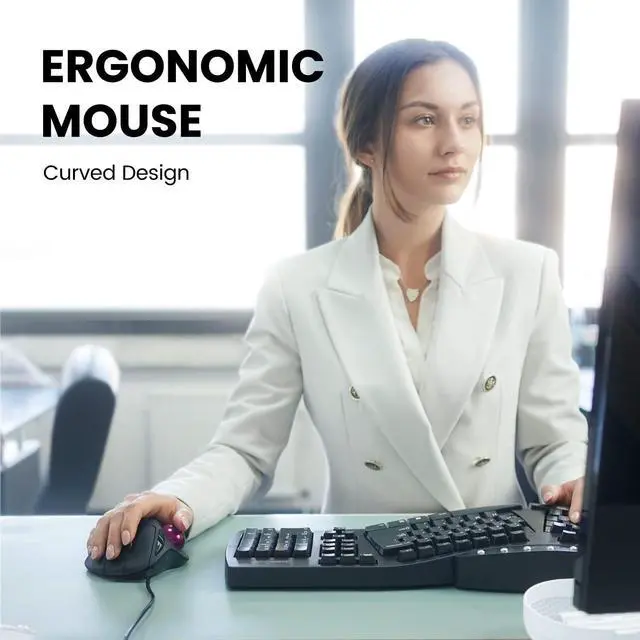
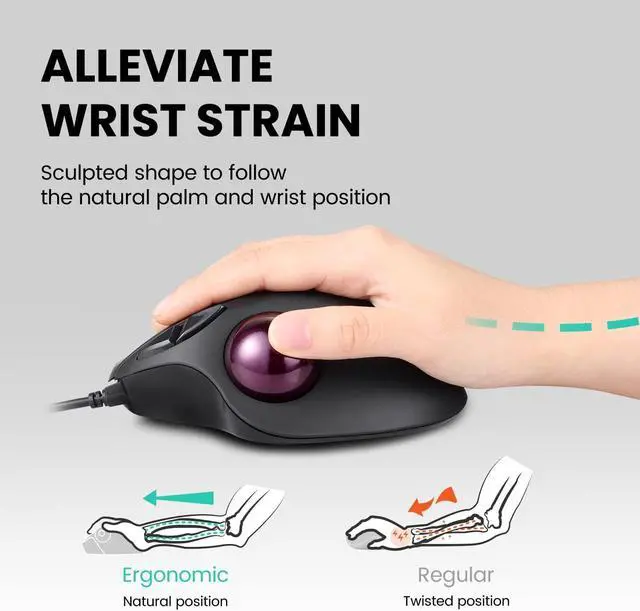
- NATURAL ERGO DESIGN - The ergonomic trackball mouse is for right-handed users recommended to repetitive strain injuries RSI users and the users work particularly long periods on the computer e g office worker gamer and internet user The mouse helps to prevent fatigue in arms and tennis elbow
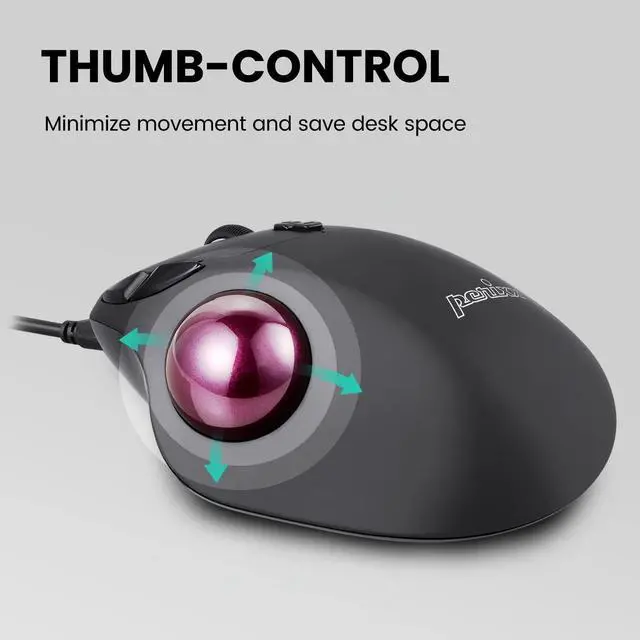
- EASY NAVIGATION AND SPACE-SAVING - The surface on the high-density trackball is coated with special treated glitter effect providing users exceptional tracking and precision Everything on the screen is within the reach of a small thumb movement without having to move the arm Additionally it saves your desktop space
- TROUBLE-FREE TO CLEAN - It is easy to clean if dust on the trackball effects the cursor movement The ball can be easily removed from the mouse buttonhole by fingers or a blunt side of a pen Either use a soft brush or a soft lint-free cloth and gently wipe down dust from the trackball
+
+
Overview
Specs
Reviews

Any questions? Our AI mode will help you find out quickly.
Try me now
- 7-BUTTON ERGO MOUSE - Wired ergonomic trackball mouse with quiet clicks (left/ right/ backward/ forward/DPI switches) and they work with the trackball simultaneously Easy to switch the cursor speed with DPI switch buttons (resolution 400/1000)
- NATURAL ERGO DESIGN - The ergonomic trackball mouse is for right-handed users recommended to repetitive strain injuries RSI users and the users work particularly long periods on the computer e g office worker gamer and internet user The mouse helps to prevent fatigue in arms and tennis elbow
- EASY NAVIGATION AND SPACE-SAVING - The surface on the high-density trackball is coated with special treated glitter effect providing users exceptional tracking and precision Everything on the screen is within the reach of a small thumb movement without having to move the arm Additionally it saves your desktop space
- TROUBLE-FREE TO CLEAN - It is easy to clean if dust on the trackball effects the cursor movement The ball can be easily removed from the mouse buttonhole by fingers or a blunt side of a pen Either use a soft brush or a soft lint-free cloth and gently wipe down dust from the trackball
Warranty & Returns
Warranty, Returns, And Additional Information
Warranty
- Please contact the Seller directly for warranty information. Warranty information may also be found on the Manufacturer's website.
- CONTACT
Return Policies
- Return for refund within: 30 days
- Return for replacement within: 30 days
- This item is covered by EnYZME Return Policy
Manufacturer Contact Info
- For a directory of all our manufacturers, please click below.
- Manufacturers Directory
LOADING...
LOADING...