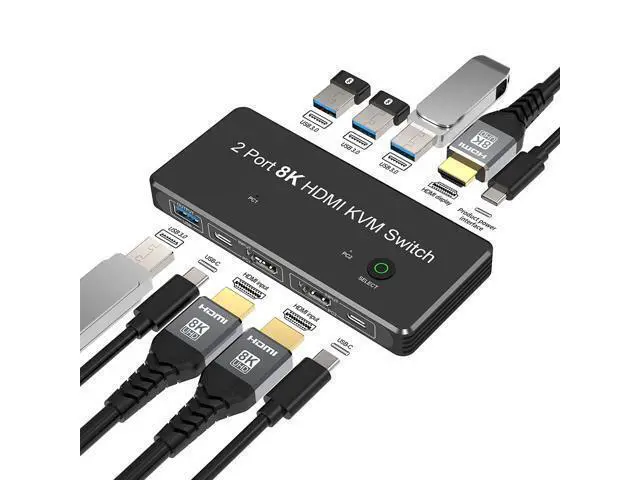
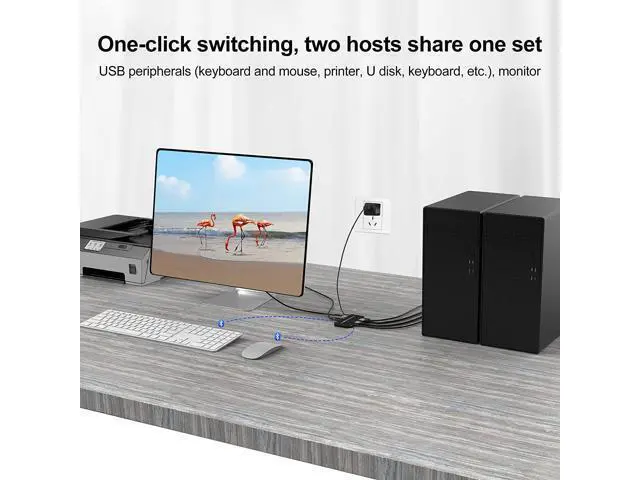
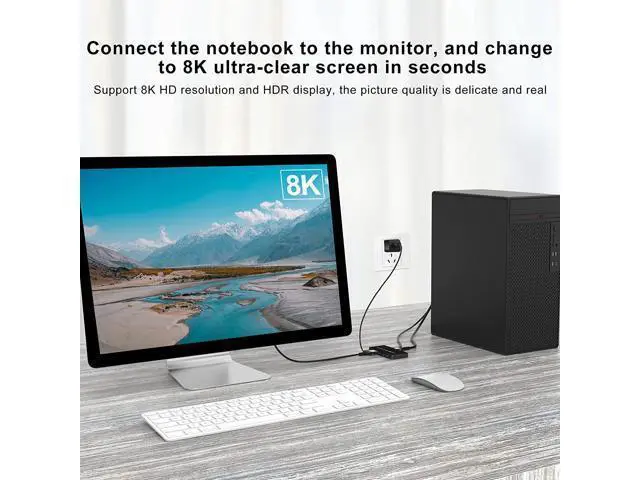
A more functional and 8K-capable HDMI switch - 8K HDMI KVM Switch With more and more devices in the home or office, there is less and less space. In this case, we have to find ways to streamline the number of devices to make more space available. For the time being, the presence of a switcher is a great space saver. Using a switcher can sometimes save the space of monitors or hosts, and it is usually possible to switch between images quickly with the press of a single button. What is KVM? KVM refers to Keyboard, Video and Mouse.
This HDMI KVM switches allow you to share a keyboard, mouse and other hardware with USB plugs between your two hosts while sharing a monitor. 1. Working with two PCs at one desk is inconvenient to use two sets of keyboards and mice. The two monitors also occupy a lot of space on the table. But an HDMI KVM switch can help you save space and cut down on redundant gear. Two PCs can share a keyboard and mouse and a monitor through this switch. 2. This KVM switch is equivalent to a combination of an HDMI switch and a docking station.
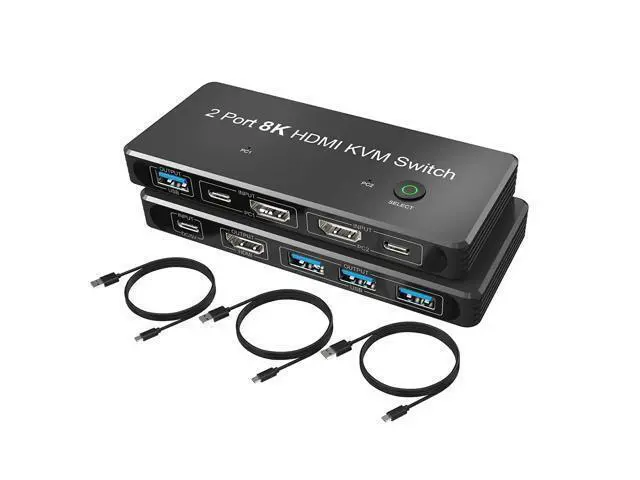
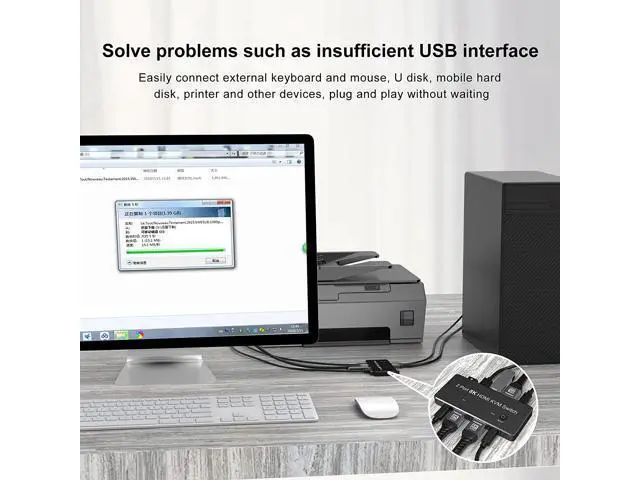
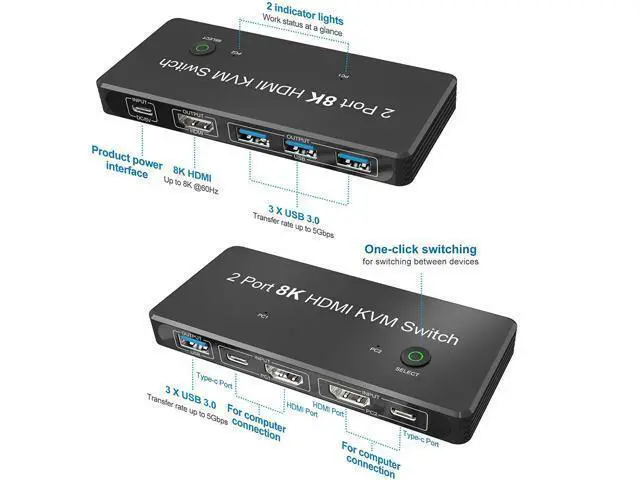
It comes with 4 USB 3.0 ports that can be used to connect external devices such as mouse, keyboard, printer, etc. Moreover, by connecting two PCs to one monitor through HDMI cables and the switcher, it is possible to quickly switch the picture of the two PCs by simply pressing "SELECT". 3. Perhaps you will need to output the images from your laptops to your TV or a bigger monitor for watching a movie or having a meeting. The HDMI 2.1 port can support up to 8K@60Hz and 4K@120Hz. If your laptop can support 8K or 4K resolution, the switch can transfer 8K or 4K picture from the laptop to your TV or another monitor with no pressure.
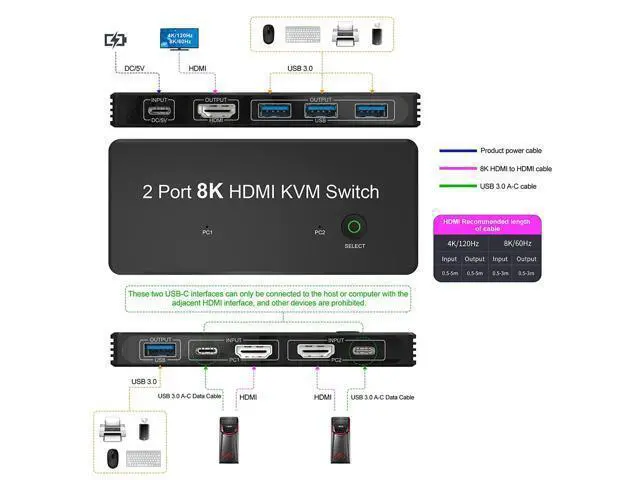
4. The package has included two USB 3.0 cables (Type A to Type C) and one USB 2.0 cable (Type A to Type C). You only need to prepare three HDMI cables, and it is recommended that using standard 8K HDMI cables (most 4K HDMI cables can only support refresh rates up to 4K@60Hz, but 8K HDMI cables can support up to 4K@120Hz/60Hz and 8K@60Hz refresh rates). 5. Since this is a HDMI switcher, just using the HDMI cables and the switcher to connect two PCs and a HDMI monitor can achieve the picture switching function.
If you want to use 4 USB ports to expand the KVM function, you only need to plug the HDMI cables and the USB C cables to the corresponding ports (Please note that both the Type C port and the HDMI port of "PC 1 INPUT" need to be connected to the same computer, and the same requirements for "PC 2 INPUT"). Extended functionality In addition to the picture-switching functionality, the switch has four USB ports for connecting a variety of hardware, such as a mouse, keyboard, USB memory stick and printer.
One key switch As with most switchers, there is no need for complicated operation, as long as the switcher is properly connected to each device via the cables, you can quickly switch the picture on one monitor between multiple hosts with pressing a button. Type C charging port The increasingly popular Type C charging port has been adopted to replace the previous micro usb charging hole, more in line with the needs of today's users. 8K support Although product for 8K resolution is still not common, it is not expected to take long for 8K products to become widespread.
This switcher supports 4K too, and even if you don't have 8K yet, it will help you with your switching needs. Please pay attention to following tips before you buy this product: 1. If you do not need to use those 4 USB 3.0 ports to expand the function, you can directly use the HDMI cables to connect two PCs and one monitor to the KVM switch to achieve the switching function. 2. If you want to connect a keyboard, mouse, printer or other devices through the four USB 3.0 ports and share them on two PCs, you need to connect the switch to the PC 1 and PC 2 through the HDMI cables and USB 3.0 cables (Type A to Type C) at the same time. But please notice that, the Type C port and the HDMI port in the PC 1





 here!
here!