

Your Browsing History
- Free 30-day Returns
$198.73
Ships from China.

Meet Your Seller

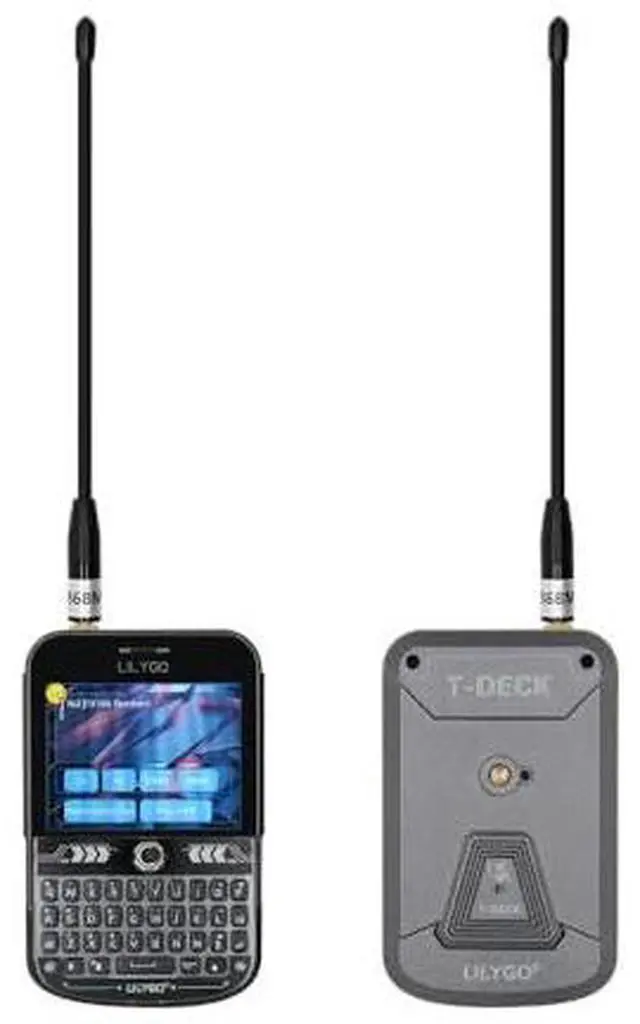
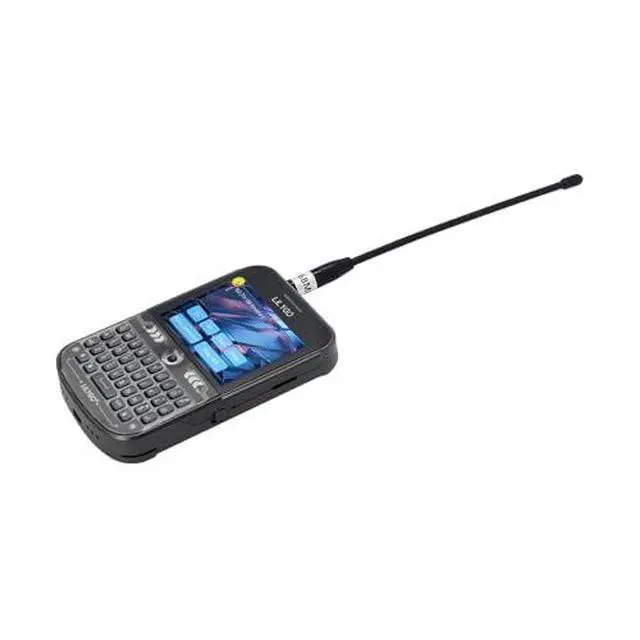
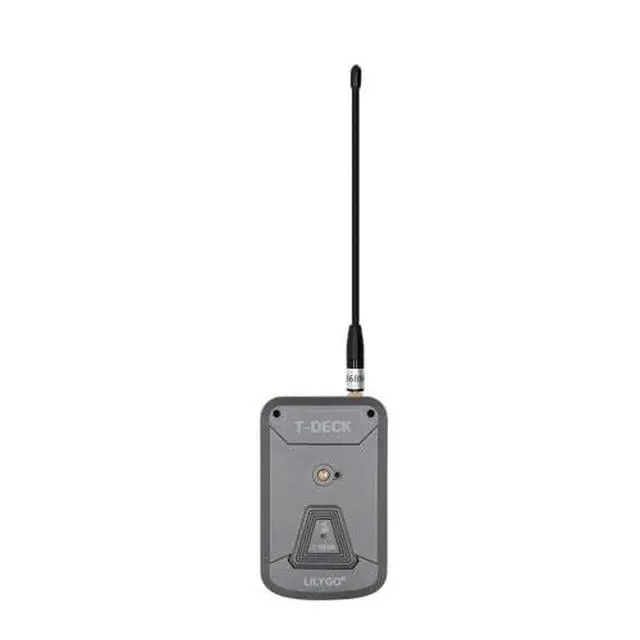
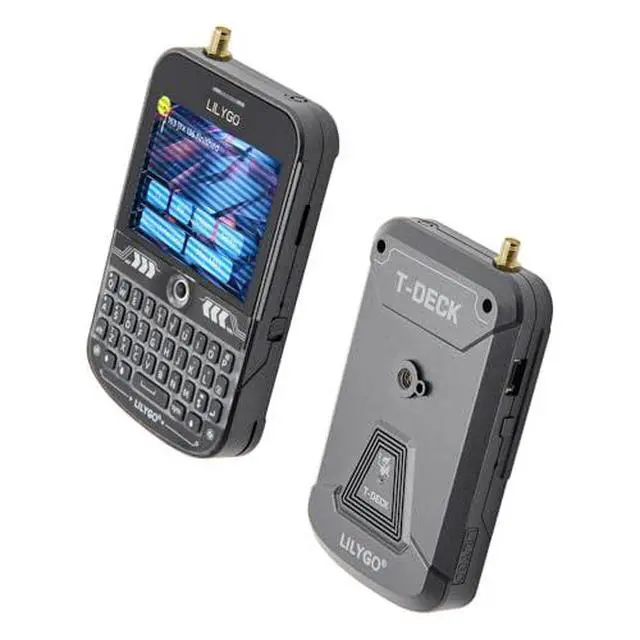
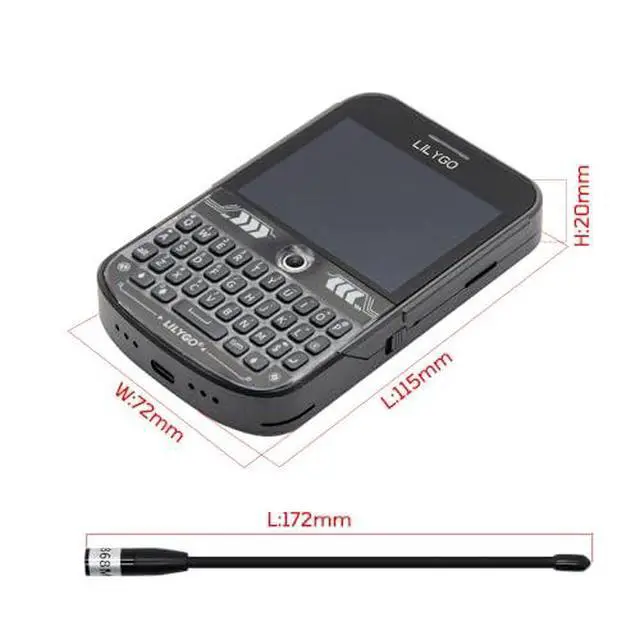
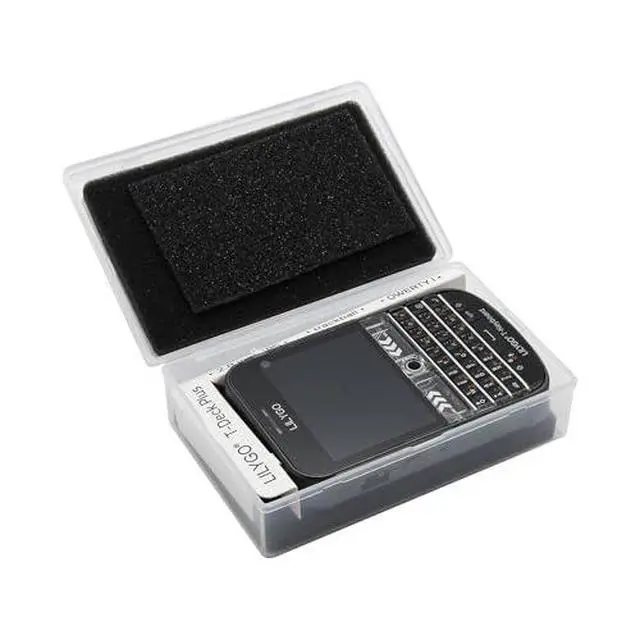
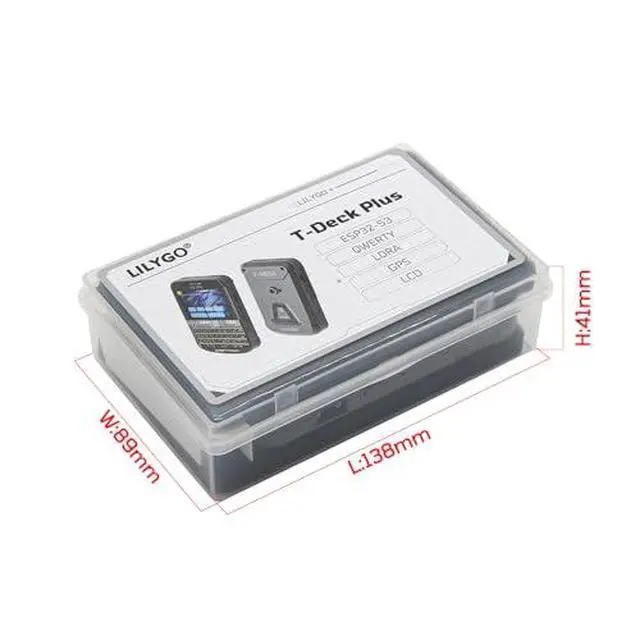


LILYGO T-Deck Plus ESP32-S3 Single Board Computer 915Mhz LORA-89 GPS 2.8-inch Display Development Board External Antenna
Limited time offer, ends 10/07 By GGnix
- AntennaThis version has an external antenna
- WIKIwiki.lilygo.cc/get_started/en/Wearable/T-Deck-Plus/T-Deck-Plus.html
- Githubgithub.com/Xinyuan-LilyGO/T-Deck
- Product serviceIf you have any questions or suggestions about the product, please feel free to contact us. We will answer your question as soon as possible
- NoteThis device does not have a built-in battery meter, so the battery percentage display is inaccurate. This is not a product defect. Please refer to the internal blue light status for battery charging information.
- Product service If you have any questions or suggestions about the product, please feel free to contact us. We will answer your question as soon as possible
+
+
Overview
Specs
Reviews

Any questions? Our AI mode will help you find out quickly.
Try me now
Product description Product Display Product Parameters This version adds the antenna external function.
Github: github.
com/Xinyuan-LilyGO/T-Deck WIKI: wiki. lilygo.
cc/ NOTE: The device does not have a built-in battery meter, so the battery percentage display is not accurate. This is not a product issue. The new firmware version will optimize the battery percentage program settings.
Regarding the Manual: Our product is currently classified as open-source hardware. Multiple community firmware adaptations are available, with various firmware versions undergoing continuous updates. Traditional paper manuals often become outdated and may lead to misinformation. Therefore, we have standardized our documentation across GitHub, Wiki versions, YouTube, online manuals, and video tutorials.
PIN MAP Tips: If a microphone is used, the GPIOO button cannot be used If the sketch cannot be uploaded, then you need to press down the middle of the trackball, and then insert the USB, this means the chip is in the download mode, and then click to upload the sketch. T-Keyboard the programming and burning interface of ESP32C3 is located at the 6Pin header on the side of the RST button, and the order starts from the top of the RST button, which are 3V3, GND, RST, BOOT, RX, TX, You need to connect USB TO TTL externally to burn the keyboard firmware. For TTL without automatic download circuit, before powering on, short-circuit the BOOT Pin and GND, and then power on. At this time, T-Keyboard will enter the download mode. After the burning is completed, you need to disconnect GND and BOOT before running the program. T-Deck can't upload any sketchPlease enter the upload mode manually. Connect the board via the USB cable Press and hold the BOOT button, While still pressing the BOOT(On the trackball above the keyboard, press down) button Press RST button Release the RST button Release the BOOT button Upload sketch
Github: github.
com/Xinyuan-LilyGO/T-Deck WIKI: wiki. lilygo.
cc/ NOTE: The device does not have a built-in battery meter, so the battery percentage display is not accurate. This is not a product issue. The new firmware version will optimize the battery percentage program settings.
Regarding the Manual: Our product is currently classified as open-source hardware. Multiple community firmware adaptations are available, with various firmware versions undergoing continuous updates. Traditional paper manuals often become outdated and may lead to misinformation. Therefore, we have standardized our documentation across GitHub, Wiki versions, YouTube, online manuals, and video tutorials.
PIN MAP Tips: If a microphone is used, the GPIOO button cannot be used If the sketch cannot be uploaded, then you need to press down the middle of the trackball, and then insert the USB, this means the chip is in the download mode, and then click to upload the sketch. T-Keyboard the programming and burning interface of ESP32C3 is located at the 6Pin header on the side of the RST button, and the order starts from the top of the RST button, which are 3V3, GND, RST, BOOT, RX, TX, You need to connect USB TO TTL externally to burn the keyboard firmware. For TTL without automatic download circuit, before powering on, short-circuit the BOOT Pin and GND, and then power on. At this time, T-Keyboard will enter the download mode. After the burning is completed, you need to disconnect GND and BOOT before running the program. T-Deck can't upload any sketchPlease enter the upload mode manually. Connect the board via the USB cable Press and hold the BOOT button, While still pressing the BOOT(On the trackball above the keyboard, press down) button Press RST button Release the RST button Release the BOOT button Upload sketch
Warranty & Returns
Warranty, Returns, And Additional Information
Warranty
- Please contact the Seller directly for warranty information. Warranty information may also be found on the Manufacturer's website.
- CONTACT
Return Policies
- Return for refund within: 30 days
- Return for replacement within: 30 days
- This item is covered by GGnix Return Policy
Manufacturer Contact Info
- For a directory of all our manufacturers, please click below.
- Manufacturers Directory
LOADING...