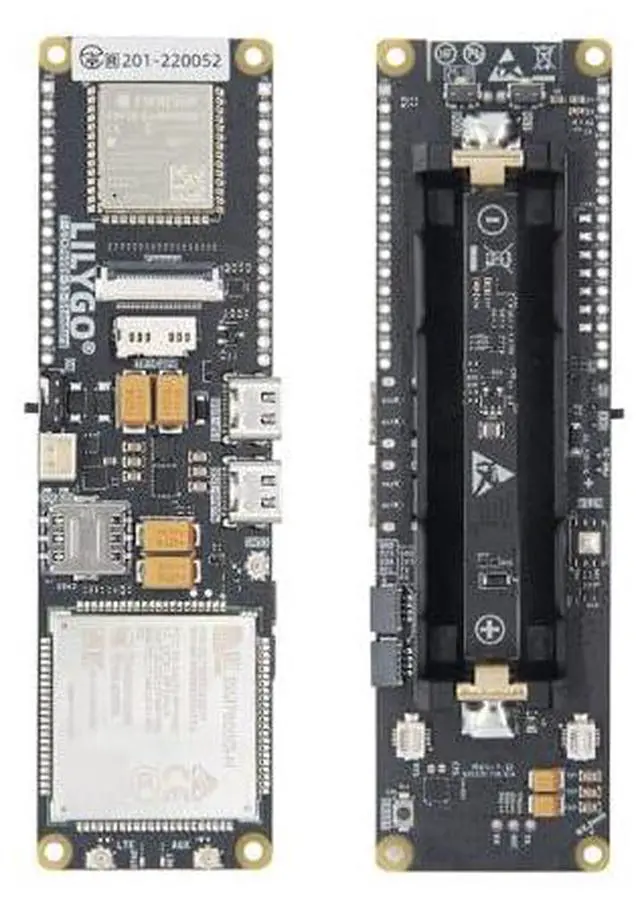
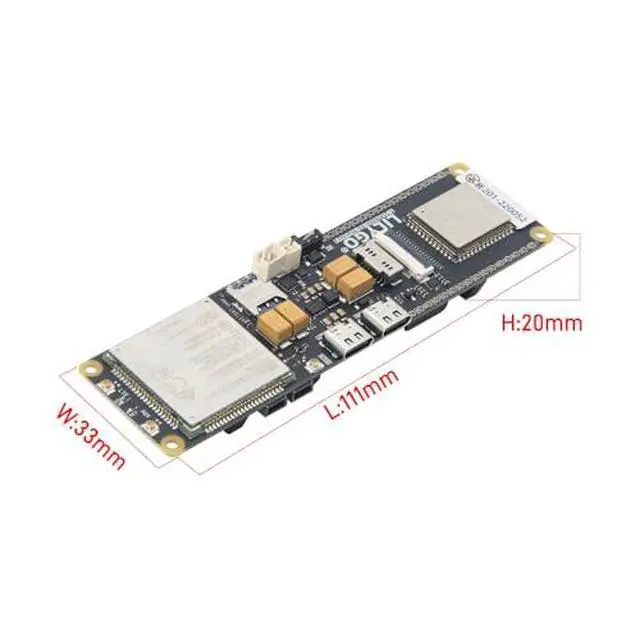
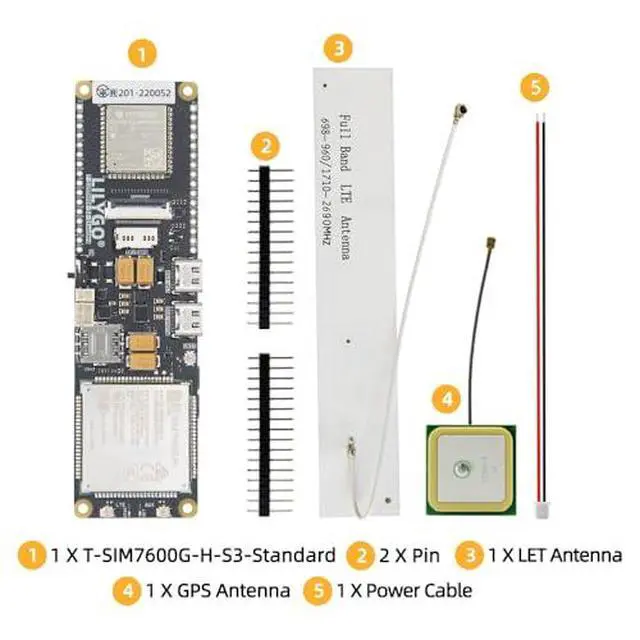
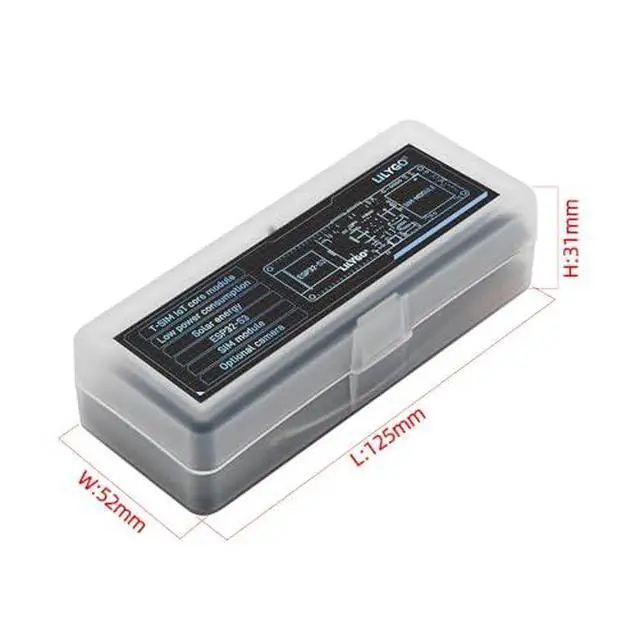
Product description T-SIM7600G-S3-Standard T-SIM7600G-H Product Parameter FAQ Can't turn on the phone after connecting the battery for the first time? This is due to the characteristics of the onboard battery over-discharge and over-charge chip. It cannot be turned on when the battery is connected for the first time. This can be solved by inserting a USB charger or reconnecting the battery. For details, please see the remarks on page 4 of the datasheet. Can't upload any sketchPlease enter the upload mode manually. Connect the board via the USB cable Press and hold the BOOT button, While still pressing the BOOT button (If there is no BOOT button, you need to use wires to connect GND and IO0 together.
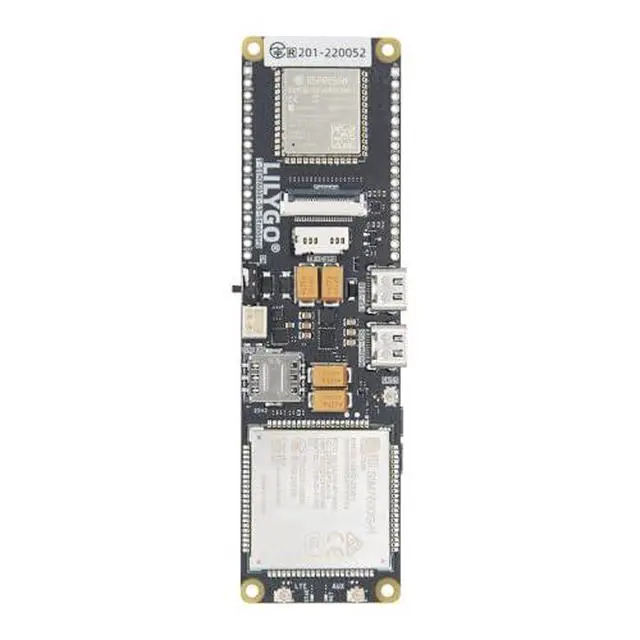
) Press RST button Release the RST button Release the BOOT button (If there is no BOOT button, disconnect IO0 from GND. ) Upload sketch How do I connect the antenna correctly? Check the silk screen on the board. GPS stands for GPS antenna. Only active GPS antenna can be connected here. SIM or MAIN, this is the main antenna interface of LTE AUX This is the diversity antenna for LTE, used to enhance the signal Network registration denied? When the network registration is refused, please check whether the APN is set correctly.
For details, please refer to issues104 PIN MAP Model Comparison please refer to: github. com/Xinyuan-LilyGO/LilyGo-Modem-Series/blob/main/docs/model_comparison. md Introduction to Global Band
Support on GitHub: github. com/Xinyuan-LilyGO/LilyGo-Modem-Series/blob/main/docs/en/esp32s3/sim7670g-s3-standard/README. MD





 here!
here!