

Your Browsing History
- Free 30-day Returns
$110.86
Ships from China.

Meet Your Seller


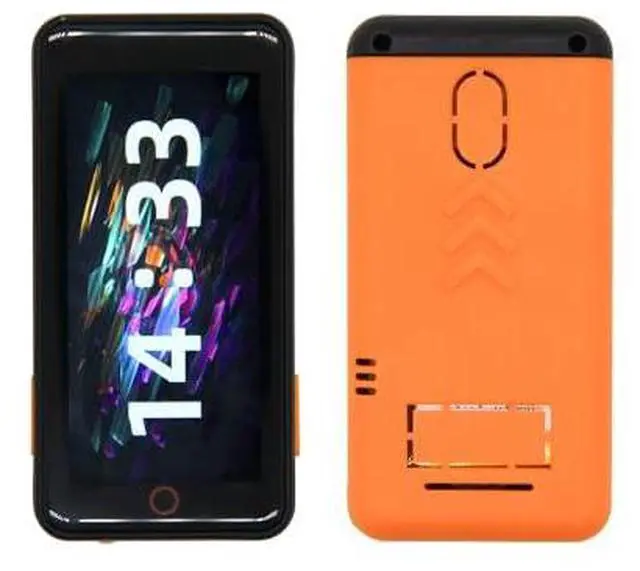
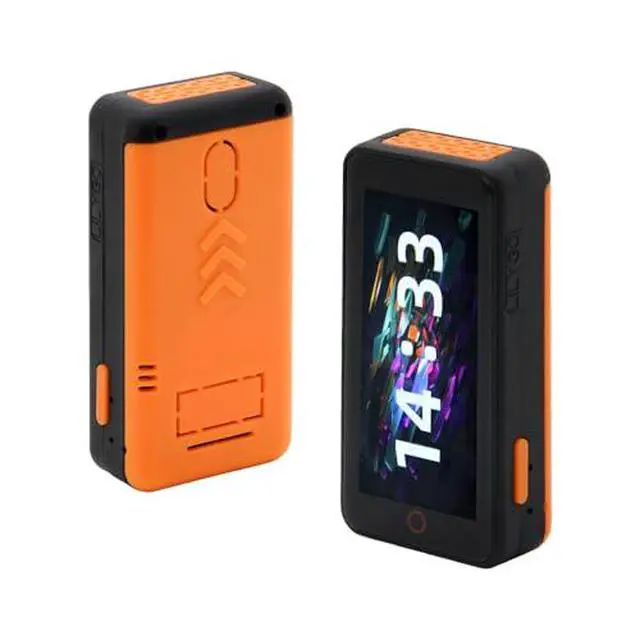
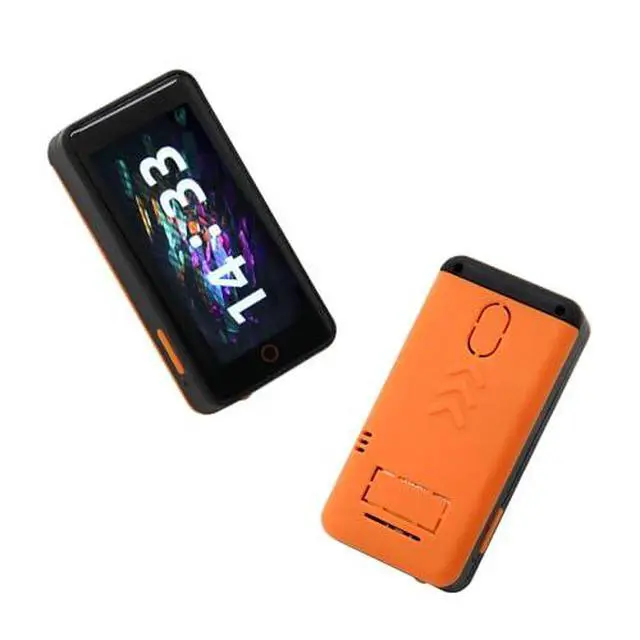
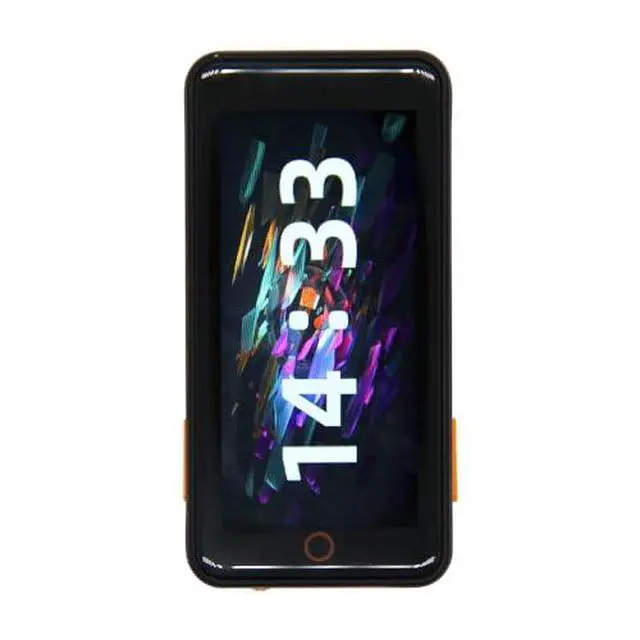
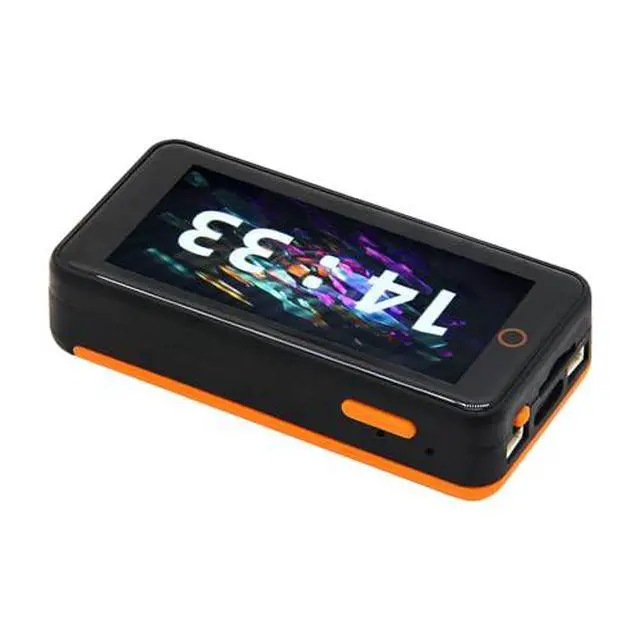
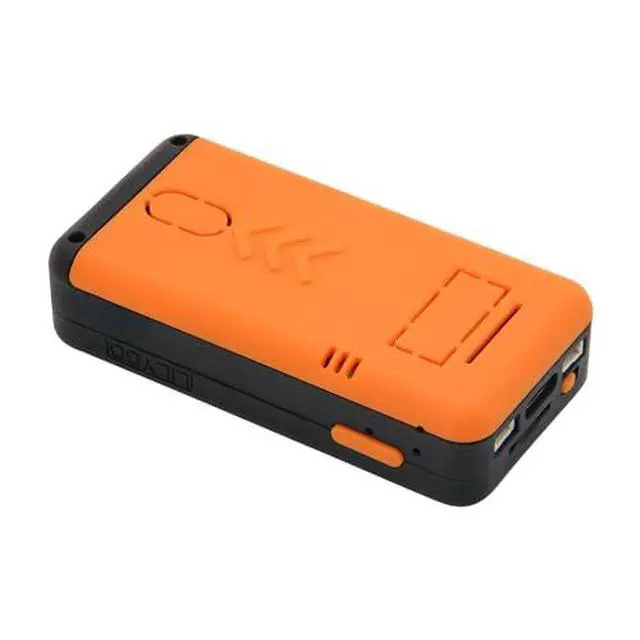
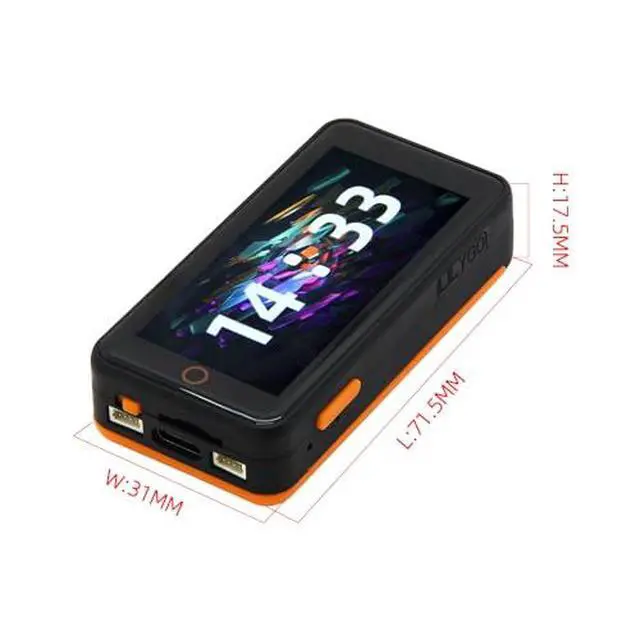


LILYGO T-Pico-Pro C6 ESP32-C6 Raspberry Pi RP2040 Dual MCU TTGO Development Board with 2.33 Inch Touch Screen
Limited time offer, ends 10/07 By GGnix
- T-Pico ProThe T-Pico Pro is an upgraded version of the T-PicoC3 with a reversible Type-C design that is compatible with the RP2040 port and USB port of the ESP32-C6.
- FeatureIt supports WiFi 6, Bluetooth 5 (LE), and Thread /Zigbee functionality.
- DisplayThe display was upgraded to a larger 2.33-inch LCD, transitioning from a non-touch display to a touch display.
- AdvantageThe T-PicoPro includes an I2C digital light sensor.
- GithubFor more programming information, please check it : github.com/Xinyuan-LilyGO/LilyGo-T-PicoPro
+
+
Overview
Specs
Reviews

Any questions? Our AI mode will help you find out quickly.
Try me now
Product description Product parameter The T-PicoPro is an upgraded version of the T-PicoC3, featuring a reversible Type-C design compatible with both the RP2040 port and the USB port of the ESP32-C6. Building upon the foundation of the T-PicoC3, the ESP32-C3 has been replaced with the more powerful ESP32-C6, supporting WiFi 6, Bluetooth 5 (LE), and Thread/Zigbee functionalities. The Flash storage has been enhanced from the previous 4MB used for the RP2040 to a total of 16MB, ESP32-C6 to 4MB. The display has been upgraded to a larger 2.33 -inch LCD, transitioning from a non-touch display to a touch LCD.
The pixel resolution has also been improved from 135 x 240 to 222 x 480. Additionally, the T-PicoPro now includes an I2C Digital Light Sensor. PIN MAP For first time use, you need to use Zadig to replace the driver to correctly identify the port. T-PicoPro uses a reversible Type-C design, which corresponds to the port of RP2040 and the USB port of ESP32-C6 respectively. How to identify the port of RP2040? Press and hold the BOOT button on the side of the T-PicoPro, and then plug in the USB-C.
If the computer recognizes it as a disk, then it is the port of the RP2040 In addition to being a UART, the T-PicoPro QWIIC UART port can also be used as a normal IO The QWIIC I2C port cannot be used for other purposes and can only be configured as an I2C interface because it is connected to the screen touch and PMU. ESP32-C6 uses AT firmware by default. You can find the custom compilation method of AT firmware here. ESP32-C6 default AT firmware is compiled in V 3.3. 0-dev. The firmware has been simply modified (GPIO control function added), the source code can be found here, Please see commit for specific changes The T-PicoPro charging indicator light can be turned off through software.
If the battery is not connected, the indicator light will flash. More information github. com/Xinyuan-LilyGO/LilyGo-T-PicoPro FAQ If writing fails successfully, Connect the board via the USB cable Press and hold the (on the side) BOOT button, While still pressing the (on the side) BOOT button, press (on the side) RST Release the (on the side) RST Release the (on the side) BOOT button Upload sketch 2. How to write ESP32-C6? Since the ESP32-C6 reset pin is controlled by RP2040, when you need to update the ESP32-C6 firmware, please do not include the operation of controlling the ESP32-C6 reset pin in the program in RP2040.
Press and hold the BOOT button near the bottom of the ESP32-C6 module, and then plug in the USB-C. Please make sure you are plugging in the USB port side of the ESP32-C6. The computer should be able to write to the ESP32-C6 normally. 3. How do I check if the hardware is OK? Please follow the first step of the FAQ and drag firmware. uf2 in the firmware directory into the disk. The program includes hardware self-test, which can determine whether the hardware is normal. SHIPPING LIST 1 X T-Pico-Pro C6 2 X Pin 2.54 (13pin) 2 X Female pin 2.54 (13pin )
See More
The pixel resolution has also been improved from 135 x 240 to 222 x 480. Additionally, the T-PicoPro now includes an I2C Digital Light Sensor. PIN MAP For first time use, you need to use Zadig to replace the driver to correctly identify the port. T-PicoPro uses a reversible Type-C design, which corresponds to the port of RP2040 and the USB port of ESP32-C6 respectively. How to identify the port of RP2040? Press and hold the BOOT button on the side of the T-PicoPro, and then plug in the USB-C.
If the computer recognizes it as a disk, then it is the port of the RP2040 In addition to being a UART, the T-PicoPro QWIIC UART port can also be used as a normal IO The QWIIC I2C port cannot be used for other purposes and can only be configured as an I2C interface because it is connected to the screen touch and PMU. ESP32-C6 uses AT firmware by default. You can find the custom compilation method of AT firmware here. ESP32-C6 default AT firmware is compiled in V 3.3. 0-dev. The firmware has been simply modified (GPIO control function added), the source code can be found here, Please see commit for specific changes The T-PicoPro charging indicator light can be turned off through software.
If the battery is not connected, the indicator light will flash. More information github. com/Xinyuan-LilyGO/LilyGo-T-PicoPro FAQ If writing fails successfully, Connect the board via the USB cable Press and hold the (on the side) BOOT button, While still pressing the (on the side) BOOT button, press (on the side) RST Release the (on the side) RST Release the (on the side) BOOT button Upload sketch 2. How to write ESP32-C6? Since the ESP32-C6 reset pin is controlled by RP2040, when you need to update the ESP32-C6 firmware, please do not include the operation of controlling the ESP32-C6 reset pin in the program in RP2040.
Press and hold the BOOT button near the bottom of the ESP32-C6 module, and then plug in the USB-C. Please make sure you are plugging in the USB port side of the ESP32-C6. The computer should be able to write to the ESP32-C6 normally. 3. How do I check if the hardware is OK? Please follow the first step of the FAQ and drag firmware. uf2 in the firmware directory into the disk. The program includes hardware self-test, which can determine whether the hardware is normal. SHIPPING LIST 1 X T-Pico-Pro C6 2 X Pin 2.54 (13pin) 2 X Female pin 2.54 (13pin )
See More
Warranty & Returns
Warranty, Returns, And Additional Information
Warranty
- Please contact the Seller directly for warranty information. Warranty information may also be found on the Manufacturer's website.
- CONTACT
Return Policies
- Return for refund within: 30 days
- Return for replacement within: 30 days
- This item is covered by GGnix Return Policy
Manufacturer Contact Info
- For a directory of all our manufacturers, please click below.
- Manufacturers Directory
LOADING...