

Your Browsing History
- Free 30-day Returns
$113.23
Ships from China.

Meet Your Seller

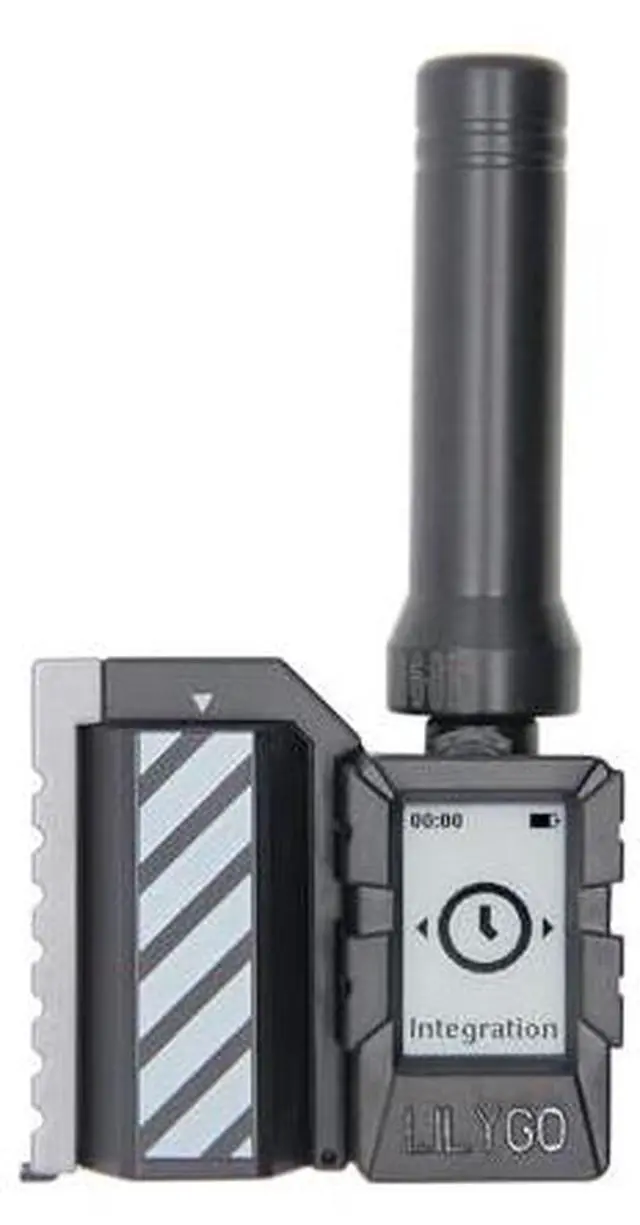
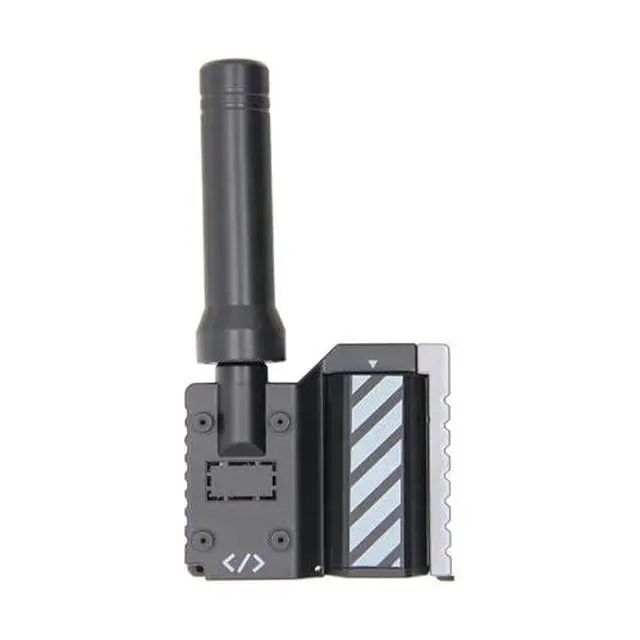
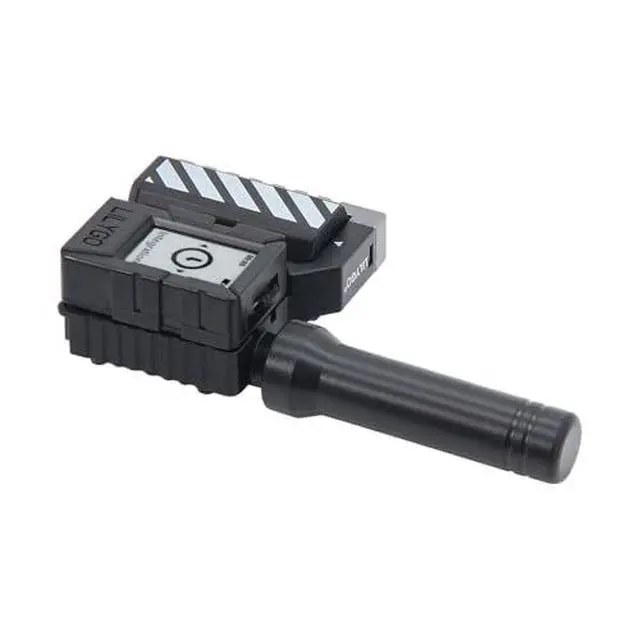
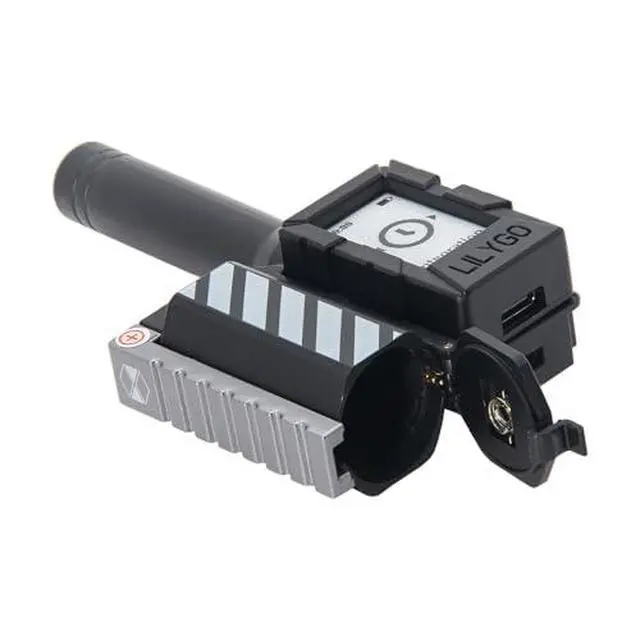
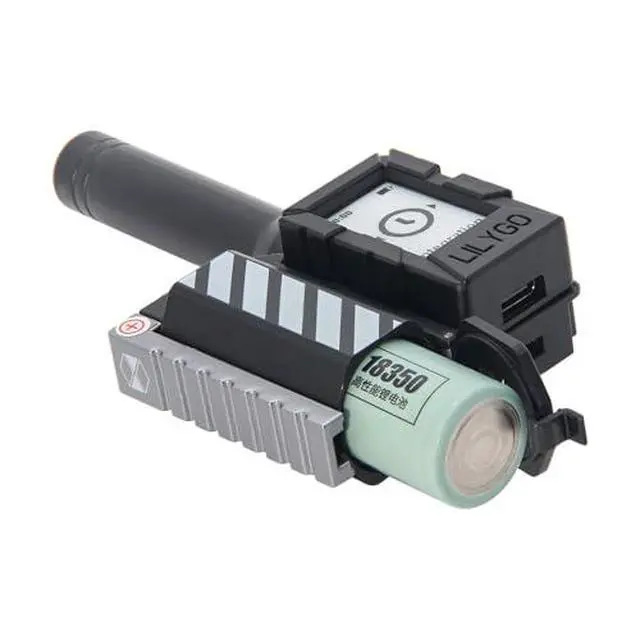


LILYGO MINI E-Paper S3 Kit SX1262 LoRa 915Mhz TTGO Development Board with Low-Power 1.02-inch E-Paper Display
Limited time offer, ends 09/27 By GGnix
- Wireless Connectivity : 2.4 GHz Wi-Fi Bluetooth 5(LE)
- On-board features: TF card storage expansion, PCF85063ATL real-time clock, extensive GPIO interfaces (supporting SPI/I2C protocols), and deep sleep mode.
- WIKI : wiki.lilygo.cc/get_started/en/Wearable/T-Mini-E-paper-S3/T-Mini-E-paper-S3.html
- GitHub github.com/Xinyuan-LilyGO/LilyGO-Mini-Epaper-S3/tree/main
- If you have any questions or suggestions about the product, please feel free to contact us. We will answer your question as soon as possible
+
+
Overview
Specs
Reviews

Any questions? Our AI mode will help you find out quickly.
Try me now
Product description Product
GitHubgithub.
com/Xinyuan-LilyGO/LilyGO-Mini-Epaper-S3/tree/main WIKI: wiki. lilygo. cc/get_started/en/Wearable/T-Mini-E-paper-S3/T-Mini-E-paper-S3.
html Note: Batteries are not included in the shipment. PIN MAP Mini-E-Paper-S3 uses USB as the JTAG upload port. To print serial information via USB, the USB_CDC_ON_BOOT configuration needs to be enabled. If the port cannot be found when uploading the program, or if the USB is already used for other functions causing the port not to appear, please
manually enter upload mode: Connect the board via USB cable Press and hold the BOOT button, then press the RST button Release the RST button Release the BOOT button Upload the program If the above method doesn't work, please flash the firmware file to check if the hardware is functioning properly
Specifications
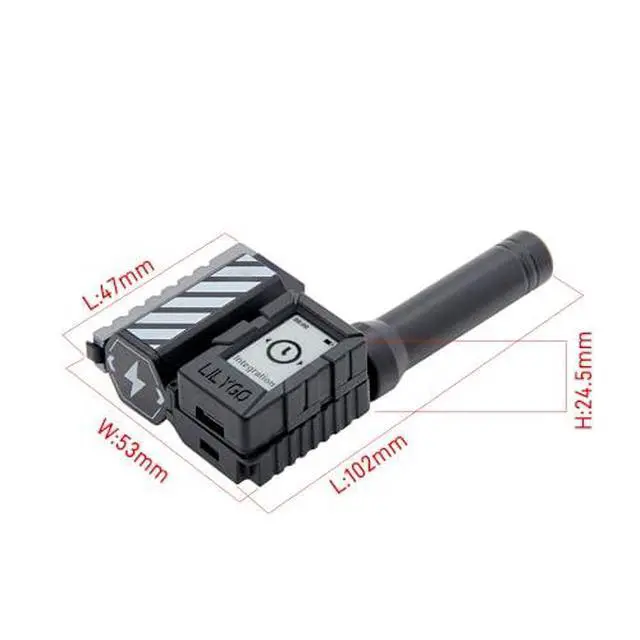
The LILYGO T-MINI E-Paper S3 Kit is a compact (102x 24.5 x53mm) multifunctional development board featuring the ESP32-S3FN4R2 dual-core processor (with Wi-Fi/Bluetooth 5 support). Its core highlights include an integrated low-power 1.02 -inch E-Ink display (128x80 resolution), an SX1262 LoRa long-range communication module supporting 868/915/923MHz bands, and power supply via a 3.7V 18350 lithium battery. Onboard features also include TF card storage expansion, a PCF85063ATL RTC real-time clock, rich GPIO interfaces (SPI/I2C, etc. ), and support for deep sleep. It is ideally suited for building IoT application scenarios such as remote environmental monitoring nodes, low-power information display tags, and portable data loggers.GitHubgithub.
com/Xinyuan-LilyGO/LilyGO-Mini-Epaper-S3/tree/main WIKI: wiki. lilygo. cc/get_started/en/Wearable/T-Mini-E-paper-S3/T-Mini-E-paper-S3.
html Note: Batteries are not included in the shipment. PIN MAP Mini-E-Paper-S3 uses USB as the JTAG upload port. To print serial information via USB, the USB_CDC_ON_BOOT configuration needs to be enabled. If the port cannot be found when uploading the program, or if the USB is already used for other functions causing the port not to appear, please
manually enter upload mode: Connect the board via USB cable Press and hold the BOOT button, then press the RST button Release the RST button Release the BOOT button Upload the program If the above method doesn't work, please flash the firmware file to check if the hardware is functioning properly
Warranty & Returns
Warranty, Returns, And Additional Information
Warranty
- Please contact the Seller directly for warranty information. Warranty information may also be found on the Manufacturer's website.
- CONTACT
Return Policies
- Return for refund within: 30 days
- Return for replacement within: 30 days
- This item is covered by GGnix Return Policy
Manufacturer Contact Info
- For a directory of all our manufacturers, please click below.
- Manufacturers Directory
LOADING...