

Your Browsing History
- Free 30-day Returns
$94.23
Ships from China.

Meet Your Seller

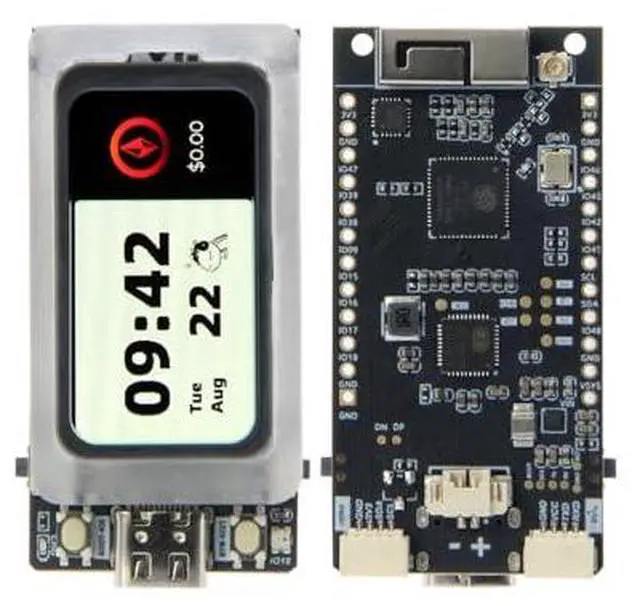
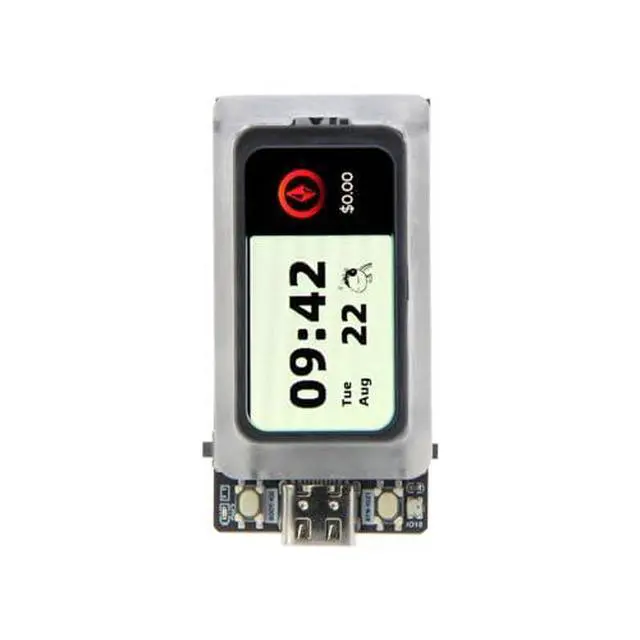
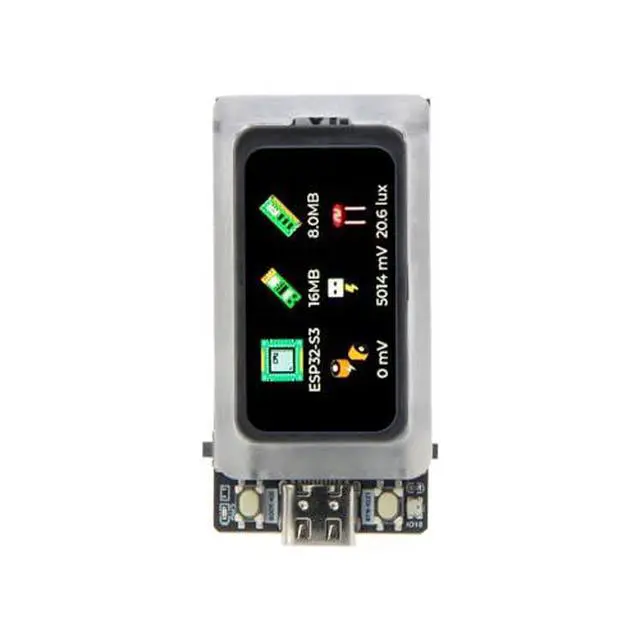
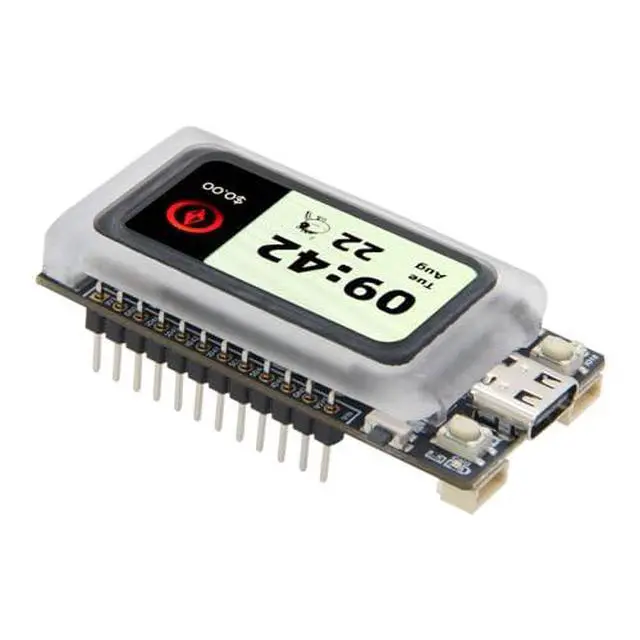
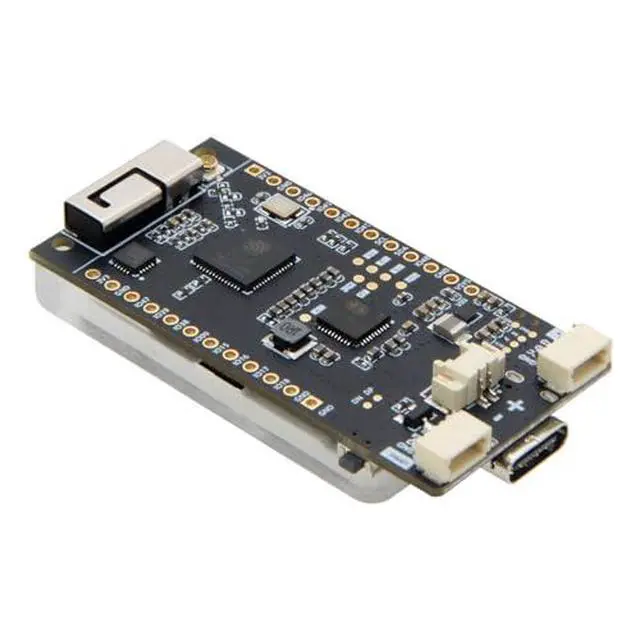
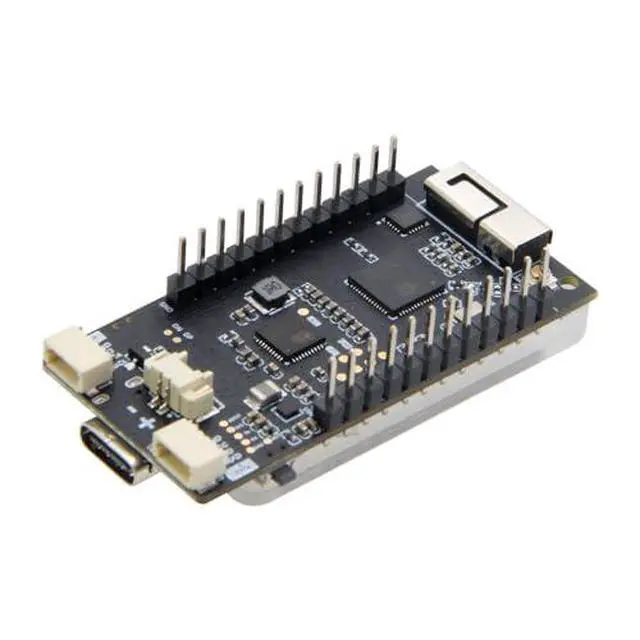
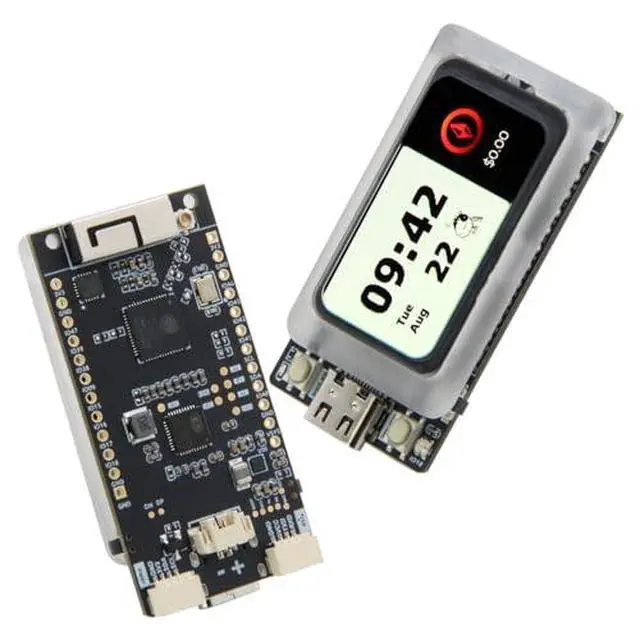


LILYGO T-Display-AMOLED-Lite ESP32-S3 with 1.47-inch RM67162 AMOLED Display TTGO Development Board
Limited time offer, ends 09/27 By GGnix
- MemoryFlash: 16MB PSRAM: 8MB
- IntroductionT-Display-AMOLED-Lite is a board that uses ESP32-S3 to drive AMOLED
- MCUESP32-S3R8 Dual-core LX7 microprocessor
- GitHubgithub.com/Xinyuan-LilyGO/LilyGo-AMOLED-Series
- FunctionIt continues T-Display's simple form factor structure, low power consumption, battery charging and discharging support, GPIO expansion function, and other features designed to make learning and developing applications easier
+
+
Overview
Specs
Reviews

Any questions? Our AI mode will help you find out quickly.
Try me now
Product description Product Parameter FAQ The board uses USB as the JTAG upload port. When printing serial port information on USB_CDC_ON_BOOT configuration needs to be turned on. If the port cannot be found when uploading the program or the USB has been used for other functions, the port does not appear. Please enter the upload mode manually. Connect the board via the USB cable Press and hold the BOOT button, While still pressing the BOOT button, press RST Release the RST Release the BOOT button Upload sketch If the above is invalid, burn the binary file to check whether the hardware is normal AMOLED does not support hardware screen rotation function Product Display PIN MAP Shipping List 1 X T-Display-AMOLED-Lite 2 X Pin (12pin) 1 X Power cable
Warranty & Returns
Warranty, Returns, And Additional Information
Warranty
- Please contact the Seller directly for warranty information. Warranty information may also be found on the Manufacturer's website.
- CONTACT
Return Policies
- Return for refund within: 30 days
- Return for replacement within: 30 days
- This item is covered by GGnix Return Policy
Manufacturer Contact Info
- For a directory of all our manufacturers, please click below.
- Manufacturers Directory
LOADING...