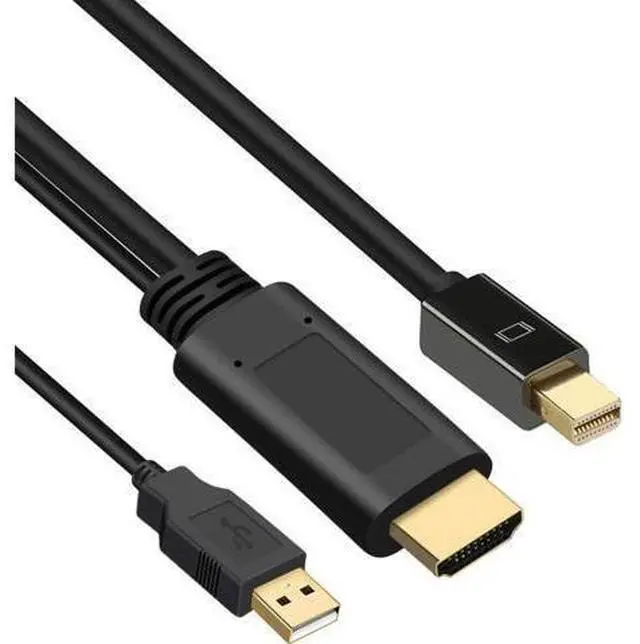
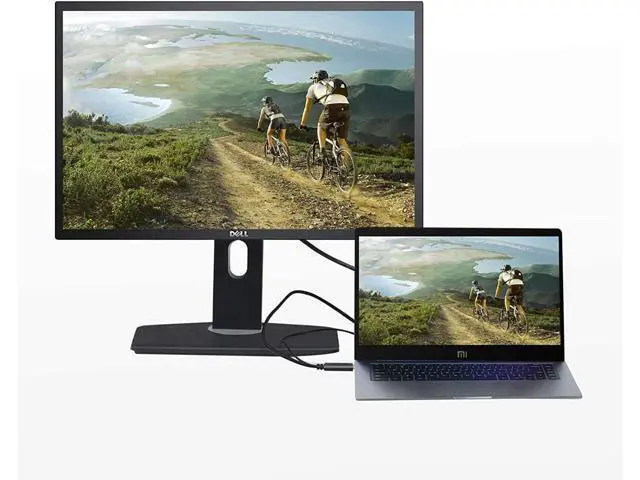
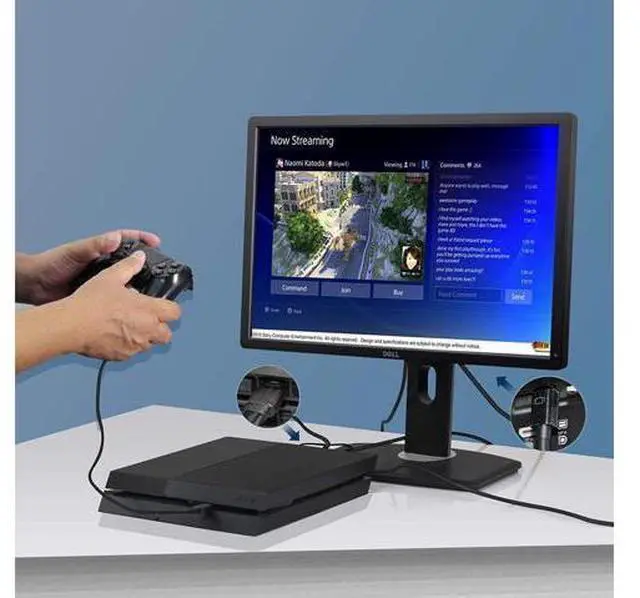
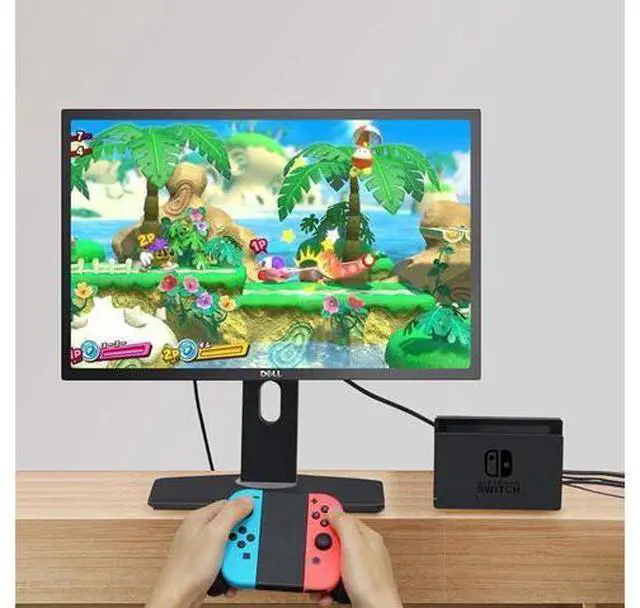
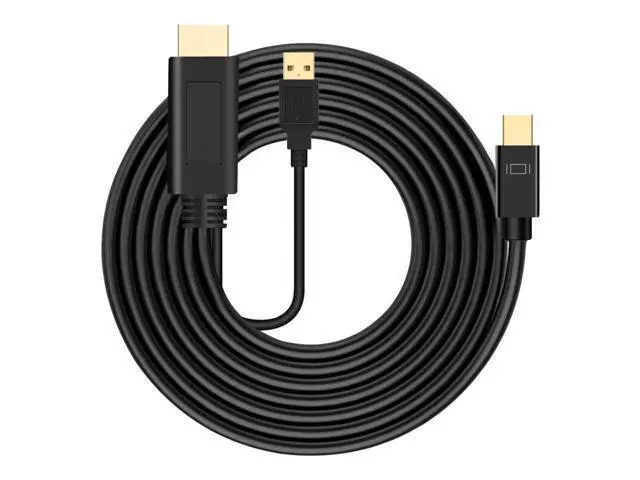
HDMI to Mini DisplayPort Adapter Cable The HDMI to Mini DisplayPort adapter cable connects a computer or HDMI devices with HDMI output to a monitor with Mini DisplayPort input. Transmits high-definition audio and video with this HDMI DP adapter cable. HDMI to Mini DP Adapter lets you connect an HDMI enabled video source, Compatible with laptop, PC, desktop, Nintendo Switch, XBOX One, XBOX 360, PS4/5, MacBook, Mac Mini, Blu-ray player to a DP monitor. Technical
Specifications
1. Deep color support
RGB/YCC ( 4:4: 4) 16-bit color
YCC ( 4:2: 2) 16-bit color Color space conversion YUV to RGB and RGB to YUV
2. Supported video timings 4096 x 2160 (4K x 2K) 24 Hz/30 Hz; 24 bits/pixel 1920 x 1080 (FHD) 120
Hz: 24 bits/pixel 2560 x 1600 (WQXGA) 60
Hz: 24 bits/pixel Up to 1920 x 1080 (FHD) 60 Hz, 48, 36, 30 bits/pixel All compatible 3D formats defined in DP 1.2 a and HDMI 1.4 specifications All standard CEA861 timing formats
3. Supported audio timings All audio formats as specified in DP 1.2 a and HDMI 1.4 specifications SPDIF; 2-Ch LPCM, AC3, DTS, bit depth up to 24 bits, sample rate up to 192 kHz Important Notes This cable is NOT bi-directional. It only operates from an HDMI source to a Mini DisplayPort monitor. When the HDMI port output power of the device is insufficient, please ensure the USB charging cable is connected with external power supply at first. When you connect the USB slot on the computer, please ensure the computer's USB slot is not in power save mode, you could find the setting info on the Advanced setting - USB setting -USB selective suspend setting. We recommend to use the charger with USB slot.? Important Notes? This cable is NOT bi-directional. It only operates from an HDMI source to a Mini DisplayPort monitor.





 here!
here!