


• $25.54
  • $26.99
  • Save: $1.45 (5%)
  • Free 30-day Returns
  • Ships from China.
    Price alert
    Sold by BRIGHTOR
    Top Rated
    4 (1 seller ratings)

    Shipped by BRIGHTOR

    Best Sellers

    5 (3 total ratings)
    • $25.50
    • + FREE SHIPPING
    Shop it at NeweggBusiness.

    Meet Your Seller

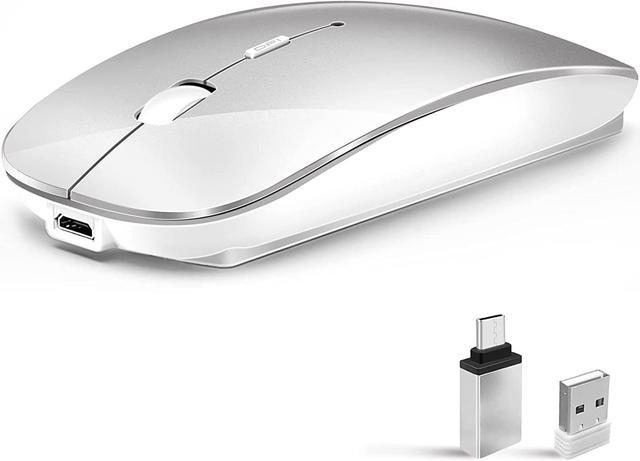
    Wireless Mouse for Laptop, Bluetooth Mouse for MacBook Pro/Air/Mac/iPad/Chromebook/Computer -Rechargeale Dual Mode(USB 2.4Ghz + Bluetooth 5.2) Silent Cordless Mice with USB C Adapter,Silver

    Limited time offer, ends 01/28 By BRIGHTOR

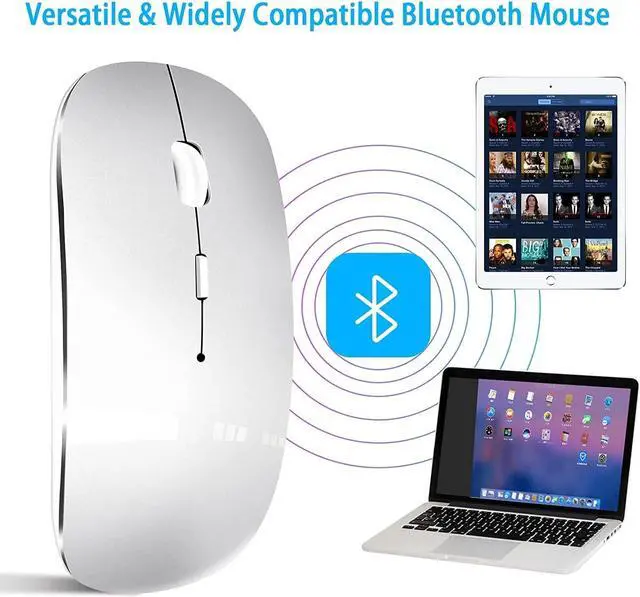
    • Dual Mode Wireless Mouse(Bluetooth 3.0+Bluetooth 5.2 + USB 2.4GHz)The dual mode wireless mouse realizes switch freely between two devices with one mouse only by simply toggle switching. It can be connected to one device via Bluetooth andto another device via a 2.4GHz USB receiver. Note: Bluetooth mode and 2.4G mode cannot be used at the same time. (The default mode is BT 3.0 and for it to work in BT 5.2 there is a need also to keep pushing blue button. Then it shows as BT 5.2 mouse)
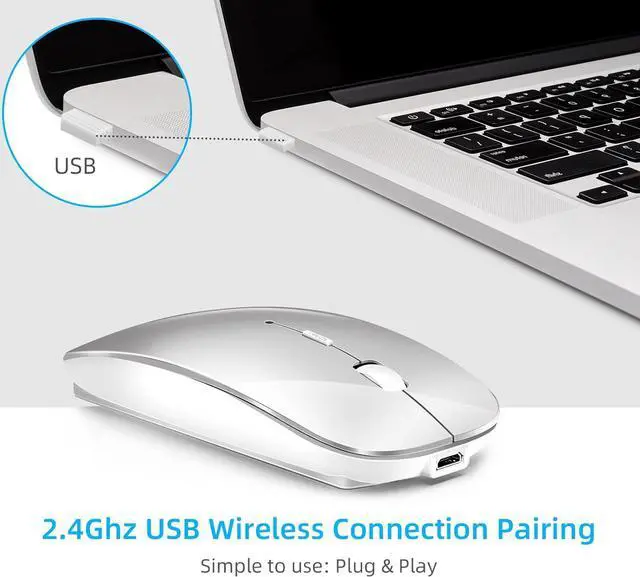
    • Compatibility2.4GHz mode works with laptop, desktop or any devices with USB port or type-c port, Just plug in the USB receiver to play directly. Bluetooth mode works with Windows/ Android/ MAC OS system. Note: BT5.1system Requirement: Windows 8.0, Windows 10 or later; MacOSX 10.10 or later; iPad OS 13 or later/ Android 5.0 or later. Please check or update the operating system before use.
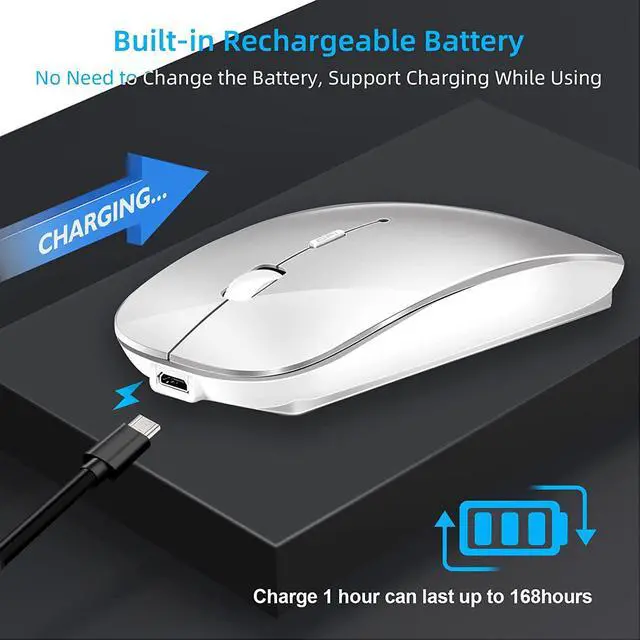
    • Rechargeable & Energy Saving DesignThe mouse built-in safe and durable rechargeable battery, Attached char
    +
    +
    Overview
    Specs
    Reviews
    avatar

    Any questions? Our AI beta will help you find out quickly.

    1

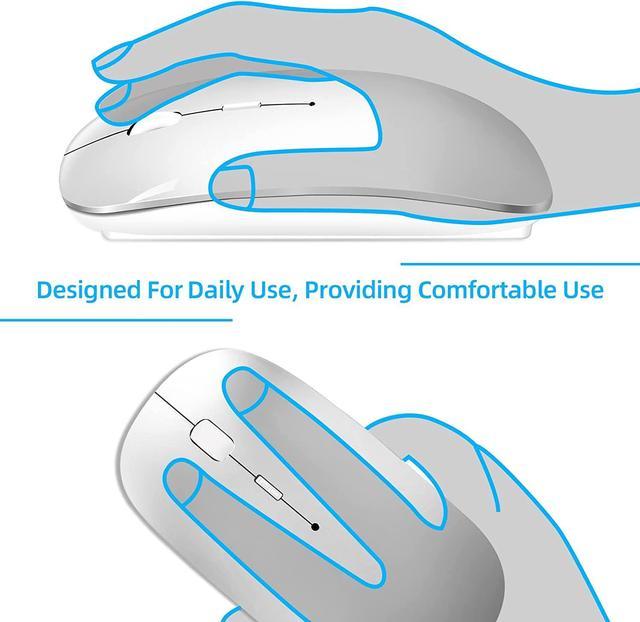
    Latest Upgrade Dual Mode Wireless Mouse: Bluetooth and 2.4Ghz USB, Two connection methods basically meet different requirements, Ergonomic design provides a comfortable user experience, The mouse has a stylish and simple design, slim and lightweight, it can be taken with you for office trips.

    1

    How to use it:

    1-2.4 GHz mode: Switch the "ON/OFF" button to the right. And plug the receiver into the USB port or C port of your computer. Then you can use the mouse in 2.4GHz mode. Note: If your device only with C port, you can use the included USB-C converter to connect to your device and use the normal 2.4GHz mode.

    2-Bluetooth mode: Turn on the Bluetooth function of the device. Switch to the "ON/OFF" button to the left. (Bluetooth mode) Find the Bluetooth product and find "BT5.2 mouse" to pair. Then you can use the mouse in Bluetooth mode. Note: System requirements: iPadOS 13 or higher, iOS 13 or higher, Windows 8/10 or higher, Mac OS X 10.10 or higher, Android 5.0 or higher.

    1
    1

    Note:

    a. If the cursor moves slowly or stops moving, the power is failed. Please charge it. Note: Please do not charge the mouse with a mobile phone charger.

    b. Please charge the mouse for 2 hours before using it for the first time. The blue light next to the scroll wheel lights up during charging and then goes off when the mouse is fully charged.

    c. Not all computers support two modes, for example, the Win 7 system does not support Bluetooth mode.

    1
    Dual Mode Wireless Mouse(Bluetooth 3.0 +Bluetooth 5.2 + USB 2.4GH z)The dual mode wireless mouse realizes switch freely between two devices with one mouse only by simply toggle switching. It can be connected to one device via Bluetooth andto another device via a 2.4GH z USB receiver.
    Note: Bluetooth mode and 2.4G mode cannot be used at the same time. (The default mode is BT 3.0 and for it to work in BT 5.2 there is a need also to keep pushing blue button. Then it shows as BT 5.2 mouse)
    Compatibility 2.4GH z mode works with laptop, desktop or any devices with USB port or type-c port, Just plug in the USB receiver to play directly. Bluetooth mode works with Windows/ Android/ MAC OS system.
    Note: BT 5.1 system
    Requirement: Windows 8.0, Windows 10 or later; MacOSX 10.10 or later; iPad OS 13 or later/ Android 5.0 or later. Please check or update the operating system before use.
    Rechargeable & Energy Saving DesignThe mouse built-in safe and durable rechargeable battery, Attached charging cable, without the need to replace the battery. Auto energy saving technology, The mouse will go to sleep after 10 minutes of inactivity to save power and provide long-term use. Click any button to wake up.
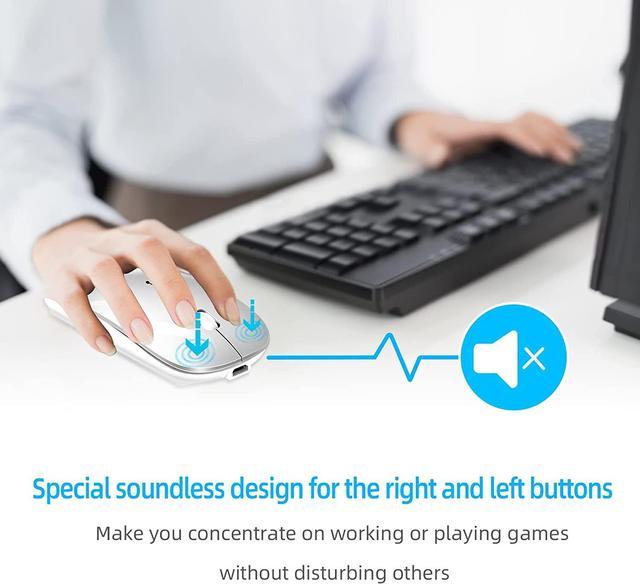
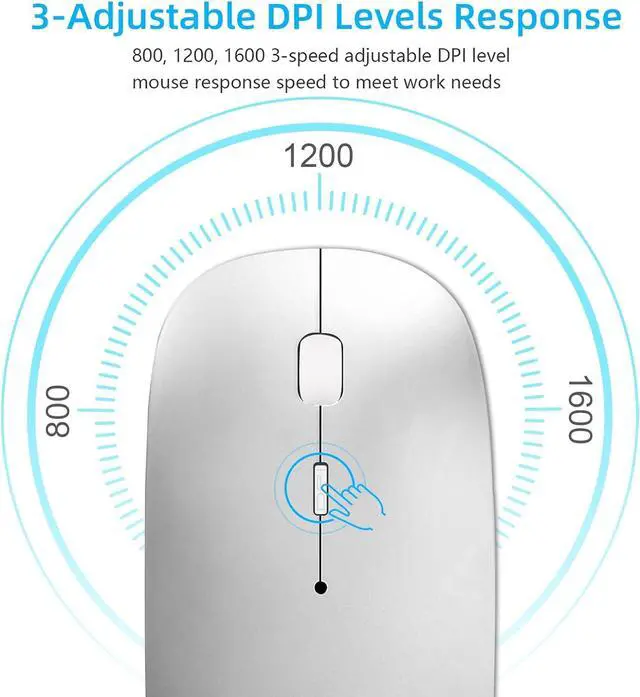
    Silent Click & Adjustable Quick Response FunctionThe left and right button mute processing design reduces 90% of noise. It is an ideal mouse for offices, libraries and other places where quiet is required. 3-Level adjustable DPI among 1000, 1200 and 1600 to meet different needs.
    Latest Upgrade Ergonomic DesignErgonomic Design, Slim lightweight Comfortable Cordless Mice and convenient for carrying. (Client service: Vxeei provides 24-hour online service, if you have any questions, please feel free to contact us)

    Warranty & Returns

    Warranty, Returns, And Additional Information

    Warranty

    • Please contact the Seller directly for warranty information. Warranty information may also be found on the Manufacturer's website.
    • CONTACT

    Return Policies

    • Return for refund within: 30 days
    • Return for replacement within: 30 days
    • This item is covered by BRIGHTOR Return Policy

    Manufacturer Contact Info

    LOADING...
    LOADING...